Introduction
Is your Roomba not able to sense surrounding obstacles, preventing it from avoiding such barriers? If so, here is the guide to fix the problem with a simple change of the bumper sensor. All you need are the standard #0 and #1 Phillips Screwdriver heads in order to remove the two types of screws involved with this replacement.
What you need
-
-
-
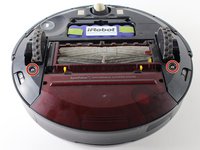
Flip the iRoomba over so that the underside is facing up.
-
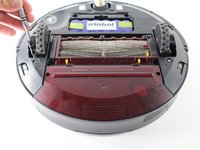
Using the Phillips #0 screwdriver, remove the 4.0 mm screw in the center of the yellow side brush.
-
Remove the yellow side brush.
 Ask FixBot
-
-
-
Remove the two 3.5 mm Phillips screws that hold the battery cover onto the Roomba with a Phillips #0 screwdriver.
-
Remove the battery cover.
-
-
-
Remove the two remaining 3.5 mm Phillips #0 screws that attach the base-plate to the bottom of the Roomba.
-
Remove the entire base-plate from the bottom of the Roomba.
-
-
-
-
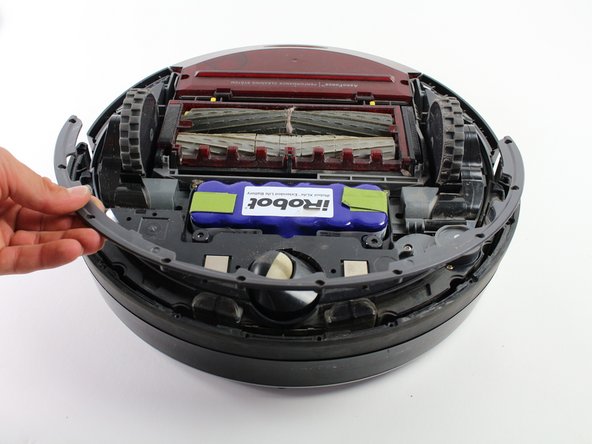
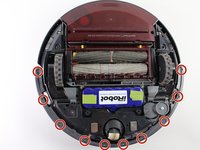
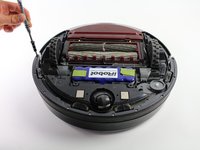
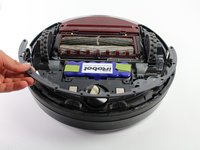
Remove the ten 3 mm screws that attach the bumper guard to the bumper with a Phillips #1 screwdriver.
-
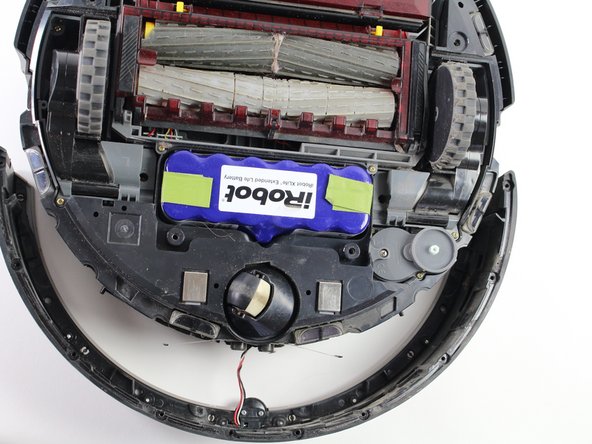
Remove the bumper guard.
-
-
-
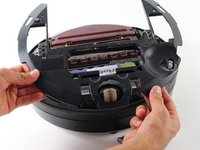
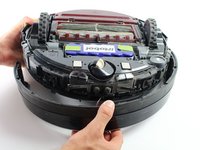
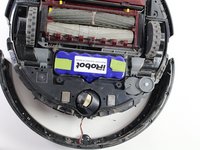
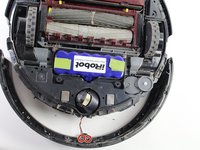
Lift up the Roomba so that its bumper is not resting on anything, and slowly separate the bumper from the device.
-
-
-
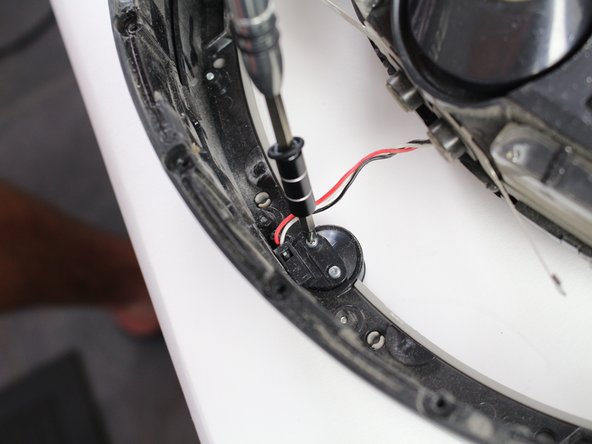
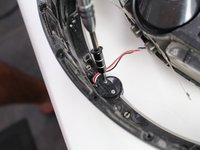
Remove the two 3 mm screws that attach the sensor connector to the bumper/sensor with a #1 Phillips Screwdriver.
-
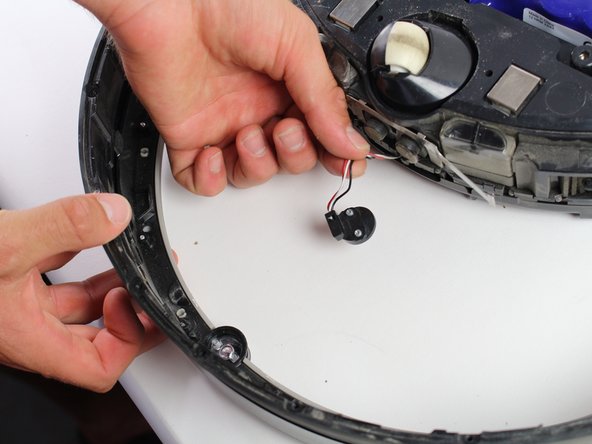
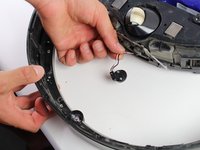
Carefully detach the sensor connector from the bumper and the sensor.
-
-
-
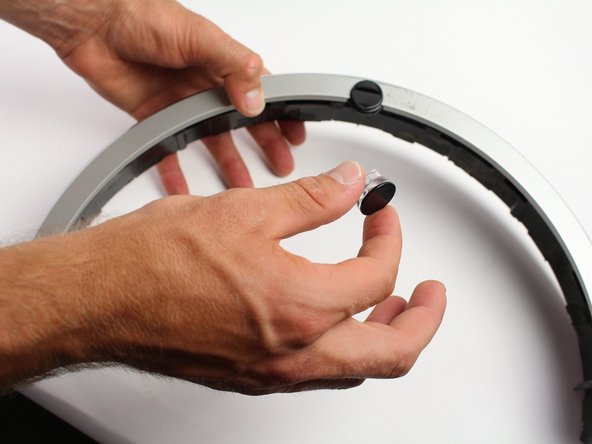
Flip the bumper over, ensuring the sensor remains inside the sensor compartment.
-
Gently remove the bumper from the black infrared sensor.
-
-







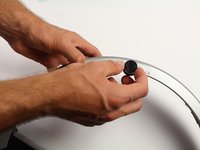
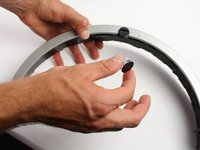
To reassemble your device, follow these instructions in reverse order.
Cancel: I did not complete this guide.
13 other people completed this guide.

Team

Cal Poly, Team S14-G3, Banghart Spring 2017 Member of Cal Poly, Team S14-G3, Banghart Spring 2017
CPSU-BANGHART-S17S14G3
4 Members
60 Guides authored
3 Guide Comments
man kommt nicht an den Stecker. Die Anleitung bringt überhaupt nichts.
