Introduction
If your iRobot Roomba 860 Battery needs replacement or to safely further disassemble this product, this guide can help
What you need
-
-
-
Start by powering down the device to remove the battery from the iRobot Roomba 860.
 Ask FixBot
-
-
-
-
Flip the Roomba over so that the underside is facing up.
-
Locate the battery panel and the 2 - 7 mm Phillips #2 Point Screws.
-
Using a Phillips #2 Point Screwdriver, remove the screws and use your fingers to pull the cover away from the device.
-
-
-
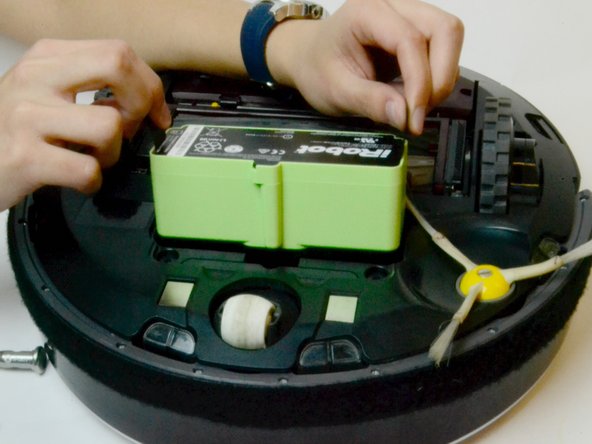
Locate the two fabric tabs on the side of the battery.
-
Pull up on the tabs to easily remove the battery.
-
-


To reassemble your device, follow these instructions in reverse order.

Team

USF Tampa, Team S13-G5, Cagle Spring 2017 Member of USF Tampa, Team S13-G5, Cagle Spring 2017
USFT-CAGLE-S17S13G5
4 Members
48 Guides authored
