Free Shipping on Domestic Orders $75+

iRobot Roomba 551 Bumper Sensor Replacement

What you need

  1. iRobot Roomba 551 Bumper Sensor Replacement, Side Brush: step 1, image 1 of 1
    • Place your Roomba upside-down on a hard surface.

    Ask FixBot
    Add Comment

  2. iRobot Roomba 551 Bumper Sensor Replacement: step 2, image 1 of 1
    • While holding the side brush in place, use a Phillips #1 screwdriver to remove the 4.5mm screw from the center of the brush.

    Ask FixBot
    Add Comment

  3. iRobot Roomba 551 Bumper Sensor Replacement: step 3, image 1 of 1
    • Gently pull upwards on the brush to remove it.

    Ask FixBot
    Add Comment

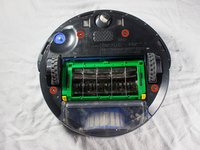
  4. iRobot Roomba 551 Bumper Sensor Replacement, Bottom Plate: step 4, image 1 of 1
    • Rotate the Roomba upside-down so the bottom is facing towards you.

    Ask FixBot

    Add Comment

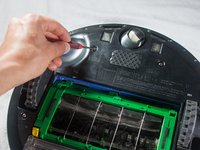
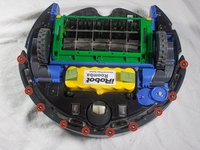
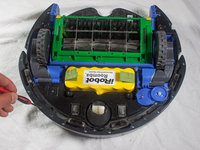
  5. iRobot Roomba 551 Bumper Sensor Replacement: step 5, image 1 of 2 iRobot Roomba 551 Bumper Sensor Replacement: step 5, image 2 of 2
    • Using a Phillips #2 screwdriver, remove the captive screws that hold the bottom plate in place.

    Ask FixBot

    Add Comment

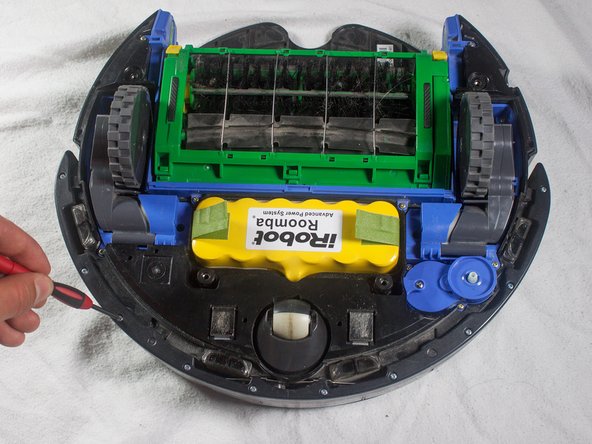
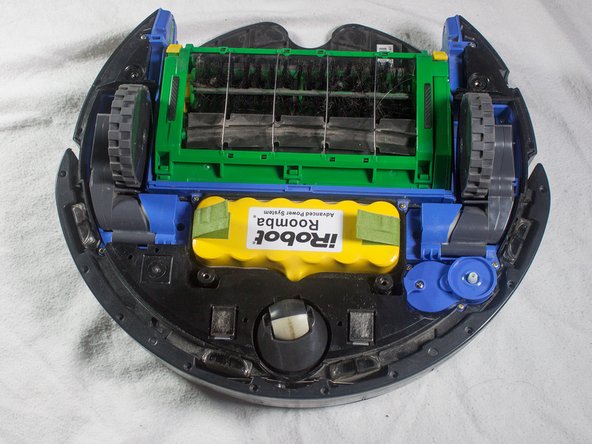
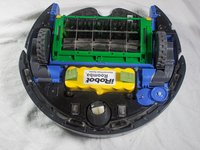
  6. iRobot Roomba 551 Bumper Sensor Replacement: step 6, image 1 of 1
    • Carefully lift the bottom plate.

    • The battery is only secured in place by the bottom plate, and may fall out once the bottom plate is removed.

    Ask FixBot

    Add Comment

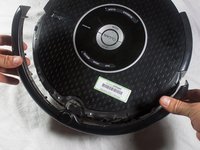
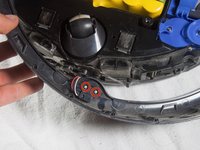
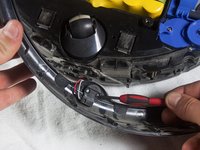
  7. iRobot Roomba 551 Bumper Sensor Replacement, Bumper: step 7, image 1 of 3 iRobot Roomba 551 Bumper Sensor Replacement, Bumper: step 7, image 2 of 3 iRobot Roomba 551 Bumper Sensor Replacement, Bumper: step 7, image 3 of 3
    • With a Phillips #1 screwdriver, remove the ten 12mm screws located along the bottom of the bumper.

    Ask FixBot

    Add Comment

  8. iRobot Roomba 551 Bumper Sensor Replacement: step 8, image 1 of 1
    • Lift the bottom cover and set it to the side.

    Ask FixBot

    Add Comment

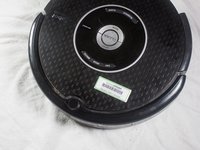
  9. iRobot Roomba 551 Bumper Sensor Replacement: step 9, image 1 of 2 iRobot Roomba 551 Bumper Sensor Replacement: step 9, image 2 of 2
    • Flip the Roomba over, grasp the bumper, and gently lift to remove.

    • The battery is not secured in place once the bottom plate has been removed, and may fall out when the Roomba is turned right-side up.

    Ask FixBot

    Add Comment

  10. iRobot Roomba 551 Bumper Sensor Replacement, Bumper Sensor: step 10, image 1 of 1
    • Flip the Roomba so that the bottom is facing you.

    Ask FixBot

    Add Comment

  11. iRobot Roomba 551 Bumper Sensor Replacement: step 11, image 1 of 2 iRobot Roomba 551 Bumper Sensor Replacement: step 11, image 2 of 2
    • Remove the two 5mm screws located near the center of the bumper using a Phillips #1 screwdriver.

    Ask FixBot

    Add Comment

  12. iRobot Roomba 551 Bumper Sensor Replacement: step 12, image 1 of 1
    • Pull gently on the bottom of the sensor to remove.

    Ask FixBot

    Add Comment

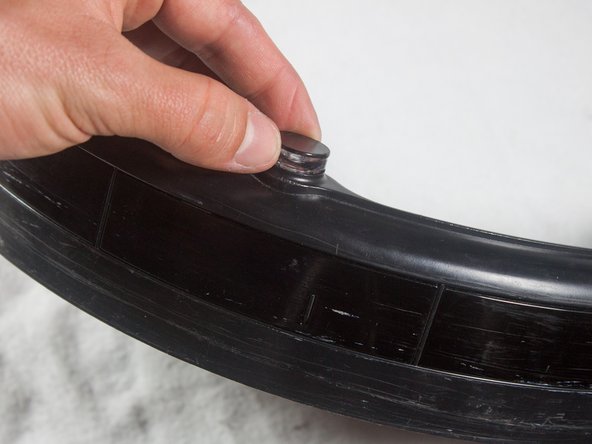
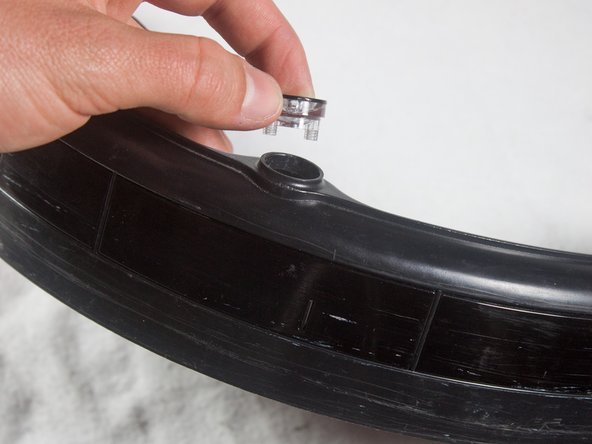
  13. iRobot Roomba 551 Bumper Sensor Replacement: step 13, image 1 of 3 iRobot Roomba 551 Bumper Sensor Replacement: step 13, image 2 of 3 iRobot Roomba 551 Bumper Sensor Replacement: step 13, image 3 of 3
    • Flip the bumper over and lift the sensor from its compartment.

    • You are now free to replace the bumper sensor.

    Ask FixBot

    Add Comment

Conclusion

To reassemble your device, follow these instructions in reverse order.

Cancel: I did not complete this guide.

4 other people completed this guide.

Cody Rhoads

Member since: 01/16/14

348 Reputation

2 Guides authored

Team

Cal Poly, Team 13-14, Regan Winter 2014 Member of Cal Poly, Team 13-14, Regan Winter 2014

CPSU-REGAN-W14S13G14

4 Members

19 Guides authored

0 Guide Comments

Add Comment

View Statistics:

Past 24 Hours: 1

Past 7 Days: 5

Past 30 Days: 30

All Time: 4,993