This translation may not reflect the most recent updates from the source guide. Help update the translation or view the source guide.
-
-
First, remove the shards of glass from the broken camera lens.
 Ask FixBot
-
-
-
Once the glass shards from the camera lens have been removed, thoroughly clean the camera bezel (the raised metal part around the camera).
-
-
-
-
Stick some double sided tape or two dots of glue on the new iPhone X rear camera cover.
-
Use tweezers to position the glass lens in its housing.
-
-
-
Lightly press down on the lens for a few seconds to stick it down correctly.
-
You can test your rear camera to make sure your photos and videos have the right definition.
-


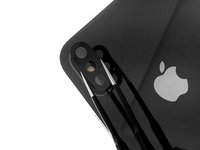
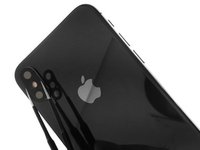

Congratulations ! You have repaired your iPhone XS, the lens is replaced, clean it with a microfiber cloth. You can now take photos and film normally.
Cancel: I did not complete this guide.
5 other people completed this guide.
Special thanks to these translators:
8%


These translators are helping us fix the world! Want to contribute?
Start translating ›

1 Guide Comment
Can someone tell me where I should look for a replacement?
