This translation was generated by a machine and has not been reviewed by a person yet. Speak this language? Review it.
Introduction
Use this guide to replace the broken rear camera lens of an iPhone XS. Carefully remove the glass fragments to avoid damaging the camera underneath.
-
-
-
First, remove the shards of glass from the broken camera lens.
 Ask FixBot
-
-
-
Once the glass shards have been removed, thoroughly clean the contour of the camera deck.
-
-
-
-
Stick some double sided tape or two dots of glue on the new iPhone XS rear camera cover.
-
Use tweezers to position the glass lens in its housing.
-
-
-
Lightly press down on the lens for a few seconds to stick it down correctly.
-
Test your rear camera to make sure your photos and videos have the right definition.
-
-


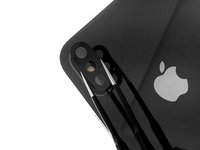
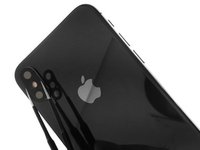

Congratulations ! You have replaced the rear camera lens of your iPhone XS. Clean it with a microfiber cloth before taking photos or filming.
Cancel: I did not complete this guide.
6 other people completed this guide.
Special thanks to these translators:
100%


These translators are helping us fix the world! Want to contribute?
Start translating ›

1 Guide Comment
Can someone tell me where I should look for a replacement?
