What you need
Video Overview
-
-
-
Today, REWA LAB will share with you a repair case of an iPhone camera and walk you through some knowledge of iPhone camera repair.
-
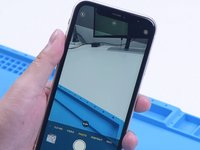
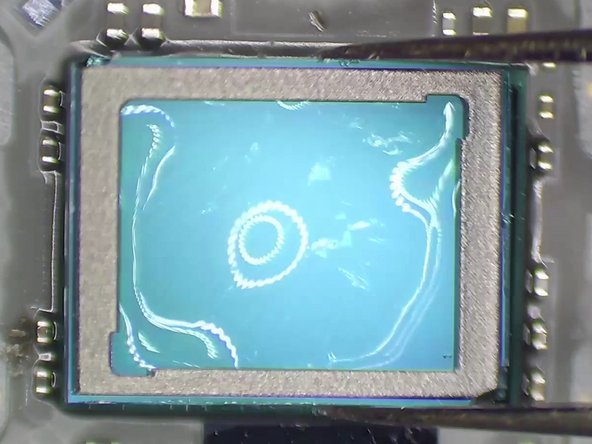
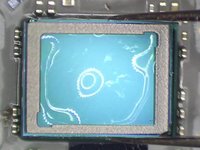
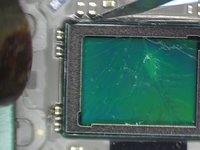
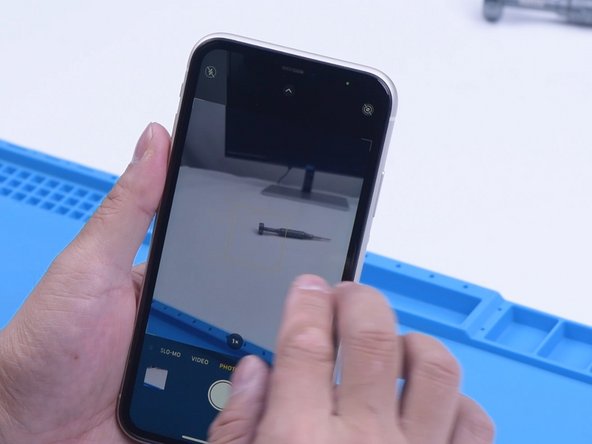
Open the phone camera. When taking photos with the wide-angle camera, cracks appear. The ultra-wide camera works fine. We can judge that the optical filter of the wide-angle camera is damaged.
 Ask FixBot
-
-
-
We can judge that the optical filter of the wide-angle camera is damaged. Then we disassemble the phone and try to repair the camera. First of all, put the camera on the specialized Heating Platform at 100 °C.
-
When the temperature reaches 100 °C, remove black adhesive around the camera with a Sculpture Knife. Then pry up the wide-angle camera.
-
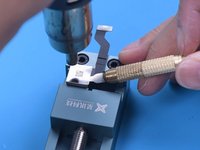
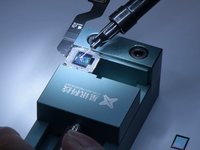
Attach the camera to the specialized holder. Before repair, apply protection tape to the camera.
-
-
Tool used on this step:Tweezers$4.99
-
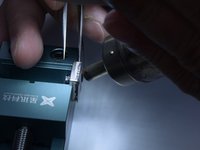
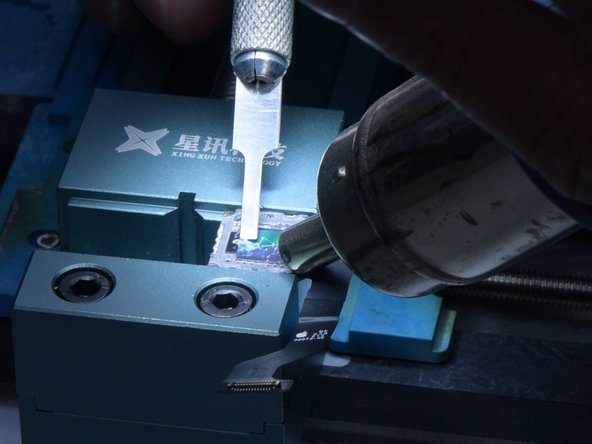
Separate the camera edges with a Sculpture Knife. Next, remove the metal cover with Hot Air Gun at 120 °C.
-
Keep heating with Hot Air Gun at 120 °C. Remove black adhesive with Tweezers. Apply some Paste Flux.
-
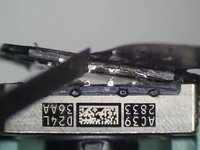
Separate the motor from the CMOS with ultrathin Soldering Iron at 380 °C
-
-
-
-
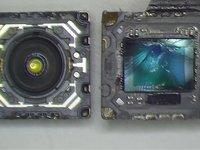
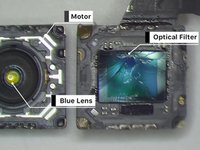
It can be seen that the optical filter is broken while the motor and blue lens are good. If the motor is damaged, the camera will fail to focus or shake. A motor replacement can help you solve the problem.
-
The middle part of the motor is the blue lens. If the blue lens is damaged, the camera will become blurry. The solution is to replace the blue lens.
-
Then we replace the cracked optical filter with a new one.
-
-
-
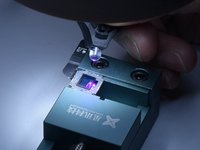
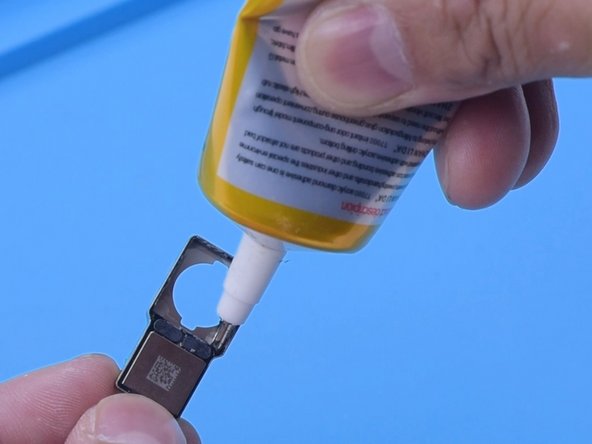
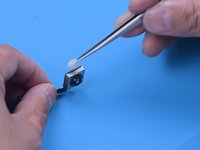
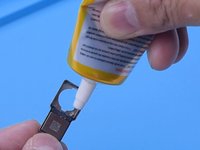
Apply some UV adhesive to the broken optical filter.
-
Put the new optical filter in position.
-
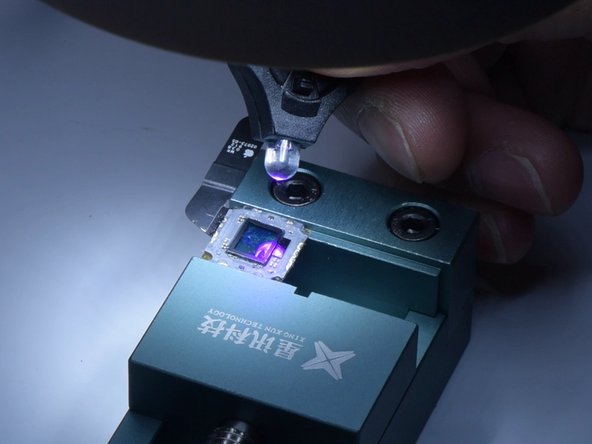
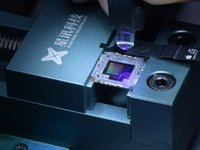
Solidify with a UV Lamp.
-
-
-
Remove side adhesive with Hot Air Gun.
-
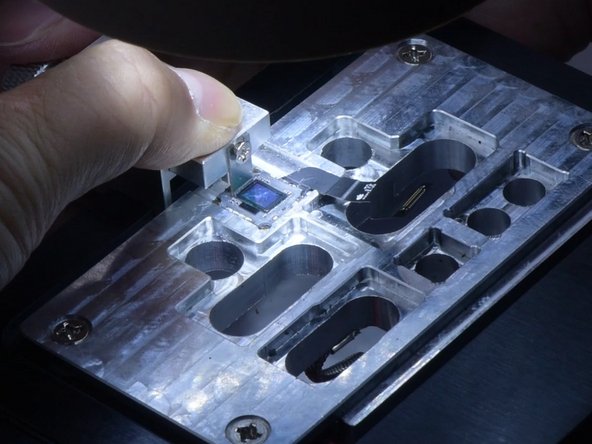
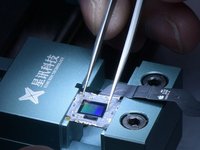
Then push the cracked optical filter out with the specialized holder.
-
Remove residual shards and black adhesive with Hot Air Gun.
-
-
-
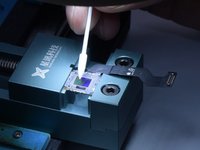
Then remove dust spots with a specialized swab. Please be extremely careful not to damage the CMOS during operation. If the CMOS is damaged, the camera will be unrepairable.
-
Then apply some UV adhesive and a new optical filter. Solidify with UV Lamp.
-
-
-
Then we assemble the camera. Apply some Paste Flux around the motor. Solder the motor with the CMOS with Soldering Iron. Clean the camera with alcohol.
-
Next, we install the wide-angle camera for testing. The camera works fine. Apply B7000 to fix the wide-angle camera. That’s all for the optical filter replacement of iPhone camera.
-
-











To reassemble your device, follow these instructions in reverse order.
Cancel: I did not complete this guide.
9 other people completed this guide.

2 Guide Comments
Good job! But, the cost of labor and material is not economical. It is still wise to buy the whole camera module as a replacement. Easier and more practical.
On the other hand, if the viewer opted to do the filter replacement, this is a great reference since Rewa is a reputable company. Thank you for sharing this useful guide.
