Introduction
The iPhone 8 speaker will be easy to get to, at least, you might think. There is one single tri-point screw that prevents most people from getting to their broken speaker. This is the second speaker replacement guild I've done, the first one being for the Motorola One 5G UW.
What you need
-
-
-
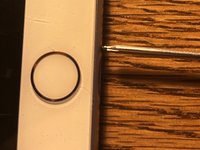
Insert the Jimmy into the right side of the phone. Putting the Jimmy in the middle could crack the glass and/or break the home button. Also, don't put the Jimmy into the left side because you could break the home button cable. Use a small box to prop up the display as shown in picture 3.
-
-
-
-
Before we disconnect the display, we need to unplug the battery connector. If you don't unplug the battery first, you could damage the back light on the screen.
-
-
-
Now to remove the display. There are 3 more screws that we need to remove, then we can disconnect the 3 cables.
-
Remove the display from the housing.
-
-
-
Now we need to remove this bracket. The screw next to the Taptic Engine is a Y000.
-
-
-
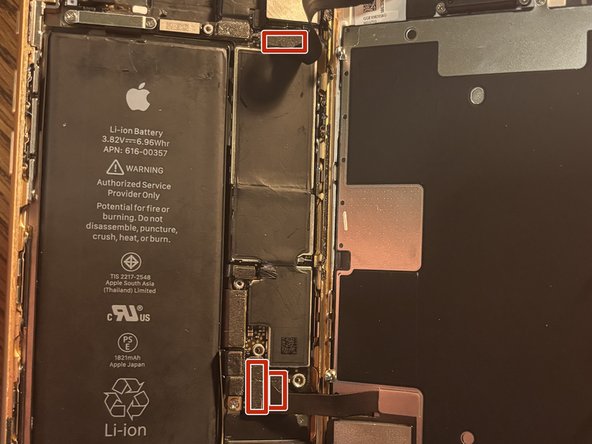
Disconnect the marked flex cables, then push the sim pin ejector into the frame. Now remove the 3 screws holding the speaker in place. Lift the speaker up and remove it as shown in picture 2.
-

 Ask FixBot






To reassemble your device, follow these instructions in reverse order.
Cancel: I did not complete this guide.
3 other people completed this guide.

