
iPhone 5 Rear Case Replacement

Alexander Zenchenko and 4 other contributors
Last updated on Oct 20, 2026
Views: 6.9K
View statistics:
- Past 24 Hours:
- 2
- Past 7 Days:
- 14
- Past 30 Days:
- 66
- All Time:
- 6,892
Comments: 0
No one has left comments on this guide. Will you be first?
Go to guide commentsCompleted: 3 4
3 people have marked this guide "completed." Will you be next?
4 people have marked this guide "completed." Including you — great job!
Favorites: 2 3
2 people have favorited (and subscribed to) this guide. Will you be next?
3 people have favorited (and subscribed to) this guide — including you!
In Progress
This guide is a work in progress. Reload periodically to see the latest changes!
Community-Contributed Guide
An awesome member of our community made this guide. It was not created by iFixit staff.
Better Introduction
Improve this guide by completing or revising its introduction.
What you need
Tools
-
-
-
Spudger4.9


-
-
Step 1 Front Panel
Careful: steps 1-12 are sourced from a guide that's marked as in-progress.
-
If the display glass is cracked, prevent it from breaking further during the repair, which could cause serious injury. Cover the glass with tape.
-
Apply overlapping layers of clear tape until the entire display is covered.
 Ask FixBot
-
-
-
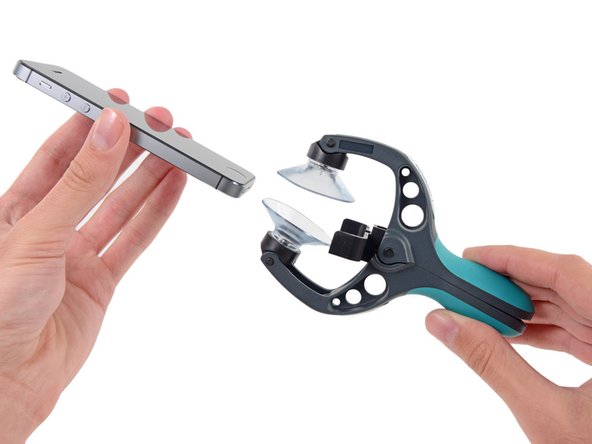
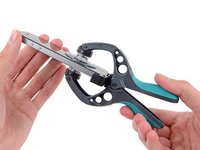
Close the iSclack handles to open its suction-cup jaws.
-
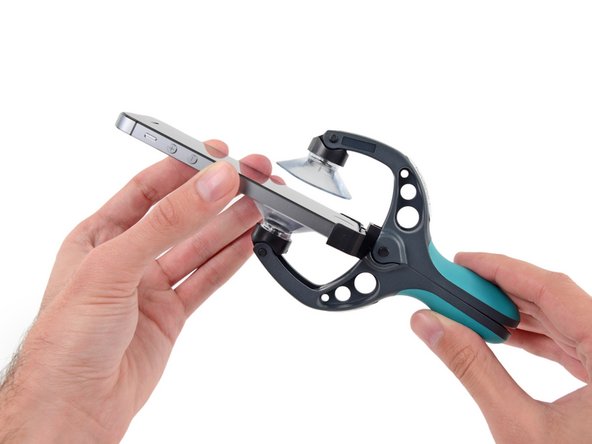
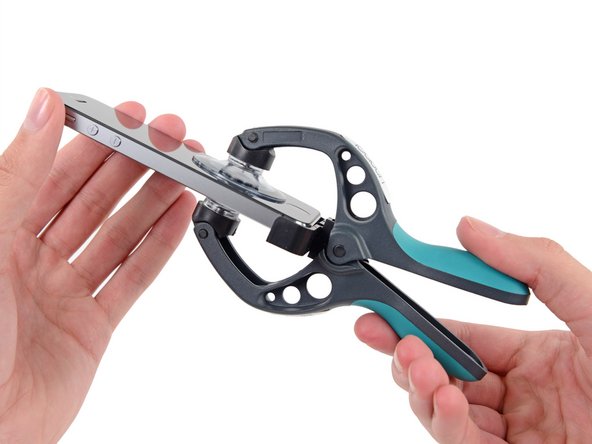
Place the iPhone between the suction cups, against the plastic depth gauge.
-
The upper suction cup should be just above the Home button.
-
Open the handles to close the suction cups. Press them firmly against the front and back of the iPhone.
-
-
-
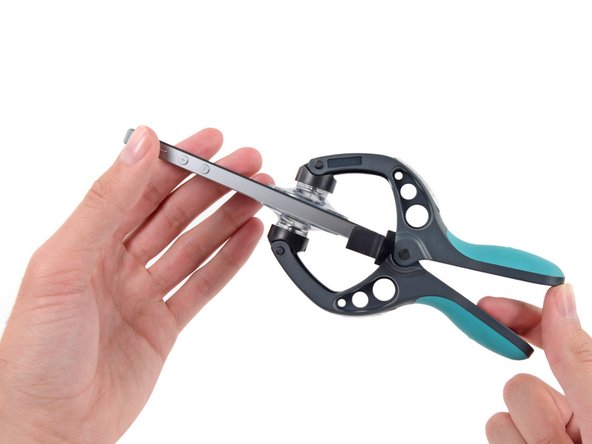
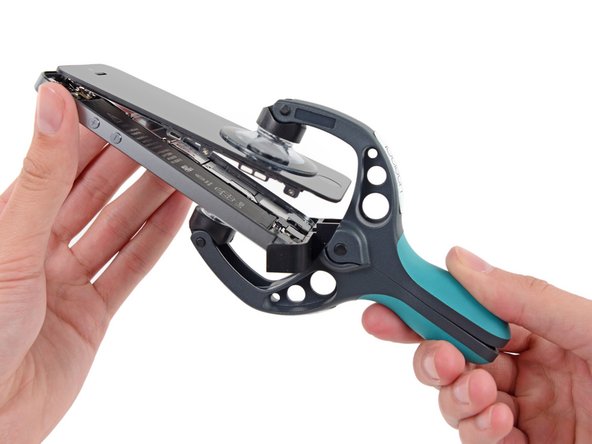
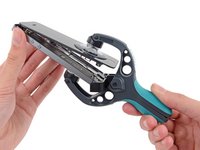
Hold the iPhone securely and close the iSclack handles again to lift the front panel out of the case.
-
The iSclack opening angle is designed to separate the panel and case without damaging the Home button cable.
-
Release the suction cups from the phone.
-
Skip to step 7.
-
-
-
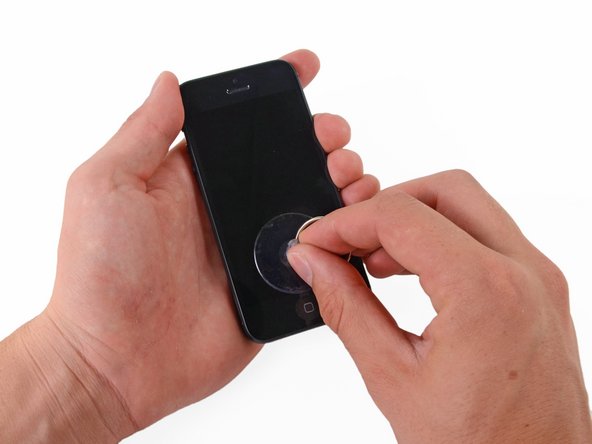
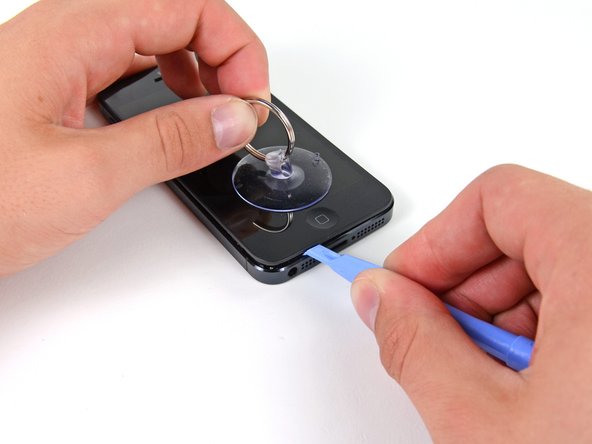
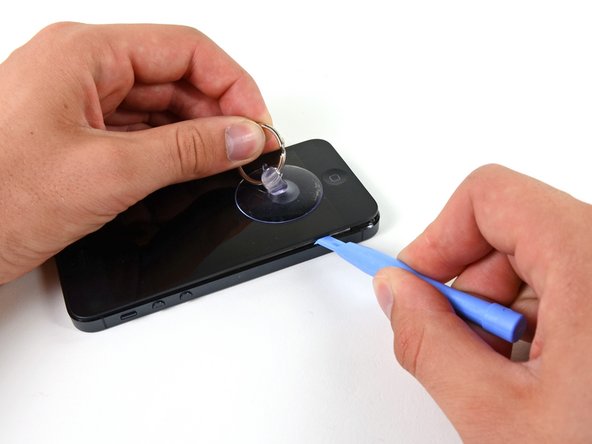
Hold the iPhone with one hand and pull up on the suction cup to slightly separate the front panel from the rear case.
-
Use a plastic opening tool to gently pry the rear case down, away from the screen, while pulling up on the suction cup.
-
-
-
Continue releasing the clips along the left and right sides of the front panel.
-
-
-
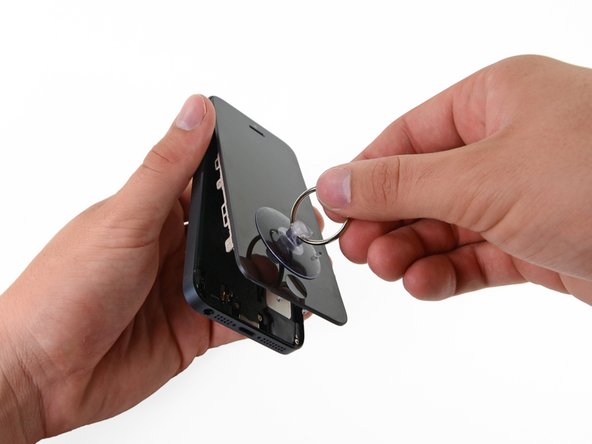
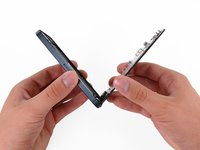
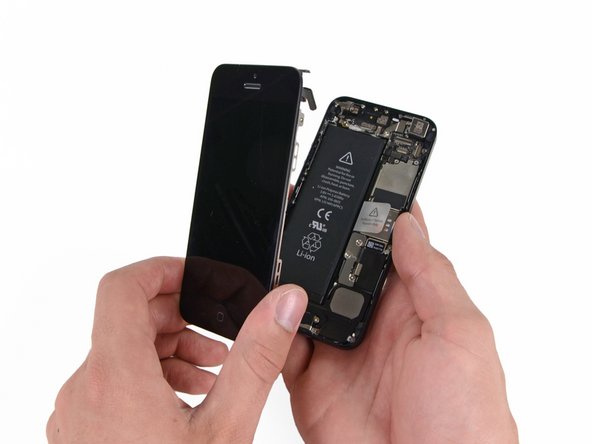
Once the bottom and side clips are released, lift the bottom of the display assembly away from the bottom of the phone case.
-
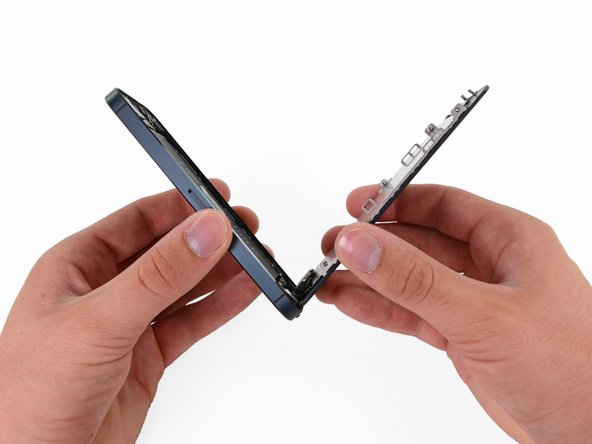
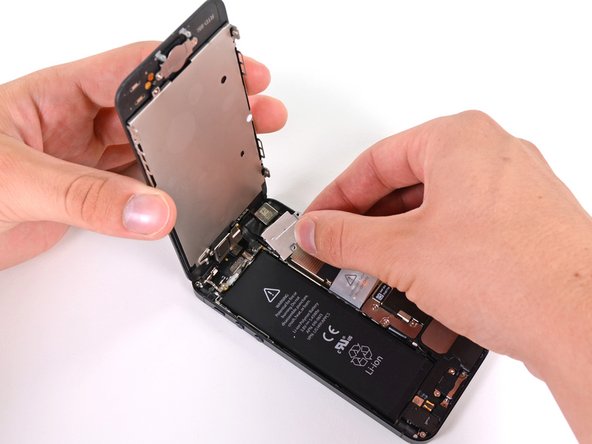
Carefully position the display assembly at about 90 degrees to the case.
-
-
-
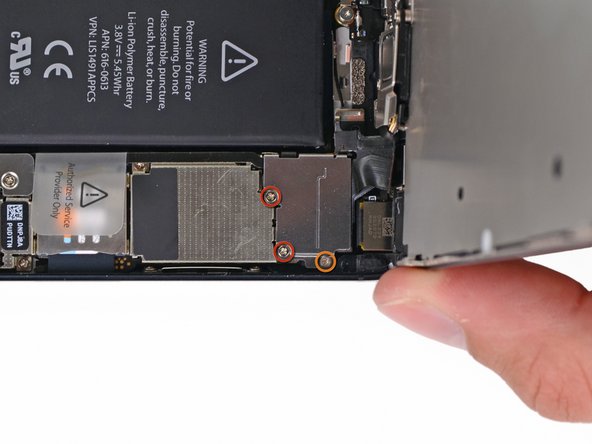
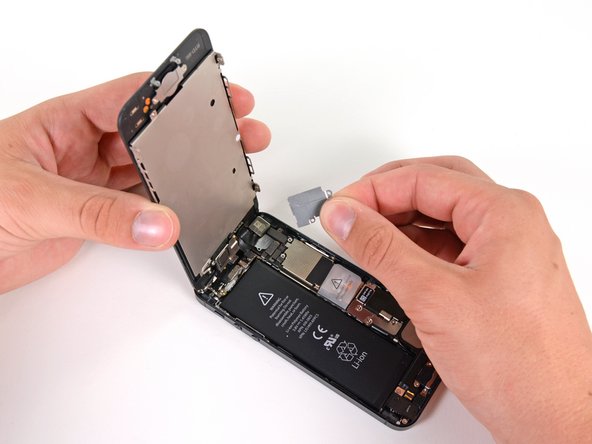
Remove the following screws securing the display cable bracket to the logic board:
-
Two 1.2 mm Phillips screws
-
One 1.6 mm Phillips screw
-
-
-
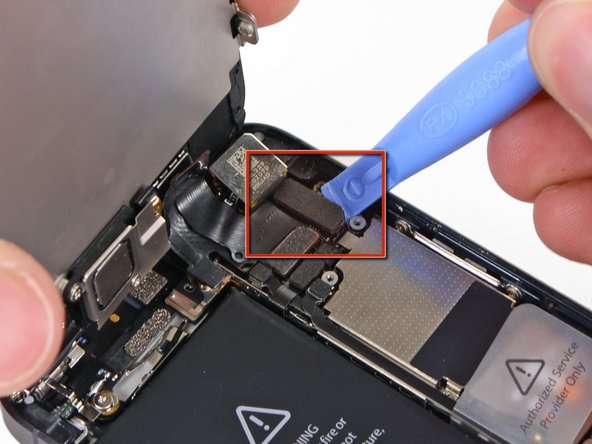
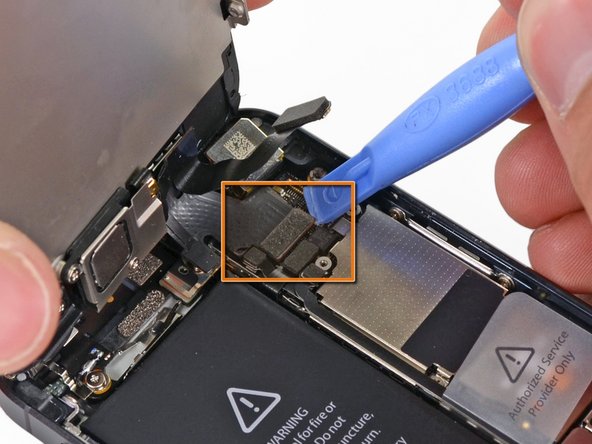
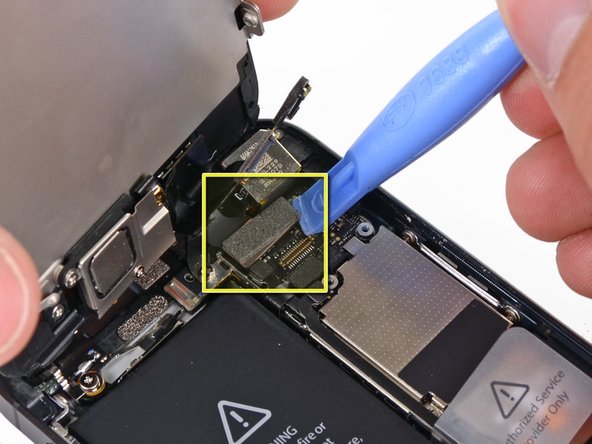
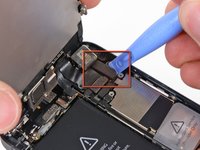
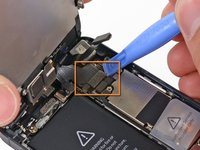
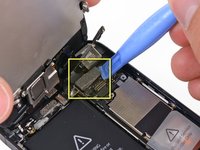
Use a plastic opening tool to disconnect the three front panel cables:
-
Front-facing camera and sensor cable
-
Display cable
-
Digitizer cable
-
-
-
-
Step 13 Battery
Careful: steps 13-17 are sourced from a guide that's marked as in-progress.
-
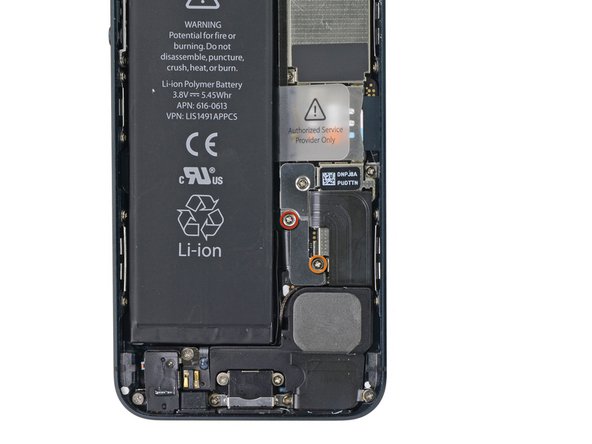
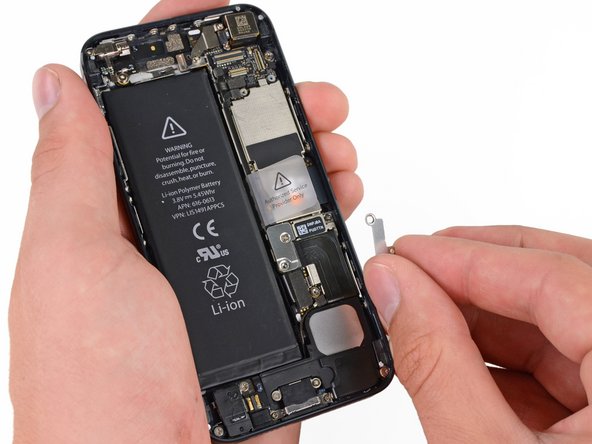
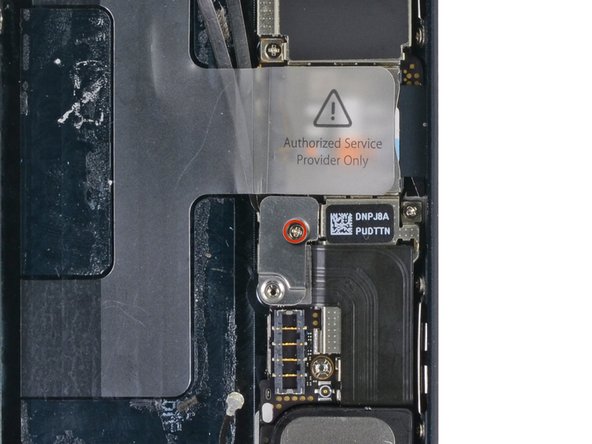
Remove the two screws securing the metal battery connector bracket to the logic board:
-
One 1.8 mm Phillips screw
-
One 1.6 mm Phillips screw
-
-
-
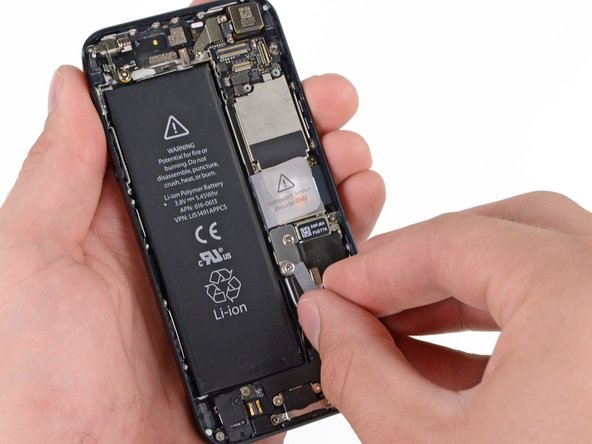
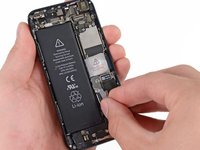
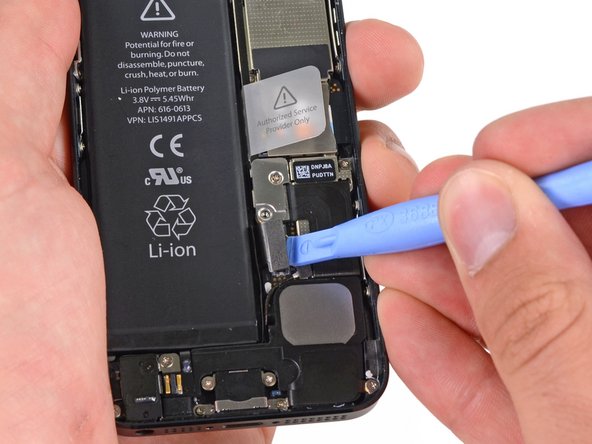
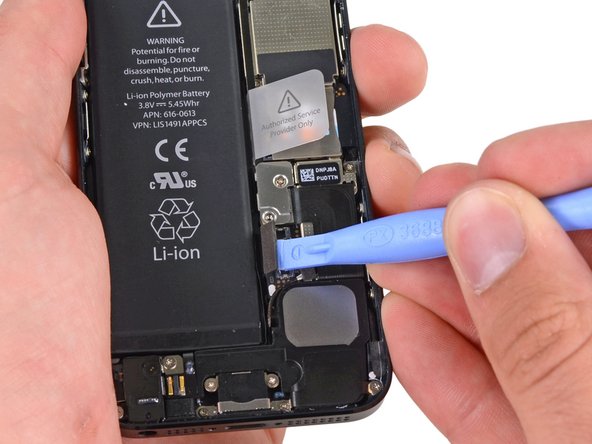
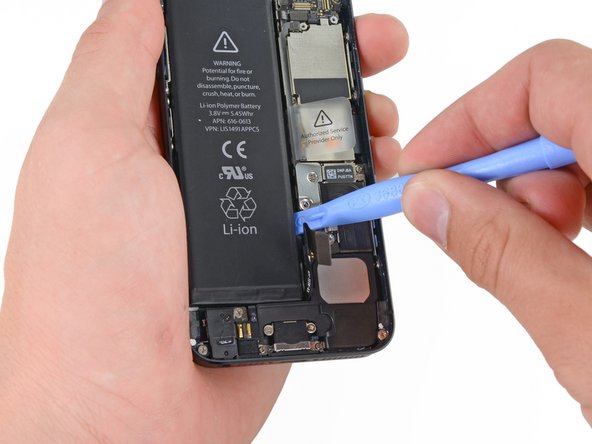
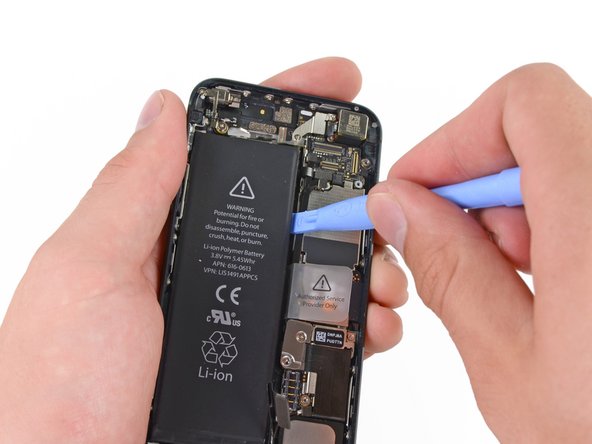
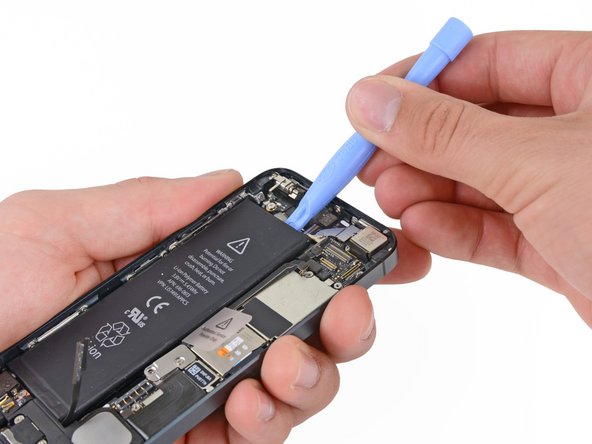
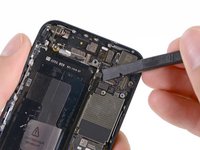
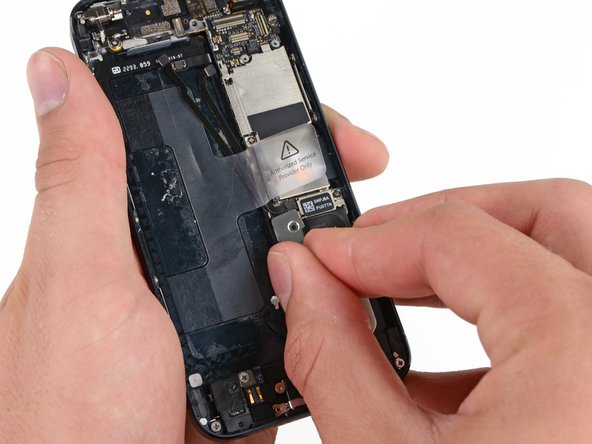
Use a plastic spudger to gently lift the battery connector out of its socket on the logic board.
-
Be very careful to lift only the battery connector, not the socket. Prying up the logic board socket will damage it.
-
-
-
-
Step 18 Logic Board and Rear Camera
Careful: steps 18-30 are sourced from a guide that's marked as in-progress.
-
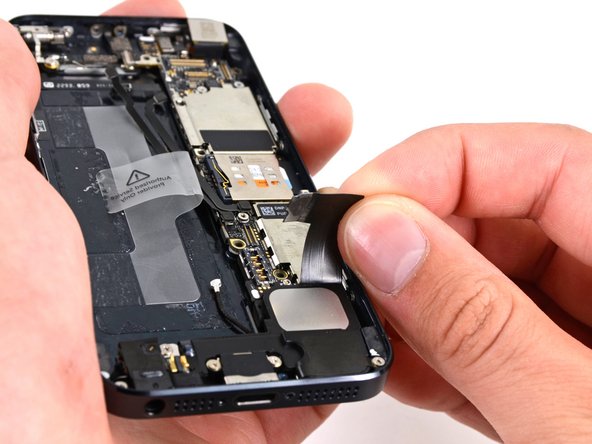
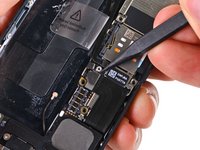
Use a nonconductive spudger to pry the cellular antenna connector off the logic board next to the speaker.
-
-
-
Remove the two screws securing the upper logic board bracket to the rear case:
-
One 1.5 mm Phillips screw
-
One 2.3 mm Phillips screw
-
-
-
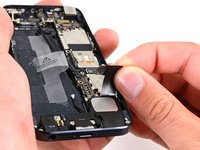
Use a nonconductive spudger to disconnect the three cables from the logic board:
-
Upper interconnect cable
-
Button assembly cable
-
Lower interconnect cable
-
-
-
Use a nonconductive spudger to disconnect the Lightning connector cable from its socket on the logic board.
-
Gently move the cable away from the logic board.
-
-
-
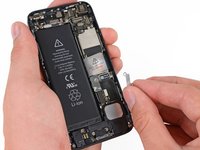
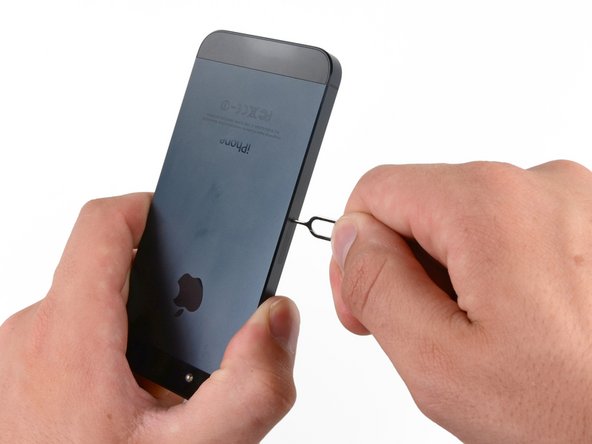
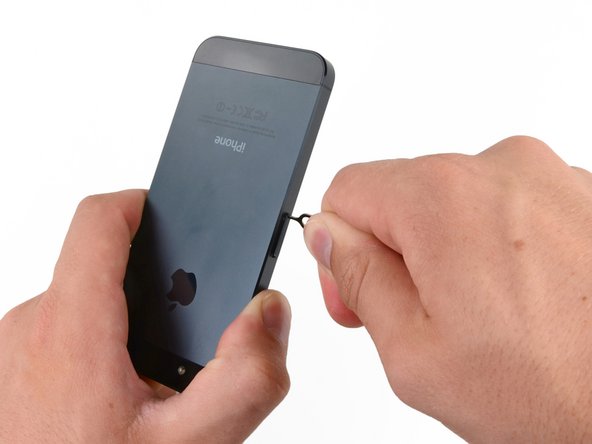
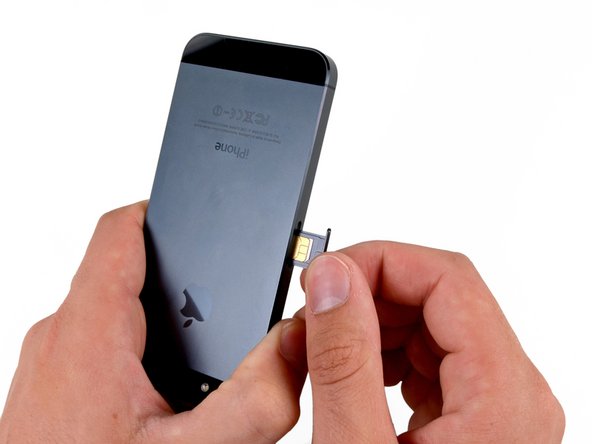
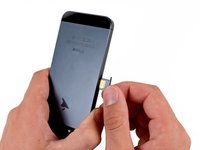
Use a paper clip or SIM eject tool to eject the SIM card tray.
-
Remove the SIM card tray from the iPhone.
-
-
-
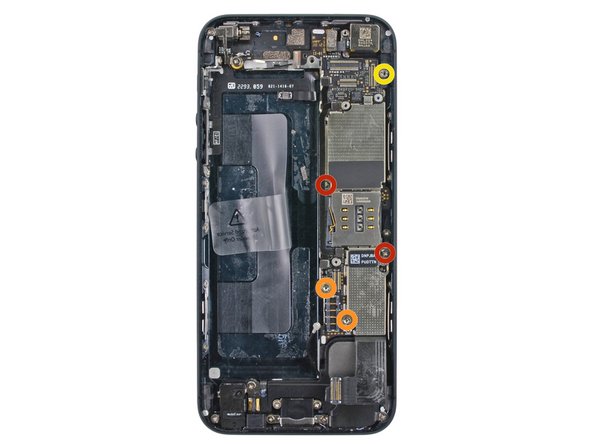
Remove the screws securing the logic board to the case:
-
Two 2.3 mm Phillips screws
-
Three 2.7 mm screws
-
One non-magnetic 2.7 mm standoff screw
-
-
-
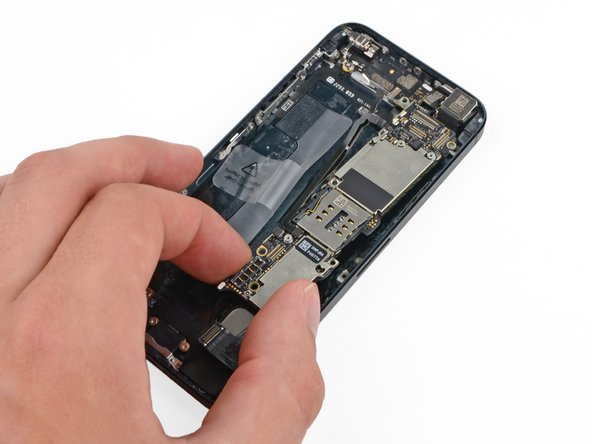
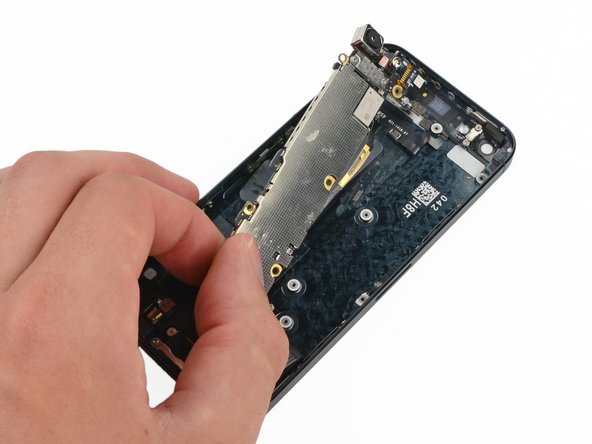
Rotate the logic board toward the battery compartment.
-
If the flash remains attached to the logic board, remove it with tweezers and put it back in place.
-
Note: when reassembling your device, be sure that the lower interconnect cable is not tucked underneath the logic board.
-
-
-
Use the pointed end of a nonconductive spudger to gently disconnect the Wi-Fi antenna connector from the underside of the logic board.
-
-
-
-
-
Gently pull the speaker away from the Lightning connector cable.
-
-
-
Gently remove the grounding cable from the edge of the headphone jack.
-
Take care not to lose the plastic gasket between the headphone connector and the outer shell. While aligning the headphone connector, make sure to align this gasket correctly.
-
-
-
-
-
-
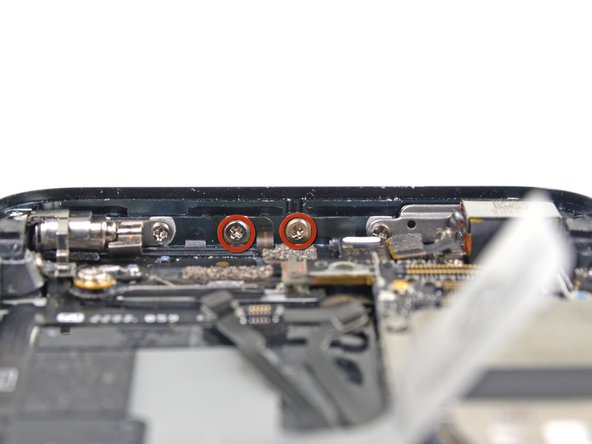
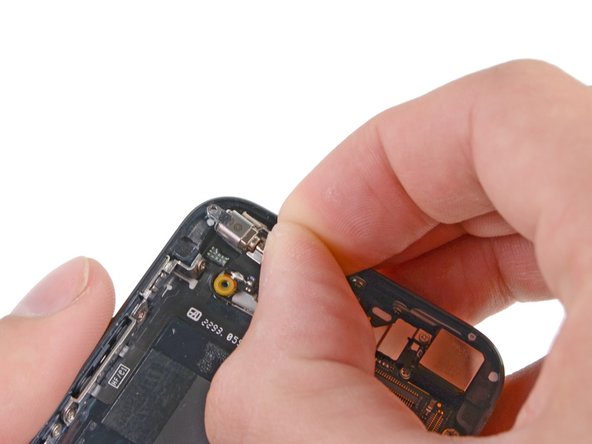
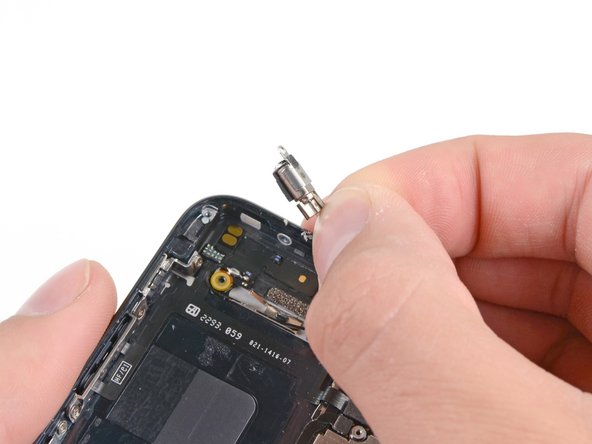
Remove the two screws securing the vibrator bracket:
-
One 2.3 mm Phillips screw
-
One 1.7 mm Phillips screw
-
-
-
Remove the 1.6 mm Phillips screw securing the vibrator to the inside top of the case.
-
-
-
-
-
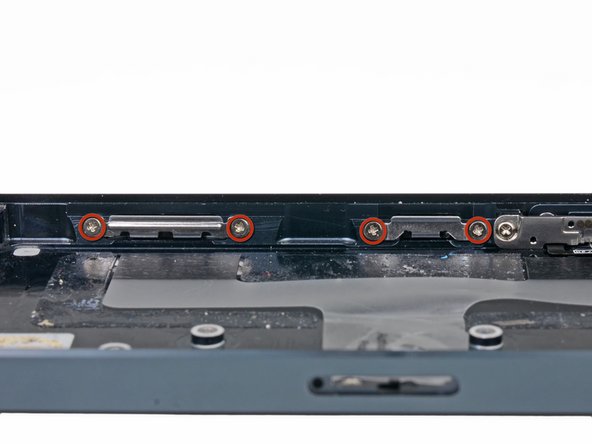
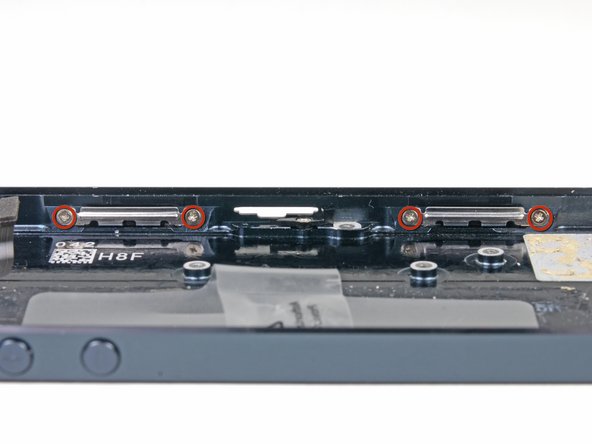
Remove the eight 1.3 mm Phillips screws securing the front panel clips to the rear case.
-
-
-
-
Step 39 Power Button
Careful: steps 39-43 are sourced from a guide that's marked as in-progress.
-
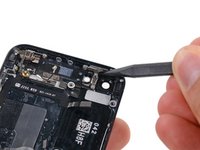
Use the pointed end of a nonconductive spudger to remove the rubber cushion from underneath the power button.
-
-
-
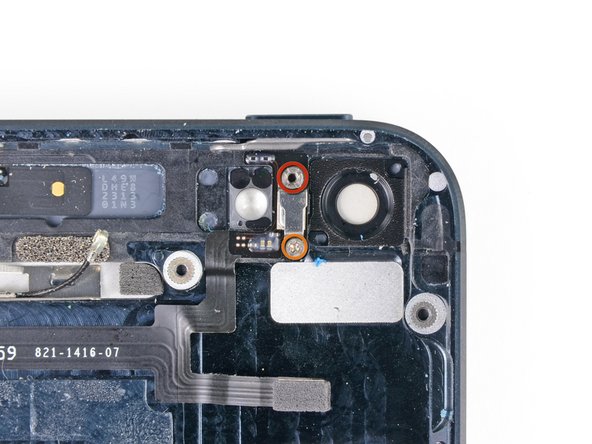
Remove the screws between the flash and rear camera openings:
-
One 2.9 mm standoff screw
-
One 1.6 mm Phillips screw
-
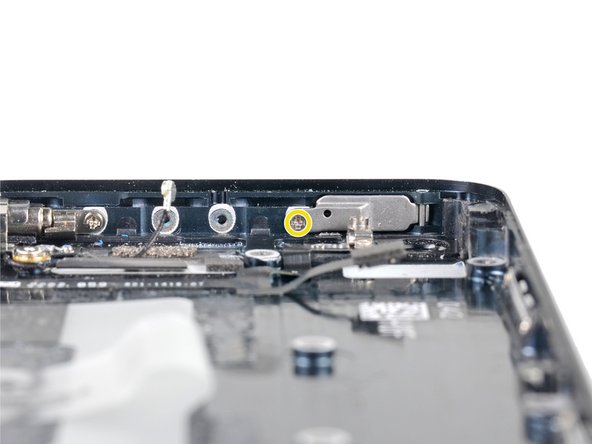
Remove the single 1.9 mm Phillips screw securing the power button bracket to the case.
-
-
-
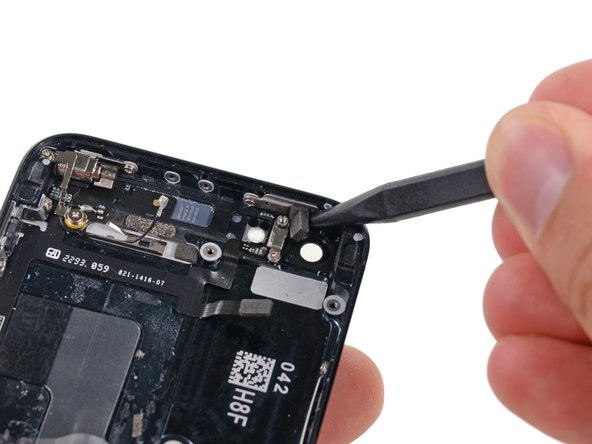
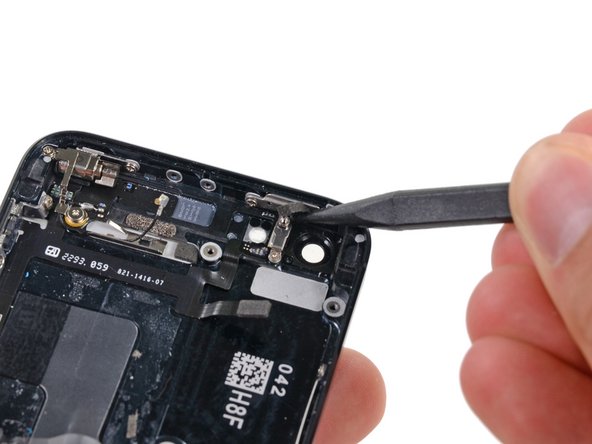
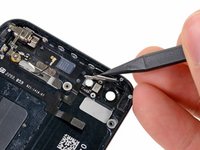
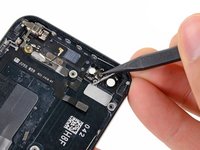
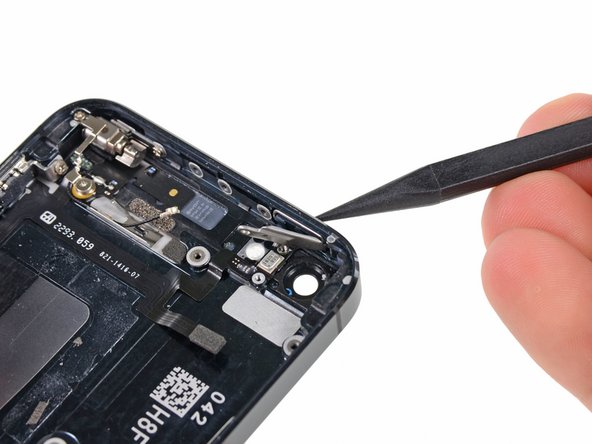
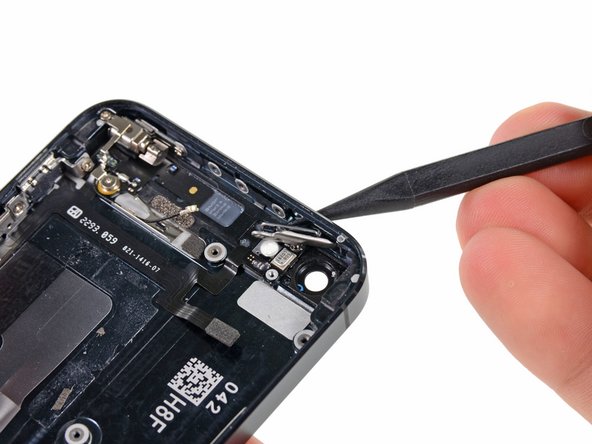
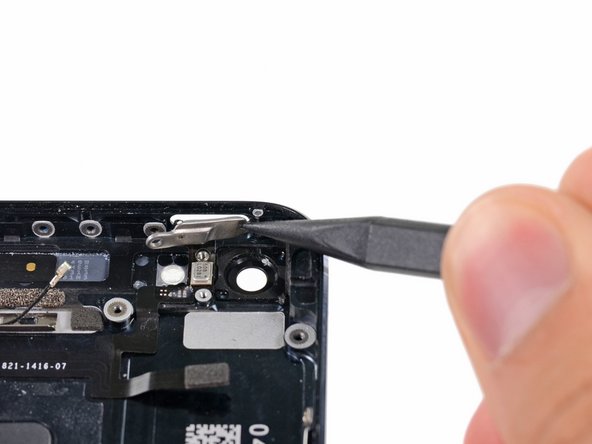
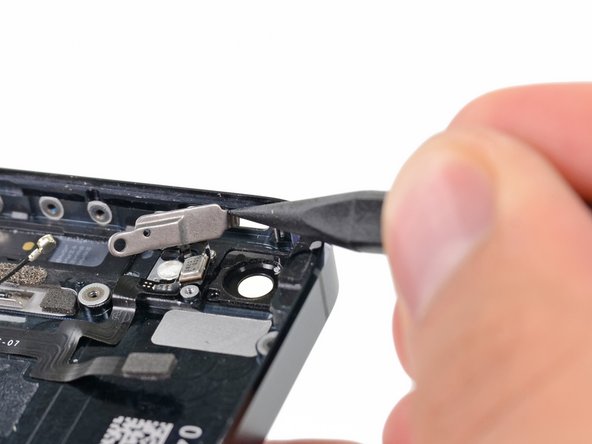
Use the pointed end of a nonconductive spudger to fold the metal bracket away from the top of the case.
-
-
-
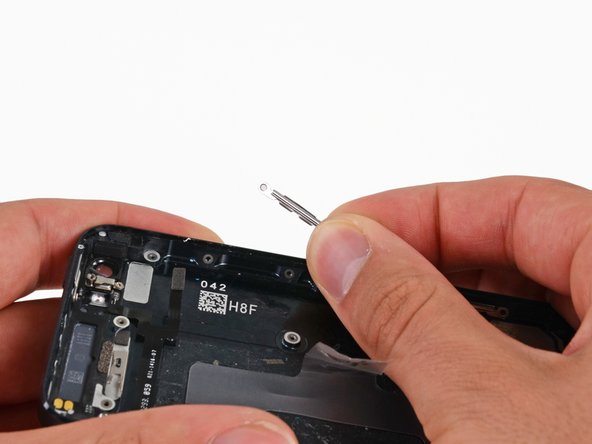
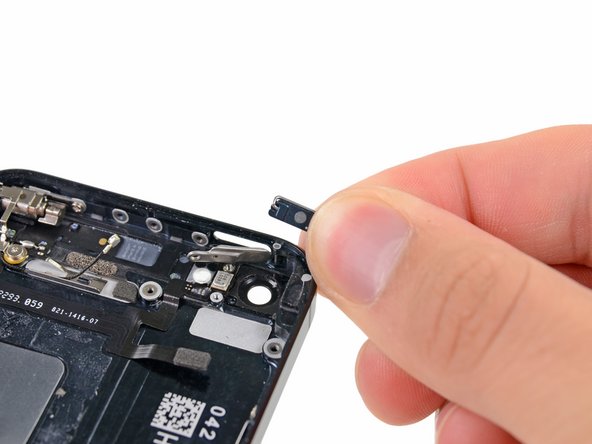
Press the power button from the outside with the pointed end of a spudger.
-
Remove the power button.
-
-
-
-
Step 44 Power and Volume Button Cable
Careful: steps 44-46 are sourced from a guide that's marked as in-progress.
-
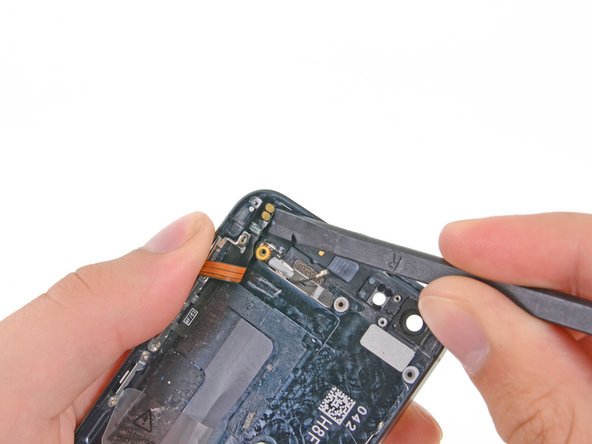
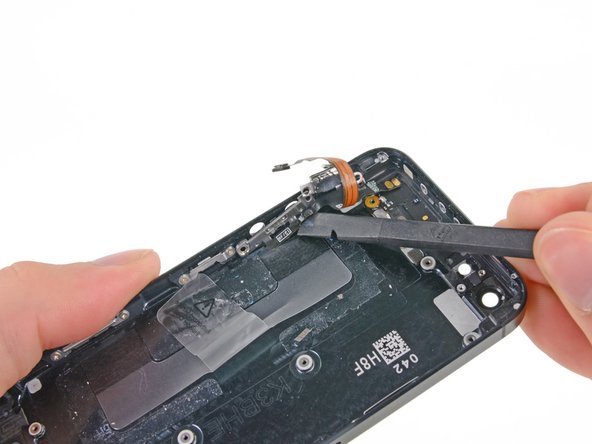
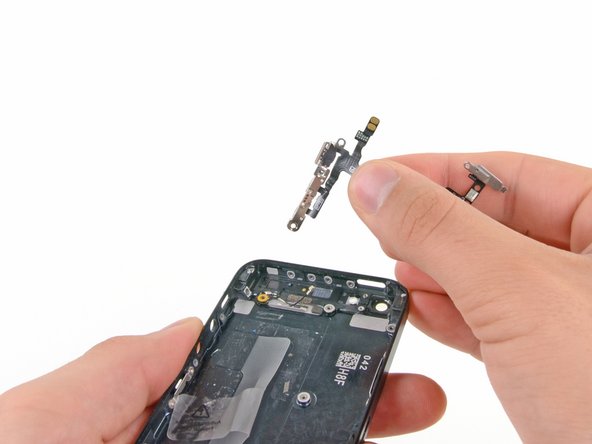
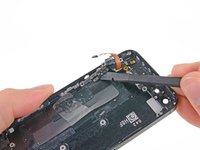
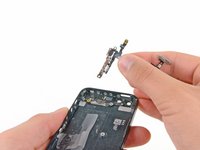
Use a plastic spudger to slide the power button bracket up and to the left, releasing it from its metal retaining loop.
-
-
-
-
-
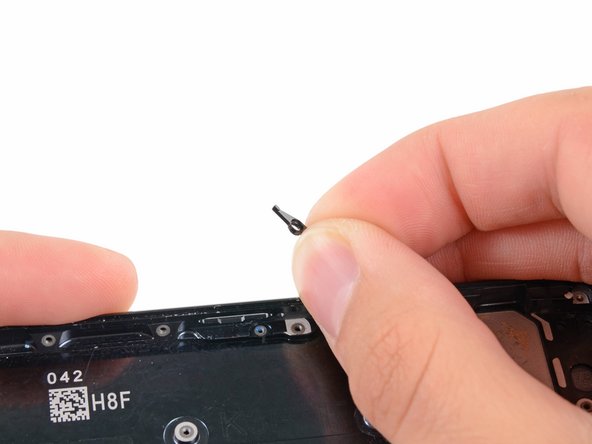
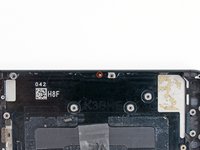
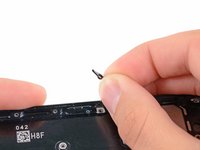
Remove the 2.0 mm Phillips screw securing the SIM card eject lever.
-
Remove the SIM card eject lever.
-
-


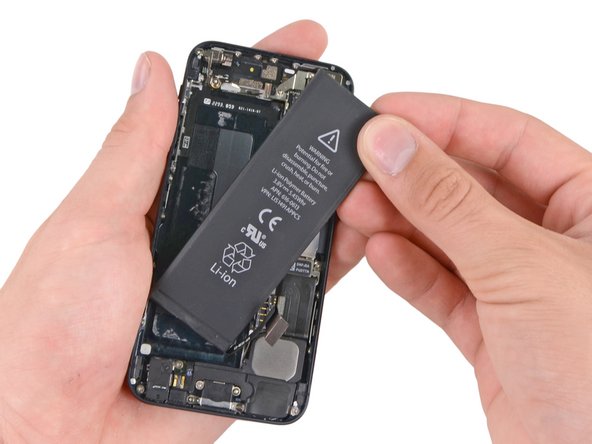
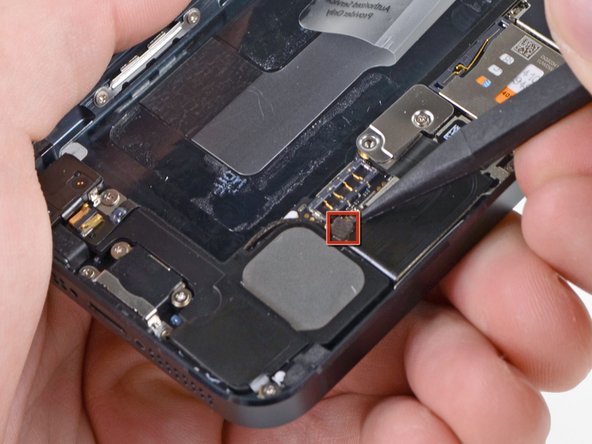
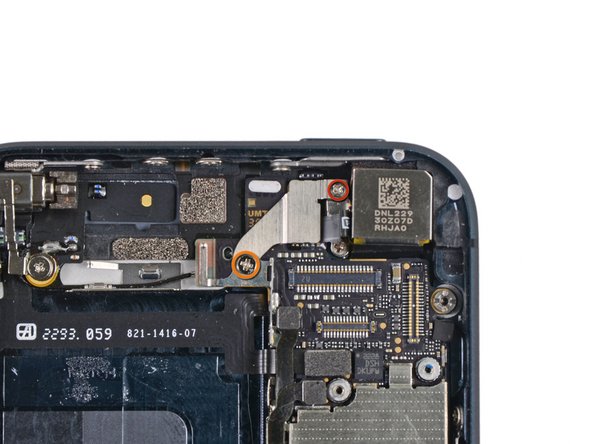
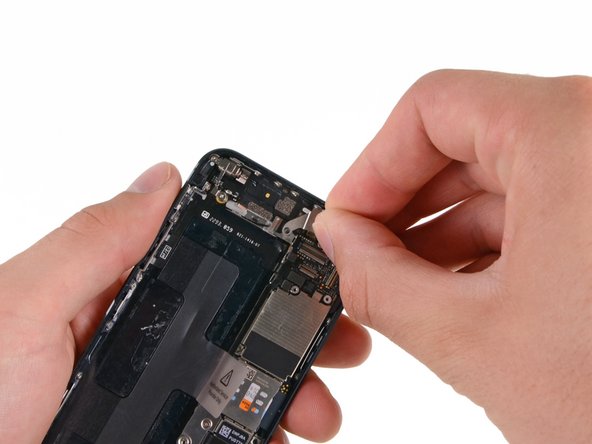
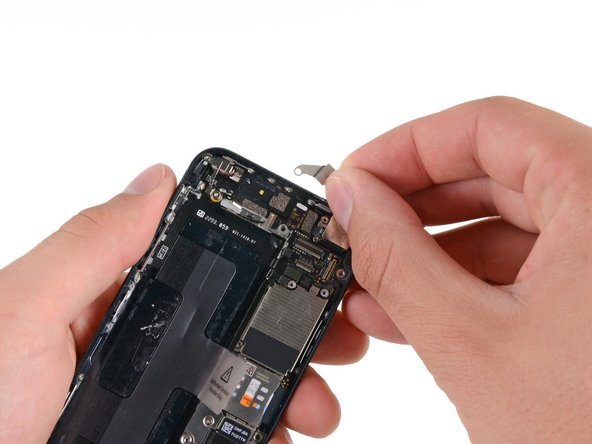
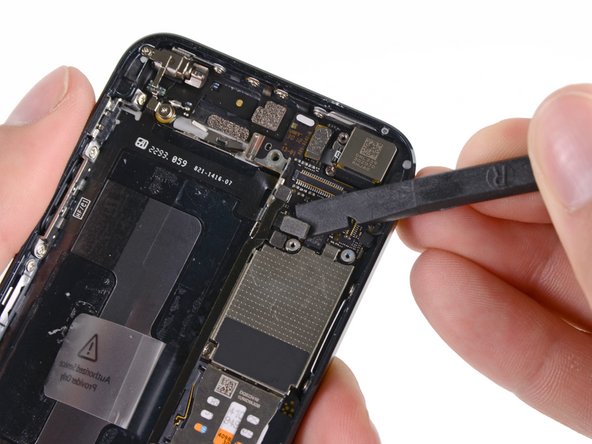
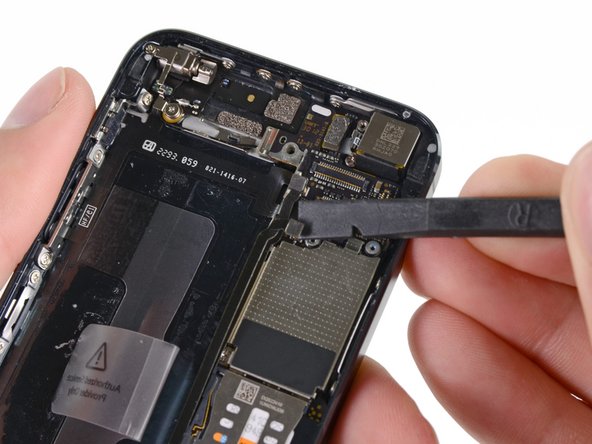
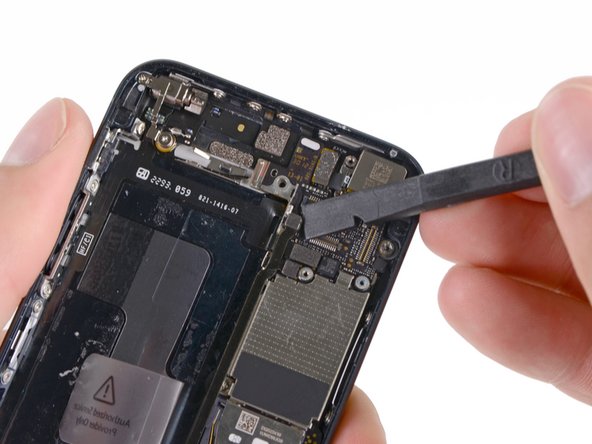
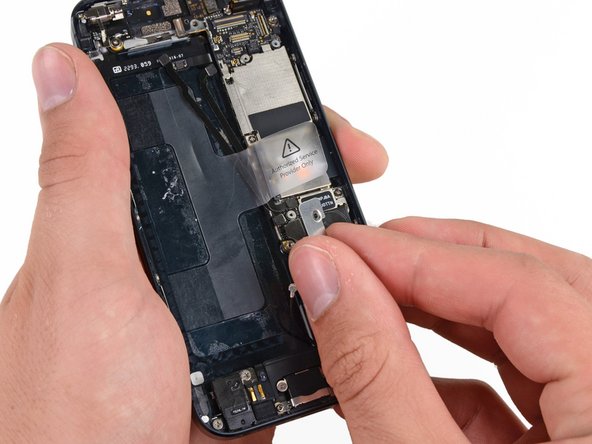
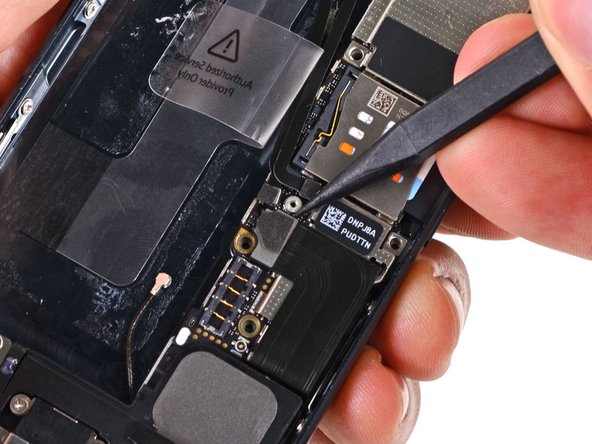
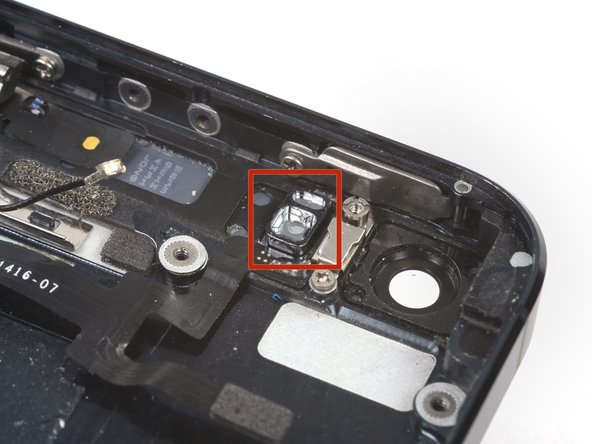
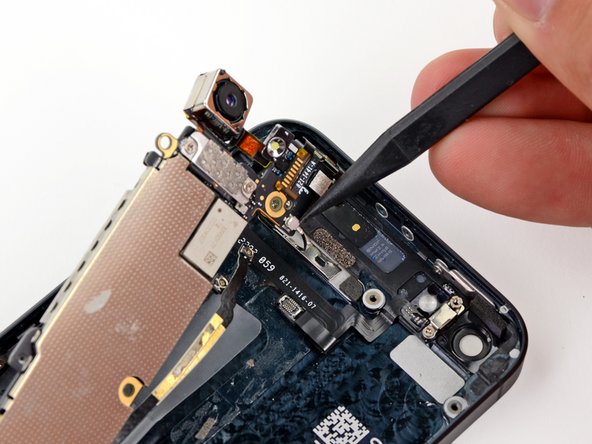
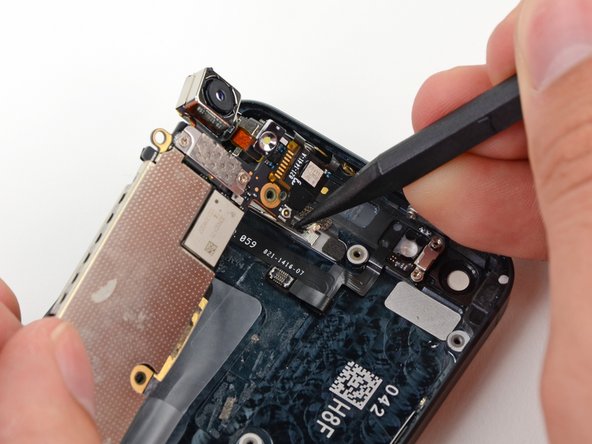
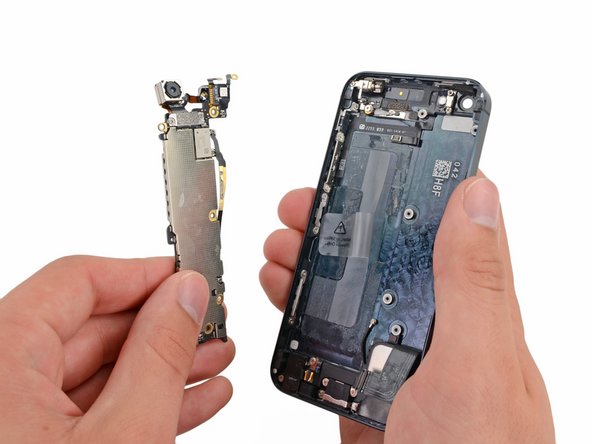

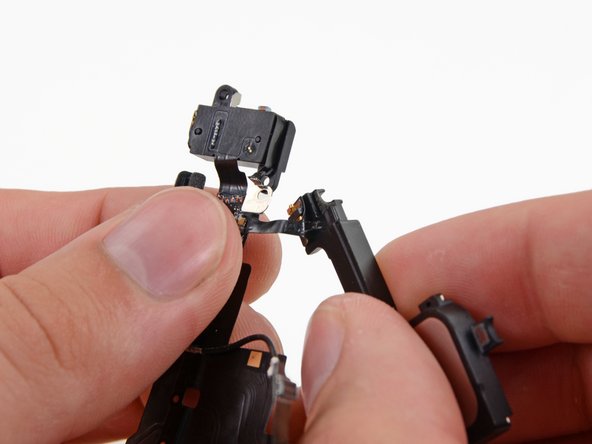
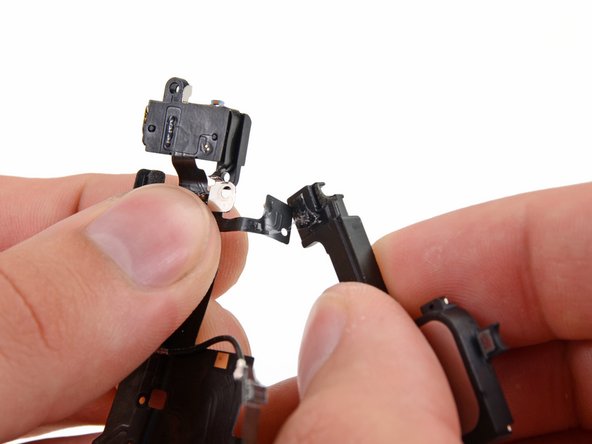
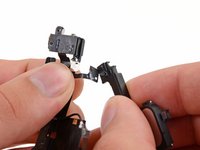

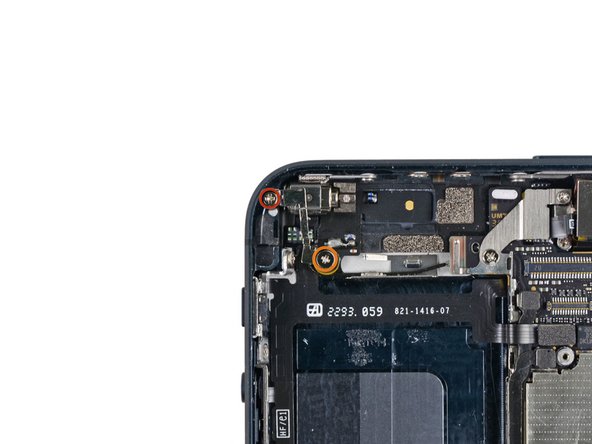
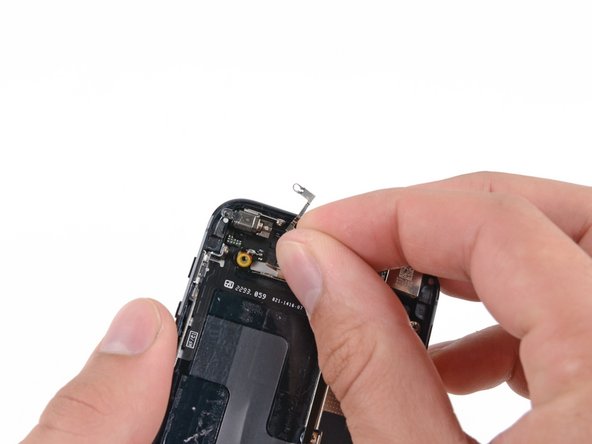
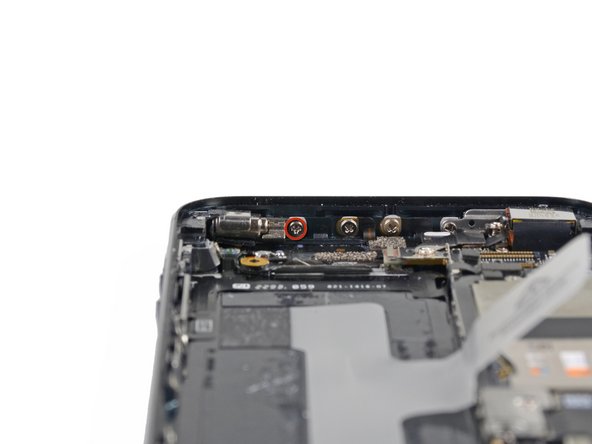
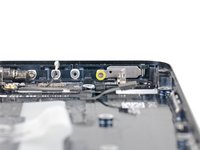
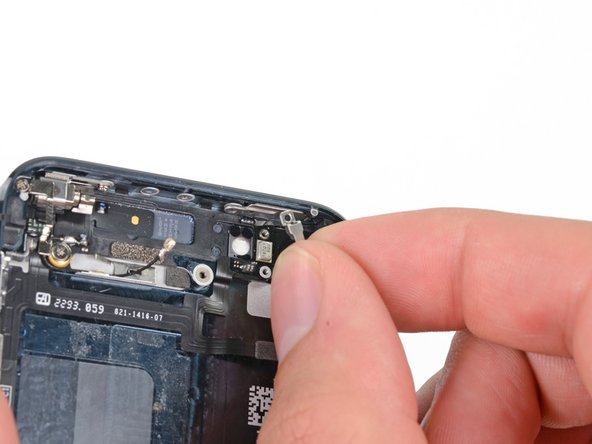
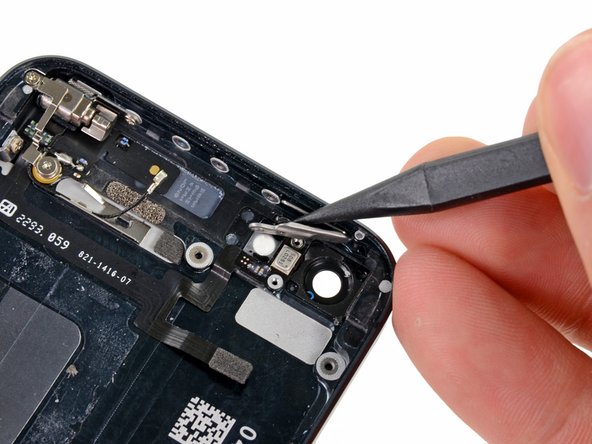
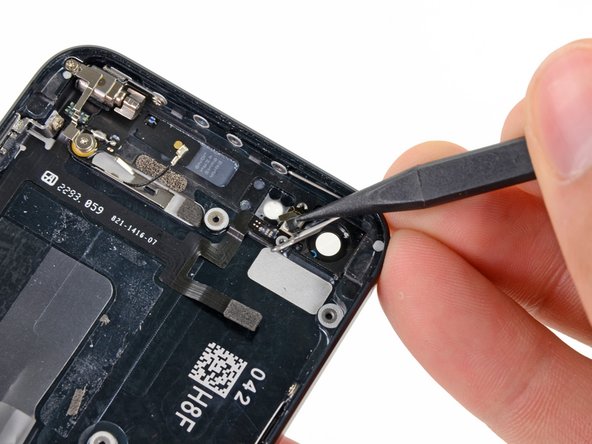
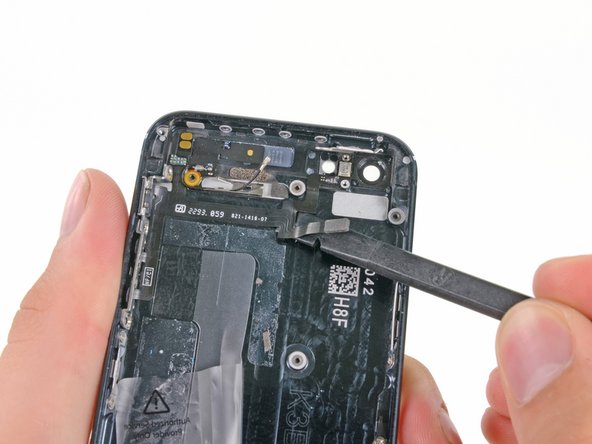
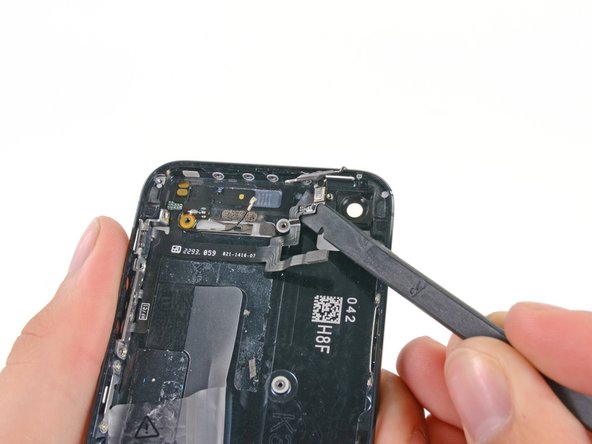


To reassemble your device, follow these instructions in reverse order.
Cancel: I did not complete this guide.
3 other people completed this guide.


