Introduction
Use this guide to replace the loudspeaker in your iPhone 15 Plus.
If the sound coming through your iPhone sounds like static or crackling, and it's not due to a software issue, your loudspeaker may need to be replaced.
You'll need replacement back glass adhesive to complete this repair.
What you need
-
-
-
Unplug any cables from your phone.
-
Hold the power and either volume buttons and slide to power off your phone.
 Ask FixBot
-
-
-
If your screen or back glass is badly cracked, lay overlapping strips of packing tape over the glass to protect yourself and make disassembly easier.
-
-
-
-
-
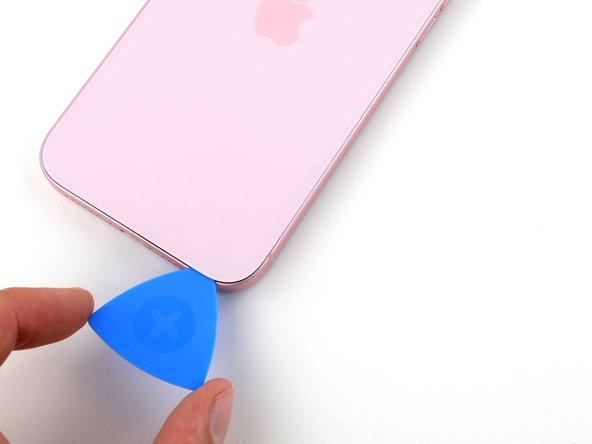
Measure 3 mm from the tip and mark the opening pick with a permanent marker.
-
-
-
-
-
Use a P2 pentalobe driver to remove the two 7.7 mm-long screws on either side of the charging port.
-
-
-
-
-
Use a hair dryer or heat gun to heat the bottom edge of the back glass until it's hot to the touch.
-
-
-
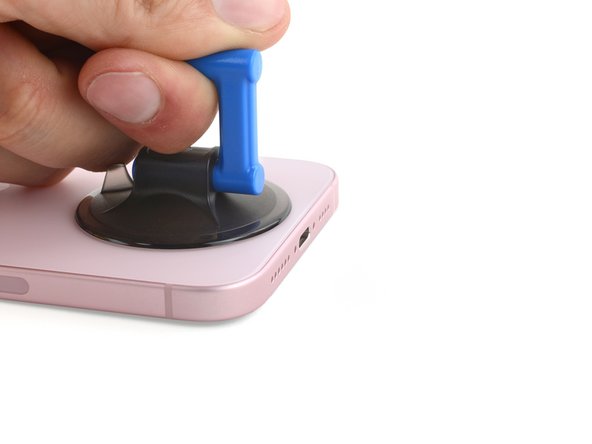
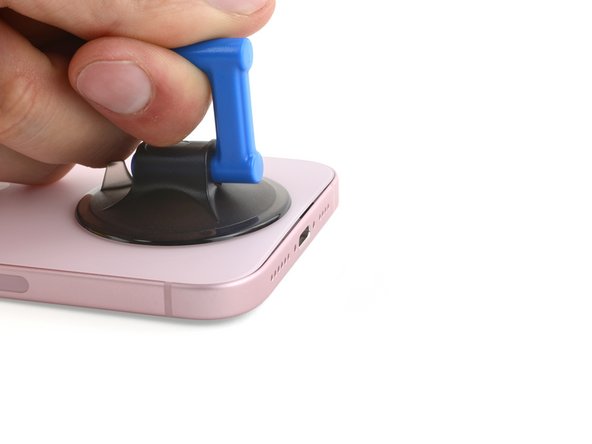
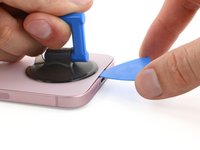
Apply a suction handle to the bottom edge of the back glass.
-
Pull up on the handle with a strong, steady force to create a gap between the back glass and the frame.
-
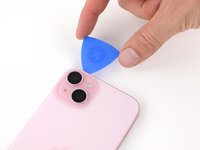
Insert the tip of an opening pick into the gap.
-
-
-
There's a delicate cable connecting the back glass to the phone, right next to the volume up button. Don't insert your pick here to avoid slicing the cable.
-
There are multiple spring contacts around the perimeter of the phone. Be extra careful not to insert your pick deeper than suggested in each step to avoid bending these contacts.
-
-
-
Slide your pick back and forth along the bottom edge to separate the adhesive.
-
Leave your pick inserted in the bottom right corner to prevent the adhesive from re-sealing.
-
-
-
Heat the right edge of the back glass until it's hot to the touch.
-
-
-
-
Rotate your pick around the bottom right corner and slide it halfway up the right edge or until you feel a hard stop at a clip securing the back glass.
-
Leave this pick inserted to prevent the adhesive from resealing.
-
-
-
Heat the left edge of the back glass until it's hot to the touch.
-
-
-
Insert a second opening pick at the bottom edge.
-
Rotate the second pick around the bottom left corner.
-
Slide this pick up to the top left corner to separate the adhesive.
-
Leave this pick inserted to prevent the adhesive from resealing.
-
-
-
Heat the top edge of the back glass until it's hot to the touch.
-
-
-
Rotate your second opening pick around the top left corner and slide it to the top right corner to separate the adhesive.
-
Leave this pick in place to prevent the adhesive from resealing.
-
-
-
Heat the top right corner of the back glass until it's hot to the touch.
-
-
-
Rotate the second opening pick around the top right corner and slide it to the volume up button to separate the adhesive.
-
-
-
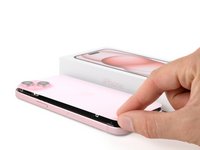
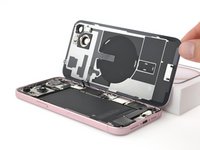
Gently swing open the back glass to the right of the phone.
-
Rest the back glass against a raised surface so it doesn't strain the cable.
-
-
-
-
Tool used on this step:FixMat$36.95
-
Use a tri-point Y000 driver to remove the two 1.3 mm-long screws securing the lower connector cover.
-
-
Tool used on this step:Tweezers$4.99
-
Use tweezers to slide the cover toward the top of the phone to unlatch it from the logic board.
-
Remove the cover.
-
-
-
Hold the back glass upright with one hand and rotate the bottom edge to the left to reveal the battery press connector just below the volume buttons.
-
Use the tip of an opening pick to pry up and disconnect the battery press connector from the logic board.
-
-
-
-
-
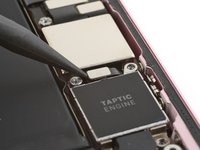
Use your Phillips #000 driver to remove the four screws securing the Taptic Engine and its connector cover:
-
One 1.4 mm‑long screw
-
One 1.9 mm‑long screw (larger screw head)
-
One 1.9 mm‑long screw (smaller screw head)
-
One 2.1 mm‑long screw
-
-
Tool used on this step:Tweezers$4.99
-
Use tweezers to remove the Taptic Engine connector cover.
-
-
-
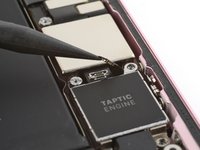
Use the point of your spudger to pry up and disconnect the Taptic Engine press connector.
-
-
Tool used on this step:Standoff Screwdriver for iPhones$5.49
-
Use a standoff driver to remove the 3.3 mm screw securing the top left of the Taptic Engine.
-
-
-
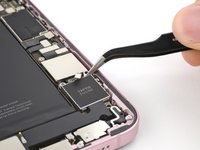
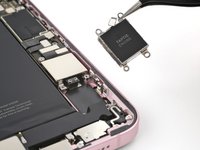
Use tweezers or your fingers to remove the Taptic Engine.
-
-
-
-
-
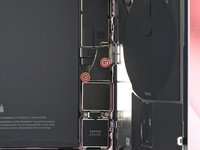
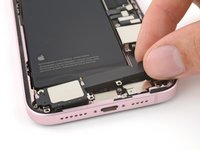
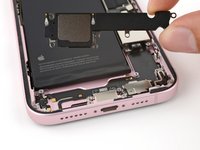
Use your tri-point Y000 driver to remove the 1.3 mm screw securing a grounding contact and the loudspeaker.
-
Use your Phillips #000 driver to remove the four screws securing the loudspeaker:
-
Two 1.6 mm screws
-
Two 2.0 mm screws
-
-






























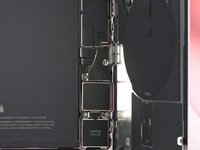


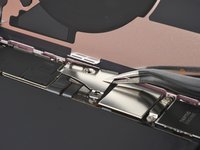
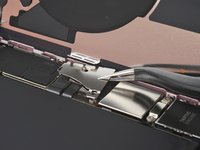
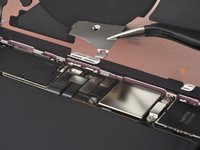






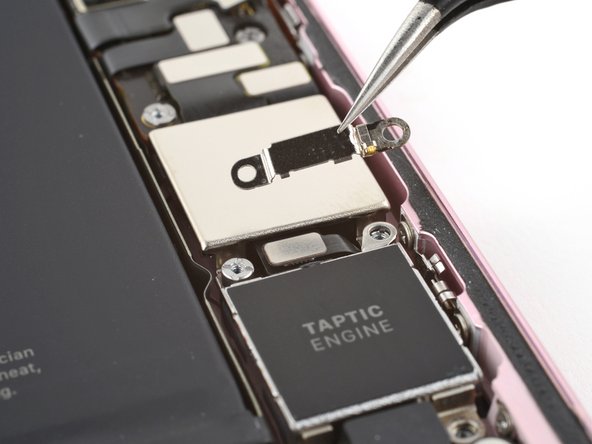






To reassemble your phone, follow these instructions in reverse order.
Take your e-waste to an R2 or e-Stewards certified recycler.
Repair didn’t go as planned? Try some basic troubleshooting, or ask our Answers community for help.


