
iON SnapCam 1046 Lite Camera Micro USB Replacement

Baleigh Hance and 2 other contributors
Last updated on Sep 9, 2026
Views: 594
View statistics:
- Past 24 Hours:
- 2
- Past 7 Days:
- 14
- Past 30 Days:
- 93
- All Time:
- 594
Comments: 0
No one has left comments on this guide. Will you be first?
Go to guide commentsCompleted: 0 1
No one has marked this guide "completed." Will you be the first?
1 person has marked this guide "completed." It's you — great job!
Favorites: 0 1
No one has favorited (and subscribed to) this guide. Will you be the first?
1 person has favorited (and subscribed to) this guide — and that's you!
Needs More Images
A few more images would make this guide's procedures crystal clear.
Better Introduction
Improve this guide by completing or revising its introduction.
What you need
Parts
Tools


-
-
-
Remove any external skins placed on the device. To do so, simply lift up and peel to remove.
 Ask FixBot
-
-
-
Use a Phillips head screwdriver to remove the four 4mm PH00 screws located on the sides of the device. All screws are located under each of the grey covers for the microSD card and the microUSB insert.
-
-
-
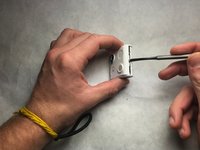
Grab a metal or plastic opening tool and insert it into the middle slot on the bottom of the camera and lightly pry open.
-
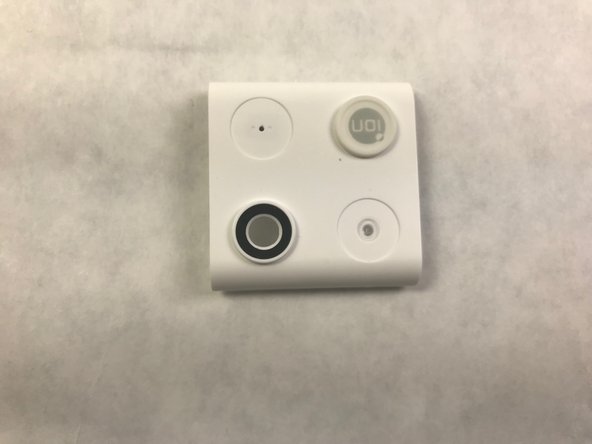
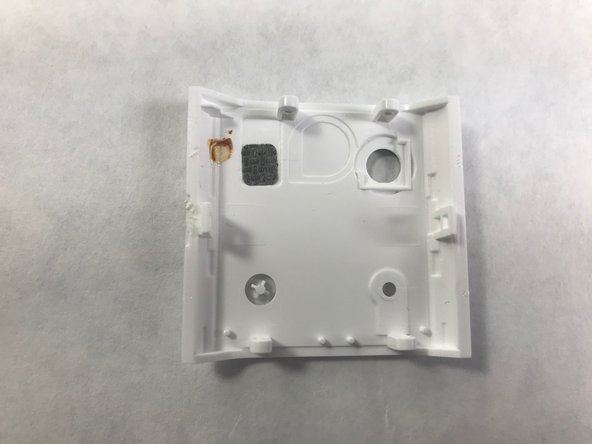
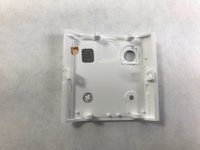
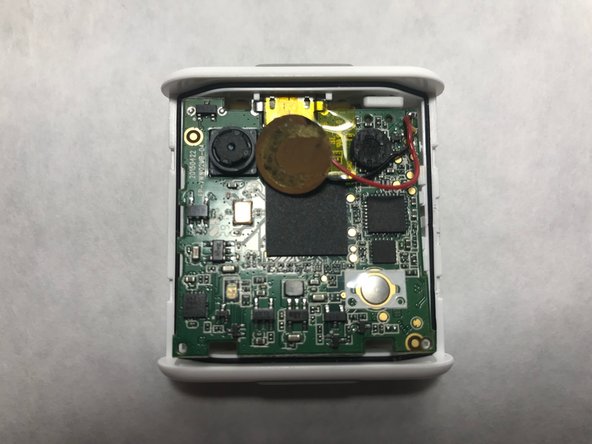
Locate the camera lens in the bottom left-hand corner of the picture which can be replaced by replacing the entire cover. The back of the cover is also shown. The camera is now located in the top right-hand corner of the picture.
-
-
-
-
-
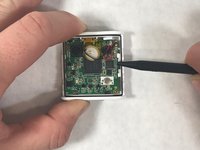
Use a nylon spudger to gently pry the four tabs holding the motherboard in place.
-
-
-
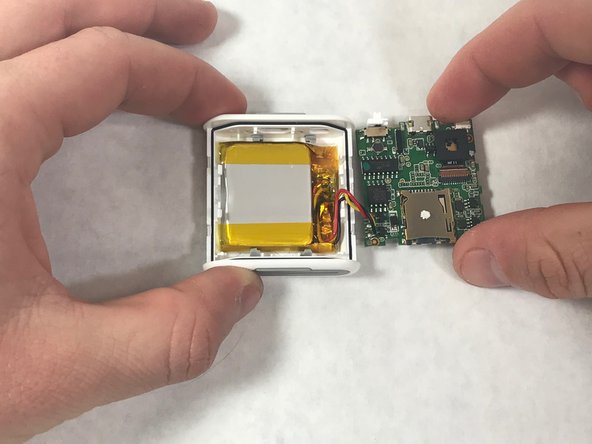
Lift the motherboard to reveal the battery compartment. Remove the thermal tape holding it in place and replace battery.
-
-
-
-
-
-
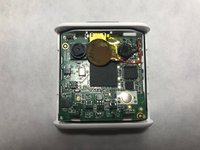
With the Micro USB port exposed, part can be replaced with advanced soldering and circuitry.
-






To reassemble your device, follow these instructions in reverse order.

Team

IUPUI, Team S22-G4, Bayer Fall 2017 Member of IUPUI, Team S22-G4, Bayer Fall 2017
IUPUI-BAYER-F17S22G4
5 Members
48 Guides authored
