This translation was generated by a machine and has not been reviewed by a person yet. Speak this language? Review it.

iMac Intel 24" EMC 2267 CPU Replacement

Bastien Arata and 3 other contributors
Last updated on Sep 2, 2026
Views: 14K
View statistics:
- Past 24 Hours:
- 1
- Past 7 Days:
- 23
- Past 30 Days:
- 137
- All Time:
- 13,977
Comments: 48
47 comments on steps, 1 guide comment.
Go to guide commentsCompleted: 7 8
7 people have marked this guide "completed." Will you be next?
8 people have marked this guide "completed." Including you — great job!
Favorites: 5 6
5 people have favorited (and subscribed to) this guide. Will you be next?
6 people have favorited (and subscribed to) this guide — including you!
Community-Contributed Guide
An awesome member of our community made this guide. It was not created by iFixit staff.
Introduction
Go to step 1 ↓Use this guide to replace the CPU on your iMac Intel 24" EMC 2267.
What you need
Fix Kit
This kit contains all the parts and tools needed to complete this guide.

Parts
Tools
-
-
-
-
Spudger4.9
-


-
-
-
Lay your iMac front side down on a table with the lower edge facing yourself.
-
Loosen the single Phillips screw in the center of the access door.
-
Remove the access door from your iMac.
 Ask FixBot
-
-
-
-
Tool used on this step:Heavy-Duty Suction Cups (Pair)$16.95
-
Stick two suction cups to opposing corners of the glass panel.
-
-
-
-
-
Remove the following 12 screws securing the front bezel to the rear case:
-
Eight 13 mm T8 Torx.
-
Four 25 mm T8 Torx.
-
-
-
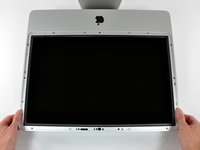
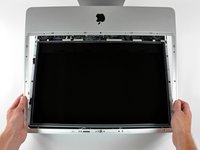
Gently lift the front bezel from its top edge off the rear case.
-
Once the top edge of the front bezel has cleared the rear case, rotate the front bezel toward the stand and lift it off the rear case.
-
Rotate the front bezel away from the rest of the device and lay it above the top edge of the iMac.
-
-
-
-
-
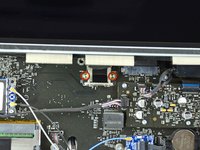
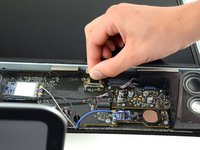
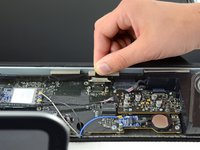
Remove the two 5.3 mm T6 torx screws from the LCD connector.
-
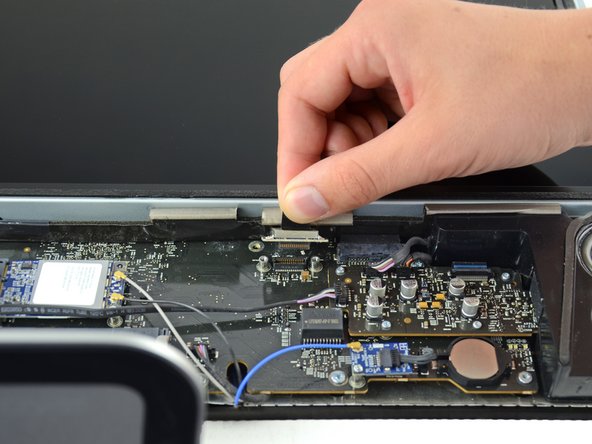
Firmly grasp the pull tab on top of the connector and pull it straight up out of its port.
-
-
-
Remove the eight T8 Torx screws securing the display panel to the rear case.
-
-
-
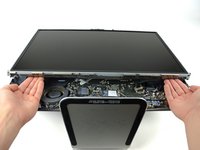
Place your hands on either side of the bottom of the display panel, and lift it up enough that you can reach the connectors inside.
-
While holding the display panel up with one hand, locate and remove the display thermal sensor cable from its connector.
-
-
-
While still holding the display panel up, use two fingers to firmly push down on the power supply cable connector from its socket.
-
-
-
-
-
Start by following the excellent guide from Jeff Dickson from step 2 to step 9 (logic board teardown).
-
-
-
-
Remove the warranty stickers.
-
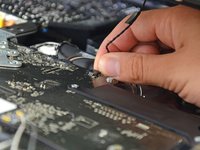
Unplug the CPU temperature sensor.
-
-
-
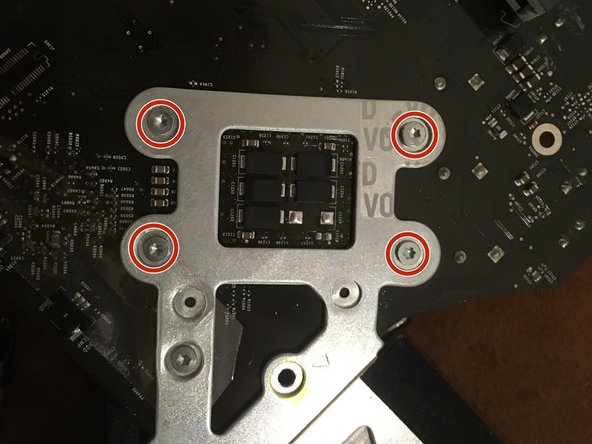
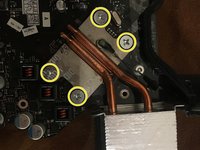
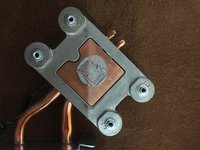
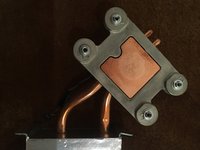
Unscrew the four radiator screws using the Phillips #2 screwdriver.
-
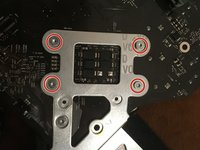
Flip over the logic board.
-
Finish unscrewing and remove the four Torx 8 screws.
-
-
-
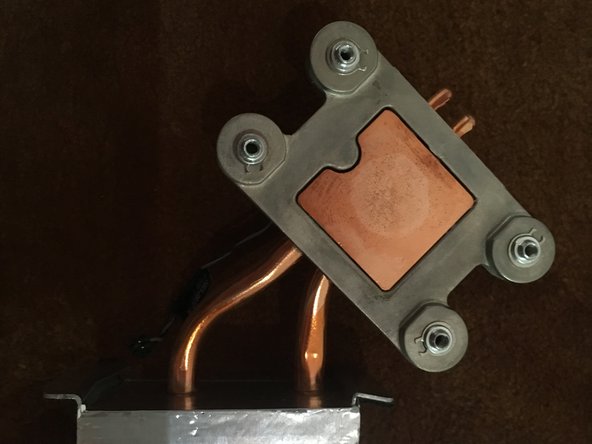
Clean the excess thermal paste using a clean cloth and an alcohol solution.
-
-
-
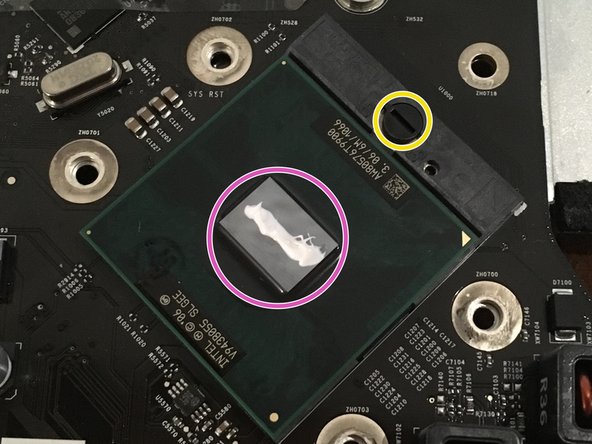
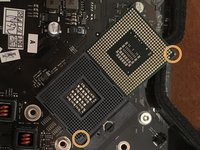
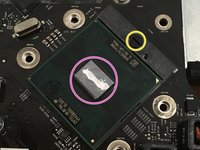
Use a flathead screwdriver to rotate the CPU locking screw by half a turn.
-
Gently remove the CPU by pulling it up vertically.
-
-
-
Align the socket and the new CPU with the help of the trimmed corner.
-
Insert the new CPU vertically into its socket.
-
Lock the CPU by rotating the locking screw half a turn clockwise.
-
Drop a little bit of thermal paste on the center of the CPU.
-
-






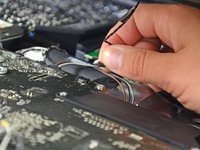
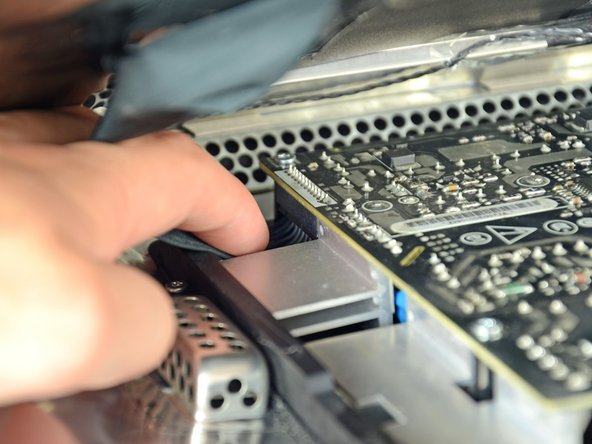






To reassemble your device, follow the steps in reverse order.
Cancel: I did not complete this guide.
7 other people completed this guide.
Special thanks to these translators:
100%


These translators are helping us fix the world! Want to contribute?
Start translating ›

1 Guide Comment
Anyone have any tips or advice as to what CPUs would work best?
