Introduction
Use this guide to replace the iSight camera.
What you need
-
-
Tool used on this step:iMac Intel 21.5" Cardboard Service Wedge$4.99
-
Before beginning any work on your iMac: Unplug the computer and press and hold the power button for ten seconds to discharge the power supply's capacitors.
 Ask FixBot
-
-
-
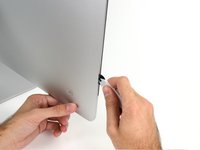
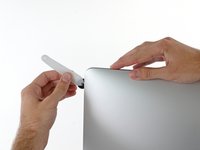
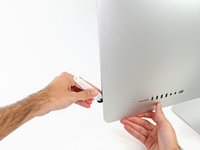
Starting on the left of the display, near the power button, insert the iMac Opening Tool into the gap between the glass panel and the rear enclosure.
-
-
-
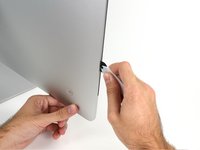
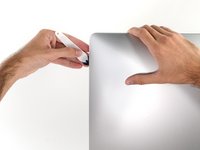
Use the tool like a pizza cutter—roll it along through the gap, and it will cut the foam adhesive through the center.
-
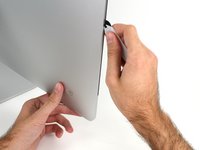
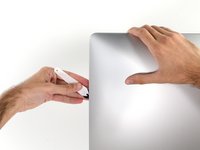
Run the tool up along the left side of the display.
-
-
-
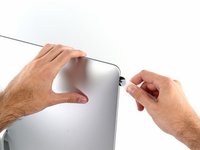
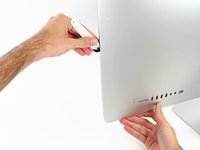
Finish pushing the opening tool to the bottom of the right side of the display.
-
-
Tool used on this step:Plastic Cards$2.99
-
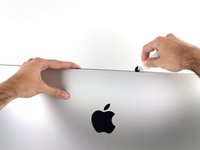
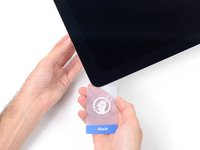
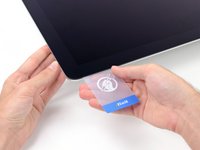
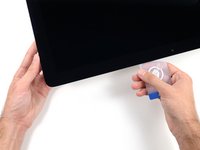
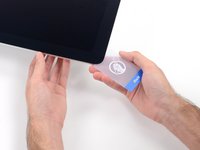
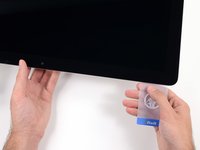
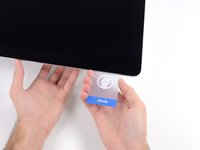
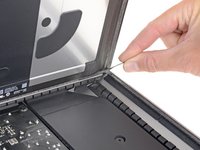
Starting from the top right corner of the iMac, wedge a plastic card between the display and frame.
-
-
-
-
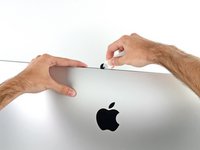
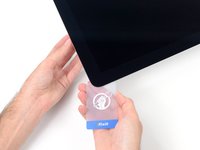
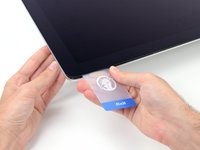
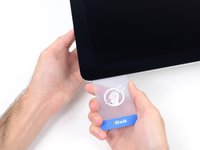
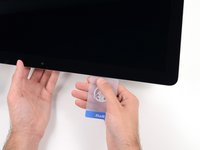
Gently twist the plastic card sideways to create a gap between the display and frame.
-
Move slowly and be careful not to stress the display glass too much—you only need to make a gap of about 1/4".
-
-
-
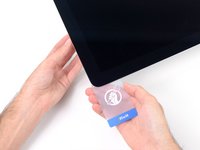
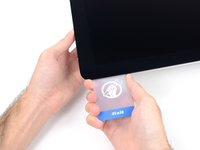
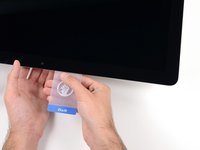
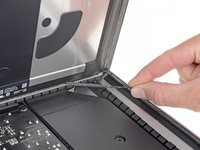
Slide the card toward the center of the display to cut any of the remaining adhesive along the top right corner of the iMac.
-
-
-
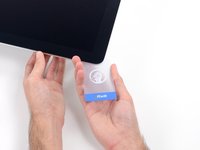
Wedge the plastic card into the top right corner once again, and leave it there to prevent the adhesive from resticking.
-
-
-
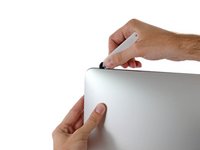
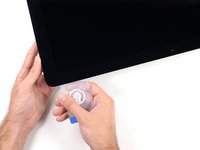
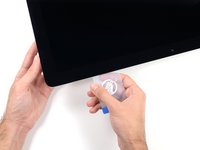
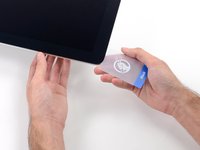
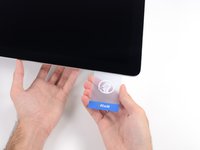
Insert a second plastic card into the gap between the display and frame near the top left corner of the iMac.
-
-
-
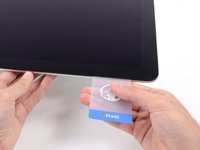
Gently twist the card upward, slightly increasing the space between the display and frame.
-
-
-
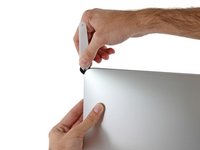
Slide the plastic card toward the center, again stopping just before the iSight camera.
-
-
-
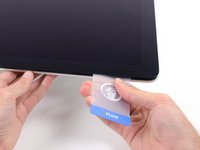
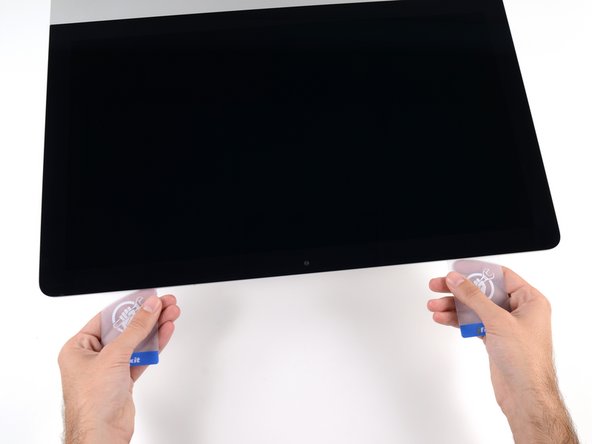
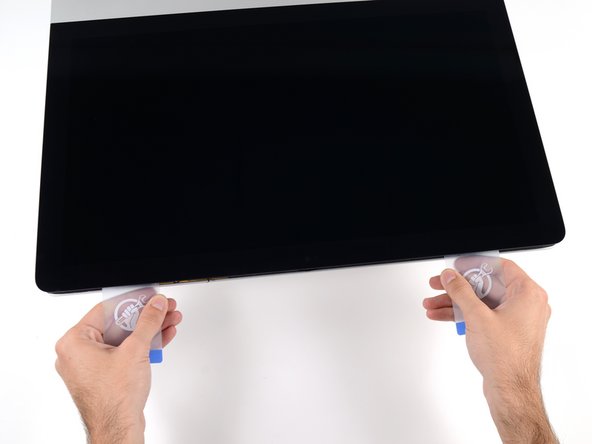
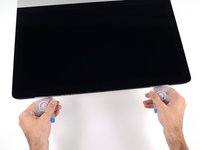
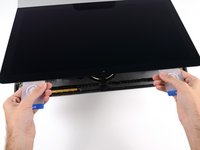
With both plastic cards inserted as shown near the corners, gently twist the cards sideways to increase the gap between display and case.
-
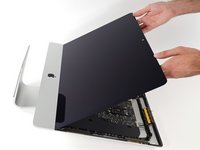
Begin to lift the top of the display up from the frame.
-
-
-
-
Tool used on this step:Tweezers$4.99
-
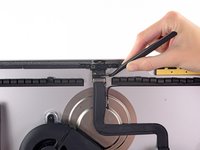
Use a pair of tweezers to flip up the metal retaining bracket on the display data cable.
-
Carefully pull the display data cable from its socket on the logic board.
-
-
-
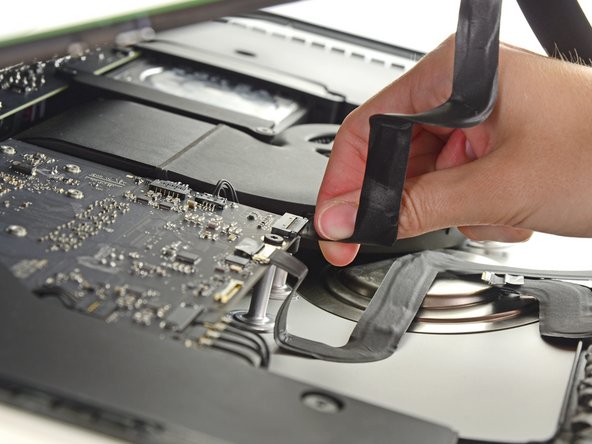
While holding the display up with one hand, use the other hand to unplug the display power cable.
-
-
-
-
Tool used on this step:Plastic Cards$2.99
-
Grasp the small tab at the end of one of the bottom edge display adhesive strips and pull the adhesive toward the top of the iMac to remove it.
-
Repeat this step with the other adhesive strip and remove it.
-
-
-
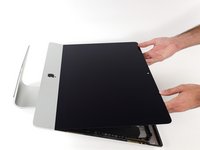
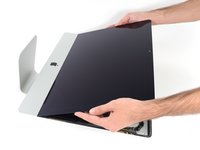
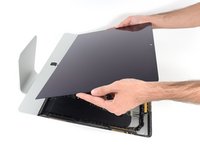
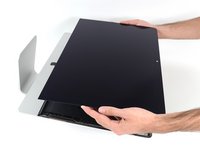
Lift the display up from the frame and remove it from the iMac.
-
It may be necessary to slowly lift from one side, to peel against the remaining adhesive.
-
-
-
Tool used on this step:Tweezers$4.99
-
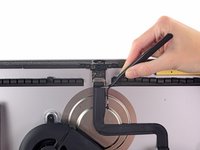
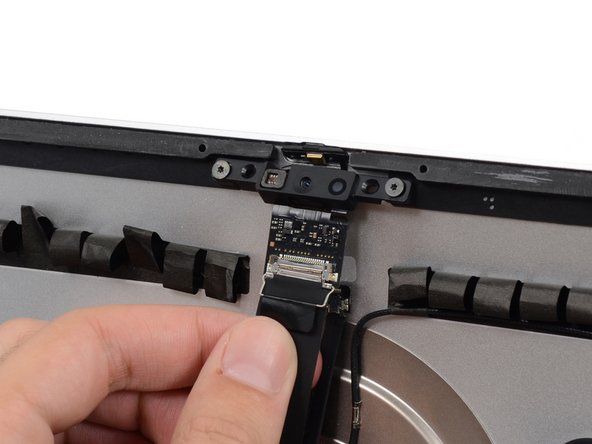
Use a pair of tweezers to grasp and flip the metal retaining bracket downwards to free the iSight camera cable connector.
-
-
-
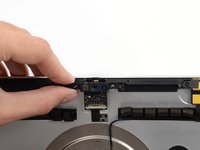
Gently pull the iSight camera cable straight down and out of its socket on the camera board.
-
-
-
Pull the microphone cable connector straight down out of its socket on the camera board.
-
-
-
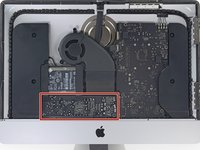
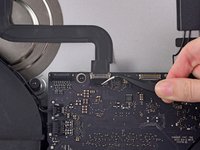
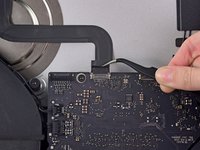
Use a pair of tweezers to grasp and flip the metal retaining bracket up to unlatch the iSight camera cable connector on the logic board.
-
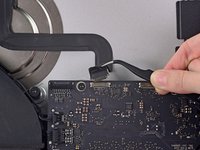
Pull the iSight camera cable straight away from its connector on the logic board.
-
-
-
Peel the iSight camera cable up from the rear enclosure and remove it from the iMac.
-
-
-
-
-
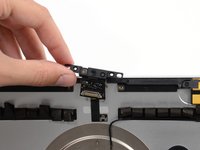
Remove the two 4.3 mm T5 Torx screws securing the camera board to the top of the rear enclosure.
-
-




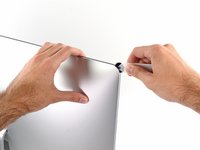
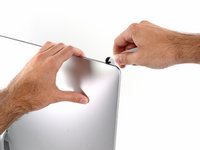


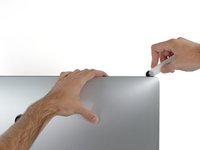
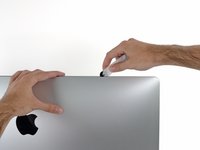








































To reassemble your device, follow these instructions in reverse and use our Adhesive Strips Guide to reattach the display glass.

