Introduction
Use this guide to replace the iSight camera.
What you need
-
-
Tool used on this step:iMac Intel 21.5" Cardboard Service Wedge$4.99
 Ask FixBot
-
-
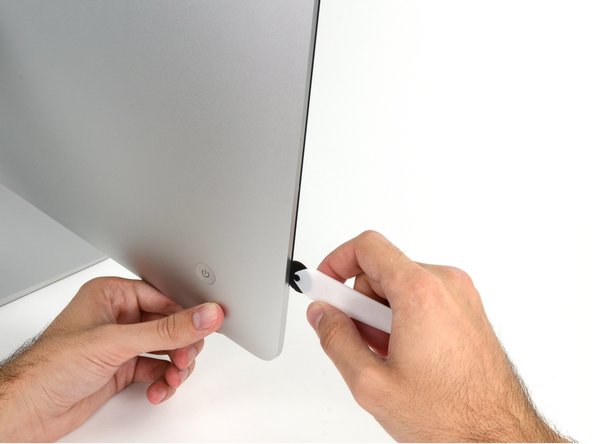
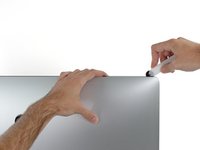
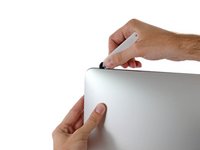
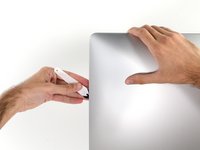
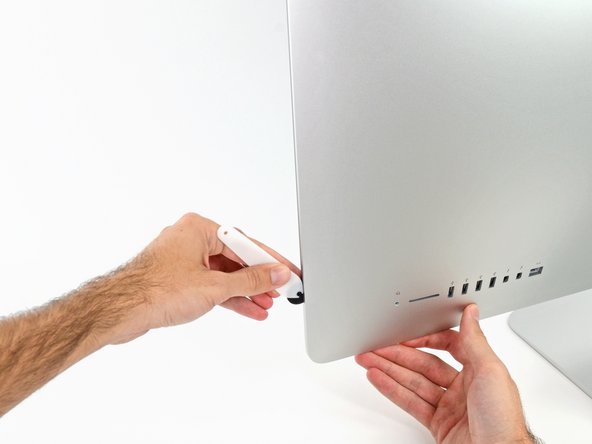
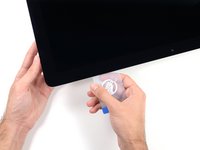
Starting on the left of the display, near the power button, insert the iMac Opening Tool into the gap between the glass panel and the rear enclosure.
-
-
-
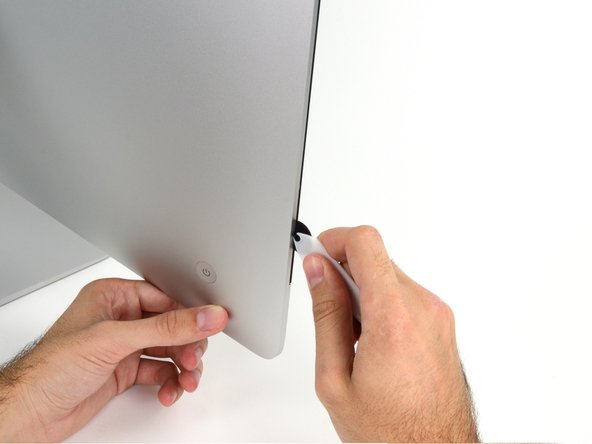
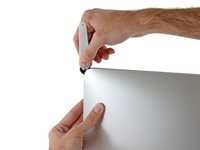
Use the tool like a pizza cutter—roll it along through the gap, and it will cut the foam adhesive through the center.
-
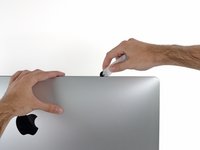
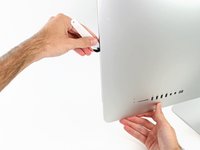
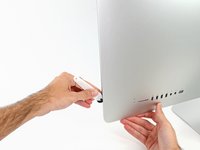
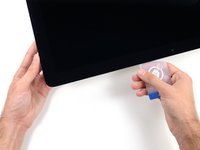
Run the tool up along the left side of the display.
-
-
-
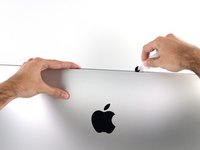
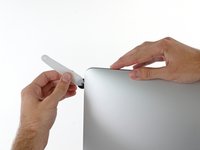
Continue along the top of the display.
-
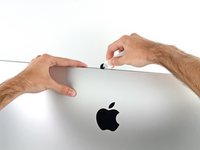
You may want to run the tool back and forth through what you've already cut a few times, to ensure you get as much of the adhesive separated as possible.
-
-
-
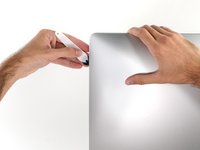
Finish pushing the opening tool to the bottom of the right side of the display.
-
-
Tool used on this step:Plastic Cards$2.99
-
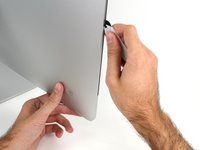
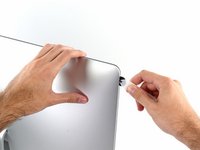
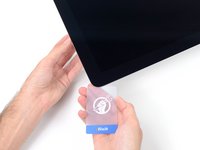
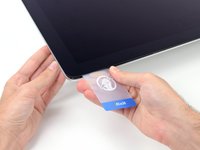
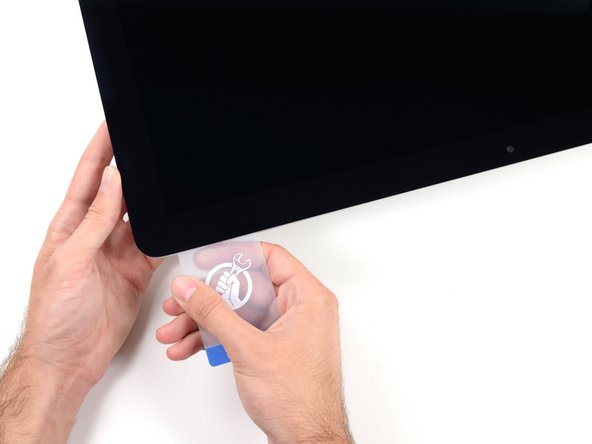
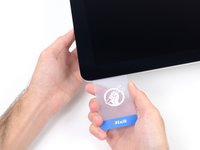
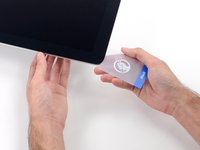
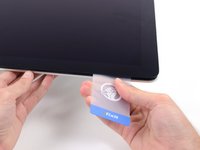
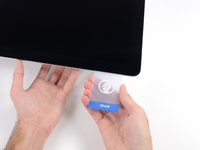
Starting from the top right corner of the iMac, wedge a plastic card between the display and frame.
-
-
-
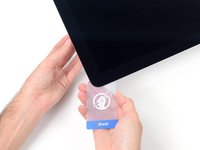
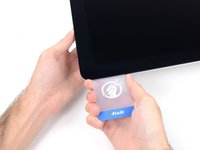
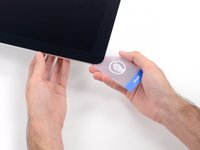
Gently twist the plastic card sideways to create a gap between the display and frame.
-
Move slowly and be careful not to stress the display glass too much—you only need to make a gap of about 1/4".
-
-
-
-
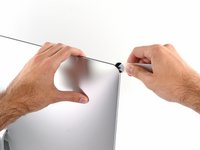
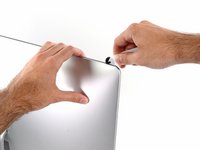
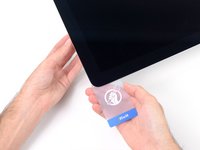
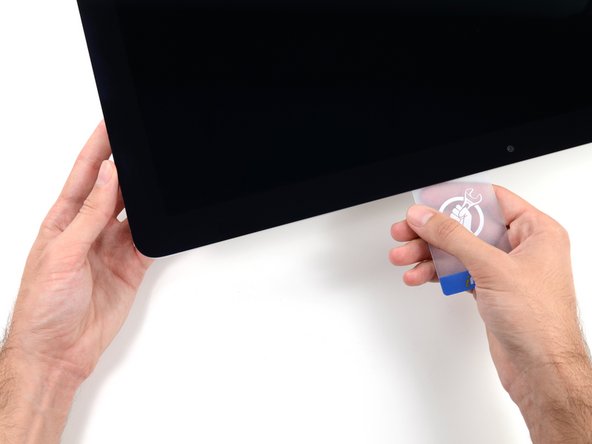
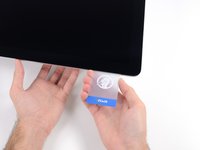
Slide the card toward the center of the display to cut any of the remaining adhesive along the top right corner of the iMac.
-
-
-
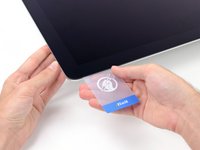
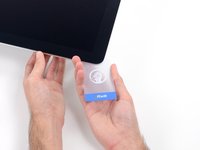
Wedge the plastic card into the top right corner once again and let it stay there to keep the adhesive from resettling.
-
-
-
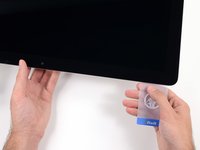
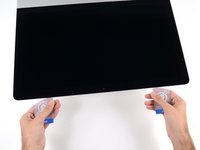
Insert a second plastic card into the gap between the display and frame located at the top left corner of the iMac.
-
-
-
Gently twist the card upward, slightly increasing the space between the display and frame.
-
-
-
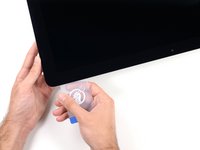
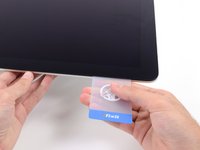
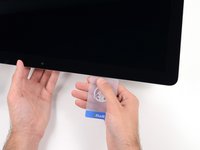
Slide the plastic card toward the center, again stopping just before the iSight camera.
-
-
-
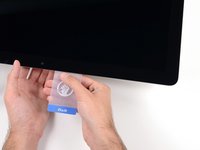
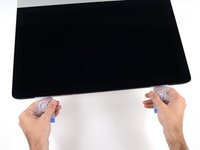
With both plastic cards inserted as shown near the corners, gently twist the cards sideways to increase the gap between display and case.
-
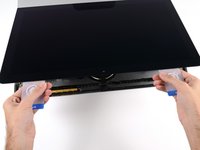
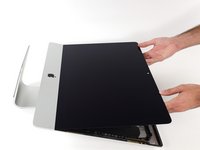
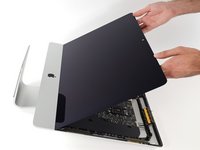
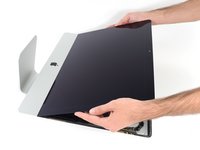
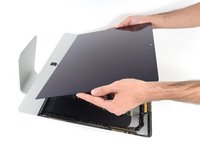
Begin to lift the top of the display up from the frame.
-
-
-
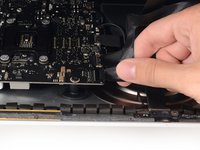
While holding the display up with one hand, use the other hand to unplug the display power cable. Make sure that you pull the cable out from the plastic tab, and not by pulling on the color wires.
-
-
-
Use the tip of a spudger to flip up the metal retaining bracket on the display data cable.
-
Carefully pull the display data cable from its socket on the logic board.
-
-
-
Grasp the small tab at the end of one of the bottom edge display adhesive strips and pull the adhesive toward the top of the iMac to remove it.
-
Repeat this step with the other adhesive strip and remove it.
-
-
-
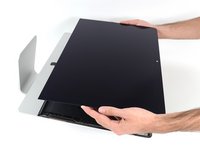
Lift the display up from the frame and remove it from the iMac.
-
It may be necessary to slowly lift from one side, to peel against the remaining adhesive.
-
-
-
-
-
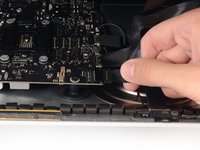
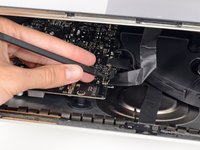
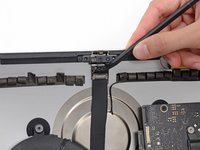
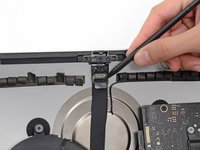
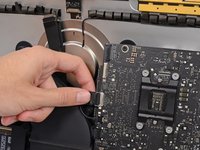
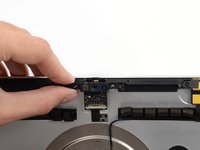
Use the tip of a spudger to flip down the metal retaining bracket on the camera cable.
-
-
-
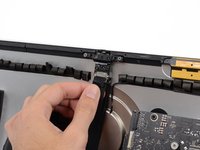
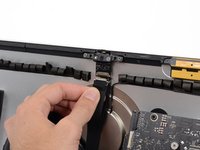
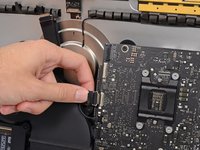
Gently pull the camera cable straight down from its socket on the camera board.
-
-
-
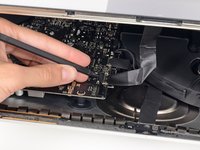
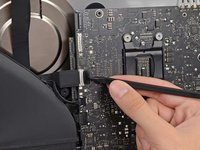
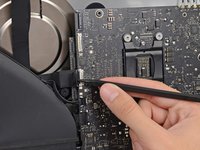
Use the tip of a spudger to flip up the metal retaining bracket securing the camera cable connector to the logic board.
-
-
-
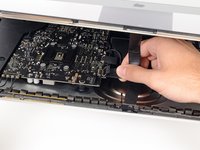
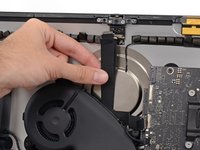
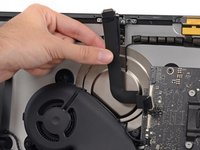
The camera cable is connected to the rear enclosure via adhesive. Gently peel and remove it from the rear enclosure.
-
-
-
-
-
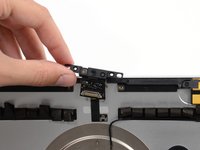
Remove the two 4.3 mm T5 Torx screws securing the camera board to the top of the rear enclosure.
-
-








































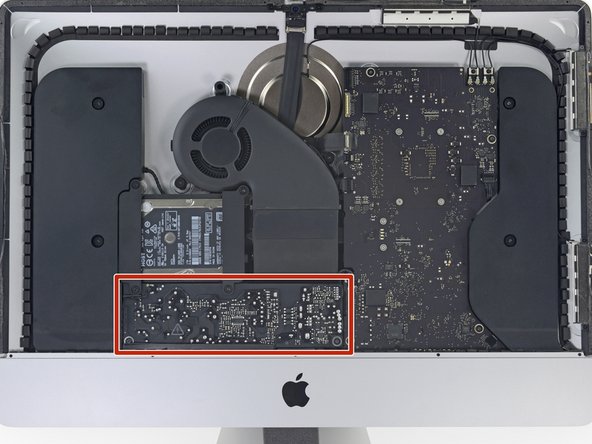


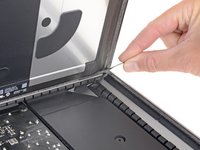
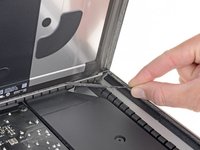














To reassemble your device, follow these instructions in reverse and use our Adhesive Strips Guide to reattach the display glass.
Cancel: I did not complete this guide.
One other person completed this guide.


1 Guide Comment
Hi, thanks for sharing the tutorials. I've been replacing HD and memory and everything went right but the microphone seems not functioning properly. Indeed, I have to speak very close to the camera to get some audio input. Do you have any tip to fix it ? Thanks
PS: iMac Retina 4K - 2019 ... the connector for the microphone doesn't exist.
