
iMac Intel 21.5" EMC 2544 CPU Replacement

Sam Goldheart and 5 other contributors
Last updated on Oct 12, 2020
Views: 27K
View statistics:
- Past 24 Hours:
- 2
- Past 7 Days:
- 44
- Past 30 Days:
- 169
- All Time:
- 27,391
Comments: 85
75 comments on steps, 10 guide comments.
Go to guide commentsCompleted: 37 38
37 people have marked this guide "completed." Will you be next?
38 people have marked this guide "completed." Including you — great job!
Favorites: 4 5
4 people have favorited (and subscribed to) this guide. Will you be next?
5 people have favorited (and subscribed to) this guide — including you!
Introduction
Go to step 1 ↓Use this guide to replace or upgrade the CPU. Don't forget to apply a new layer of thermal compound before reassembling your iMac.
What you need


-
-
Tool used on this step:iMac Intel 21.5" Cardboard Service Wedge$4.99
 Ask FixBot
-
-
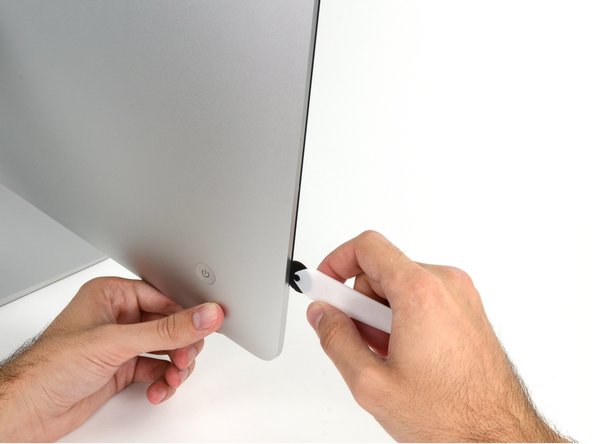
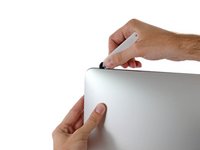
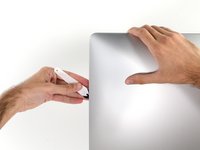
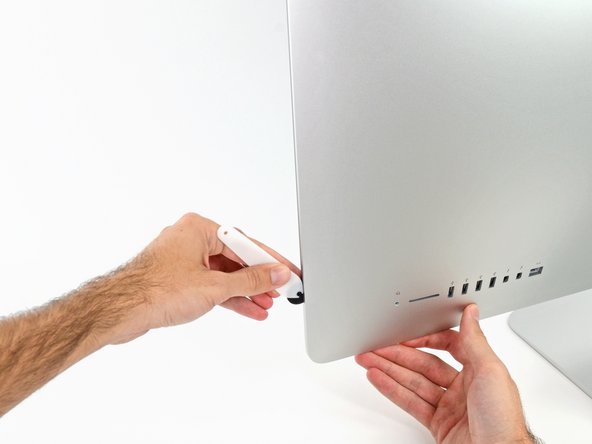
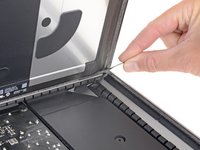
Starting on the left of the display, near the power button, insert the iMac Opening Tool into the gap between the glass panel and the rear enclosure.
-
-
-
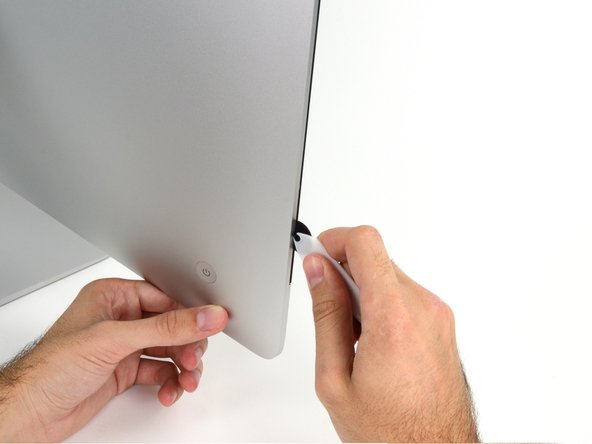
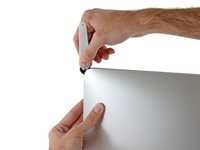
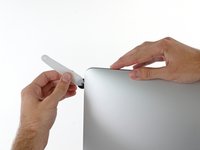
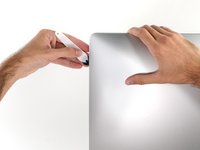
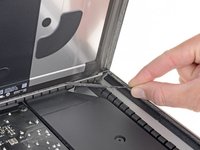
Use the tool like a pizza cutter—roll it along through the gap, and it will cut the foam adhesive through the center.
-
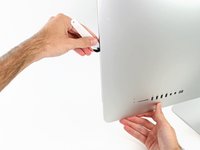
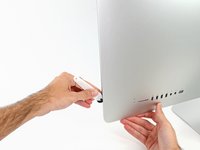
Run the tool up along the left side of the display.
-
-
-
Continue along the top of the display.
-
You may want to run the tool back and forth through what you've already cut a few times, to ensure you get as much of the adhesive separated as possible.
-
-
-
Finish pushing the opening tool to the bottom of the right side of the display.
-
-
Tool used on this step:Plastic Cards$2.99
-
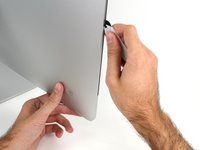
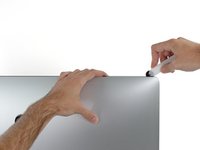
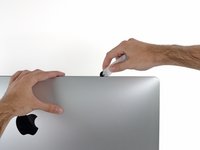
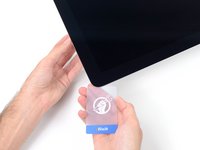
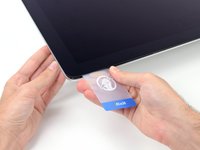
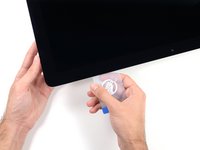
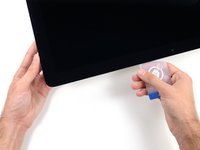
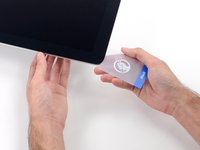
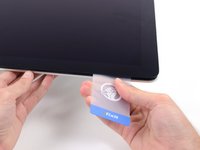
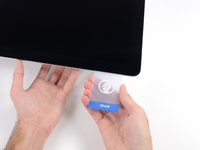
Starting from the top right corner of the iMac, wedge a plastic card between the display and frame.
-
-
-
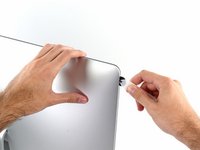
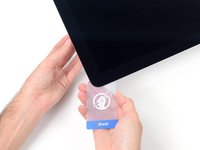
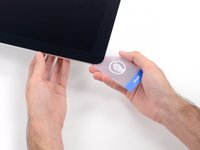
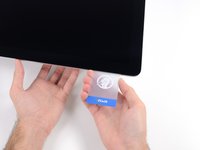
Gently twist the plastic card sideways to create a gap between the display and frame.
-
Move slowly and be careful not to stress the display glass too much—you only need to make a gap of about 1/4".
-
-
-
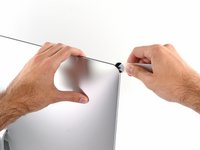
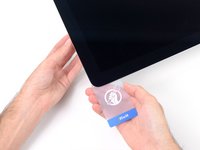
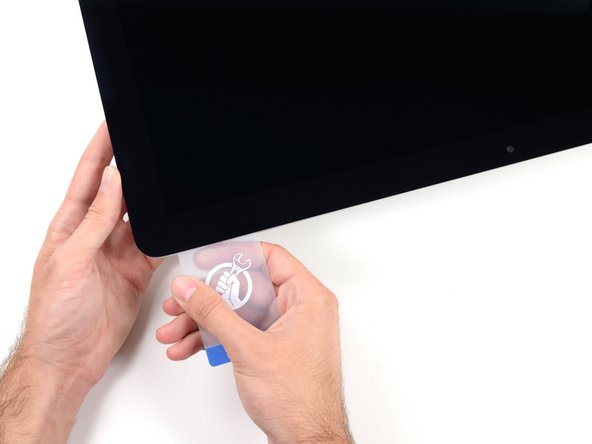
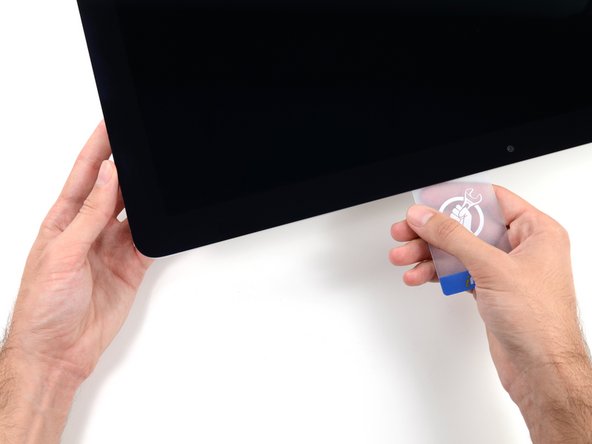
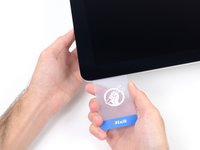
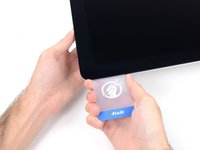
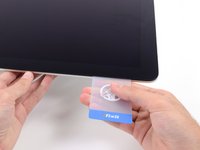
Slide the card toward the center of the display to cut any of the remaining adhesive along the top right corner of the iMac.
-
-
-
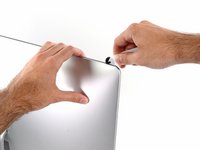
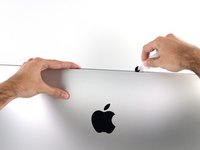
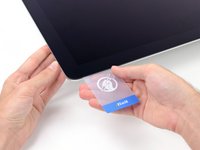
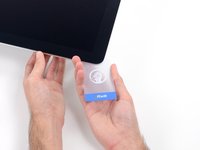
Wedge the plastic card into the top right corner once again and let it stay there to keep the adhesive from resettling.
-
-
-
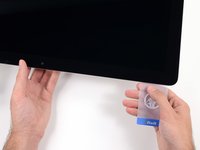
Insert a second plastic card into the gap between the display and frame located at the top left corner of the iMac.
-
-
-
Gently twist the card upward, slightly increasing the space between the display and frame.
-
-
-
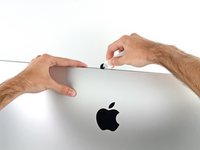
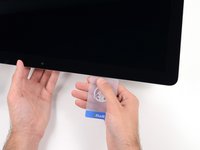
Slide the plastic card toward the center, again stopping just before the iSight camera.
-
-
-
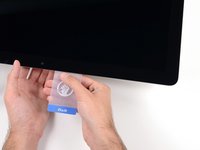
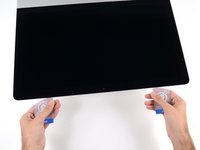
With both plastic cards inserted as shown near the corners, gently twist the cards sideways to increase the gap between display and case.
-
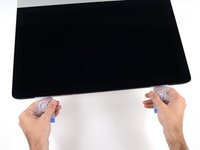
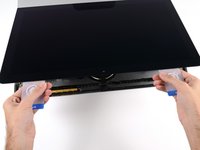
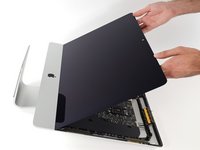
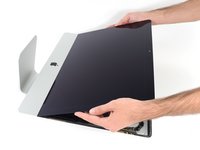
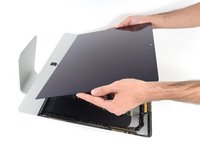
Begin to lift the top of the display up from the frame.
-
-
-
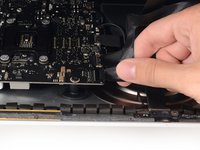
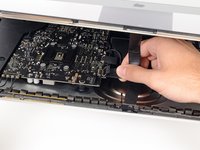
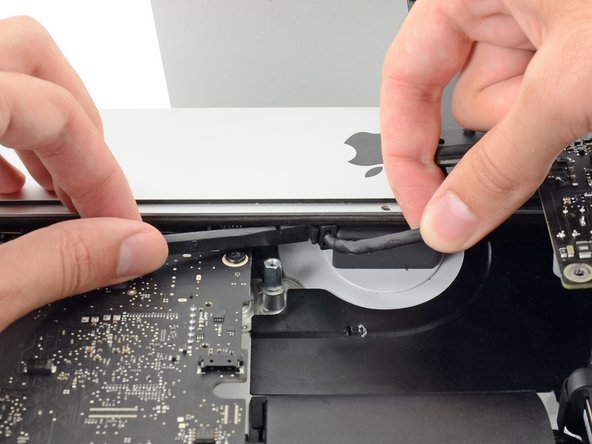
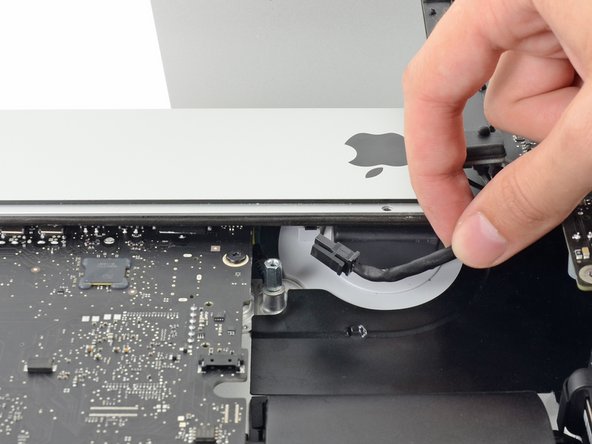
While holding the display up with one hand, use the other hand to unplug the display power cable. Make sure that you pull the cable out from the plastic tab, and not by pulling on the color wires.
-
-
-
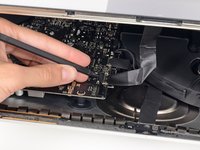
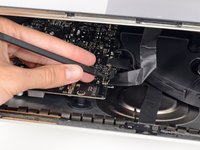
Use the tip of a spudger to flip up the metal retaining bracket on the display data cable.
-
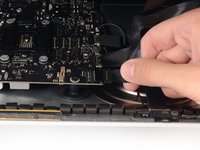
Carefully pull the display data cable from its socket on the logic board.
-
-
-
Grasp the small tab at the end of one of the bottom edge display adhesive strips and pull the adhesive toward the top of the iMac to remove it.
-
Repeat this step with the other adhesive strip and remove it.
-
-
-
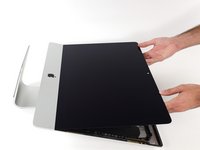
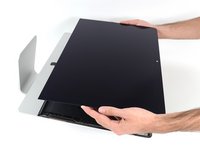
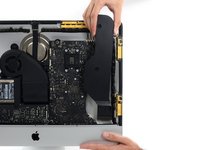
Lift the display up from the frame and remove it from the iMac.
-
It may be necessary to slowly lift from one side, to peel against the remaining adhesive.
-
-
-
-
-
Remove the following five Phillips screws holding the lower support bracket in place:
-
Four 3.2 mm screws
-
One 1.7 mm screw
-
-
-
-
-
-
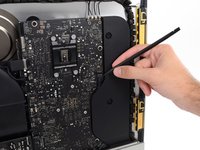
Use a spudger to loosen the right speaker cable's connector from its socket on the logic board.
-
Pull the connector downwards to remove it from its socket.
-
-
-
Remove the two 10.0 mm T10 screws securing the right speaker to the rear enclosure.
-
-
-
Pull the top of the right speaker away from the rear enclosure, about half an inch, to expose the antenna cable running down its right side.
-
-
-
Insert the tip of a spudger between the right speaker and the antenna cable that is routed into the speaker's right side.
-
Run the spudger down along the right side of the speaker to pry the antenna cable from its channel in the right speaker.
-
-
-
Pull the right speaker straight up about an inch, toward the top of the iMac.
-
Lift the right speaker straight up and remove it from the iMac. This may take some force, both hands and rocking the speaker right and left to get it out.
-
-
-
-
-
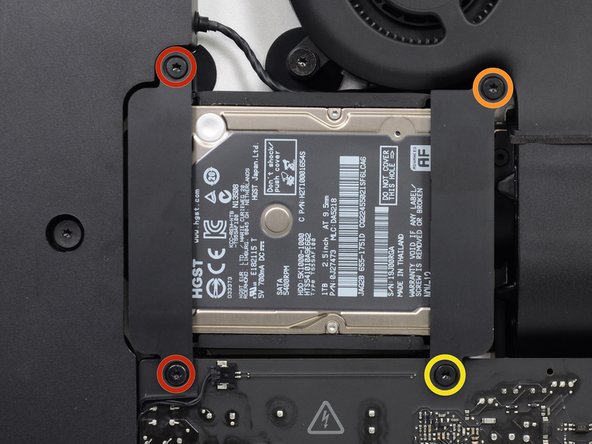
Remove the following screws securing the hard drive bracket to the rear enclosure:
-
Two 21 mm T10 Torx screws from the left-hand hard drive bracket.
-
One 9 mm T10 Torx screw.
-
One 27 mm T10 Torx screw.
-
-
-
-
-
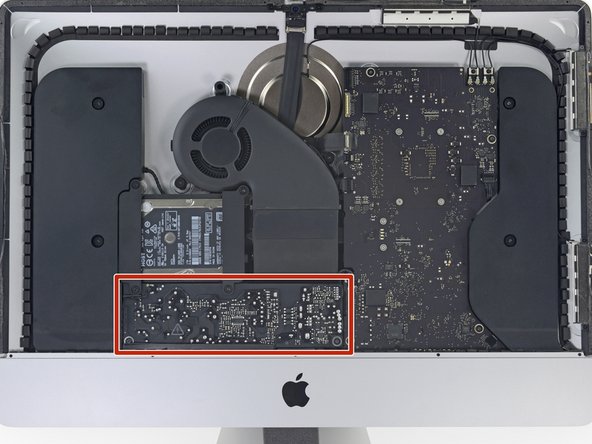
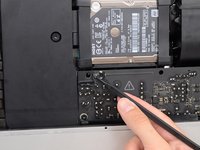
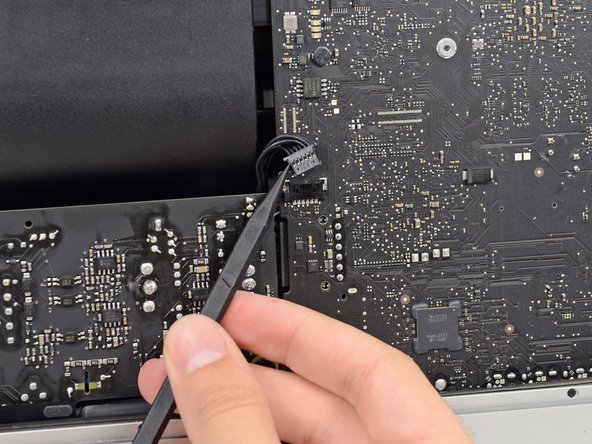
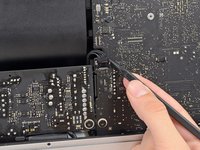
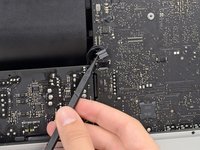
Use the tip of a spudger to push each side of the power button cable connector and gently "walk" it out of its socket.
-
-
-
Gently push upward on each side of the power supply control cable connector with the tip of a spudger to gently "walk" it out of its socket.
-
-
-
Remove the two 7.2 mm T10 screws securing the power supply to the rear enclosure.
-
-
-
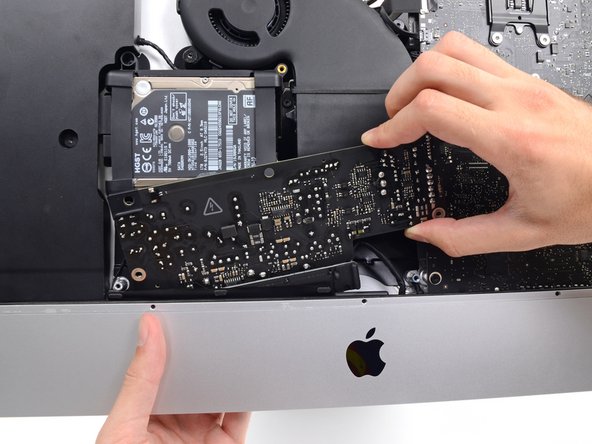
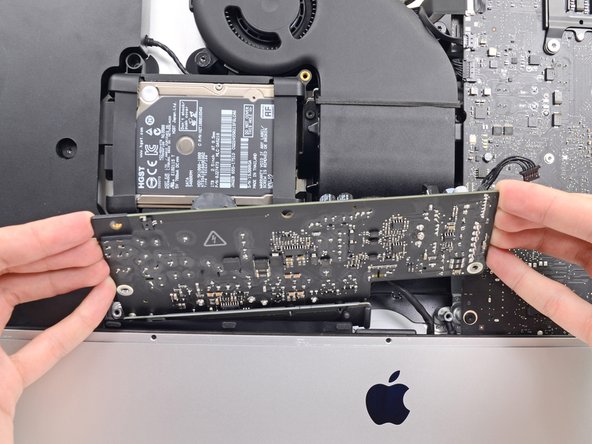
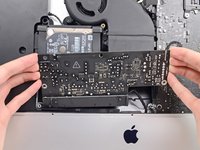
Pull the power supply slightly up and out from the rear enclosure.
-
Rotate the power supply counterclockwise, lifting the right side up about an inch higher than the left.
-
-
-
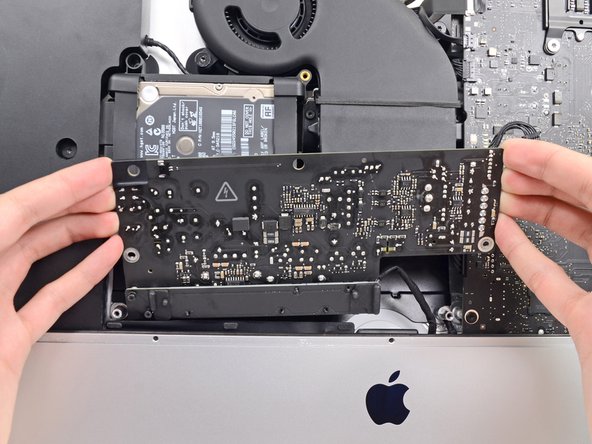
Slide the power supply to the right to clear the screw posts on the rear enclosure.
-
-
-
Rock the power supply forward and remove it from its recess in the rear enclosure.
-
-
-
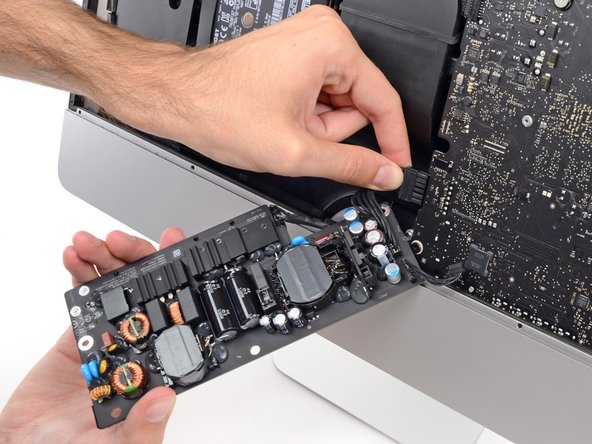
Squeeze the DC power cable connector tab and pull it straight out of its socket on the back of the logic board.
-
-
-
Use the flat end of a spudger to push the clip on the side of the AC inlet cable connector inward.
-
While holding on the release clip with the spudger, grasp the AC inlet cable, and pull the connector straight out of its socket.
-
-
-
-
-
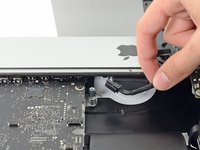
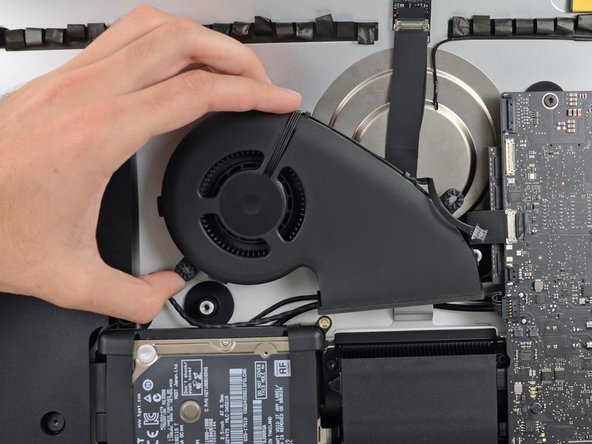
Gently pull the fan cable connector straight away from its socket on the logic board.
-
-
-
Remove the three 12.3 mm T10 shoulder screws securing the fan to the rear enclosure.
-
-
-
-
-
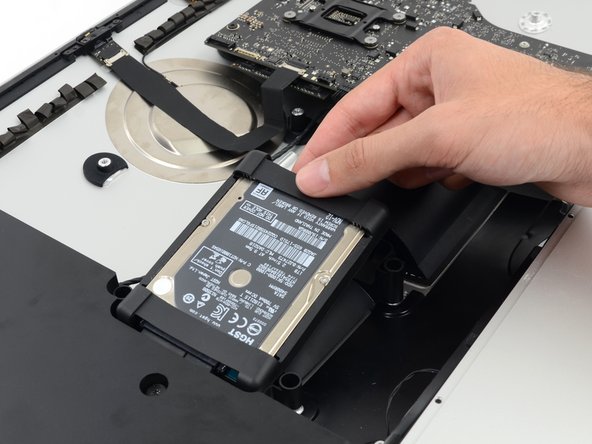
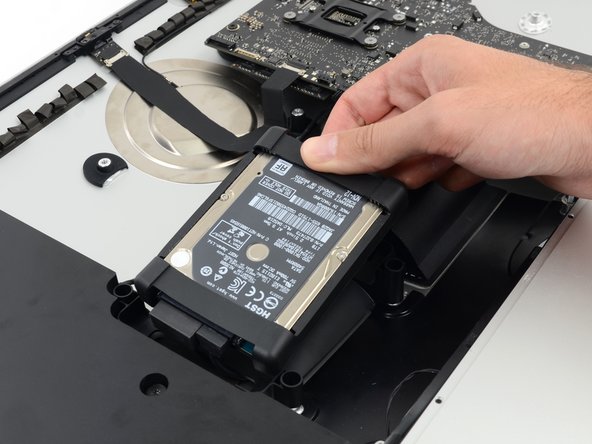
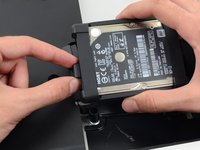
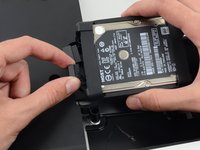
Lift the hard drive from the edge nearest the logic board and pull it slightly out of its recess.
-
-
-
-
-
Remove the single 7.2 mm T10 screw securing the hard drive tray to the rear enclosure.
-
-
-
-
-
Push on each side of the left speaker cable connector with the tip of a spudger and gently "walk" it out of its socket.
-
-
-
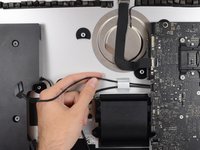
De-route the left speaker cable by pulling it straight up out of the retaining clip in the back of the rear enclosure.
-
-
-
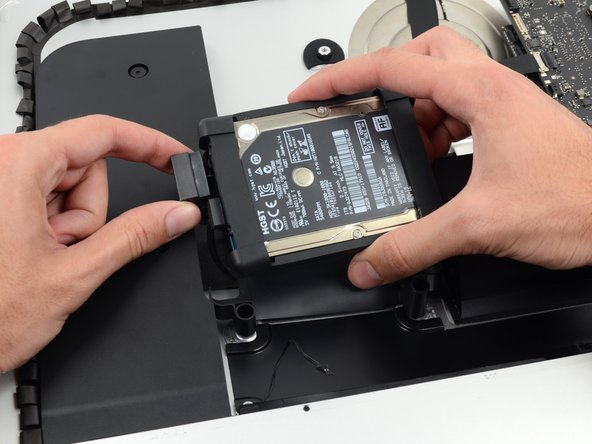
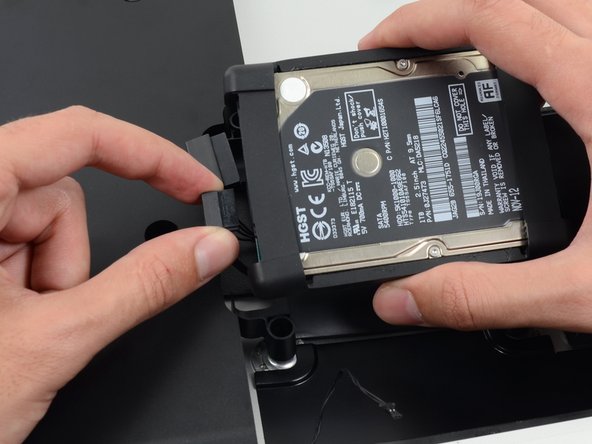
In a similar fashion as the previous step, de-route the SATA data and power cables up out of the retaining clip.
-
-
-
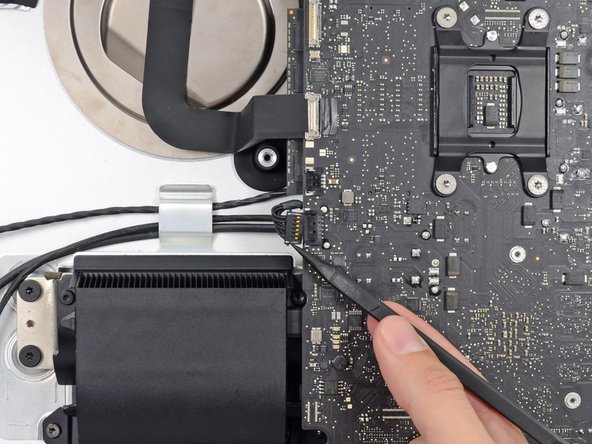
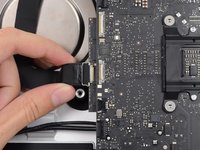
Use the flat edge of a spudger to flip up the metal retaining bracket on the iSight camera cable connector.
-
Pull the iSight camera cable straight out of its socket on the logic board.
-
-
-
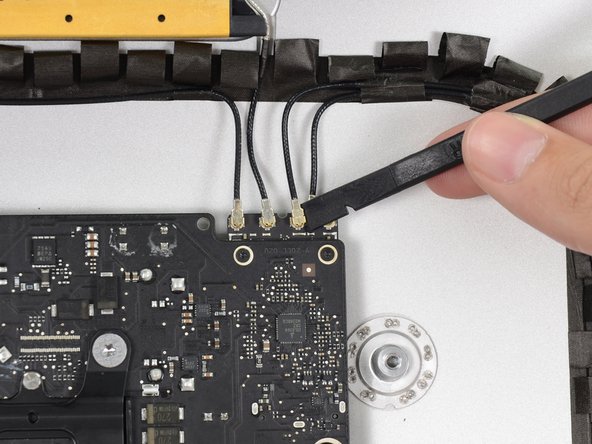
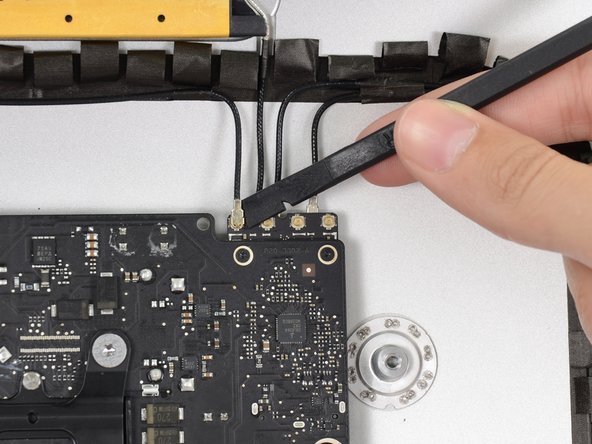
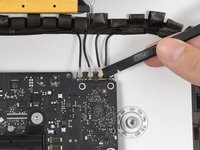
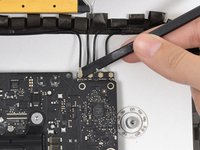
Use the flat edge of a spudger to disconnect each of the four antenna connectors from the AirPort/Bluetooth card.
-
-
-
If brackets secure the four antenna cables, remove the two T5 Torx screws from the brackets.
-
-
-
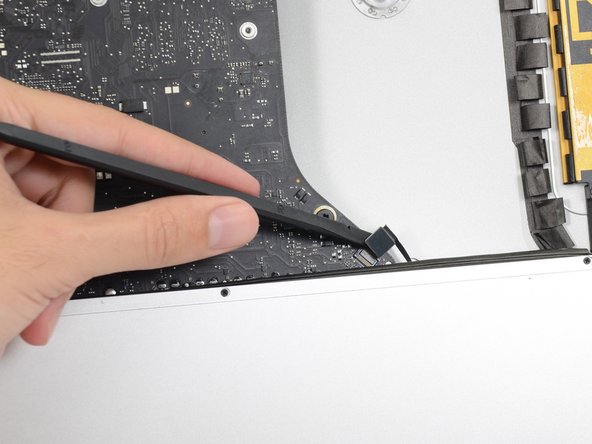
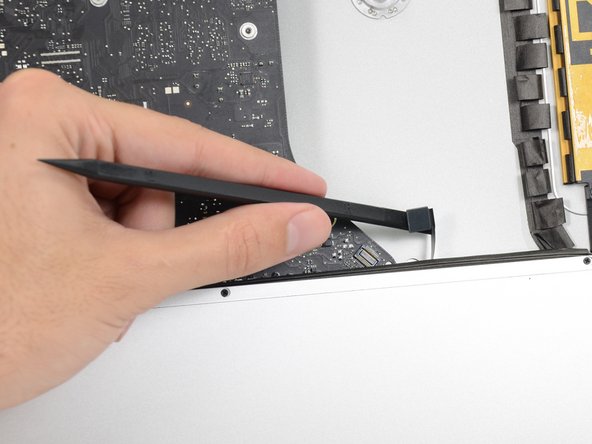
Use the flat edge of a spudger to pry the headphone jack cable connector from its socket on the logic board.
-
-
-
Remove the following screws securing the exhaust duct to the rear enclosure:
-
Two 6.3 mm T8 screws
-
Two 4.7 mm T8 screws
-
-
-
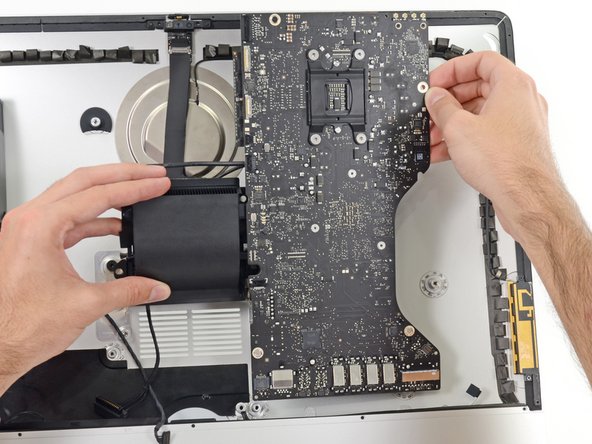
Remove the four 7.2 mm T10 screws securing the logic board to the rear enclosure.
-
-
-
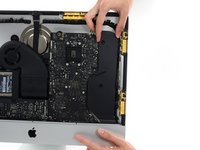
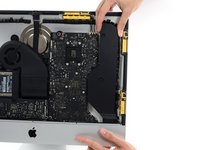
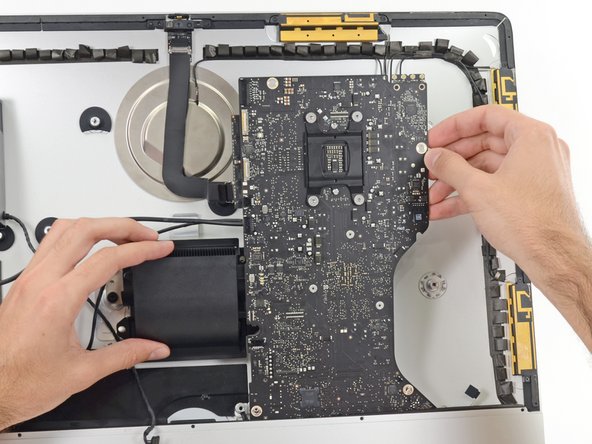
Tilt the top of the logic board away from the rear enclosure.
-
Lift the logic board straight up and out of the iMac.
-
-
-
-
-
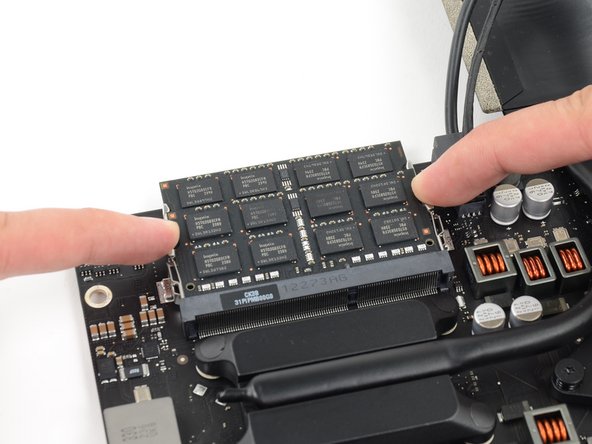
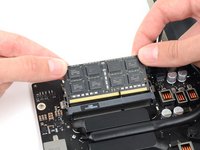
Release the tabs on each side of the RAM module by simultaneously pushing each tab away.
-
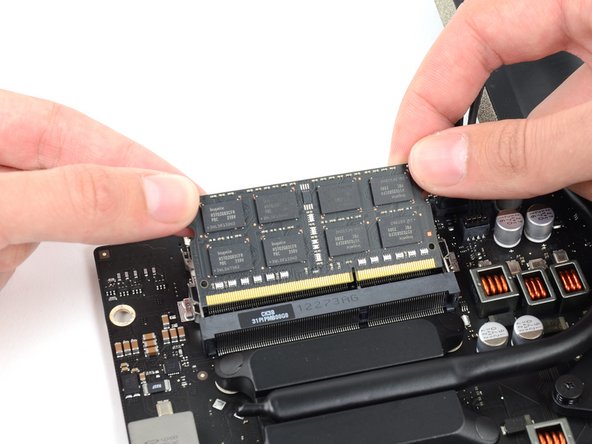
Grab the top left and right corners of the RAM module and carefully pull it straight out of its socket.
-
-
-
-
-
Disconnect and remove the SATA data and power cables from the logic board.
-
-
-
Remove the four 12 mm T10 shoulder screws from the spring plate behind the CPU.
-
-
-
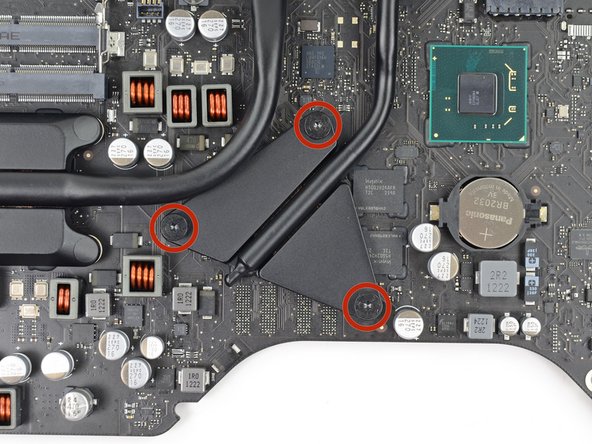
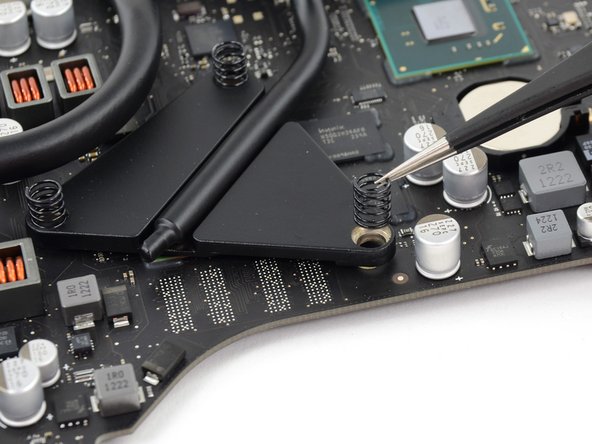
Remove the three 12 mm T8 Torx screws securing the GPU heat sink to the logic board.
-
Remove the three springs left behind.
-
-
-
-
-
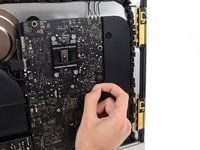
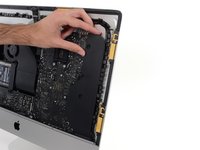
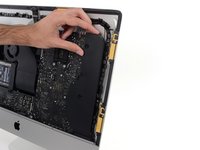
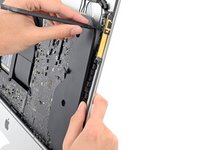
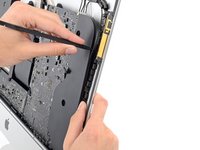
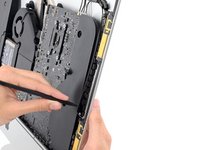
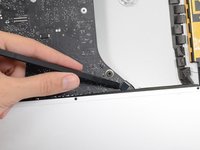
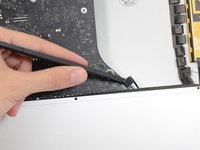
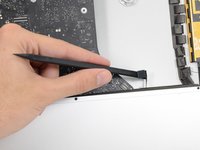
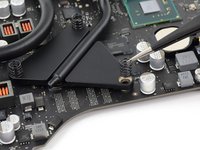
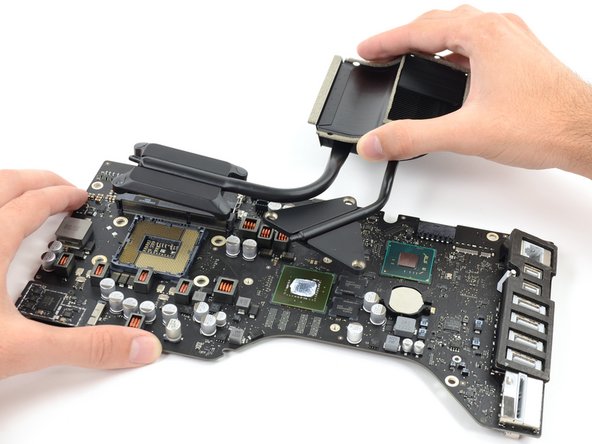
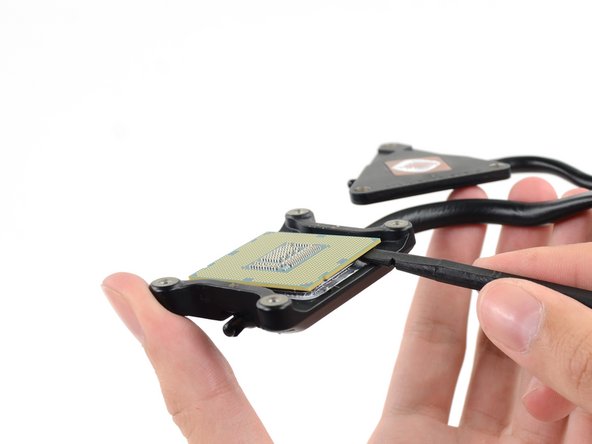
Insert the flat edge of a spudger between the CPU and heat sink.
-
Gently pry the CPU off the heat sink by slightly twisting the spudger upwards.
-
-

























































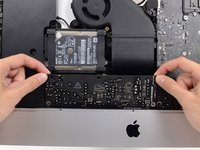
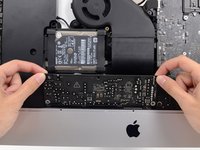


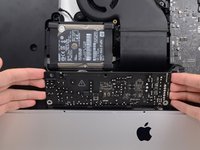
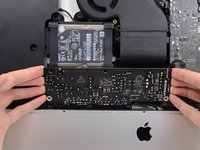















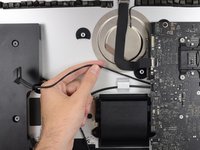
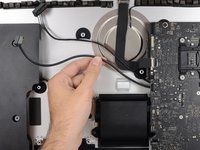


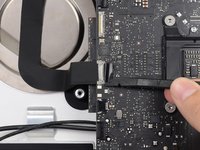
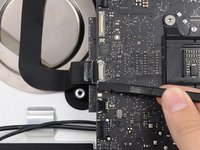











To reassemble your device, follow these instructions in reverse and use our Adhesive Strips Guide to reattach the display glass.
Cancel: I did not complete this guide.
37 other people completed this guide.


10 Guide Comments
I just upgraded my 2544 base model iMac (2.7 i5, 8gb ram, 5400 rpm HDD) with all possible options: 3.1 i7 3770s CPU, 16gb ram and a Samsung EVO 850 SSD. The upgrades all worked perfectly, and were made possible for an amateur such as myself thanks to these amazingly detailed and well photographed instruction guides. I can't tell you how helpful they were to me, and just wanted to thank you and share my success. I am an amateur with no significant experience at all with computers, so I wanted to encourage anyone who is hesitant to get the right tools for the job and get to it! Thanks again!
Use Core i7-3770 3.4Ghz (70€ eBay ) (not 3770s) + HyperX Impact 16Gb 1833Mhz 70€ + SSD Samsung 1TB QVO (trim enable) 95€ - all good, without issue. Same TDP have i7 - 3770K iMAC 2012 now have same power as basic iMac 2019. I’m happy. https://browser.geekbench.com/v4/cpu/130...
