Introduction
Use this guide to replace the headphone/microphone jacks on your iMac.
What you need
-
-
Tool used on this step:Heavy-Duty Suction Cups (Pair)$16.95
-
Stick a suction cup near each of the two top corners of the glass panel.
-
If your suction cups refuse to stick, try cleaning both the glass panel and the suction cup with a mild solvent.
 Ask FixBot
-
-
-
Gently lift the glass panel perpendicular to the face of the LCD enough to clear the steel mounting pins attached along the underside of the top edge of the glass panel.
-
Pull the glass panel away from the lower edge of the iMac and carefully set it aside.
-
-
-
-
-
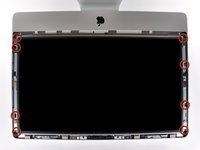
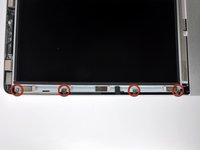
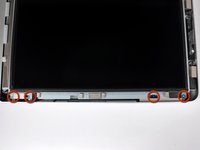
Remove the eight 8 mm T10 Torx screws securing the display to the outer case.
-
-
-
-
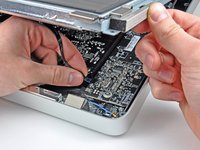
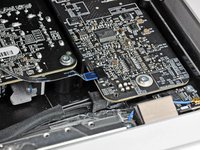
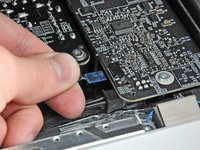
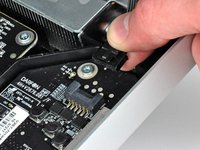
Pull the vertical sync ribbon cable out of its socket on the LED driver board near the top left corner of your iMac.
-
-
-
Rotate the display out of the outer case enough to disconnect the LED backlight power cable from the LED driver board.
-
-
-
Squeeze the two display data cable connector arms together to unlock it from its socket on the logic board.
-
Pull the display data cable connector away from its socket on the logic board.
-
-
-
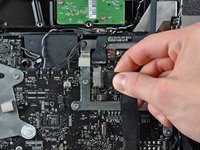
Disconnect the LCD thermal sensor cable connector from its socket on the logic board.
-
-
-
Carefully pull the display toward the top edge of your iMac and lift it out of the outer case, minding any cables that may get caught.
-
-
-
-
-
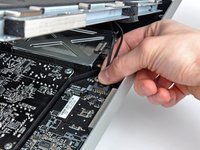
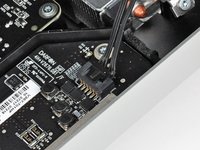
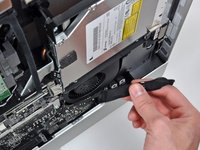
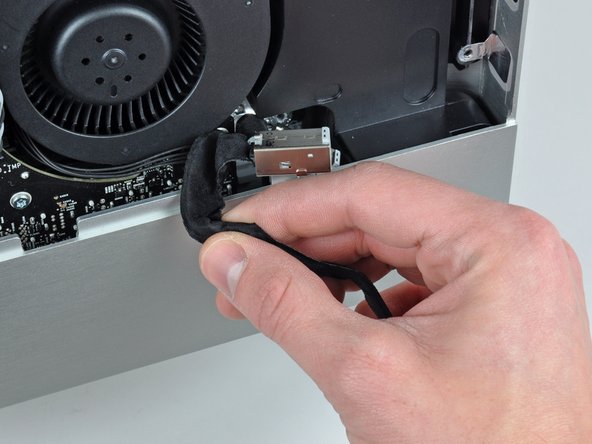
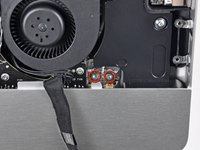
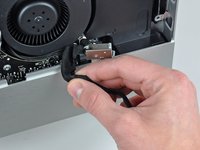
Disconnect the audio port cable by pulling its connector toward the right side of the iMac.
-
De-route the audio port cable from the outer case.
-
-
Tool used on this step:Tweezers$4.99
-
Remove two T10 Torx screws securing the audio ports to the outer case.
-
Lift the audio ports out of the outer case.
-
-










Cancel: I did not complete this guide.
3 other people completed this guide.

