
iHome iP21 Motherboard Replacement

Brandy and one other contributor
Last updated on Jan 11, 2015
Views: 681
View statistics:
- Past 24 Hours:
- 2
- Past 7 Days:
- 16
- Past 30 Days:
- 69
- All Time:
- 681
Comments: 0
No one has left comments on this guide. Will you be first?
Go to guide commentsCompleted: 0 1
No one has marked this guide "completed." Will you be the first?
1 person has marked this guide "completed." It's you — great job!
Favorites: 0 1
No one has favorited (and subscribed to) this guide. Will you be the first?
1 person has favorited (and subscribed to) this guide — and that's you!
Better Introduction
Improve this guide by completing or revising its introduction.
What you need
Tools
-
-
Spudger4.9
-


-
-
-
Pry the four rubber feet from the bottom of the iP21 to expose four 11mm screws.
-
Unscrew the four 11mm screws from the base.
-
Pry the base loose using the spudger.
-
Remove the base by hand.
 Ask FixBot
-
-
-
Remove the two black 6mm screws connecting the main circuit board to the housing top.
-
Gently pull front housing from the back housing.
-
-
-
-
-
-
Remove the three 6mm screws to detach the circuit board from metal mounting bracket.
-
-
-
Peel the glue from each of the three ribbon cable connections.
-
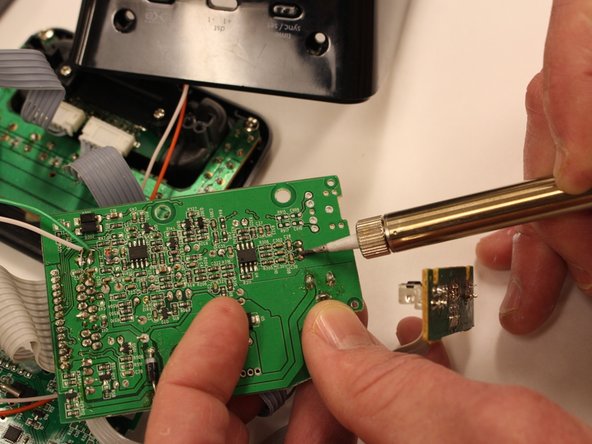
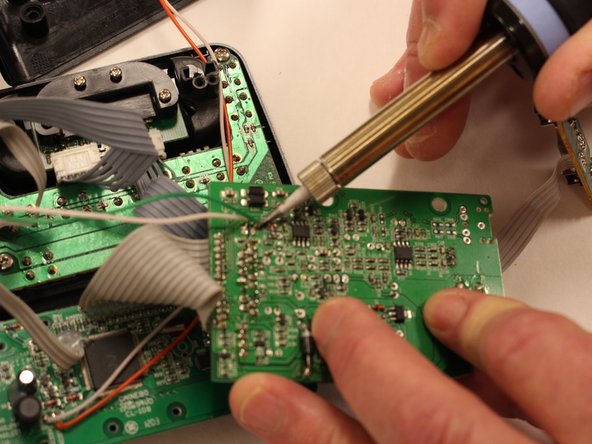
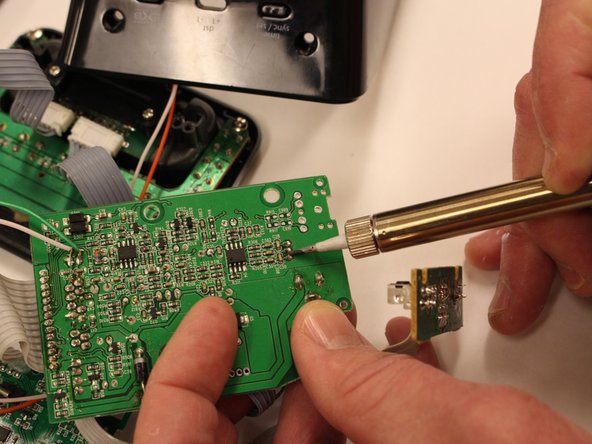
Remove the solder joints from the back of each ribbon cable.
-
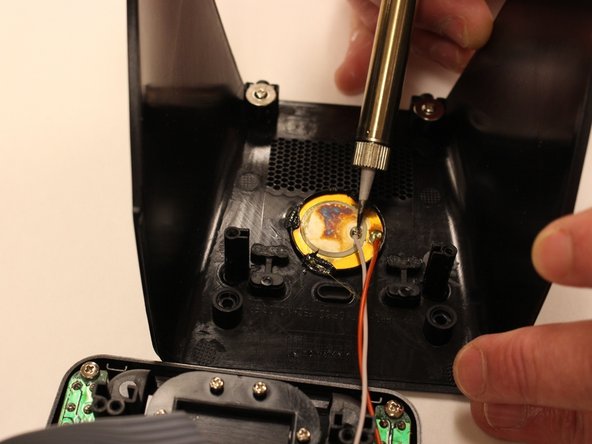
Remove the ground wires by removing the solder joints on the back of the housing.
-
-
-
Remove glue from 3 ribbon cables from circuit board using fingers
-
Detach speaker cables from circuit board with soldering iron
-
Remove 3 ribbon cables with soldering iron
-






To reassemble your device, follow these instructions in reverse order.

Team

Eastern Washington University, Team 1-2, Carnegie Fall 2014 Member of Eastern Washington University, Team 1-2, Carnegie Fall 2014
EWU-CARNEGIE-F14S1G2
6 Members
72 Guides authored
