
iHome iH9 Antenna Replacement

Charlie Ross and 4 other contributors
Last updated on Jun 18, 2015
Views: 2.7K
View statistics:
- Past 24 Hours:
- 2
- Past 7 Days:
- 15
- Past 30 Days:
- 83
- All Time:
- 2,744
Comments: 0
No one has left comments on this guide. Will you be first?
Go to guide commentsCompleted: 0 1
No one has marked this guide "completed." Will you be the first?
1 person has marked this guide "completed." It's you — great job!
Favorites: 0 1
No one has favorited (and subscribed to) this guide. Will you be the first?
1 person has favorited (and subscribed to) this guide — and that's you!
Introduction
Go to step 1 ↓If your device is producing bad sound quality, you can use this guide to replace the antenna. This guide requires you to open up the iHome to reach the antenna. The antenna may need to be replaced if it gets cut or ripped.
This replacement is best done on a flat surface with plenty of room to work. Opening up the iHome involves the removal of many different screws. It is important to keep track of these screws! You can do this by placing the screws on a magnetic mat in the order of removal. This allows for easy reassembly.
Additionally, the replacement of the antenna involves soldering.
What you need
Tools


-
-
-
Pull the tab towards you and lift up to remove the battery cover.
-
Remove the two AA batteries.
 Ask FixBot
-
-
-
-
-
Unscrew the four 8mm Phillips #2 screws.
-
Unscrew the six 25mm Phillips #2 screws.
-
Reinstall the backup battery cover so it is out of the way.
-
-
-
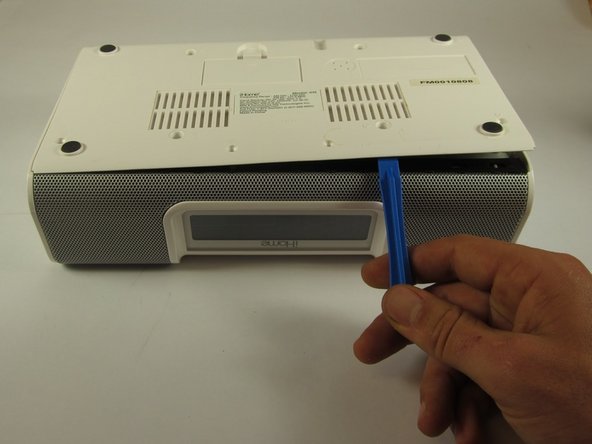
Pry the backplate up with a plastic opening tool between the back plate and the speaker grill.
-
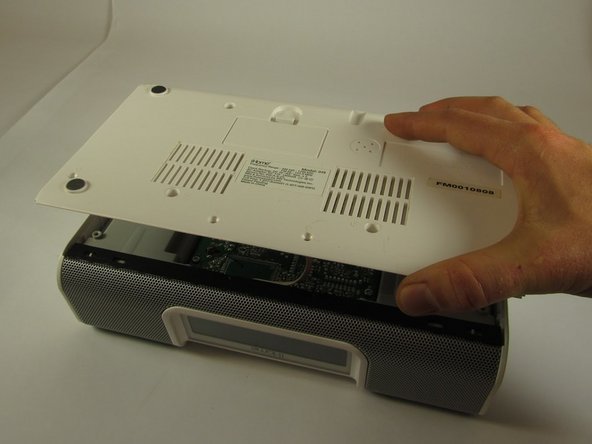
Lift the bottom plate up while making sure the connector remains attached.
-
-
-
Use your hands to flip the backing plate away from you and rest it upside down on the iH9.
-
Unplug the white and orange 4-pin connector by pulling it in the direction of the wires.
-
Set the backing plate aside.
-
-
-
Place the device so that the speaker grill is face down.
-
Remove the two 10mm Phillips #2 screws on interior sides of the speaker housings.
-
-
-
Place the iH9 upside down.
-
Using both hands, pull the housing siding away from the device while simultaneously lifting the motherboard and speaker assembly straight up.
-
Repeat for the other side.
-
-
-
Stand the iH9 on its grill.
-
Separate the motherboard and speaker assembly by rocking it back and forth and pulling the assembly towards you.
-
Remove the small back panel.
-
-
-
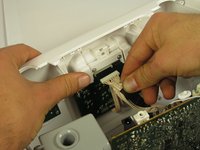
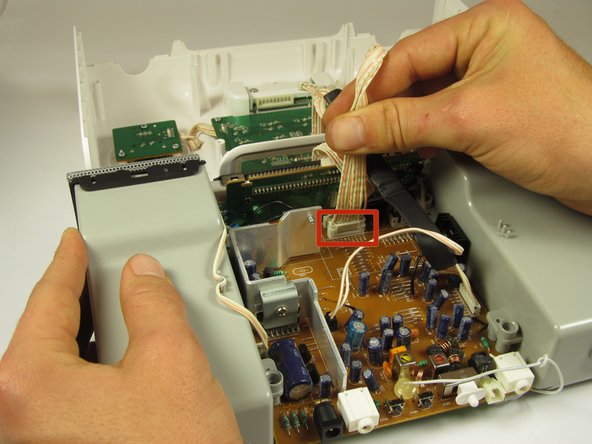
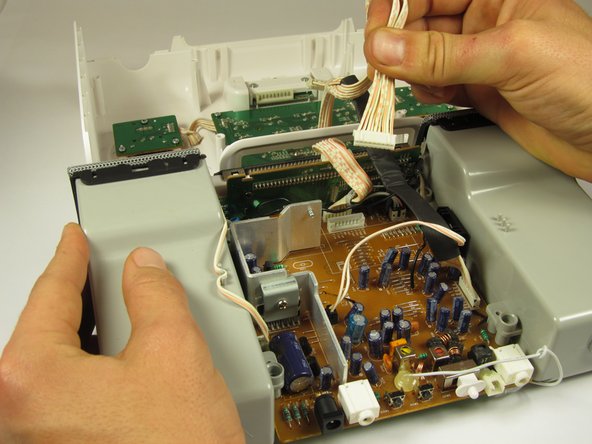
Firmly pull the wide 9-pin connector with black covering on the underside of the upper housing to unplug it.
-
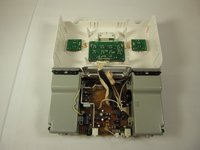
Lay the housing and core assembly flat and close to each one another.
-
-
-
-
Cut the zip tie holding the wires together with a wire cutter. The two sides of the device housing are now fully separated.
-
-
-
-
-
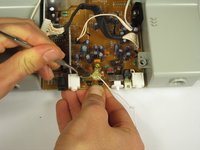
Set the motherboard assembly upside down to expose the spot of glue holding the antenna to the motherboard.
-
Pry up the glue with a metal spuger.
-
-
-
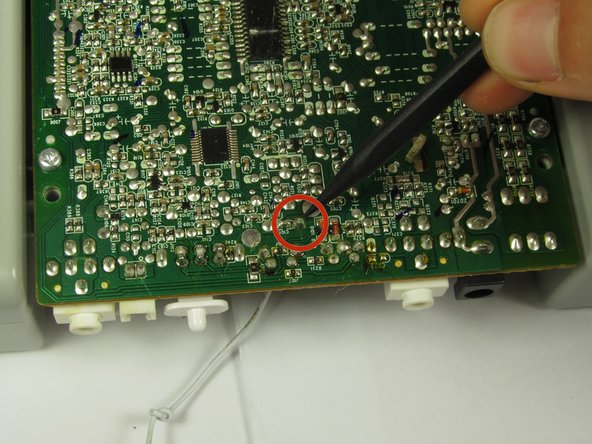
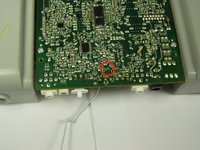
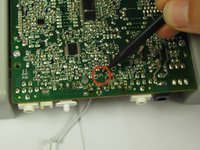
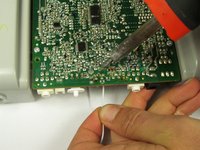
Flip the assembly over, the solder point is on the side opposite where the antenna comes out
-
Heat this point with a soldering iron while gently pulling the antenna down.
-
-


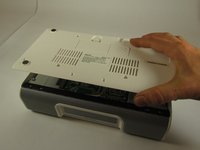

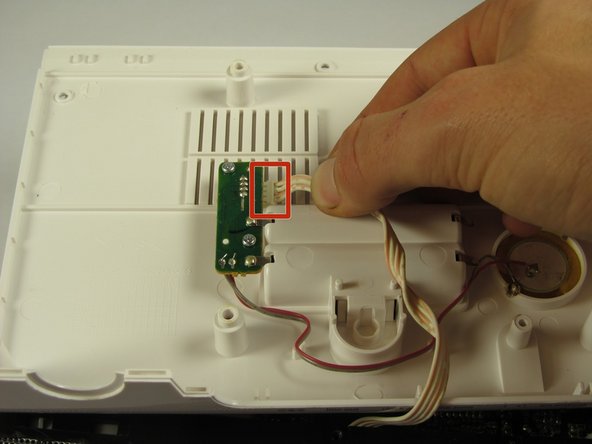
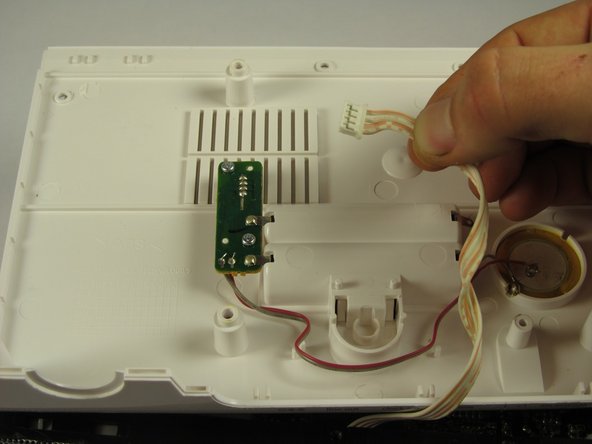
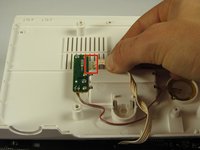
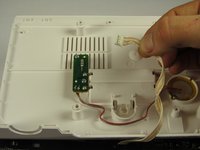


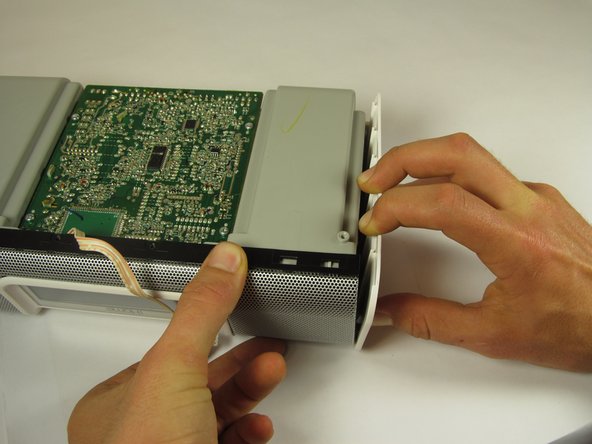
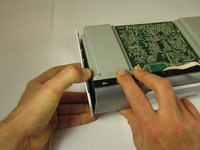
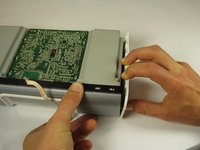


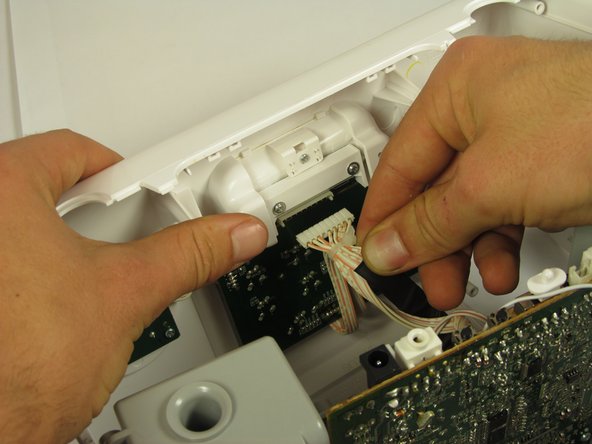
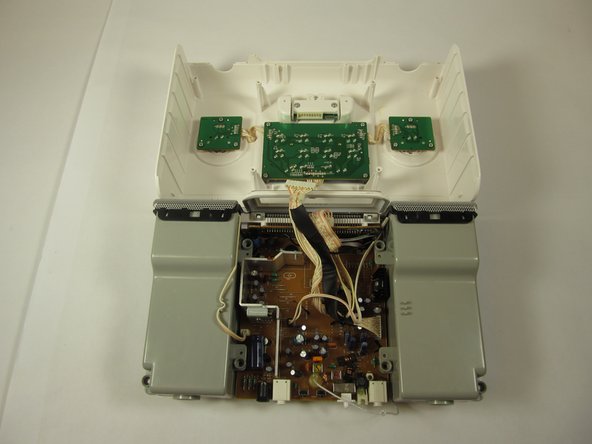
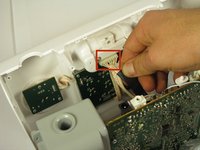
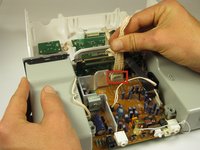
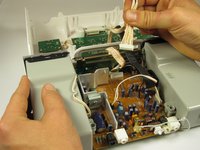


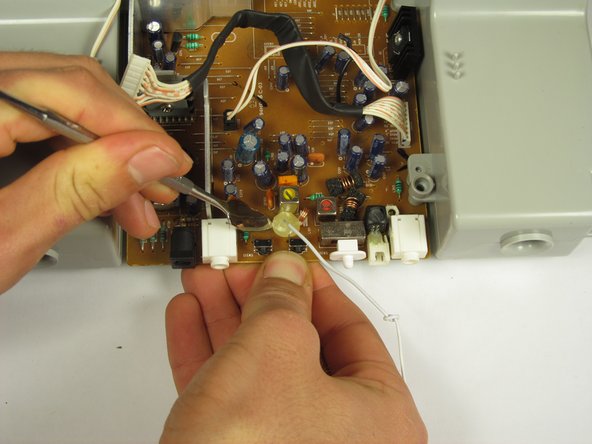


To reassemble your device, follow these instructions in reverse order.

Team

Cal Poly, Team 8-39, Amido Winter 2015 Member of Cal Poly, Team 8-39, Amido Winter 2015
CPSU-AMIDO-W15S8G39
4 Members
96 Guides authored
