
iHome iBT230 Motherboard Replacement

Bilal Siddiqui and 2 other contributors
Last updated on Jun 20, 2017
Views: 1.2K
View statistics:
- Past 24 Hours:
- 2
- Past 7 Days:
- 20
- Past 30 Days:
- 87
- All Time:
- 1,156
Comments: 0
No one has left comments on this guide. Will you be first?
Go to guide commentsCompleted: 2 3
2 people have marked this guide "completed." Will you be next?
3 people have marked this guide "completed." Including you — great job!
Favorites: 0 1
No one has favorited (and subscribed to) this guide. Will you be the first?
1 person has favorited (and subscribed to) this guide — and that's you!
Introduction
Go to step 1 ↓This guide provides step-by-step instructions for replacing the main motherboard of the iHome iBT230. The main motherboard is responsible for allowing communication between the crucial electronic components of the iBT230, such as the central processing unit (CPU) , memory, also providing the connectors for other peripherals.
What you need
Tools

-
-
-
Remove the four 5.5 mm Phillips Head #00 screws from the bottom palate of the iBT230.
 Ask FixBot
-
-
-
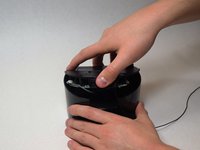
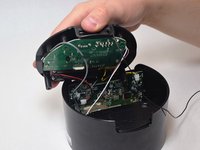
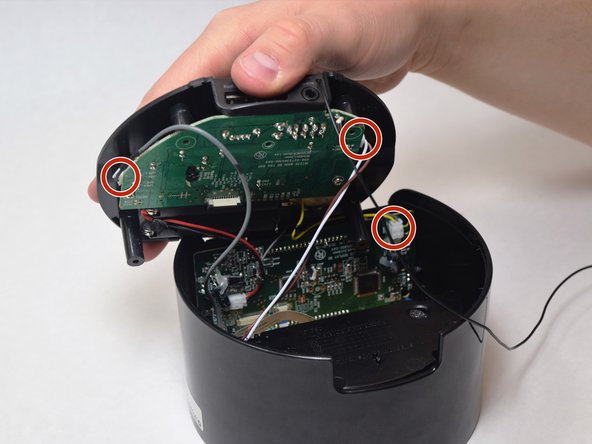
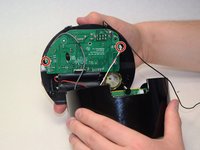
Grip the top of the iBT230 by placing your thumb on the back portion, where the USB port is located. Pull up, and you should notice various different colored wires, connected to the Main Motherboard.
-
-
-
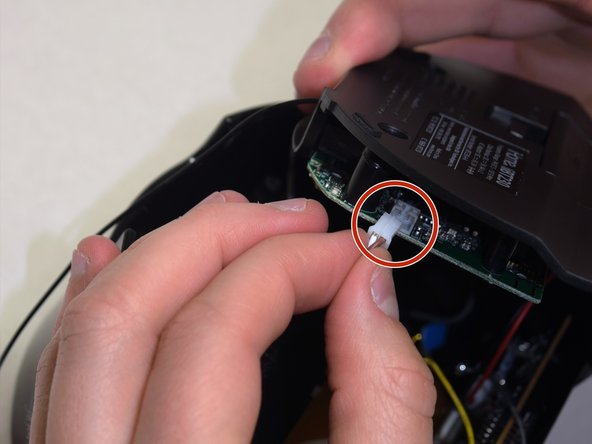
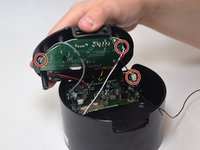
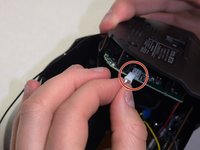
Unplug the connectors from all sides of the iBT230, and unplug the wire connected to the screen.
-
-
-
-
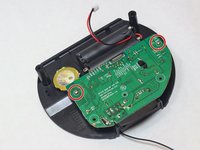
On the bottom component where the green Main Motherboard is located, remove the two 5.5 mm Phillips #00 screws.
-
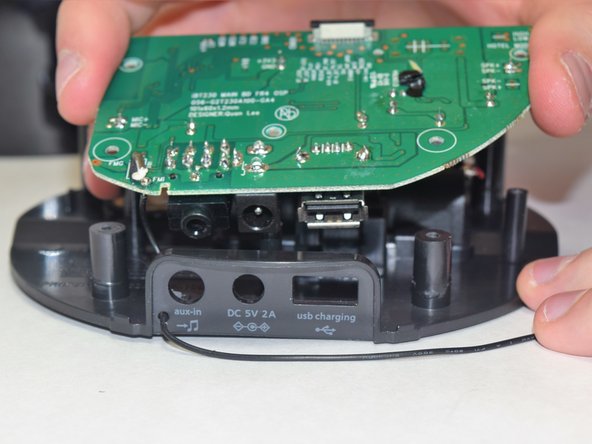
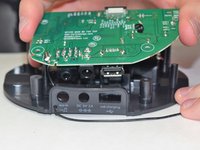
The old Motherboard will come free from the bottom of the iBT230.
-
-




To reassemble your device, follow these instructions in reverse order.
Cancel: I did not complete this guide.
2 other people completed this guide.

Team

UW Tacoma, Team S3-G6, Liner Spring 2017 Member of UW Tacoma, Team S3-G6, Liner Spring 2017
UWT-LINER-S17S3G6
4 Members
36 Guides authored
