Introduction
The second most significant repair for the monitor, the motherboard serves as the brain of its operation, and holds key components such as the charging port and other portions such as the CPU. Fortunately, this repair is also straightforward, as the motherboard is solely held in by screws, and a number of connectors that link it to the rest of the housing.
What you need
-
-
-
Use an opening tool to press into the opening notches built into the lower portion of the display.
-
The sides of the display each have two notches, while the top has 3 notches, and the bottom has 4 respectively.
-
Using the given tools, ensure that the tool enters the space of the opening notches, and apply force downwards, prying that specific part up and away from the housing.
-
Repeat for all sides and notches, until the display is completely detached from the rest of the monitor.
 Ask FixBot
-
-
-
-
-
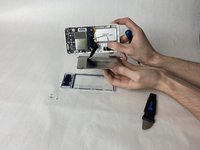
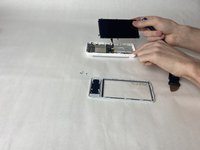
Lay the display face down on a table, to expose the back of the screen.
-
Use Phillips #00 screwdriver to unscrew each of the six screws that hold the display in place.
-
-
-
-
Gently lift the display housing, and set it aside.
-
The housing is ready to have the new display installed.
-
-
-
Gently disconnect the ribbon connector from the motherboard, taking care not to damage it.
-
-
-
-
-
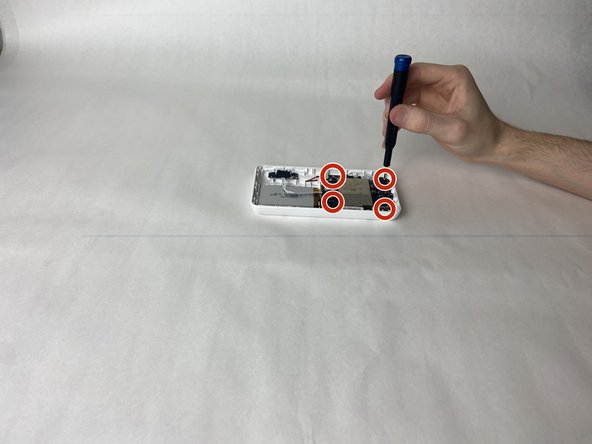
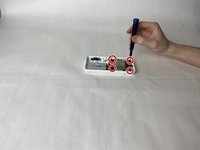
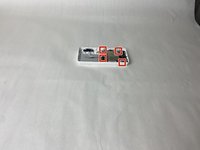
Using a Phillips #00 screwdriver, unscrew the 4 retaining screws in each corner of the motherboard.
-
-
-
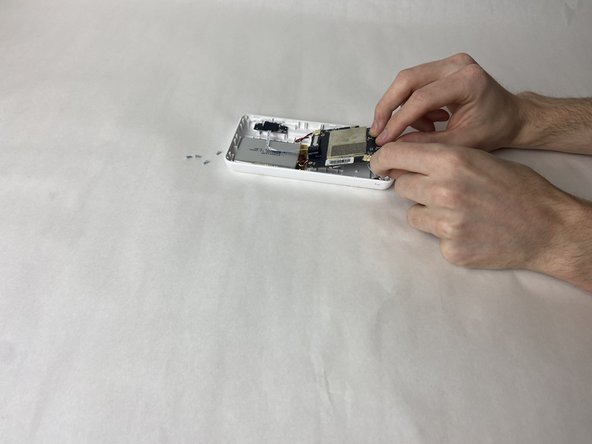
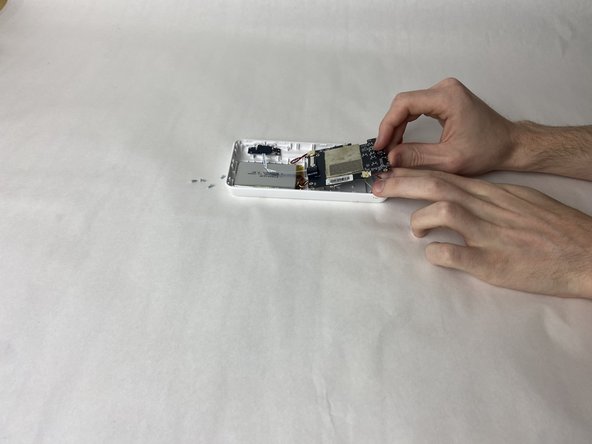
Starting with either red/black wired connector on, gently pull it from its receptor and set it aside.
-
Pull the white ribbon connector from the motherboard, on the side closest to the battery.
-
Lift the motherboard and disconnect the antenna connector from its port.
-
-





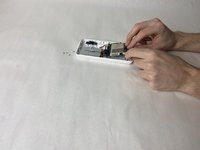
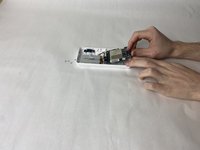
To reassemble your device, follow these instructions in reverse order.

Team

UMass Dartmouth, Team 2-5, Gulbrandsen Fall 2023 Member of UMass Dartmouth, Team 2-5, Gulbrandsen Fall 2023
UMASSD-GULBRANDSEN-F23S2G5
3 Members
72 Guides authored
