
eufy Security SpaceView Monitor Antenna Replacement

Declan Andrews and 3 other contributors
Last updated on Oct 20, 2026
Views: 2.4K
View statistics:
- Past 24 Hours:
- 1
- Past 7 Days:
- 17
- Past 30 Days:
- 97
- All Time:
- 2,435
Comments: 1
1 guide comment.
Go to guide commentsCompleted: 0 1
No one has marked this guide "completed." Will you be the first?
1 person has marked this guide "completed." It's you — great job!
Favorites: 0 1
No one has favorited (and subscribed to) this guide. Will you be the first?
1 person has favorited (and subscribed to) this guide — and that's you!
Student In Progress
This guide is being worked on by hardworking students.
Confusing Text
Some of this guide's text is confusing, duplicated, or off-topic. Clarify it by editing!
Markup Mishap
This guide needs better markups. Help out by correcting or making some markup annotations.
Needs More Images
A few more images would make this guide's procedures crystal clear.
Introduction
Go to step 1 ↓This comprehensive guide is designed to assist you in replacing the antenna on your Eufy Security SpaceView Monitor. Whether you've encountered signal issues or simply wish to enhance the device's performance, this step-by-step tutorial will guide you through the process with detailed instructions and visual aids.
What you need
Tools


-
-
-
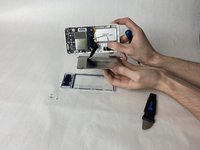
Use an opening tool to press into the opening notches built into the lower portion of the display.
-
The sides of the display each have two notches, while the top has 3 notches, and the bottom has 4 respectively.
-
Using the given tools, ensure that the tool enters the space of the opening notches, and apply force downwards, prying that specific part up and away from the housing.
-
Repeat for all sides and notches, until the display is completely detached from the rest of the monitor.
 Ask FixBot
-
-
-
-
-
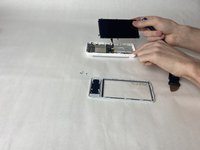
Lay the display face down on a table, to expose the back of the screen.
-
Use Phillips #00 screwdriver to unscrew each of the six screws that hold the display in place.
-
-
-
Gently lift the display housing, and set it aside.
-
The housing is ready to have the new display installed.
-
-
-
Gently disconnect the ribbon connector from the motherboard, taking care not to damage it.
-
-
-
-
-
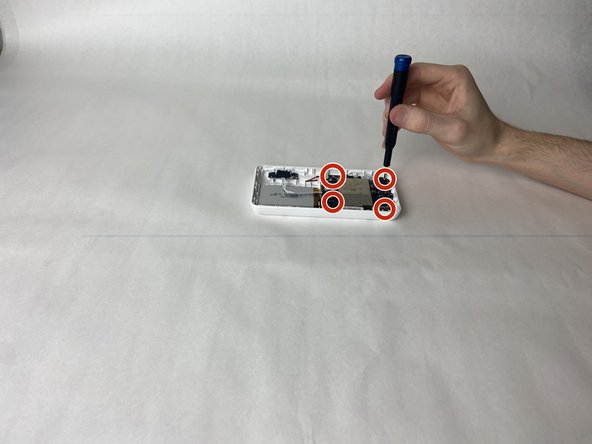
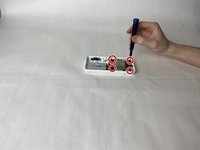
Using a Phillips #00 screwdriver, unscrew the 4 retaining screws in each corner of the motherboard.
-
-
-
Starting with either red/black wired connector on, gently pull it from its receptor and set it aside.
-
Pull the white ribbon connector from the motherboard, on the side closest to the battery.
-
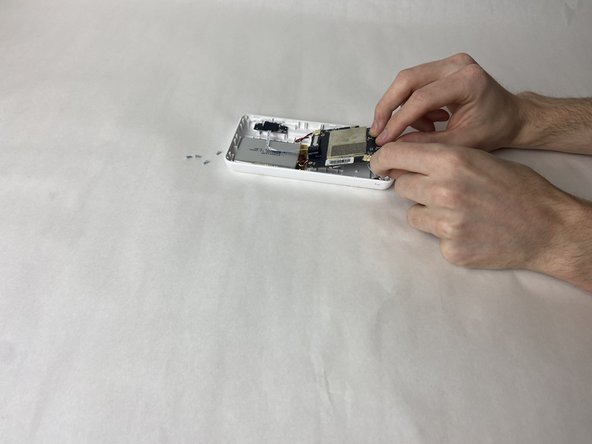
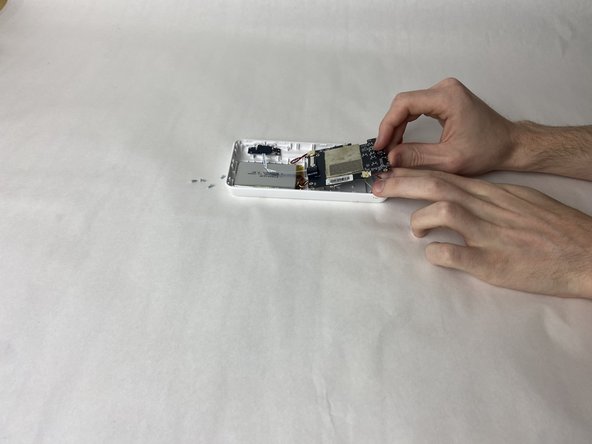
Lift the motherboard and disconnect the antenna connector from its port.
-
-
-
-
-
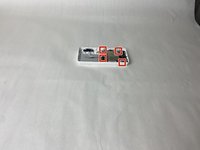
Using the #00 Phillips head, unscrew the two screws fastening the antenna wire at the top right hand side.
-
-
-
Pinch the tongs that are connecting the antenna to the fastener.
-
Pull the fastener off the tongs.
-
-





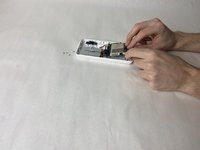
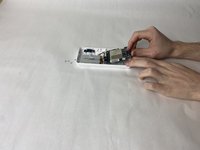


To reassemble your device, follow these instructions in reverse order.

Team

UMass Dartmouth, Team 2-5, Gulbrandsen Fall 2023 Member of UMass Dartmouth, Team 2-5, Gulbrandsen Fall 2023
UMASSD-GULBRANDSEN-F23S2G5
3 Members
72 Guides authored
