Introduction
The guide to one of bObsweep's simplest fixes: replacement of the vacuum's battery.
Video version:
What you need
Video Overview
-
-
-
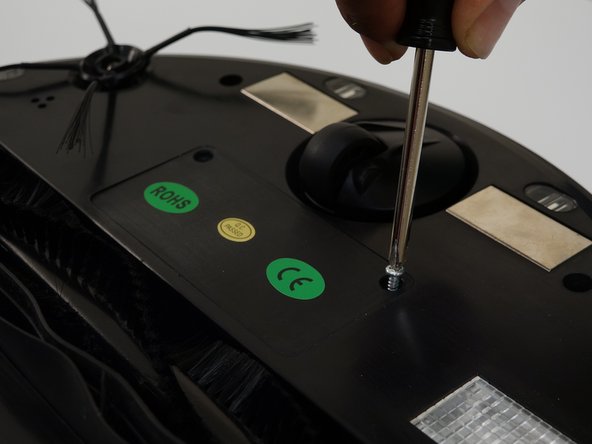
Unscrew the battery's cover plate on bObsweep's underside, above the main brush.
-
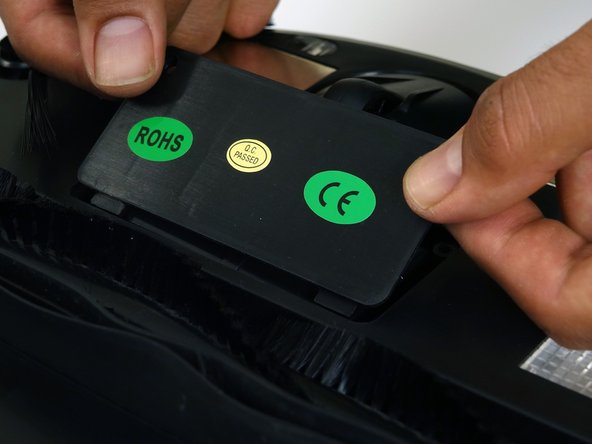
Lift the cover plate to expose the battery.
 Ask FixBot
-
-
-
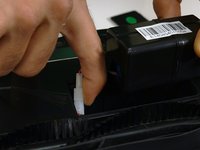
Lift the battery up and out of its compartment.
-
Using both hands, pinch the plastic connector where the battery's wiring attaches to bObsweep and pull apart to disconnect.
-
-
-
-
Connect the wires of the new battery. Push together tightly and it will lock in place.
-
Tuck the wires down inside the battery compartment on the right side.
-
Lower the battery down into bObsweep with the barcode facing up.
-
-
-
Lower the cover down so it lies flat and the screw holes of the cover line up with those on bObsweep.
-
Reinstall the two screws removed in step one to secure the cover and battery in place.
-
-






A quick fix for bObsweep's power supply. Changing an old lithium ion battery for a new one ensures the vacuum will work longer with fewer charging breaks.
Cancel: I did not complete this guide.
One other person completed this guide.

