Free Shipping on Domestic Orders $75+

Zoomer Meowzies Chest Senor Replacement

What you need

    1. Zoomer Meowzies Chest Senor Replacement, Legs: step 1, image 1 of 3 Zoomer Meowzies Chest Senor Replacement, Legs: step 1, image 2 of 3 Zoomer Meowzies Chest Senor Replacement, Legs: step 1, image 3 of 3
      • Using the Triangle driver remove the four 7.5 mm screws.

      • The two front screws are deeper than the two on the back legs which may cause difficulties. These can be reached by putting the bit in first then carefully putting the driver on slightly (not all the way)

      Ask FixBot

      Add Comment

    2. Zoomer Meowzies Chest Senor Replacement: step 2, image 1 of 2 Zoomer Meowzies Chest Senor Replacement: step 2, image 2 of 2
      • Turn the device so that the the device is on its side.

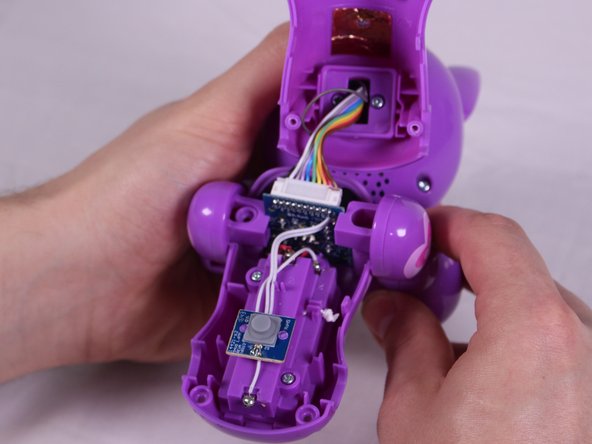
      • Hold the back and belly on the device and gently pull apart.

      • Pulling with too much force might damage a few cables inside, so caution is needed.

      Ask FixBot
      Add Comment

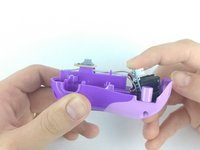
    3. Zoomer Meowzies Chest Senor Replacement: step 3, image 1 of 3 Zoomer Meowzies Chest Senor Replacement: step 3, image 2 of 3 Zoomer Meowzies Chest Senor Replacement: step 3, image 3 of 3
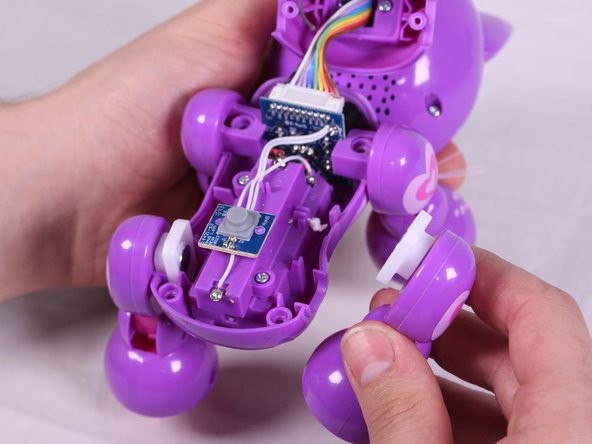
      • With insides exposed, grab leg and gently pull up and away from the body to detach them. Repeat for all legs needed.

      Ask FixBot
      Add Comment

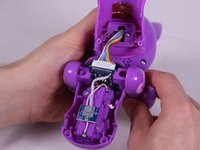
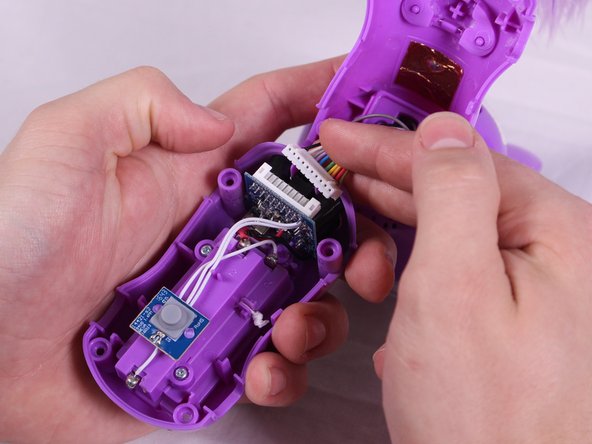
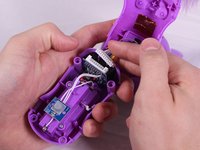
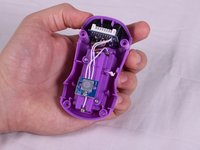
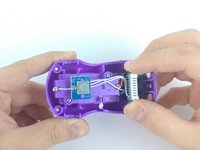
    1. Zoomer Meowzies Chest Senor Replacement, Chest Senor: step 4, image 1 of 3 Zoomer Meowzies Chest Senor Replacement, Chest Senor: step 4, image 2 of 3 Zoomer Meowzies Chest Senor Replacement, Chest Senor: step 4, image 3 of 3
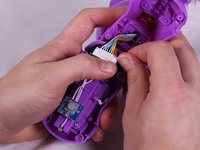
      • Carefully pry the ribbon cable from the connector.

      • Though we find it easier to use our fingers, the pry-tools may be useful.

      Ask FixBot
      Add Comment

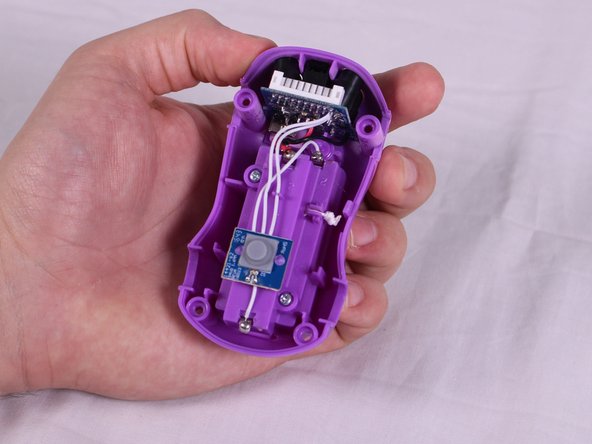
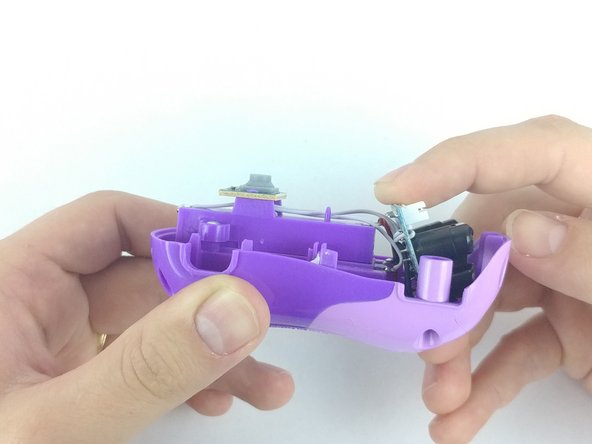
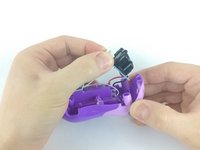
    2. Zoomer Meowzies Chest Senor Replacement: step 5, image 1 of 3 Zoomer Meowzies Chest Senor Replacement: step 5, image 2 of 3 Zoomer Meowzies Chest Senor Replacement: step 5, image 3 of 3
      • For easier access to the sensor, tilt and pull the sensor away from the body.

      Ask FixBot

      Add Comment

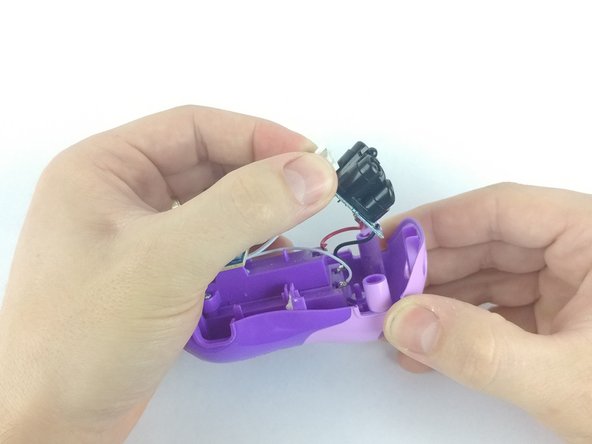
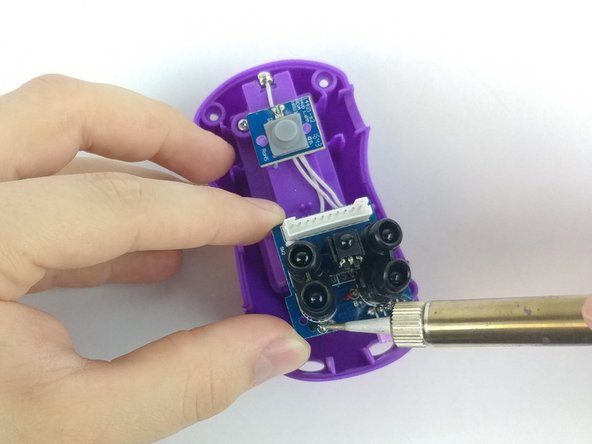
    3. Zoomer Meowzies Chest Senor Replacement: step 6, image 1 of 3 Zoomer Meowzies Chest Senor Replacement: step 6, image 2 of 3 Zoomer Meowzies Chest Senor Replacement: step 6, image 3 of 3
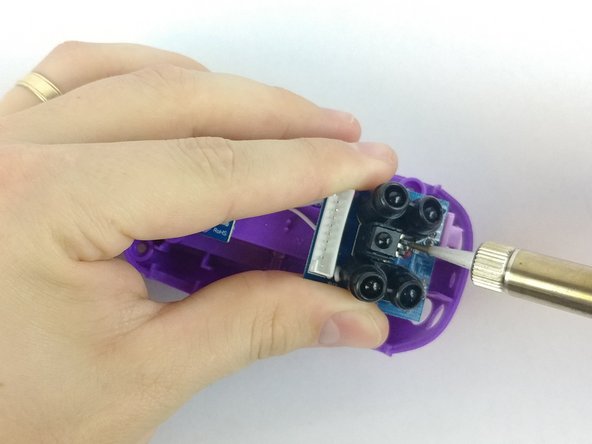
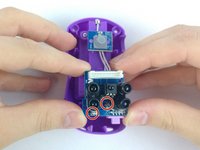
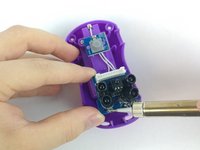
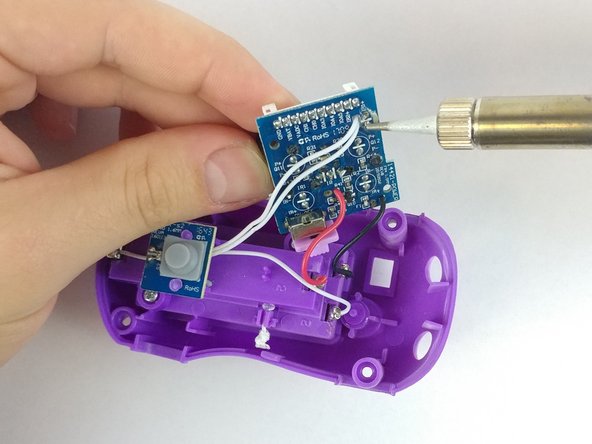
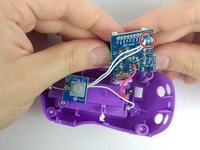
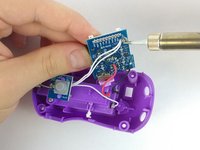
      • To remove the sensors, use a soldering iron to solder the two points and remove the red and black wires from the reverse side.

      • The soldering iron is very hot, so take caution not to touch it directly in order to avoid burns.

      Ask FixBot

      Add Comment

    4. Zoomer Meowzies Chest Senor Replacement: step 7, image 1 of 2 Zoomer Meowzies Chest Senor Replacement: step 7, image 2 of 2
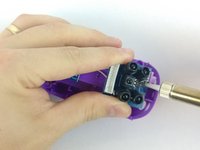
      • Turn the sensors over and locate the solder points of the remaining white wires. Heat the solder and remove the pair of wires.

      • The sensor should be completely detachable now.

      Ask FixBot

      Add Comment

Conclusion

To reassemble your device, follow these instructions in reverse order.

Cancel: I did not complete this guide.

One other person completed this guide.

Mitchell Gentry

Member since: 02/14/18

693 Reputation

6 Guides authored

Team

USF Tampa, Team S6-G2, Eyestone Spring 2018 Member of USF Tampa, Team S6-G2, Eyestone Spring 2018

USFT-EYESTONE-S18S6G2

3 Members

64 Guides authored

0 Guide Comments

Add Comment

View Statistics:

Past 24 Hours: 1

Past 7 Days: 7

Past 30 Days: 38

All Time: 928