Free Shipping on Domestic Orders $75+

Zenbre SoundBank Z3 Bottom Cover Replacement

What you need

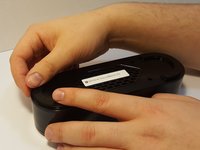
  1. Zenbre SoundBank Z3 Bottom Cover Replacement, Bottom Cover: step 1, image 1 of 2 Zenbre SoundBank Z3 Bottom Cover Replacement, Bottom Cover: step 1, image 2 of 2
    • Power off the SoundBank Z3.

    • Turn over the device.

    • Peel the silicone feet up to remove.

    • No extra adhesive is needed to reapply the feet as long as the sticky side is not touched.

    Ask FixBot

    Add Comment

  2. Zenbre SoundBank Z3 Bottom Cover Replacement: step 2, image 1 of 1
    • Remove all eight of the 11 mm Phillips screws from the bottom of the device.

    Ask FixBot

    Add Comment

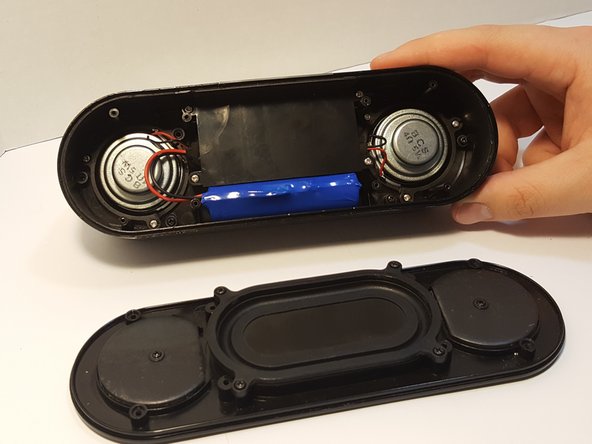
  3. Zenbre SoundBank Z3 Bottom Cover Replacement: step 3, image 1 of 2 Zenbre SoundBank Z3 Bottom Cover Replacement: step 3, image 2 of 2
    • Remove the bottom panel speaker using an iFixit opening tool.

    Ask FixBot

    Add Comment

Conclusion

To reassemble your device, follow these instructions in reverse order.

Cancel: I did not complete this guide.

One other person completed this guide.

Cherian Thomas

Member since: 03/25/16

334 Reputation

5 Guides authored

0 Guide Comments

Add Comment

View Statistics:

Past 24 Hours: 1

Past 7 Days: 5

Past 30 Days: 20

All Time: 558