
Zeepad 7DRK Battery Replacement

Alexandra Souza and one other contributor
Last updated on Dec 20, 2016
Views: 1.1K
View statistics:
- Past 24 Hours:
- 2
- Past 7 Days:
- 11
- Past 30 Days:
- 100
- All Time:
- 1,092
Comments: 0
No one has left comments on this guide. Will you be first?
Go to guide commentsCompleted: 0 1
No one has marked this guide "completed." Will you be the first?
1 person has marked this guide "completed." It's you — great job!
Favorites: 1 2
1 person has favorited (and subscribed to) this guide. Will you be next?
2 people have favorited (and subscribed to) this guide — including you!
Introduction
Go to step 1 ↓This guide is going to explain the process of deconstruction of the Zeepad 7DRK and eventual removal of the device's battery for easy replacement.
What you need
Tools

-
-
-
Begin the process by prying off the back of the Zeepad using the opening tool.
-
Start by edging the corner of the opening tool into the edge of the device and work your way from there until the back cover is removed.
 Ask FixBot
-
-
-
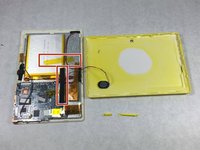
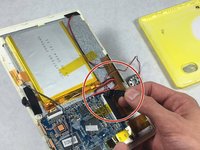
Once the back casing has been removed, identify the location of the battery inside the device, marked with the red circle.
-
-
-
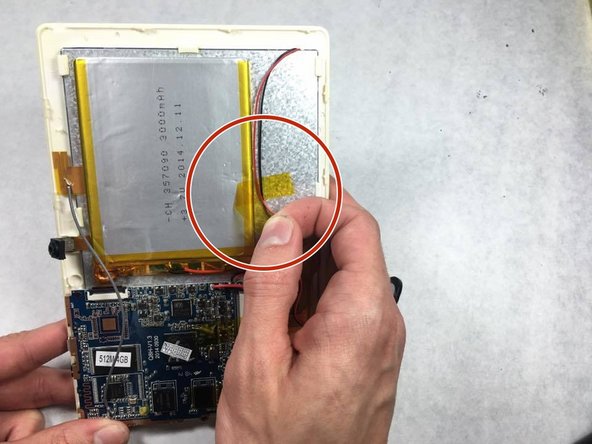
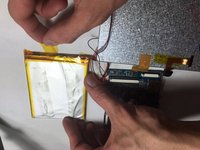
Identify the pieces of tape holding the battery to the back of the screen, and peel them off to remove them.
-
-
-
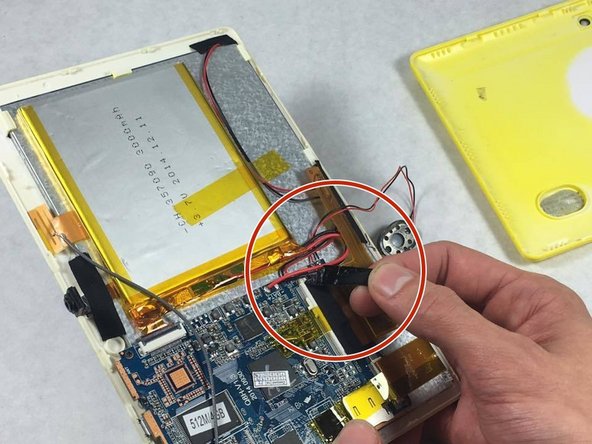
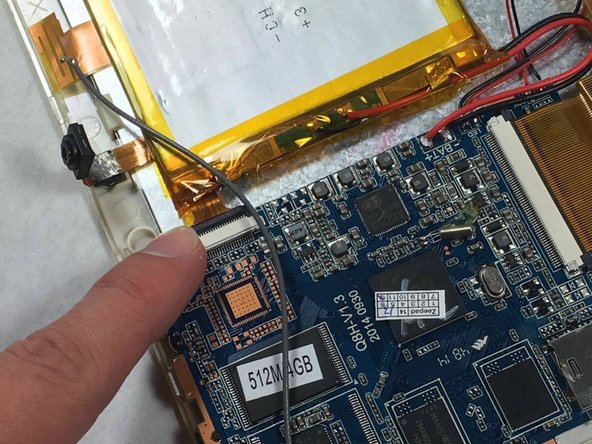
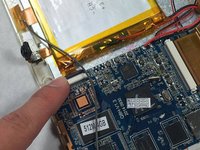
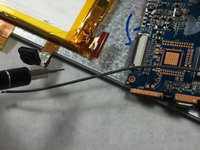
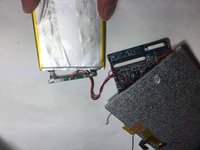
Locate the connection between the battery and motherboard, and disconnect it by pulling the two apart.
-
-
-
-
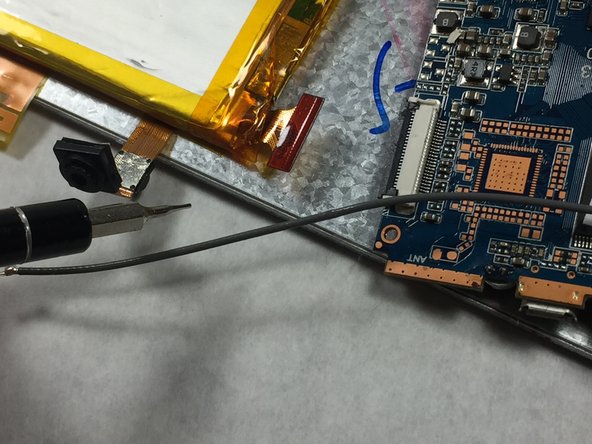
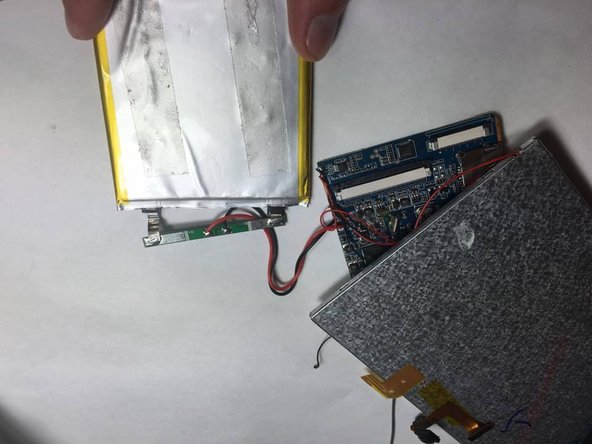
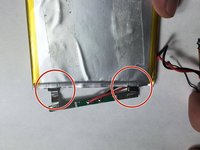
To finally finish removing the battery, the two wires connecting to it must be separated.
-
Peel back the tape covering the origin of the wires.
-
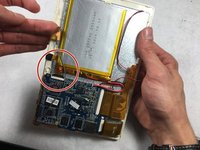
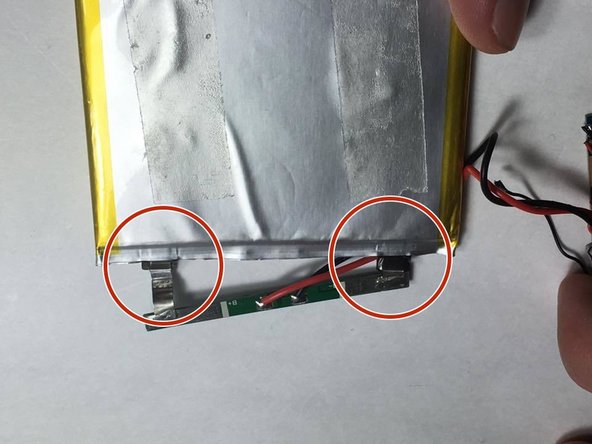
Finally, remove the two metal connectors attached to the green piece from the battery with a tug.
-
The battery has now been successfully removed.
-
-




To reassemble your device, follow these instructions in reverse order.

Team

UMass Dartmouth, Team 6-8, Martin Fall 2016 Member of UMass Dartmouth, Team 6-8, Martin Fall 2016
UMASSD-MARTIN-F16S6G8
3 Members
60 Guides authored
