Introduction
If the back camera is showing a black screen or the camera does not take a picture.
What you need
-
-
-
Pry open the back case to get to the back cover.
-
Remove eight 5mm screws with a PH0 screw.
-
Pry open the back cover with a plastic opening tool.
-
Slide the plastic opening tool alongside the side seam twisting your hand forcefully to open the back cover.
-
Note: Pry open by finding an edge and forcing it open with the plastic opening tool.
 Ask FixBot
-
-
-
-
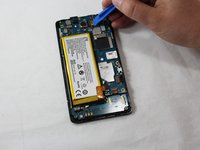
Use a plastic opening tool to lift the press-fit connector up and disconnect the battery ribbon cable.
-
-
-
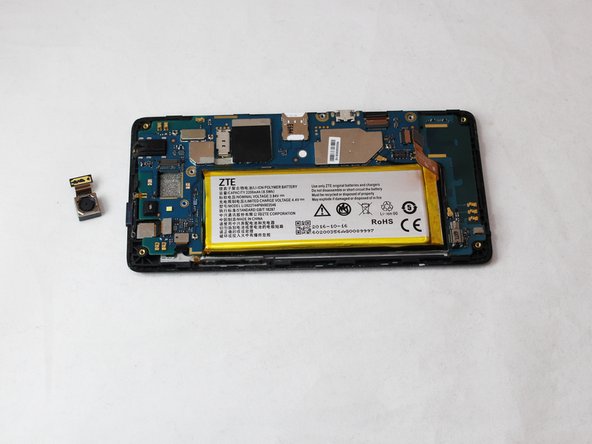
Use a plastic opening tool to lift the press-fit connector up and disconnect the rear camera ribbon cable.
-
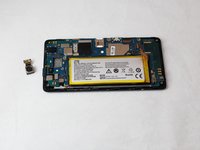
Lift the rear camera out of the phone.
-
-


To reassemble your device, follow these instructions in reverse order.
Cancel: I did not complete this guide.
One other person completed this guide.

Team

Eastern Washington University, Team S2-G3, Munoz Fall 2018 Member of Eastern Washington University, Team S2-G3, Munoz Fall 2018
EWU-MUNOZ-F18S2G3
4 Members
72 Guides authored
