Introduction
If you’ve cracked or damaged the screen of your ZTE Tempo phone, it may be time for a replacement. To complete this replacement, you will need a few tools, so make sure to check the Tools List below before starting this replacement. This guide will help you properly and safely replace the screen on your ZTE Tempo phone.
What you need
-
-
-
Use a plastic opening tool to pry open the back case.
-
Use a Phillips #0 screwdriver to remove the eight 5mm screws.
-
Use a plastic opening tool to remove the midframe.
 Ask FixBot
-
-
-
Use a plastic opening tool to lift the press-fit connector up and disconnect the battery ribbon cable.
-
Lift the battery up and remove it from the phone.
-
-
-
-
-
-
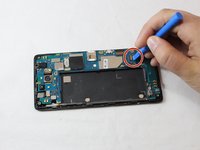
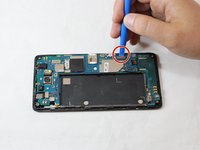
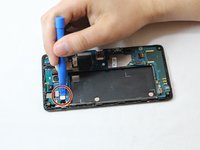
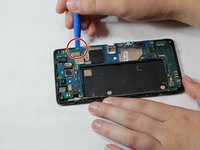
Use the plastic opening tool to unplug the three connectors.
-
-
-
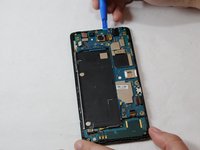
Insert and slide the plastic opening tool alongside the seam, gently wiggling the opening tool to open and remove the motherboard.
-
-
Tool used on this step:Tweezers$4.99
-
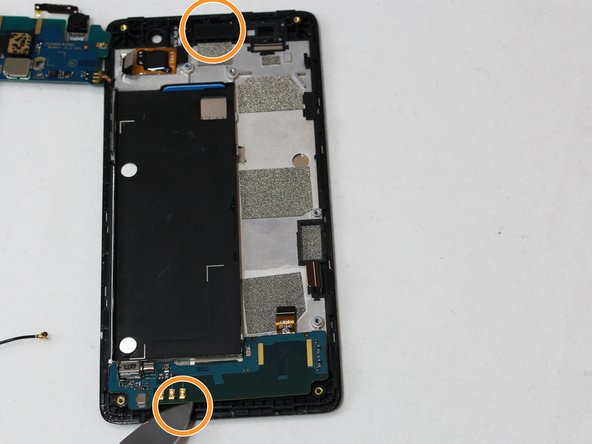
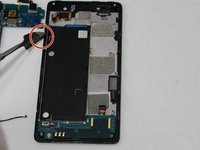
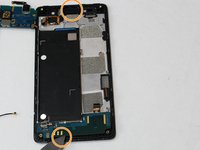
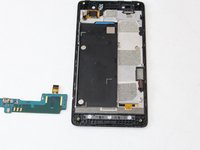
Use the metal spudger to push up to remove the volume control.
-
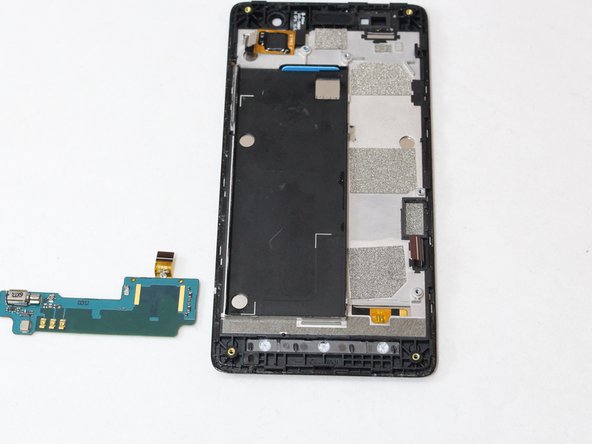
Use the tweezers to remove the front speaker and bottom controller.
-
-






To reassemble your device, follow these instructions in reverse order.
Cancel: I did not complete this guide.
2 other people completed this guide.

Team

Eastern Washington University, Team S2-G3, Munoz Fall 2018 Member of Eastern Washington University, Team S2-G3, Munoz Fall 2018
EWU-MUNOZ-F18S2G3
4 Members
72 Guides authored
