Free Shipping on Domestic Orders $75+

ZTE Jasper LTE Screen Replacement

What you need

  1. ZTE Jasper LTE Screen Replacement, Battery: step 1, image 1 of 1
    • Insert the spudger into the bottom left corner of the phone.

    • Use the spudger to loosen the back cover.

    Ask FixBot

    Add Comment

  2. ZTE Jasper LTE Screen Replacement: step 2, image 1 of 1
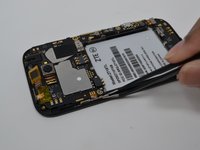
    • Insert the black spudger near the bottom left of the battery. There will be an opening to easily to remove the battery.

    • Continuing to use tool, prop up the battery and remove it.

    Ask FixBot

    Add Comment

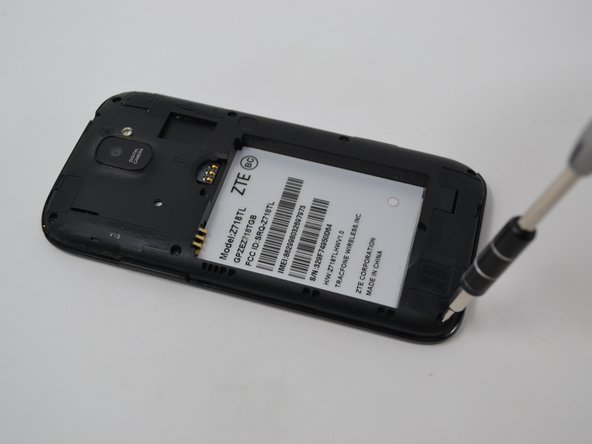
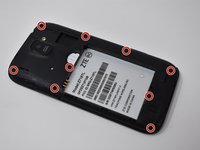
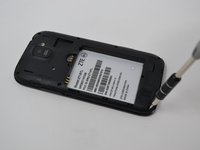
  3. ZTE Jasper LTE Screen Replacement, Camera: step 3, image 1 of 2 ZTE Jasper LTE Screen Replacement, Camera: step 3, image 2 of 2
    • Remove nine 0.8mm Phillips #00 screws.

    Ask FixBot

    Add Comment

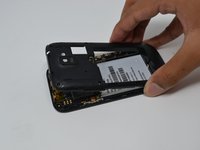
  4. ZTE Jasper LTE Screen Replacement: step 4, image 1 of 2 ZTE Jasper LTE Screen Replacement: step 4, image 2 of 2
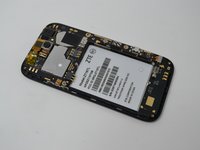
    • Remove the back cover by pulling upwards.

    • Removing the back cover may take a bit of force.

    Ask FixBot

    Add Comment

  5. ZTE Jasper LTE Screen Replacement: step 5, image 1 of 3 ZTE Jasper LTE Screen Replacement: step 5, image 2 of 3 ZTE Jasper LTE Screen Replacement: step 5, image 3 of 3
    Tool used on this step:
    Tweezers
    $4.99
    Buy
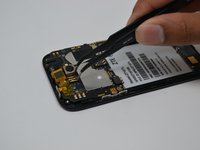
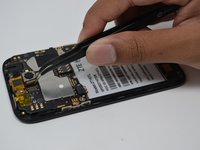
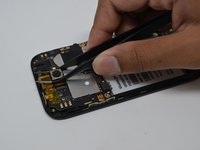
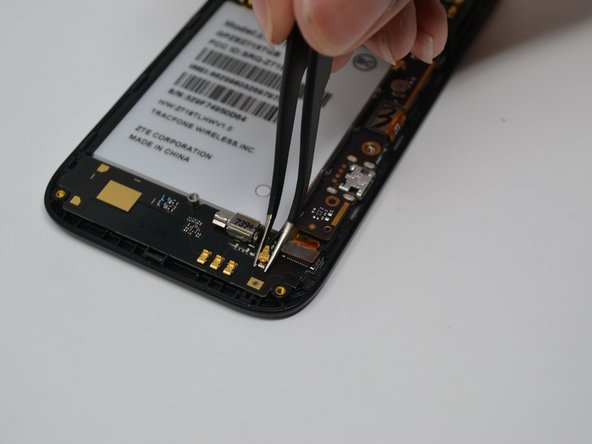
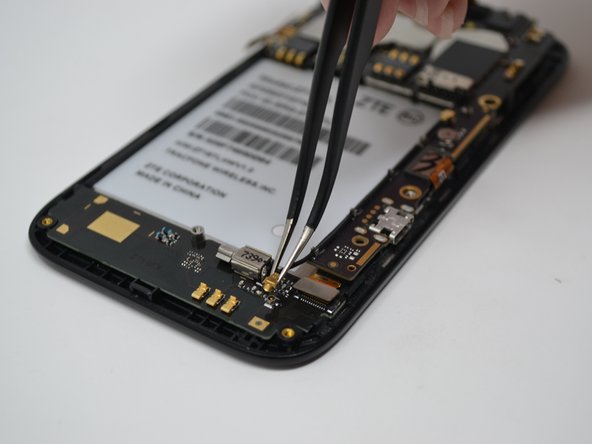
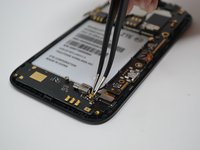
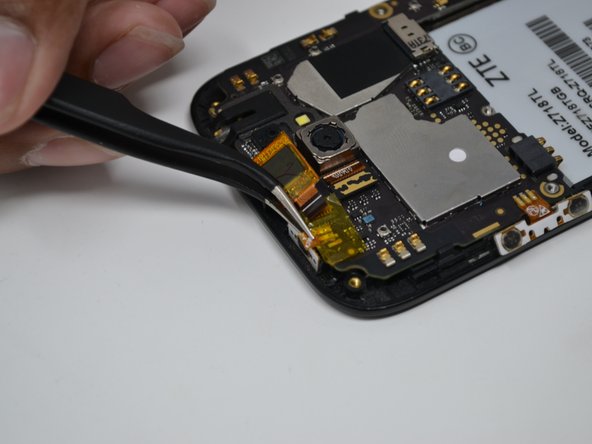
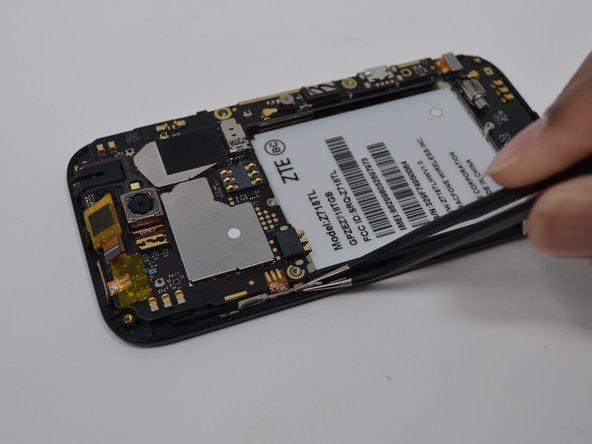
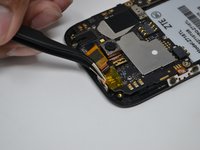
    • Disconnect the gold component attached to the camera by pulling upwards using the tweezers.

    • Remove the camera using the tweezers by gripping tightly around the camera and pulling upwards.

    • Camera is attached to the motherboard with adhesive. As such, you may need to use light force to remove the camera.

    Ask FixBot

    Add Comment

  6. ZTE Jasper LTE Screen Replacement, Screen: step 6, image 1 of 1
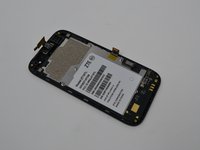
    • Disconnect all of these parts from the motherboard.

    Ask FixBot

    Add Comment

  7. ZTE Jasper LTE Screen Replacement: step 7, image 1 of 3 ZTE Jasper LTE Screen Replacement: step 7, image 2 of 3 ZTE Jasper LTE Screen Replacement: step 7, image 3 of 3
    Tool used on this step:
    Tweezers
    $4.99
    Buy
    • Remove the 0.8mm Phillips #00 screw from the bottom right.

    • Disconnect the gold pin by pulling upwards with the tweezers.

    Ask FixBot

    Add Comment

  8. ZTE Jasper LTE Screen Replacement: step 8, image 1 of 3 ZTE Jasper LTE Screen Replacement: step 8, image 2 of 3 ZTE Jasper LTE Screen Replacement: step 8, image 3 of 3
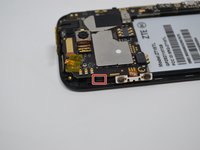
    • Lightly disconnect the power button, volume button and the chip from the motherboard.

    • Be careful not to tear the volume and power button off the motherboard.

    Ask FixBot

    Add Comment

  9. ZTE Jasper LTE Screen Replacement: step 9, image 1 of 2 ZTE Jasper LTE Screen Replacement: step 9, image 2 of 2
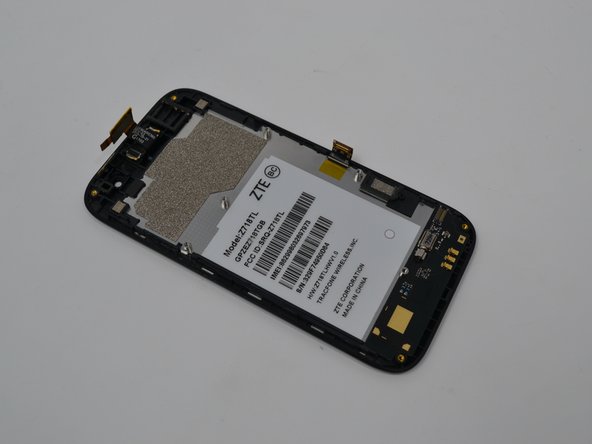
    • Lightly move clip back to release the motherboard.

    • Gently pull the motherboard away from the screen.

    Ask FixBot

    Add Comment

Conclusion

To reassemble your device, follow these instructions in reverse order.

Cancel: I did not complete this guide.

2 other people completed this guide.

Anthony Sou

Member since: 04/22/19

391 Reputation

4 Guides authored

Team

UW Tacoma, Team S1-G1, Cardinal Spring 2019 Member of UW Tacoma, Team S1-G1, Cardinal Spring 2019

UWT-CARDINAL-S19S1G1

4 Members

10 Guides authored

0 Guide Comments

Add Comment

View Statistics:

Past 24 Hours: 0

Past 7 Days: 10

Past 30 Days: 29

All Time: 461