
Yuneec ST10 Plus Joystick Replacement

Joshua Collins and 7 other contributors
Last updated on Jan 10, 2025
Views: 542
View statistics:
- Past 24 Hours:
- 0
- Past 7 Days:
- 6
- Past 30 Days:
- 43
- All Time:
- 542
Comments: 13
13 comments on steps.
Completed: 0 1
No one has marked this guide "completed." Will you be the first?
1 person has marked this guide "completed." It's you — great job!
Favorites: 0 1
No one has favorited (and subscribed to) this guide. Will you be the first?
1 person has favorited (and subscribed to) this guide — and that's you!
Introduction
Go to step 1 ↓This guide explains how to properly remove and replace the joysticks to the Yuneec ST10 Plus, in case of mechanical issues with them. The joysticks are susceptible to wearing out with general use, and can break easily. Since these joysticks are the primary control function of the device, it is important to replace them if they stop working properly.
To check whether the joysticks have mechanical issues or electronic issues, move the joysticks in various directions to see whether they function as expected. If not, they have a mechanical issue that this guide can help fix.
What you need
Tools


-
-
-
Flip the controller upside down to access the battery compartment.
-
Grab the compartment door and pull down.
 Ask FixBot
-
-
-
Gently lift the blue tab connected to the battery in order to remove the battery from its housing.
-
-
-
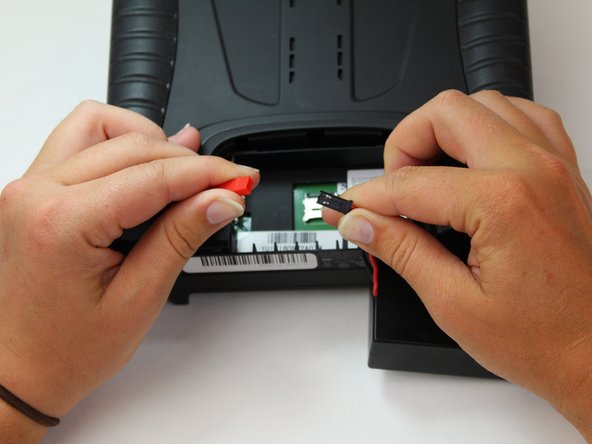
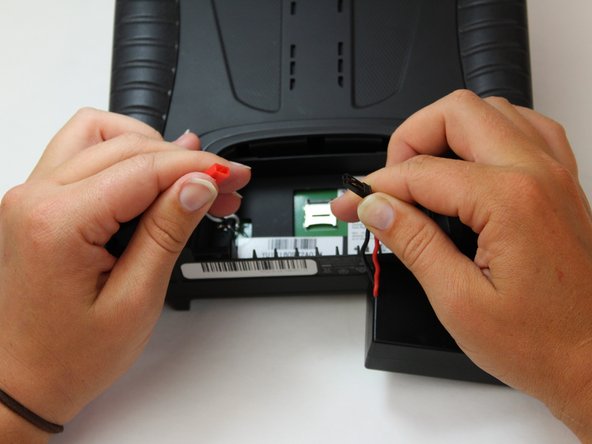
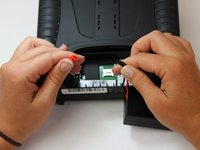
To disconnect the battery from the remote, grab the red and black connectors.
-
Pull gently on connectors until they disconnect.
-
-
-
-
-
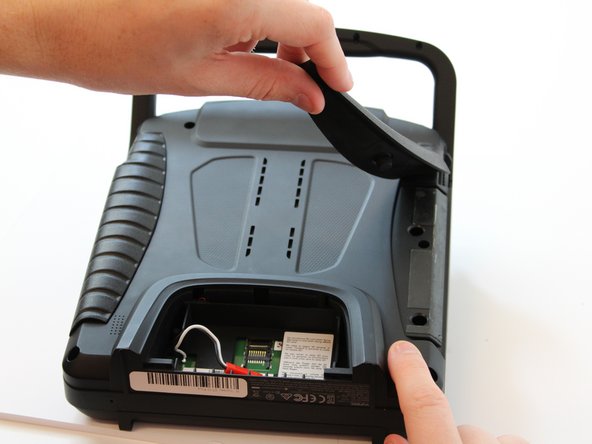
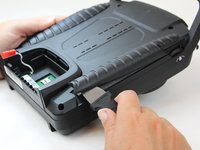
Slide the Jimmy underneath the rubber grips and pry upwards.
-
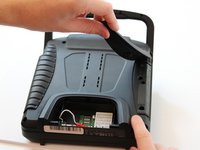
With your free hand grasp the rubber grips and pull upward to remove it.
-
-
-
Remove the six 1.3 cm screws located on the back panel of the remote using the 5.5mm hex screw bit.
-
-
-
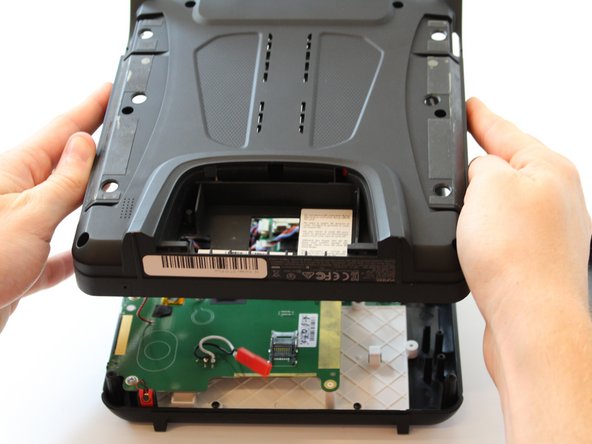
Carefully pull up and over on the back panel to remove. Take your time because there are wires connecting the two panels that can be easily torn.
-
-
-
Tool used on this step:Tweezers$4.99
-
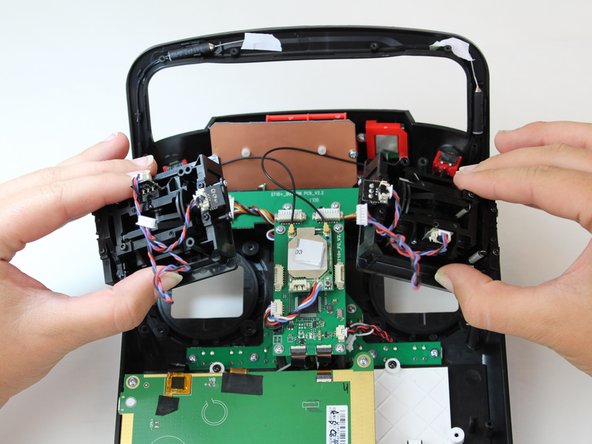
Use the nylon tipped tweezers to pull the two joystick cables from their connectors.
-
-
-
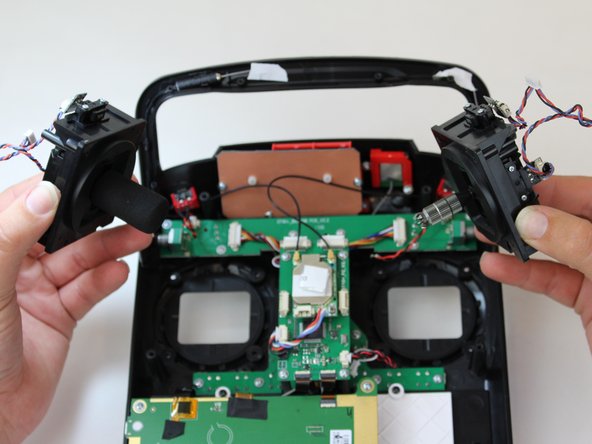
With the 5mm hex diver bit, remove the eight 10mm screws surrounding both joysticks.
-
-








Team

Embry-Riddle Aeronautical University, Team S6-G6, Watkins Spring 2020 Member of Embry-Riddle Aeronautical University, Team S6-G6, Watkins Spring 2020
ERAU-WATKINS-S20S6G6
5 Members
60 Guides authored
