Introduction
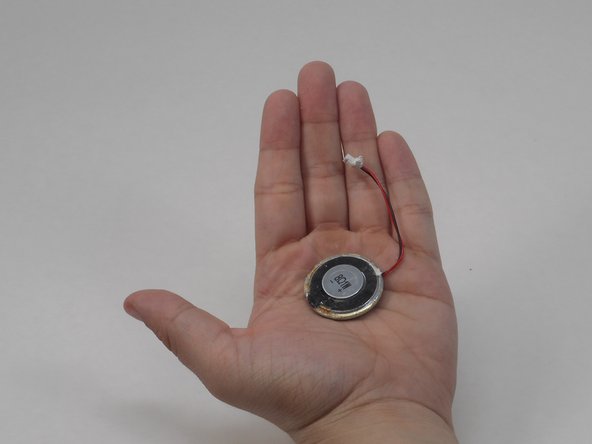
Are you having trouble hearing your child through the YOTON YB02 baby monitor? If so, here’s a guide on how to replace the monitor’s speaker and solve your problem. The monitor speaker on the YB02 baby monitor is used to help parents hear their child's needs from another room. This feature on the YOTON YB02 is very important to help parents monitor their child. Before checking this guide, try to turn off and restart your baby monitor to confirm the speaker is faulty.
What you need
-
-
-
Use a Phillips #0 screwdriver to remove the four 7 mm screws from the back panel of the monitor.
 Ask FixBot
-
-
-
-
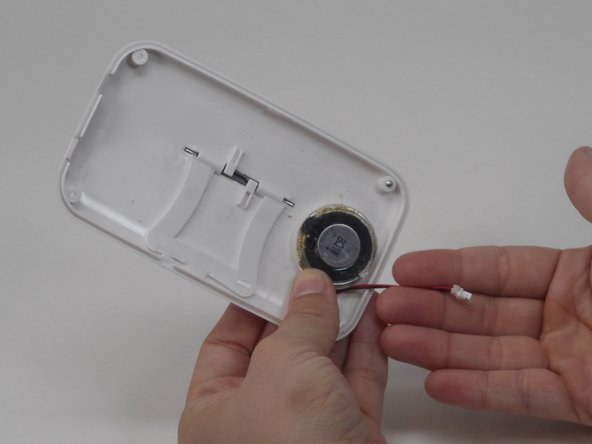
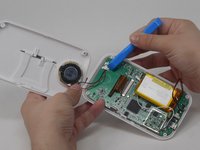
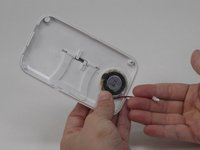
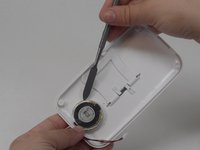
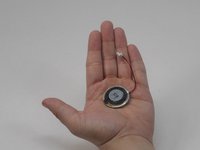
Using the plastic tool, disconnect the cables connecting the speaker to the motherboard.
-
-



To reassemble your device, follow these instructions in reverse order.

Team

University of Memphis, Team 4-3, Sneed Spring 2024 Member of University of Memphis, Team 4-3, Sneed Spring 2024
UM-SNEED-S24S4G3
4 Members
72 Guides authored
