Introduction
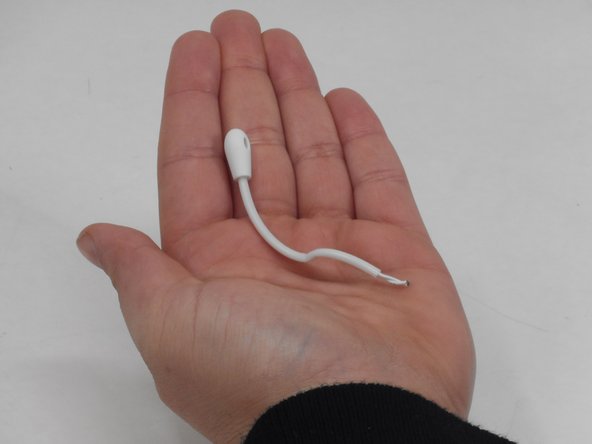
Are you having trouble capturing audio through the microphone on your baby monitor? If so here’s a guide on how to solve that issue. The microphone on the YOTON YB02 baby monitor camera is used for capturing audio from one room, allowing sound to be heard from the monitor speaker. Before using this guide try to unplug and plug the baby monitor back in. If that doesn't work and you want to replace the microphone.
What you need
-
-
-
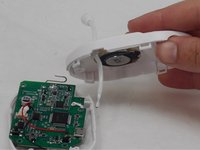
Use a Phillips #0 screwdriver to remove the single 7 mm screw from the back of the panel from the camera.
 Ask FixBot
-
-
-
-
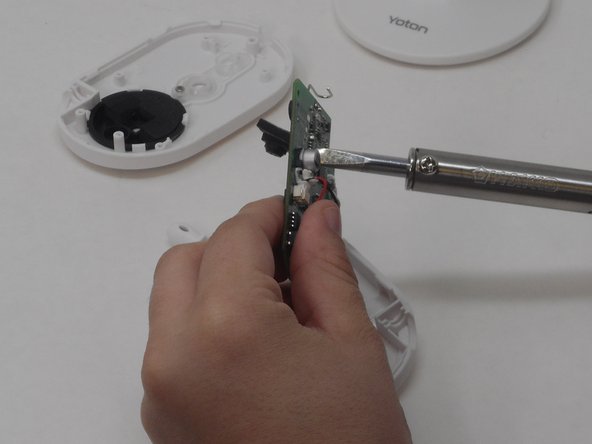
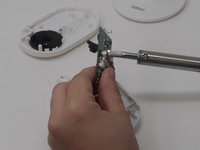
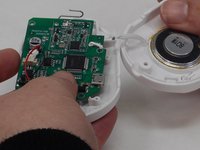
With the soldering iron, desolder the pin holding the microphone in place on the motherboard.
-
-



To reassemble your device, follow these instructions in reverse order.

Team

University of Memphis, Team 4-3, Sneed Spring 2024 Member of University of Memphis, Team 4-3, Sneed Spring 2024
UM-SNEED-S24S4G3
4 Members
72 Guides authored
