
Yoton YB02 Camera Replacement

hsisson and one other contributor
Last updated on May 16, 2024
Views: 429
View statistics:
- Past 24 Hours:
- 1
- Past 7 Days:
- 19
- Past 30 Days:
- 72
- All Time:
- 429
Comments: 0
No one has left comments on this guide. Will you be first?
Go to guide commentsCompleted: 0 1
No one has marked this guide "completed." Will you be the first?
1 person has marked this guide "completed." It's you — great job!
Favorites: 0 1
No one has favorited (and subscribed to) this guide. Will you be the first?
1 person has favorited (and subscribed to) this guide — and that's you!
Introduction
Go to step 1 ↓Are you finding it more difficult to monitor your child closely because of issues with the camera feature on your YOTON YB02 baby monitor? This thorough guide is intended to assist you in resolving any issues with the camera unit by guiding you through the many processes of troubleshooting and potential fixes. Regardless of the issue—poor video quality, inconsistent performance, or outright camera failure, we can help you get back to a smooth operation. Make sure to look for any manufacture recommended troubleshooting steps before getting started.
What you need
Tools


-
-
-
Use a Phillips #0 screwdriver to remove the single 7 mm screw from the back of the panel from the camera.
 Ask FixBot
-
-
-
-
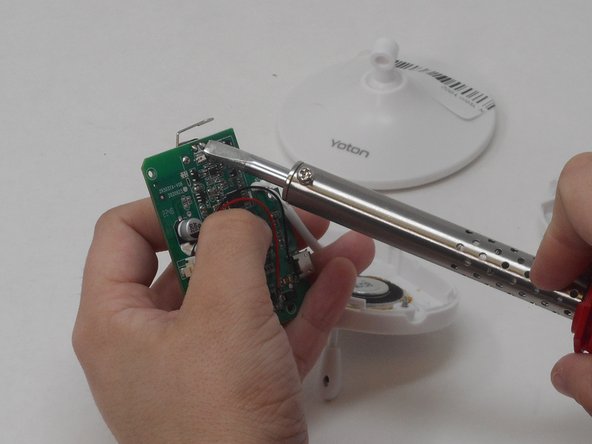
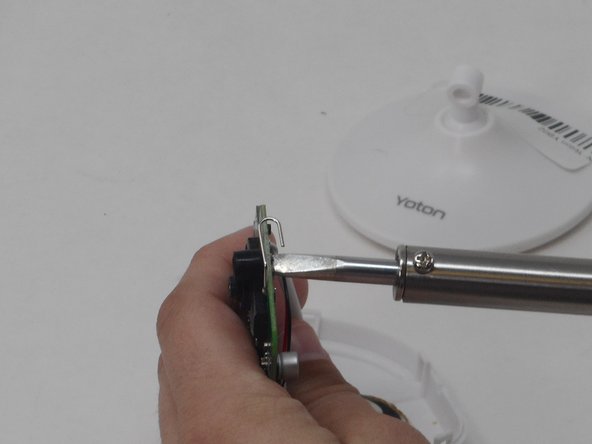
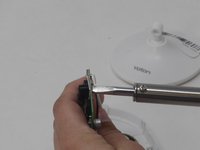
With the soldering iron, desolder the pins holding the camera in place onto the motherboard on the other side of the motherboard.
-
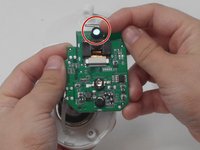
Carefully pry off the camera with your hands.
-
-


To reassemble your device, follow these instructions in reverse order.

Team

University of Memphis, Team 4-3, Sneed Spring 2024 Member of University of Memphis, Team 4-3, Sneed Spring 2024
UM-SNEED-S24S4G3
4 Members
72 Guides authored
