
Xbox One X Project Scorpio Edition Outer Case Replacement

Ashley Masuda and 6 other contributors
Last updated on Aug 24, 2025
Views: 7.4K
View statistics:
- Past 24 Hours:
- 1
- Past 7 Days:
- 25
- Past 30 Days:
- 114
- All Time:
- 7,431
Comments: 24
22 comments on steps, 2 guide comments.
Go to guide commentsCompleted: 7 8
7 people have marked this guide "completed." Will you be next?
8 people have marked this guide "completed." Including you — great job!
Favorites: 0 1
No one has favorited (and subscribed to) this guide. Will you be the first?
1 person has favorited (and subscribed to) this guide — and that's you!
Introduction
Go to step 1 ↓This guide details how to take off the outer plastic case of the Xbox One X. This could be useful for replacing the case itself if it is damaged. Removing the outer case is also necessary for replacing any of the interior components. Before starting, it is recommended that you make sure you have the right tools as well as a clean environment with plenty of room for organizing the components. Be aware that disassembling your Xbox could void your warranty, so you may want to read those terms and conditions in advance.
What you need
Tools


-
-
-
Use a T9 Torx screwdriver to remove the 13mm screw which is under and to the left of the power input.
 Ask FixBot
-
-
Tool used on this step:Tweezers$4.99
-
Using precision tweezers, remove the screw tab located on opposite side of the box.
-
Use a T9 Torx screwdriver to remove the 13mm screw revealed underneath the tab.
-
-
-
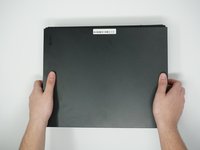
Orient the case so that the front of the Xbox (the side with the power button) is facing you.
-
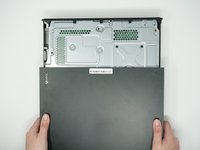
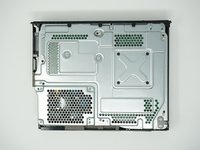
Remove the top of the case by sliding the case towards you.
-
-
-
-
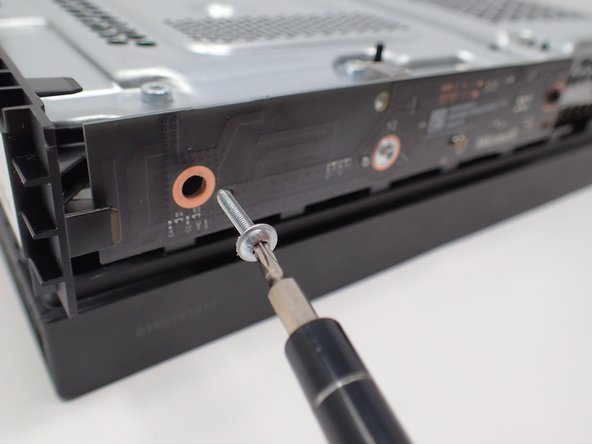
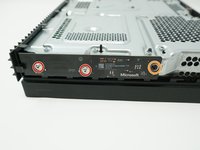
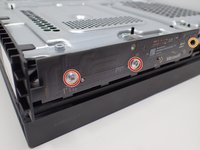
Using a T8 Torx screwdriver, remove the two 15mm silver screws that are holding a circuit board/panel to the side of the interior metal casing.
-
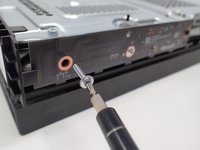
Using the same screwdriver, remove the 9mm black screw located farther to the right on the same circuit board/panel.
-
-
-
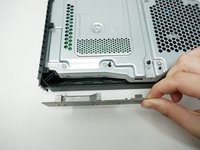
Remove the unscrewed panel from the side of the device by pulling it toward you.
-
-
-
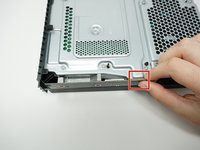
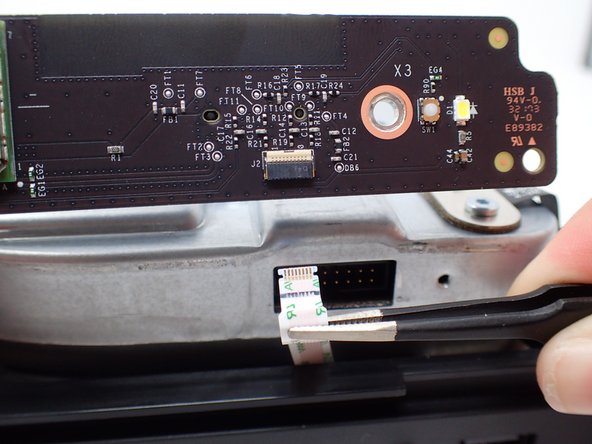
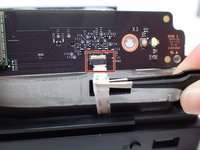
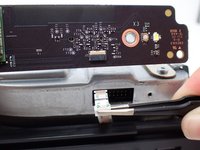
Pull the upper edge of the white clip down, and then remove the white connector from the dislocated panel using precision tweezers.
-
-
-
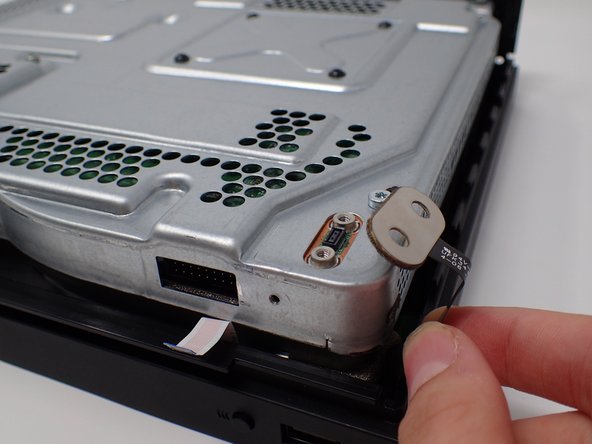
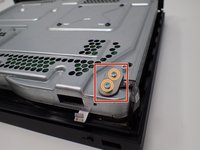
On the top of the device in the corner directly above the white connector, there is an oval plate held in place by two screws.
-
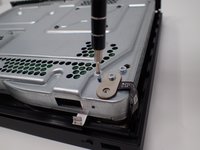
Remove both of these 7mm screws with a Torx T9 screwdriver.
-
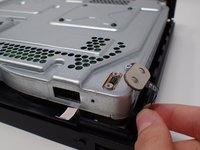
Lift the detached plate off to the side.
-
-
-
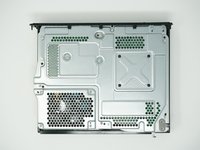
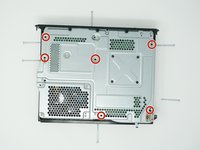
Use a Torx T9 screwdriver to remove the six 47mm long screws, which attach the bottom side of the outer case.
-
-
-
Turn the Xbox over, so that the bottom of the case is on top.
-
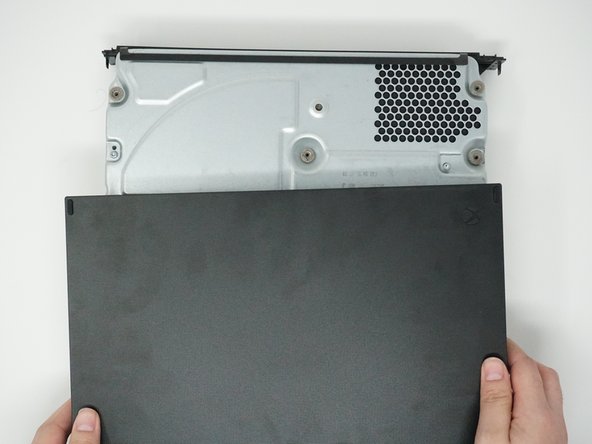
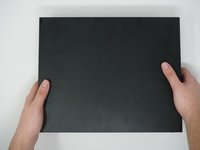
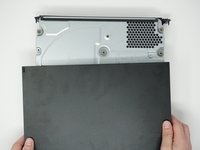
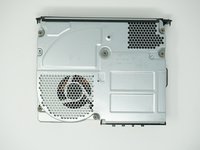
Lift the bottom of the case off of the Xbox by pulling it up and toward you.
-
-













To reassemble your device, follow these instructions in reverse order.
Cancel: I did not complete this guide.
7 other people completed this guide.

Team

Cal Poly, Team S2-G6, Livingston Winter 2018 Member of Cal Poly, Team S2-G6, Livingston Winter 2018
CPSU-LIVINGSTON-W18S2G6
4 Members
84 Guides authored
2 Guide Comments
Where do you get the outer case from? And if I only want to replace the outer case could I just follow the first 3 steps?
Following. I need a replacement project Scorpio case. the system I got it from was from Mercari and the guy did a poor job in taking care of the case and I need a top Scorpio case.
