
Window Operator Link Replacement

Alondra M. Soto Vega and one other contributor
Last updated on Dec 27, 2021
Views: 2.8K
View statistics:
- Past 24 Hours:
- 3
- Past 7 Days:
- 38
- Past 30 Days:
- 226
- All Time:
- 2,753
Comments: 0
No one has left comments on this guide. Will you be first?
Go to guide commentsCompleted: 0 1
No one has marked this guide "completed." Will you be the first?
1 person has marked this guide "completed." It's you — great job!
Favorites: 0 1
No one has favorited (and subscribed to) this guide. Will you be the first?
1 person has favorited (and subscribed to) this guide — and that's you!
Featured Student Guide
This guide has been the hard work of our awesome students and is found to be exceptionally cool by the iFixit staff.
Introduction
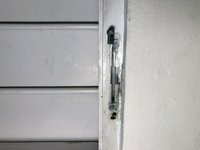
Go to step 1 ↓Use this guide to replace a warped or broken window operator link in your awning window.
The window operator is a mechanical piece that enables the opening and closing of an awning window easily. Warped or broken links on a window interfere with the opening and closing of the window. The links are inexpensive to replace, and this fix can be done in a matter of minutes. Additionally, repairing a warped link can help to minimize a functioning window operator waste.
Before using this guide, make sure to verify if the damaged part is the link and not the operator. Sometimes the aluminum window bents from the outside due to slams from tree branches, kids playing outside, etc. That could mean that the operator and the link are functioning well, but the window is stuck close. That can be resolved by finding the bent and with some pliers unbending the piece into its original state.
In Step 3, make sure that you hold the self-retaining nut from the window operator. Since the nut is a small piece, it may be prone to being misplaced. Also, the window operator can be stuck in place, after removing the bolts you can gently tap the operator to make it loose.
Make sure you have the correct window operator link length before starting this guide.
What you need
Parts
Tools


-
-
Tool used on this step:Flathead 4 mm Screwdriver$1.99
-
Remove the four (4) window clips that holds the screen.
-
Use the Flathead 4 mm Screwdriver to loosen the clip. The clip doesn't need to be removed.
-
Remove the screen and put it aside.
 Ask FixBot
-
-
Tool used on this step:Metal Spudger$2.99
-
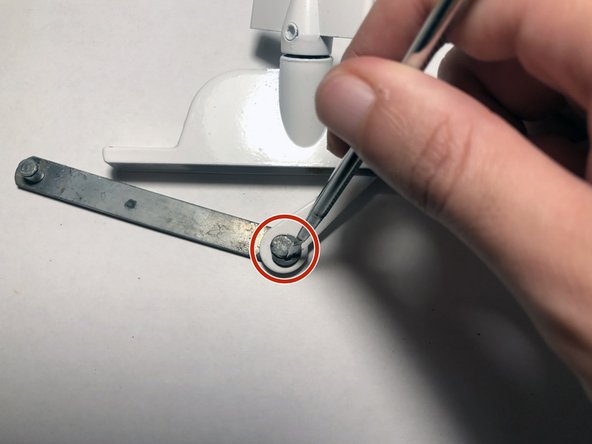
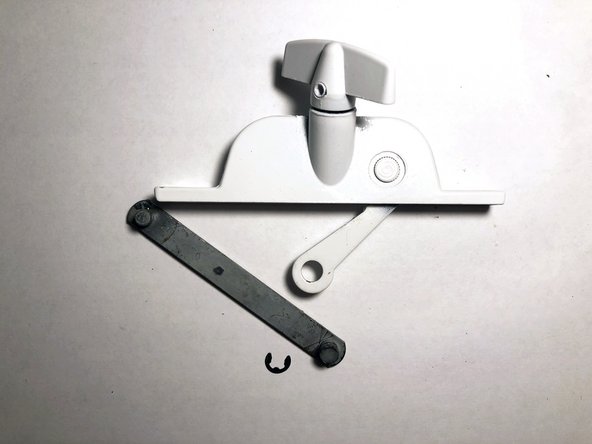
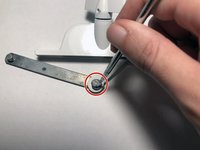
Remove e-clip from the window link, use the [linked product missing or disabled: IF145-024] to remove it.
-
-
-
Using the Phillips #2 Screwdriver , remove the two bolts that are holding the operator into the window frame.
-
-
Tool used on this step:Metal Spudger$2.99
-
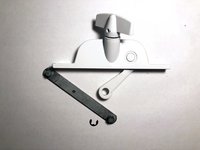
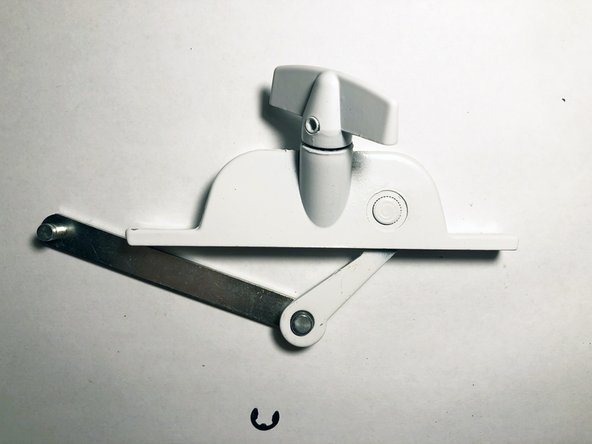
Once the operator is removed, you can use a Metal Spudger or a Flathead 4 mm Screwdriver to force the e-clip out of the operator arm.
-
-
-
-
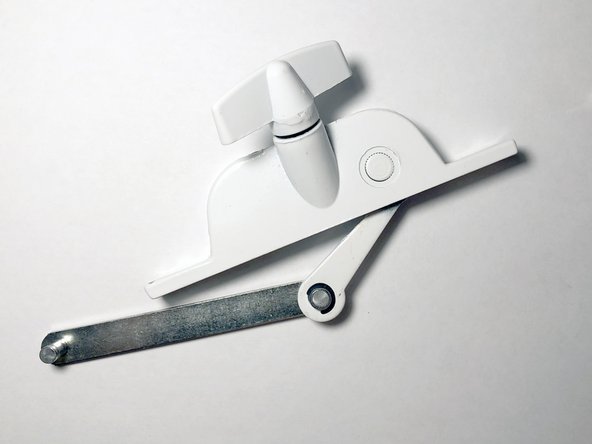
Once the warped or broken link is removed, follow the Step 4 in reverse order.
-
-


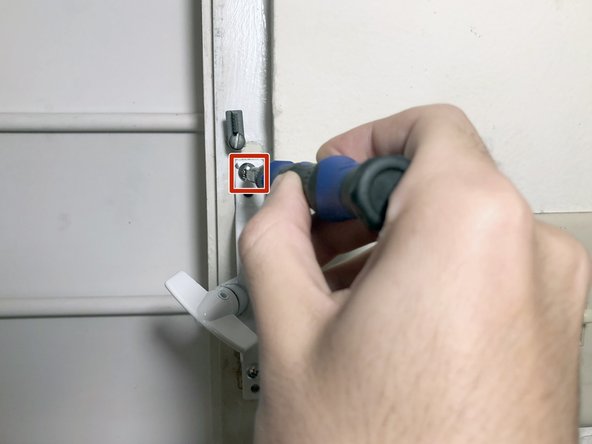
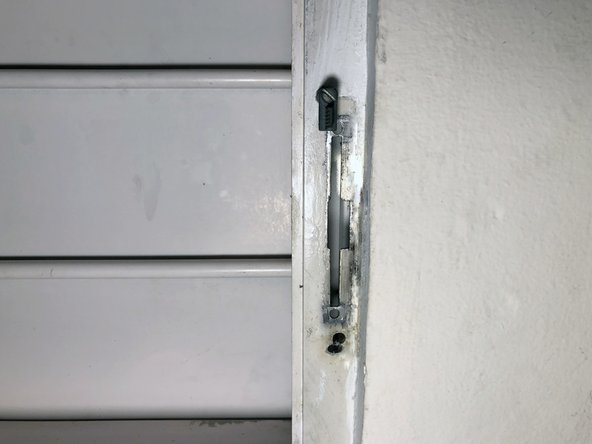


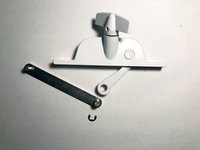
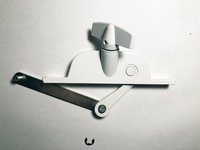
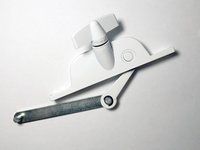
To reassemble your device, follow from step three (3) to one (1) in reverse order.

Team

University of Puerto Rico Mayagüez, Team 1-8, Cools Stephens Fall 2021 Member of University of Puerto Rico Mayagüez, Team 1-8, Cools Stephens Fall 2021
UPRM-COOLS STEPHENS-F21S1G8
1 Member
12 Guides authored
