Free Shipping on Domestic Orders $75+

Whirlpool Refrigerator Water Filter Replacement

Views: 28K

View statistics:

Past 24 Hours:
22
Past 7 Days:
97
Past 30 Days:
495
All Time:
27,698
Comments: 11

3 comments on steps, 8 guide comments.

Go to guide comments
Completed: 3

3 people have marked this guide "completed." Will you be next?

Favorites: 1

1 person has favorited (and subscribed to) this guide. Will you be next?

Time Required: 10 - 15 minutes
Difficulty: Easy
Featured Guide

This guide has been found to be exceptionally cool by the iFixit staff.

Whirlpool Refrigerator Water Filter Replacement

Introduction

Go to step 1 ↓

Over time, a refrigerator’s water filter becomes old and needs a replacement to keep your water clean and healthy. If your water filter replacement light is blinking. Luckily, replacing the water filter in a Whirlpool Side By Side Refrigerator is not difficult at all!

This guide will work for most Whirlpool refrigerators. This guide is written with a model WRS325FDAM04 refrigerator. If you have a different model, you may encounter some minor disassembly differences, but the overall repair process will be the same.

What you need

Parts

Tools

    1. Whirlpool Refrigerator Water Filter Replacement, Open the doors: step 1, image 1 of 3 Whirlpool Refrigerator Water Filter Replacement, Open the doors: step 1, image 2 of 3 Whirlpool Refrigerator Water Filter Replacement, Open the doors: step 1, image 3 of 3
      • Depending on your repair, open one or both doors.

      Ask FixBot
      Add Comment

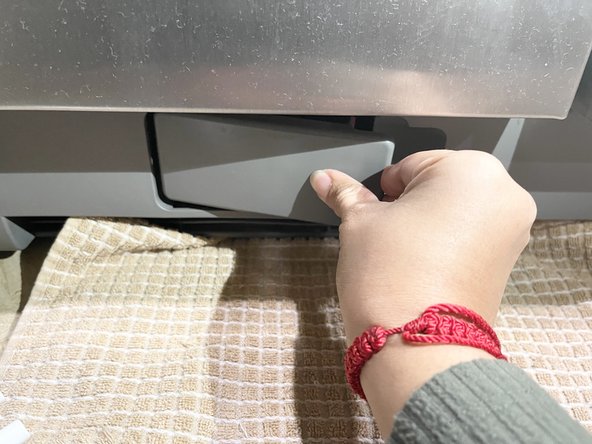
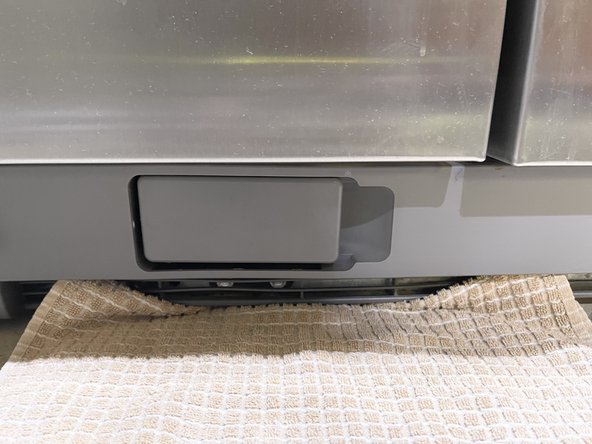
    1. Whirlpool Refrigerator Water Filter Replacement, Water Filter: step 2, image 1 of 3 Whirlpool Refrigerator Water Filter Replacement, Water Filter: step 2, image 2 of 3 Whirlpool Refrigerator Water Filter Replacement, Water Filter: step 2, image 3 of 3
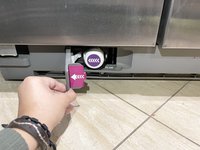
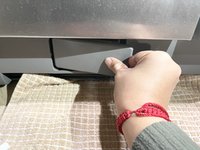
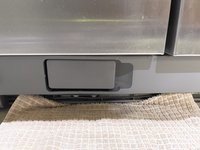
      • Pull the water filter door in the base grill open.

      Ask FixBot
      Add Comment

    2. Whirlpool Refrigerator Water Filter Replacement: step 3, image 1 of 3 Whirlpool Refrigerator Water Filter Replacement: step 3, image 2 of 3 Whirlpool Refrigerator Water Filter Replacement: step 3, image 3 of 3
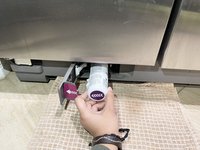
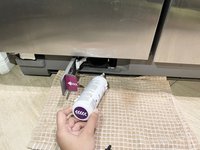
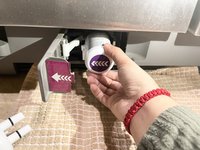
      • As the door opens, the filter gets ejected out.

      • When the filter is fully ejected, pull the filter out.

      • A towel is suggested as water might spill while pulling the old filter out.

      Ask FixBot

      Add Comment

    3. Whirlpool Refrigerator Water Filter Replacement: step 4, image 1 of 2 Whirlpool Refrigerator Water Filter Replacement: step 4, image 2 of 2
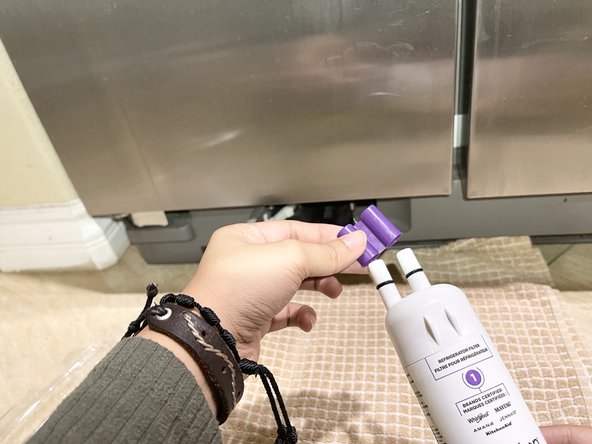
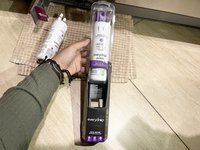
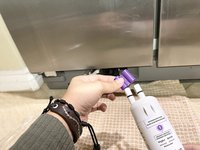
      • Get the new filter out of its packaging.

      • Remove the covers from the filter inlets. Make sure the O-rings stay on the filter.

      Ask FixBot
      Add Comment

    4. Whirlpool Refrigerator Water Filter Replacement: step 5, image 1 of 2 Whirlpool Refrigerator Water Filter Replacement: step 5, image 2 of 2
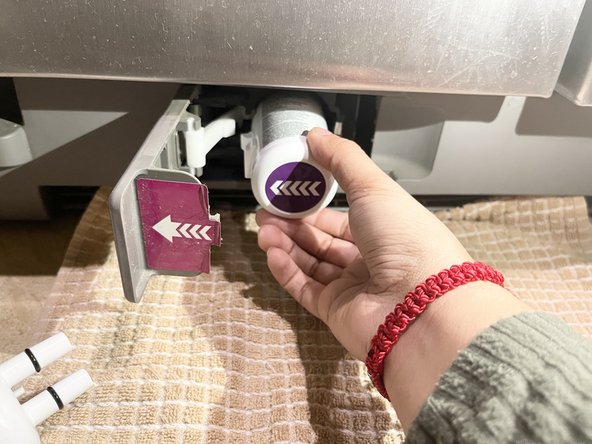
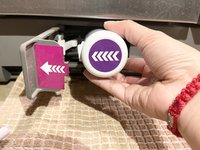
      • Align the new filter with the filter housing and insert filter into place.

      • The arrows should be facing the same way.

      Ask FixBot

      Add Comment

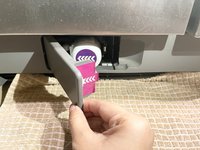
    5. Whirlpool Refrigerator Water Filter Replacement: step 6, image 1 of 3 Whirlpool Refrigerator Water Filter Replacement: step 6, image 2 of 3 Whirlpool Refrigerator Water Filter Replacement: step 6, image 3 of 3
      • Close the filter cover door completely to snap the filter into to place correctly. You will hear a snap!

      Ask FixBot
      Add Comment

    6. Whirlpool Refrigerator Water Filter Replacement, Flush the water system: step 7, image 1 of 2 Whirlpool Refrigerator Water Filter Replacement, Flush the water system: step 7, image 2 of 2
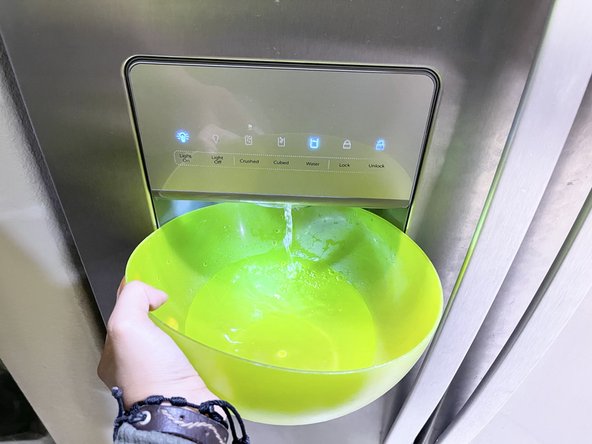
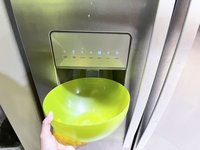
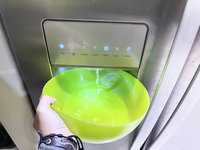
      • Flush the water system by holding the water dispenser for 5 seconds and releasing for 5 seconds repeating this step until water begins to flow.

      • After water flowing, get at least a total of 3 gallons dispensed in order to see full flushed water results.

      Ask FixBot
      Add Comment

    7. Whirlpool Refrigerator Water Filter Replacement: step 8, image 1 of 3 Whirlpool Refrigerator Water Filter Replacement: step 8, image 2 of 3 Whirlpool Refrigerator Water Filter Replacement: step 8, image 3 of 3
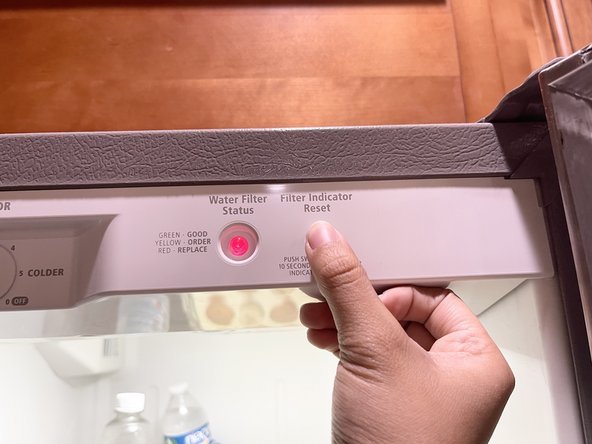
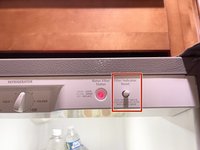
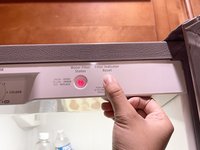
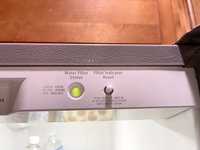
      • You may need to reset the filter indicator by pushing the switch 5 times in a row.

      • When the filter indicator is reset, the light should change from red to green.

      Ask FixBot
      Add Comment

Conclusion

After flushing the water system completely, get ready to have some refreshing water with a cup of ice freshly made with the new installed water filter.

Cancel: I did not complete this guide.

3 other people completed this guide.

brenda lopez

Member since: 10/05/21

422 Reputation

2 Guides authored

Team

8 Guide Comments

Changed filter but now water is not coming out of the dispenser. Installed filter correctly per pictures. What could be the problem?

SewFrau58 - Reply Share

You will have air in the system after changing the filter. Make sure you did turn the water on. Run the water dispenser until water pushes the air out. Run the water until it clears.

Fredric - Reply Share

Opened the filter door but the filter did not eject. Any troubleshooting advice on how to remove the filter?

Ariana Vega - Reply Share

You'll want to rotate the filter counterclockwise until it pops out.

nicO - Reply Share

Filter door will not open all the way.

cjw - Reply Share

Add Comment

View Statistics:

Past 24 Hours: 22

Past 7 Days: 97

Past 30 Days: 495

All Time: 27,698