Free Shipping on Domestic Orders $75+

Westcott iPoint Evolution Outer Casing Replacement

What you need

    1. Westcott iPoint Evolution Outer Casing Replacement, Outer Casing: step 1, image 1 of 1
      • Step 1: Start with the back of the pencil sharpener facing you.

      • This allows you to locate the power source.

      Ask FixBot

      Add Comment

    2. Westcott iPoint Evolution Outer Casing Replacement: step 2, image 1 of 1
      • Step 2: Grab the end of the plug located at the bottom of the sharpener and pull it out gently.

      Ask FixBot

      Add Comment

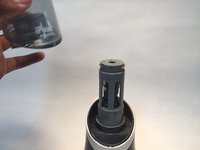
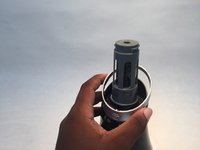
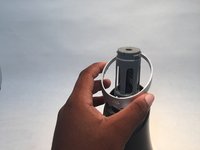
    3. Westcott iPoint Evolution Outer Casing Replacement: step 3, image 1 of 2 Westcott iPoint Evolution Outer Casing Replacement: step 3, image 2 of 2
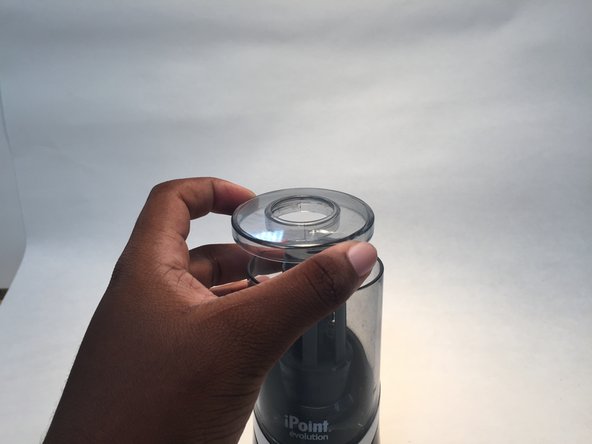
      • There are three parts of the sharpener.

      • Step 3: Grab the very top of the sharpener, twist it to the right and lift it up to remove it.

      Ask FixBot

      Add Comment

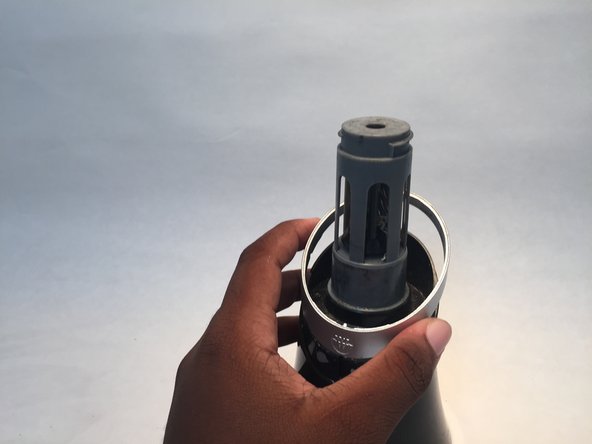
    4. Westcott iPoint Evolution Outer Casing Replacement: step 4, image 1 of 3 Westcott iPoint Evolution Outer Casing Replacement: step 4, image 2 of 3 Westcott iPoint Evolution Outer Casing Replacement: step 4, image 3 of 3
      • Step 4: Grab the center of the sharpener and lift it up to remove the piece.

      Ask FixBot

      Add Comment

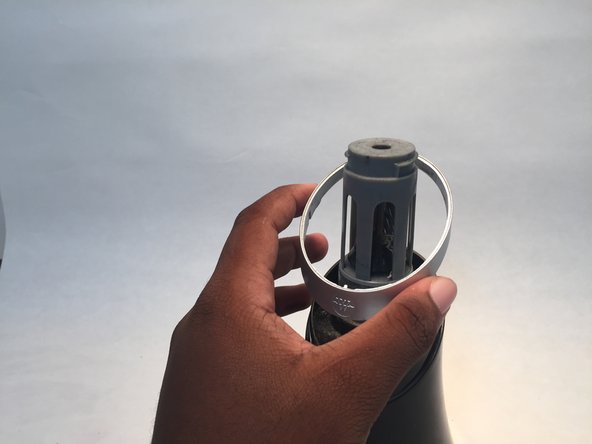
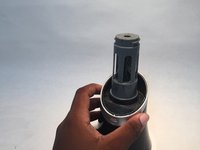
    5. Westcott iPoint Evolution Outer Casing Replacement: step 5, image 1 of 3 Westcott iPoint Evolution Outer Casing Replacement: step 5, image 2 of 3 Westcott iPoint Evolution Outer Casing Replacement: step 5, image 3 of 3
      • Step 5: Remove the small ring that is around the sharpener.

      • This piece is below the center of the sharpener that you just removed.

      Ask FixBot

      Add Comment

    6. Westcott iPoint Evolution Outer Casing Replacement: step 6, image 1 of 1
      • Step 6: Flip the pencil sharpener upside down.

      • Locate the four screws on the bottom of the sharpener.

      Ask FixBot

      Add Comment

    7. Westcott iPoint Evolution Outer Casing Replacement: step 7, image 1 of 1
      • Step 7: Take a screwdriver and unscrew all of the screws on the bottom.

      Ask FixBot

      Add Comment

    8. Westcott iPoint Evolution Outer Casing Replacement: step 8, image 1 of 1
      • Step 8: After all the screws are removed gently take off the bottom of the sharpener.

      Ask FixBot

      Add Comment

    9. Westcott iPoint Evolution Outer Casing Replacement: step 9, image 1 of 1
      • Step 9: Carefully lift the lid off of the sharpener.

      Ask FixBot

      Add Comment

Conclusion

To reassemble your device, follow these instructions in reverse order.

Cancel: I did not complete this guide.

3 other people completed this guide.

0 Guide Comments

Add Comment

View Statistics:

Past 24 Hours: 1

Past 7 Days: 16

Past 30 Days: 70

All Time: 13,219