
Watch Strap Buckle Replacement

Daisha Paringit and 4 other contributors
Last updated on Jul 25, 2017
Views: 8.3K
View statistics:
- Past 24 Hours:
- 13
- Past 7 Days:
- 101
- Past 30 Days:
- 426
- All Time:
- 8,294
Comments: 0
No one has left comments on this guide. Will you be first?
Go to guide commentsCompleted: 2 3
2 people have marked this guide "completed." Will you be next?
3 people have marked this guide "completed." Including you — great job!
Favorites: 2 3
2 people have favorited (and subscribed to) this guide. Will you be next?
3 people have favorited (and subscribed to) this guide — including you!
Introduction
Go to step 1 ↓Anyone have the time? Broken or corroded buckles prevent the use of watches. Perhaps the metal tongue breaks, preventing you from fastening your watch. Or maybe the bar inside the watch band corrodes and the entire buckle falls off. This guide will walk you through the process of replacing metal buckles in a few easy steps with the help of a spring bar tool. This guide is applicable to all types and parts of the metal buckle. To order the correct size buckle refer to the manufacturing site of your watch to begin this replacement!
What you need
Parts
Tools
-
-
-
Hold the spring bar tool in your dominant hand and the watch strap with your non dominant hand.
-
Locate the pointed end of the spring bar.
 Ask FixBot
-
-
-
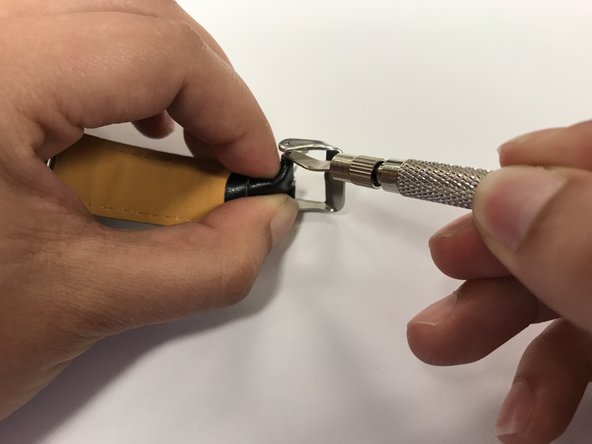
Insert the pointed end of the spring bar tool into the hole on the side of the buckle.
-
Press down on the spring bar and gently push it to the side until the end of the spring bar comes out from under the metal buckle.
-
-
-
Insert the new tongue, positioning the end facing down in relation to the watch strap.
-
Hold the tongue in place and slide the spring bar through the end of the strap.
-
-
-
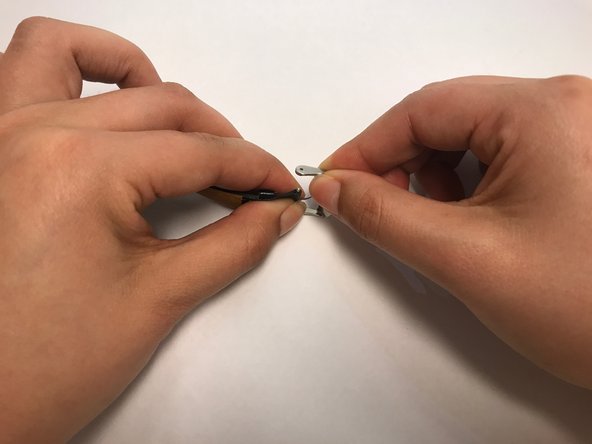
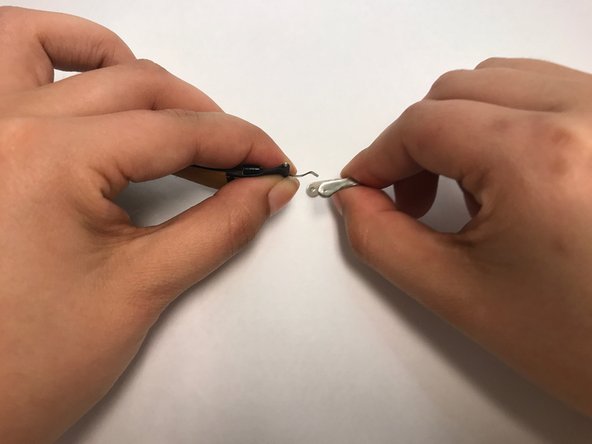
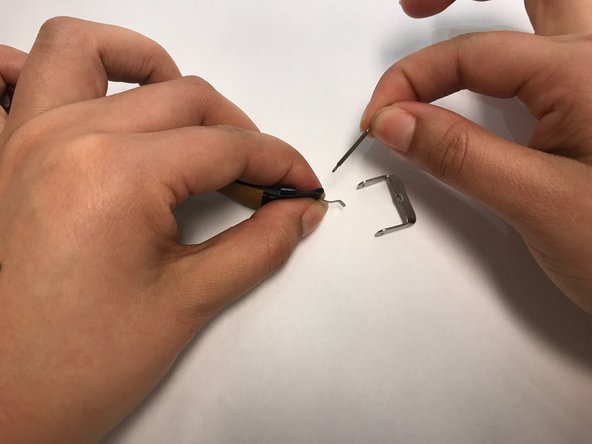
Holding the spring bar in place, take the U-shaped part of the new buckle and line it up with the ends of the strap.
-
-
-
-
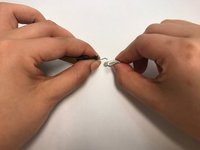
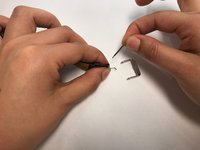
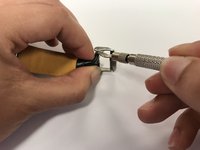
Insert one end of the spring bar into the U-shaped piece of the buckle.
-
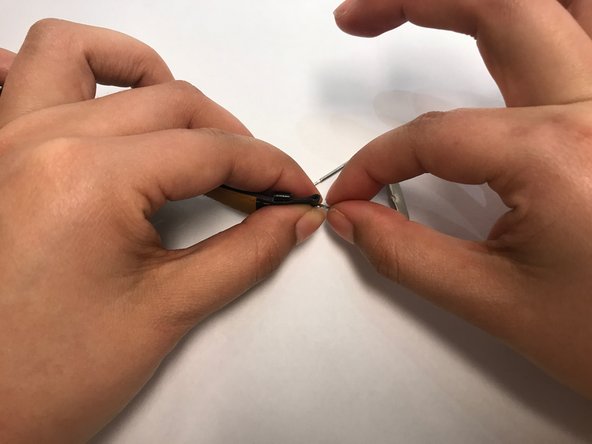
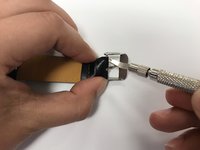
Use the forked end of the spring bar tool to push the spring bar down so you can slide the metal buckle over it.
-
-
-
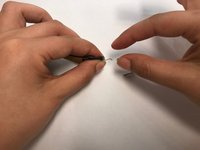
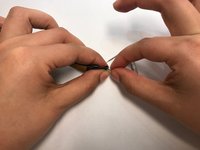
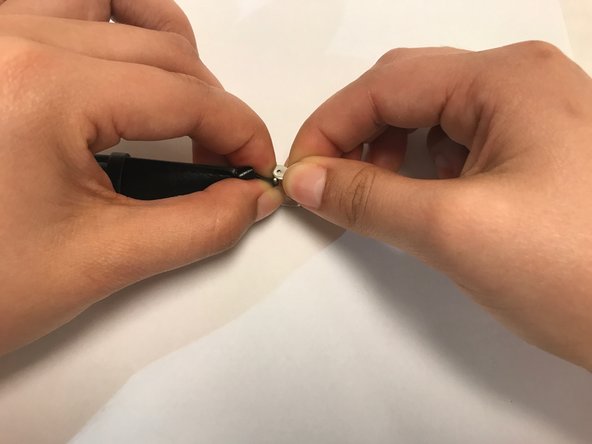
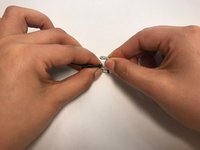
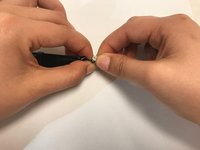
When the buckle covers the spring bar, gently remove the spring bar tool until you hear the spring bar snap into place.
-
-








Cancel: I did not complete this guide.
2 other people completed this guide.

Team

UC Davis, Team S4-G5, Cole Spring 2017 Member of UC Davis, Team S4-G5, Cole Spring 2017
UCD-COLE-S17S4G5
4 Members
12 Guides authored
