
Wacom Intuos CTL4100 Battery Replacement

Marcus Sisouphanh and 2 other contributors
Last updated on Mar 17, 2022
Views: 7.5K
View statistics:
- Past 24 Hours:
- 11
- Past 7 Days:
- 44
- Past 30 Days:
- 231
- All Time:
- 7,471
Comments: 6
6 guide comments.
Go to guide commentsCompleted: 7 8
7 people have marked this guide "completed." Will you be next?
8 people have marked this guide "completed." Including you — great job!
Favorites: 0 1
No one has favorited (and subscribed to) this guide. Will you be the first?
1 person has favorited (and subscribed to) this guide — and that's you!
Featured Student Guide
This guide has been the hard work of our awesome students and is found to be exceptionally cool by the iFixit staff.
Introduction
Go to step 1 ↓Battery capacities degrade over time, reducing battery life. If the battery is not charging or the battery lifespan is not as long as it used to be, you might need to replace your battery. This guide will show you how to replace the battery of your Wacom Intuos CTL4100.
If your battery is swollen take appropriate precautions. Be sure to power off your device and unplug from any external power prior to beginning the repair.
What you need
Tools


-
-
-
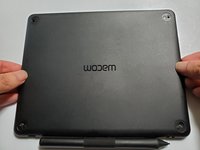
Flip the tablet over so the bottom case faces upwards.
-
Remove the rubber pads on the corners by pulling them up with your fingers.
 Ask FixBot
-
-
-
Remove the 4 mm Philips screws on the four corners using a Phillips screwdriver #00.
-
-
-
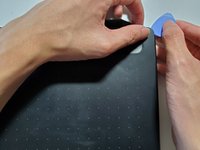
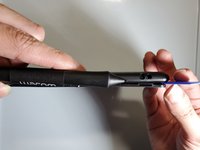
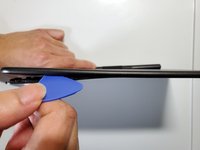
Insert a plastic opening pick between the front and back case to unclip the clips that hold the cases together.
-
Slide your plastic opening pick around the sides until all clips are unclipped.
-
-
-
Lift the bottom case to separate the top and bottom case
-
When you see the internal components, set aside the bottom case.
-
-
-
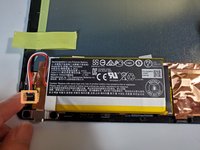
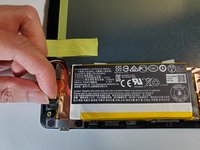
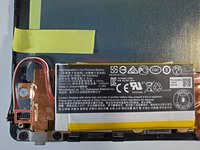
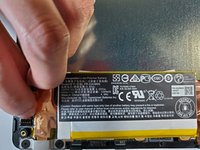
Remove the yellow tape that is on top of the battery wires.
-
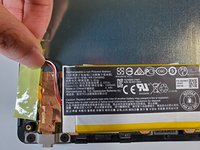
When the battery wires under the tape are exposed, stick the yellow tape just above the battery wires.
-
-
-
Gently pull up the battery wire pin with your fingers to disconnect the pin from the motherboard.
-
-
-




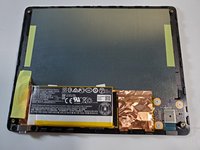

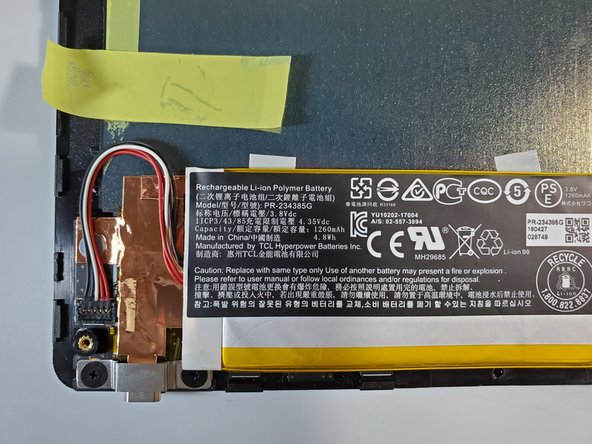
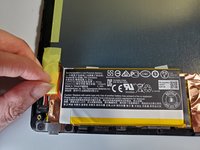
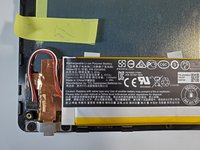




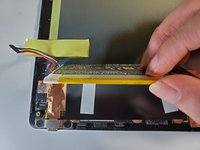
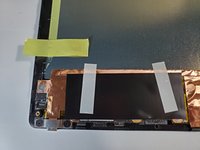




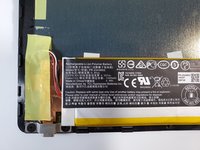
To reassemble your device, follow step 4 in reverse order.
Cancel: I did not complete this guide.
7 other people completed this guide.

Team

York University, Team 1-24, O'Regan Fall 2021 Member of York University, Team 1-24, O'Regan Fall 2021
YORK-O'REGAN-F21S1G24
1 Member
12 Guides authored
6 Guide Comments
Where did you get the replacement battery?
Will it work without a battery?
Answering my own question, yes, it works without a battery. It will popup a notification of low battery sometimes, and obviously it won't work wirelessly.
Ah, and I tried this with a CTL6100 tablet, so this guide is valid for this model as well (a bit larger but mostly identical inside).
