
Wacker Plate Compactor VP1430AWAH V-Belt Replacement

ZACHARY and one other contributor
Last updated on Feb 21, 2022
Views: 5K
View statistics:
- Past 24 Hours:
- 9
- Past 7 Days:
- 48
- Past 30 Days:
- 180
- All Time:
- 4,982
Comments: 2
2 guide comments.
Go to guide commentsCompleted: 3 4
3 people have marked this guide "completed." Will you be next?
4 people have marked this guide "completed." Including you — great job!
Favorites: 0 1
No one has favorited (and subscribed to) this guide. Will you be the first?
1 person has favorited (and subscribed to) this guide — and that's you!
Grammar Police
Embrace your inner English teacher and help improve this guide's grammar!
Bullets!
Better coordination with markups and the color/type of bullets will help make this guide more clear!
Community-Contributed Guide
An awesome member of our community made this guide. It was not created by iFixit staff.
Introduction
Go to step 1 ↓Welcome!
If your plate compactor isn’t vibrating but the engine is running fine, a great place to start is by inspecting the V-belt and replacing it if damaged. It is also good practice to inspect the V-belt regularly and to keep the V-belt housing clean in order to reduce wear and prevent the tool from failing when it is needed.
What you need


-
-
-
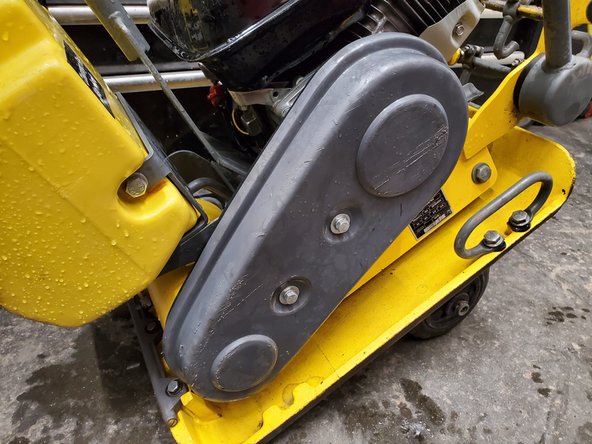
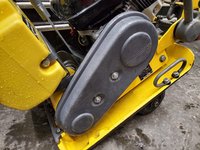
The V-belt is located in a large gray compartment on the left side of the machine
 Ask FixBot
-
-
-
There are two 1/2 in bolts in the center of the belt guard cover that hold it on. Loosen them using the 1/2 in socket and the 3/8 in drive ratchet, but don't fully remove them
-
-
-
Remove the belt guard cover and set it aside
-
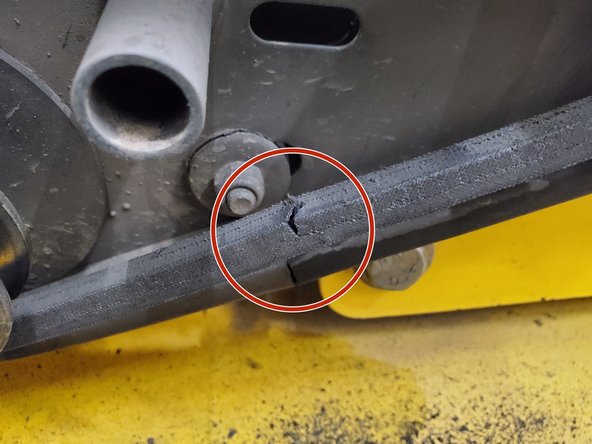
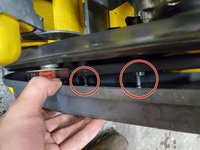
Rotate the belt slowly, inspecting for signs of damage such as the crack shown
-
-
-
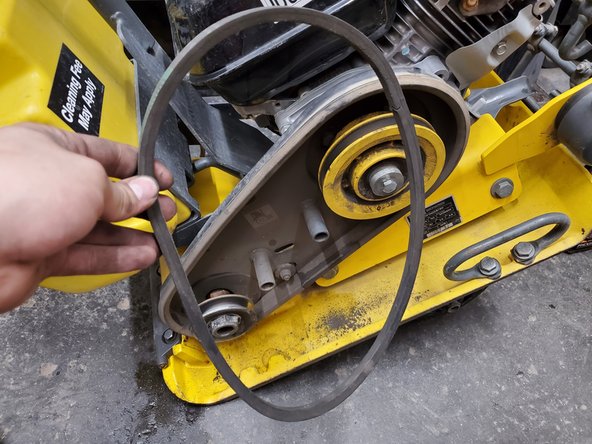
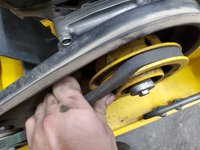
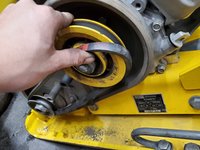
Pull part of the V-belt up and over the top of the large pulley with one hand
-
Maintain tension on the belt while using your other hand to rotate the pulley clockwise until the belt comes off. This will require a bit of force
-
Clean any dirt or residue off of the area where the belt rode on the pulleys to ensure the new belt doesn't get any unnecessary wear
-
-
-
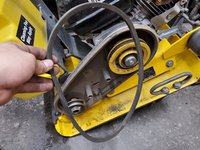
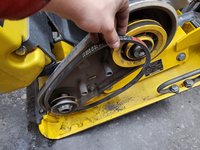
Loop the bottom of the belt around the small pulley
-
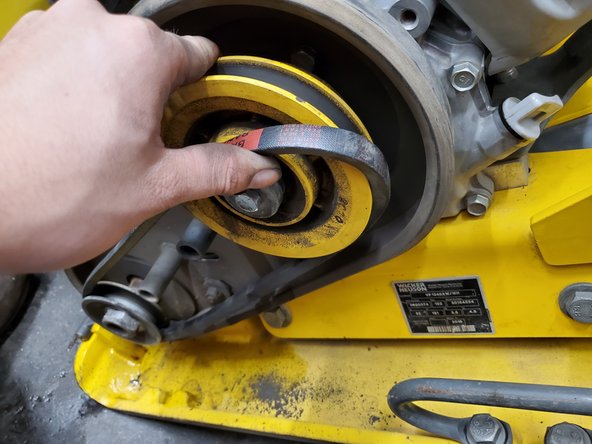
Pull the top of the belt around the bottom of the large pulley
-
Slowly twist the top pulley counter-clockwise while maintaining tension on the belt until the belt is completely on. This will require a bit of force
-
-
-
-
Lightly pressure wash or otherwise clean the inside of the belt guard and belt guard cover. This will reduce wear and damage on the new belt
-
-
-
Line up the cover of the belt guard and place each bolt in its respective hole
-
Firmly press the belt guard cover into the rubber molding of the belt guard case to ensure proper sealing
-
Tighten the bolts firmly with a 1/2 in socket and a 3/8 in drive ratchet
-
-




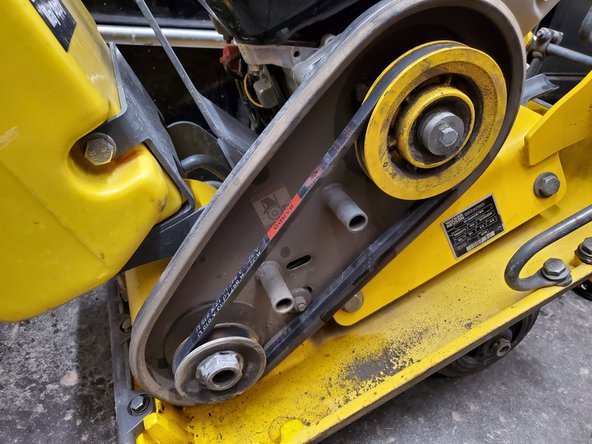
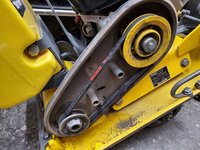


Congrats! Your belt is now replaced.
Please give this guide a favorite and like if you found it helpful and please leave your feedback in the comments below. Thank you and have a great rest of your day.
Cancel: I did not complete this guide.
3 other people completed this guide.


