
Vtech Move and Crawl Ball Power Switch Replacement

William Jones and 3 other contributors
Last updated on Jul 19, 2021
Views: 1.3K
View statistics:
- Past 24 Hours:
- 2
- Past 7 Days:
- 15
- Past 30 Days:
- 82
- All Time:
- 1,336
Comments: 0
No one has left comments on this guide. Will you be first?
Go to guide commentsCompleted: 0 1
No one has marked this guide "completed." Will you be the first?
1 person has marked this guide "completed." It's you — great job!
Favorites: 0 1
No one has favorited (and subscribed to) this guide. Will you be the first?
1 person has favorited (and subscribed to) this guide — and that's you!
Markup Mishap
This guide needs better markups. Help out by correcting or making some markup annotations.
Better Introduction
Improve this guide by completing or revising its introduction.
Introduction
Go to step 1 ↓In this guide it is not necessary to replace the motor but you do need to move it out of the way to reach the switch.
What you need
Tools


-
-
-
There are two screws that require a 4.0mm flat head screwdriver. Twist them counter clockwise to remove. When you remove them they stay contained within the blue outer case.
 Ask FixBot
-
-
-
Pry the batteries out with your finger. When you replace them be sure to orient them correctly according to the markings in the slots. Match the plus symbol on the battery to the plus symbol in the slot.
-
-
-
-
-
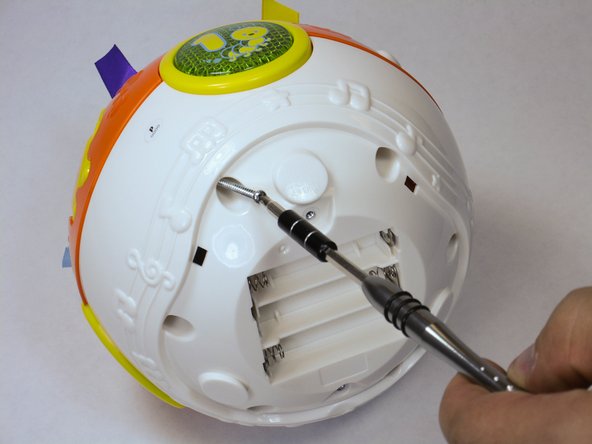
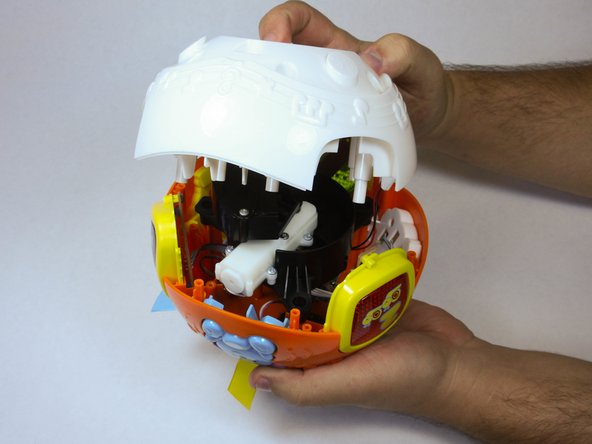
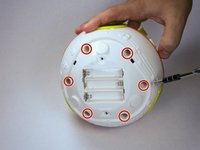
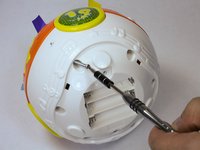
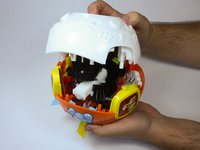
Remove 6 screws in order to pop off the outer shell and reach the inside components.
-
-
-
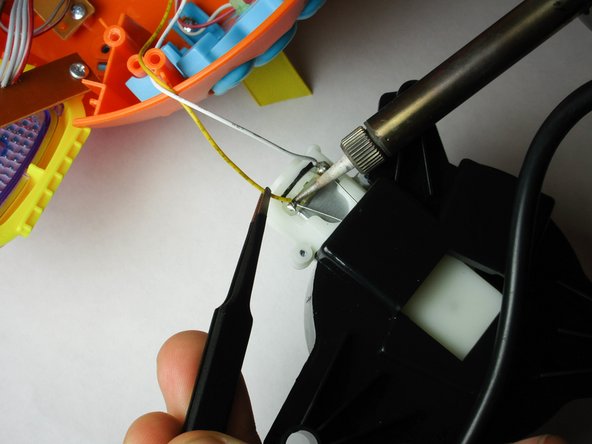
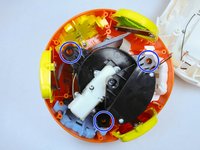
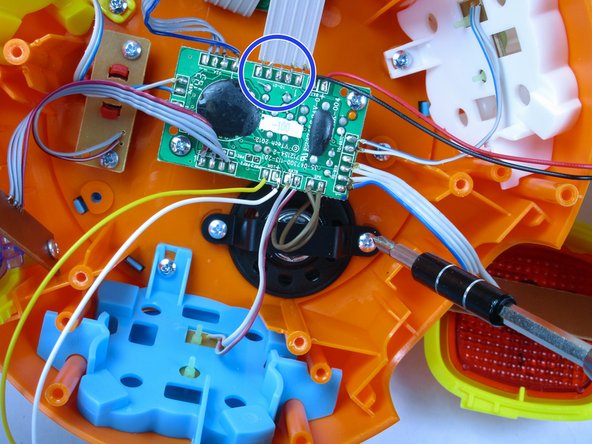
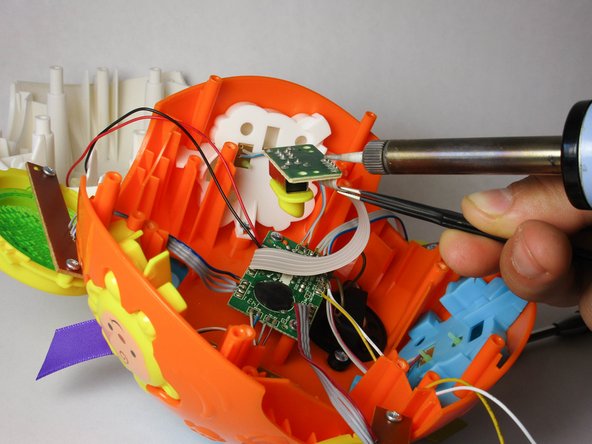
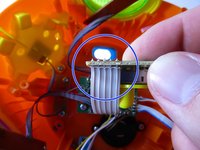
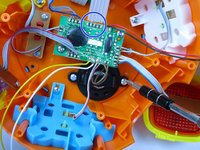
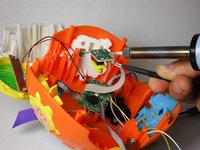
Remove the motor by lifting it out of the shell, and find the attached wires at both ends: the circuit board and the motor itself. Use the soldering iron to remove the existing attachments by heating the solder joint with the solder iron tip while pulling on the wire.
-
-
-
-
-
-
Unscrew the two screws to the power switch located beside the circuit board
-
-
-
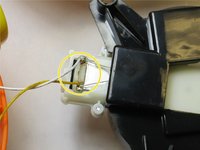
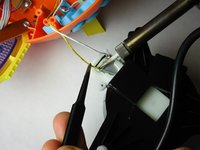
Remove the existing attachments at both ends of the wires with the soldering iron. Heat the solder joint with the solder iron tip and pull the wire.
-
-






To reassemble your device, follow these instructions in reverse order.

Team

USF Tampa, Team 2-1, Sullivan Fall 2015 Member of USF Tampa, Team 2-1, Sullivan Fall 2015
USFT-SULLIVAN-F15S2G1
4 Members
60 Guides authored
