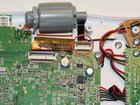
Vtech InnoTab 3S Camera Replacement

Karina Garcia and
Last updated on Dec 30, 2015
Views: 2.7K
View statistics:
- Past 24 Hours:
- 3
- Past 7 Days:
- 13
- Past 30 Days:
- 90
- All Time:
- 2,658
Comments: 5
1 comment on steps, 4 guide comments.
Go to guide commentsCompleted: 2 3
2 people have marked this guide "completed." Will you be next?
3 people have marked this guide "completed." Including you — great job!
Favorites: 0 1
No one has favorited (and subscribed to) this guide. Will you be the first?
1 person has favorited (and subscribed to) this guide — and that's you!
Student In Progress
This guide is being worked on by hardworking students.
What you need
Tools


Introduction
Go to step 1 ↓Is the camera not working properly on your child's tablet? This guide will walk you through replacing the camera on the Vtech InnoTab 3S.
-
-
-
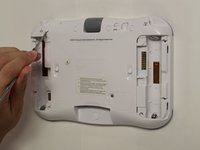
While holding the battery compartment locks down, slide the two battery doors outwards from the sides of the device.
-
Remove the batteries from the device.
 Ask FixBot
-
-
-
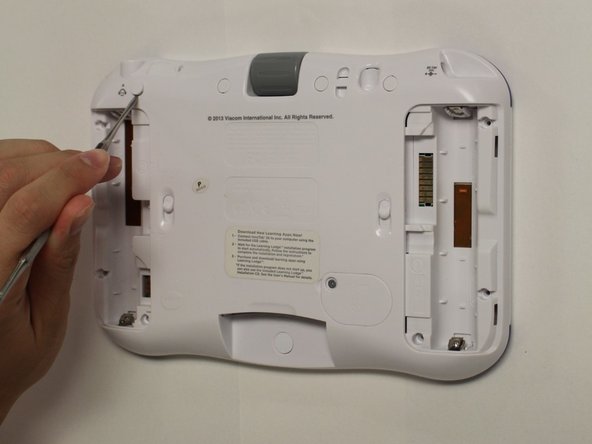
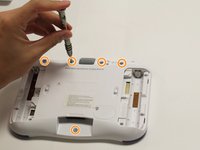
Using a nylon spudger, remove the five caps that hide the screws.
-
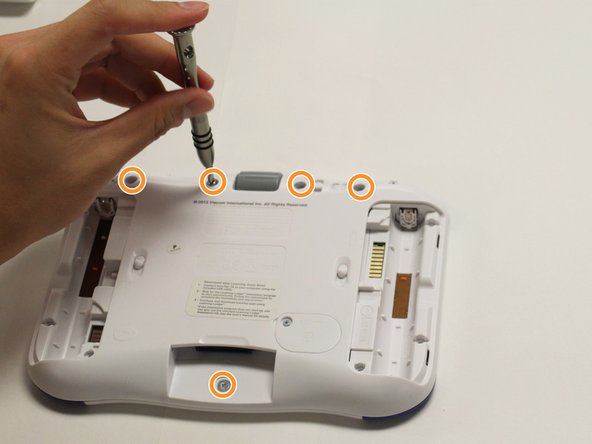
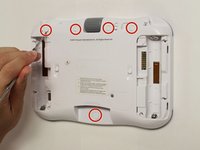
Remove the five 5 mm screws from the rear panel of the device, using a Phillips #1 screwdriver.
-
-
-
-
Remove the six 7 mm screws from the interior battery compartment using a Phillips #1 screwdriver.
-
-
-
-
-
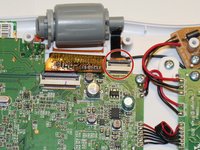
Using the tip of your finger, carefully pull the clip upwards to release the camera connection from the motherboard.
-
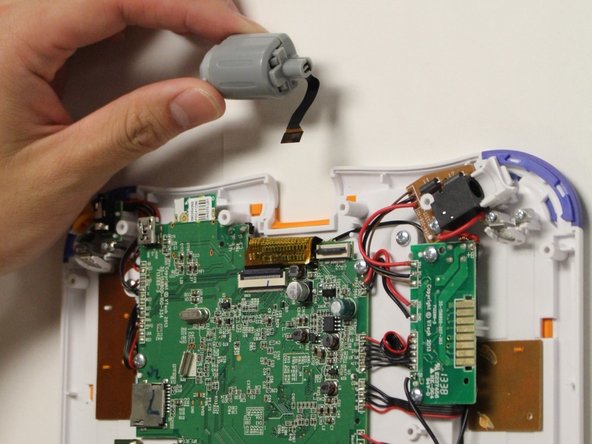
Remove the camera and the connecting wire from the the clip and attach the replacement cameras connection to the latch on the motherboard.
-
Carefully lower the latch until you hear a click to secure the new camera to the device.
-
-




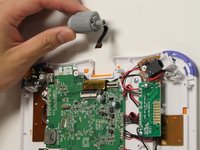
To reassemble your device, follow these instructions in reverse order.
Cancel: I did not complete this guide.
2 other people completed this guide.

Team

USF Tampa, Team 8-2, Eyestone Fall 2015 Member of USF Tampa, Team 8-2, Eyestone Fall 2015
USFT-EYESTONE-F15S8G2
4 Members
108 Guides authored
4 Guide Comments
Where do you get the replacement camera? I can't find them online.
Where can i buy the camera?
kind of useless to post a replacement guide without suggesting a source for that replacement!!
