Free Shipping on Domestic Orders $75+

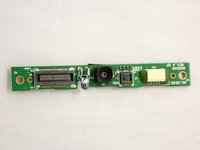
Vizio VTAB1008 Front Facing Camera Replacement

What you need

    1. Vizio VTAB1008 Front Facing Camera Replacement, Vizio VTAB1008 Back Cover Removal: step 1, image 1 of 2 Vizio VTAB1008 Front Facing Camera Replacement, Vizio VTAB1008 Back Cover Removal: step 1, image 2 of 2
      • Carefully slide the heavy duty opening tool between the gap on the side of the device with no buttons.

      • Do not insert the opening tool too far into the tablet as this can damage connectors close to edges of the cover.

      • The angled tip of the opening tool can be wedged into the device by pressing on the back of the opening tool with the thumb. Move the opening tool in a sliding motion to ensure all tabs separate.

      • Corner tabs may require a more forceful prying tool. If needed, carefully insert the metal prying tool into corners to separate the tabs.

      Ask FixBot

      Add Comment

    2. Vizio VTAB1008 Front Facing Camera Replacement: step 2, image 1 of 1
      • Look into the tablet for loose connectors.

      • There are three loose connectors: one for the screen, one for the digitizer, and one for the motherboard. They are held in place by the pressure of the backing and screen assemblies.

      • Flip the backing from the button-less side over, being careful not to separate the ribbon connector from the display screen.

      Ask FixBot

      Add Comment

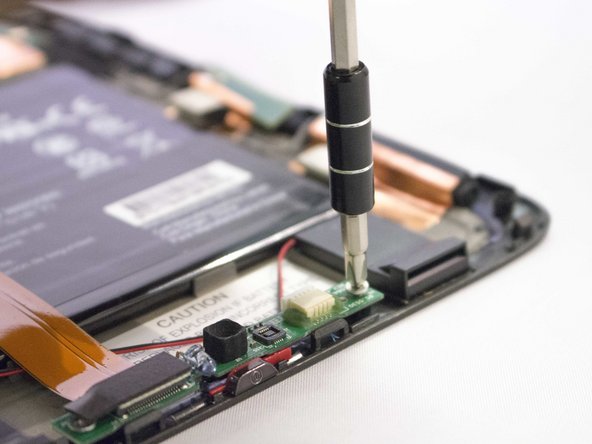
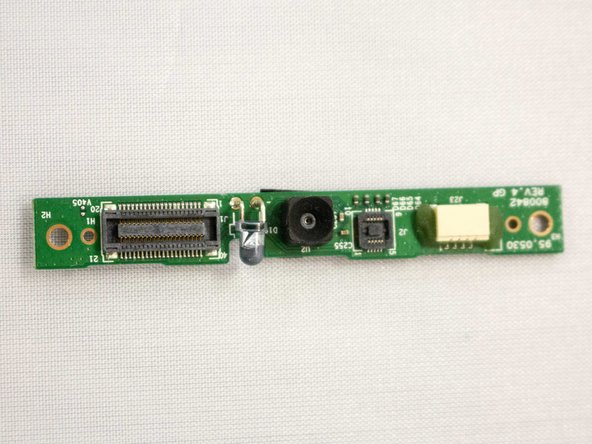
    1. Vizio VTAB1008 Front Facing Camera Replacement, Front Facing Camera and Light Sensor Board: step 3, image 1 of 2 Vizio VTAB1008 Front Facing Camera Replacement, Front Facing Camera and Light Sensor Board: step 3, image 2 of 2
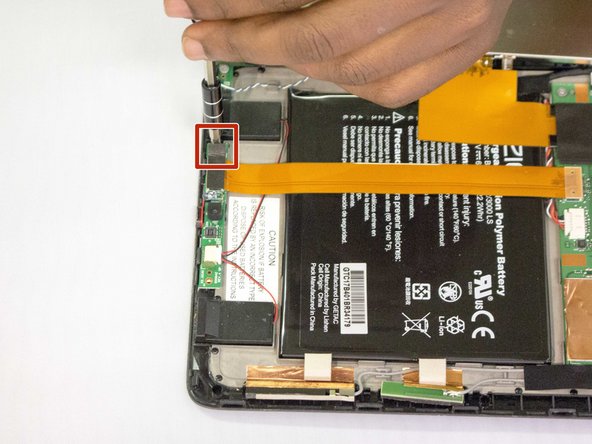
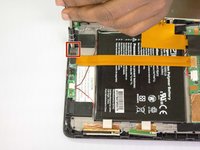
      • Remove the screw with the J1 screwdriver or screw bit.

      • The screw has a 3.66 mm head and is 3.5 mm tall.

      Ask FixBot

      Add Comment

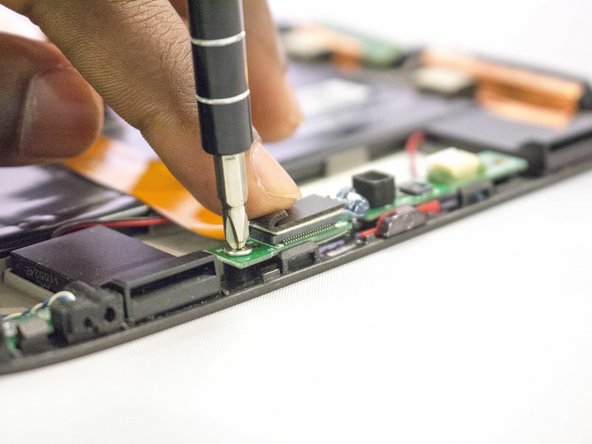
    2. Vizio VTAB1008 Front Facing Camera Replacement: step 4, image 1 of 3 Vizio VTAB1008 Front Facing Camera Replacement: step 4, image 2 of 3 Vizio VTAB1008 Front Facing Camera Replacement: step 4, image 3 of 3
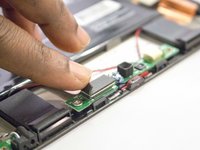
      • Lift the flap hiding the second screw.

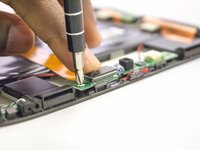
      • Remove the screw by using the J1 screwdriver.

      • The screw has a 3.66 mm head and is 3.5 mm tall.

      Ask FixBot

      Add Comment

    3. Vizio VTAB1008 Front Facing Camera Replacement: step 5, image 1 of 3 Vizio VTAB1008 Front Facing Camera Replacement: step 5, image 2 of 3 Vizio VTAB1008 Front Facing Camera Replacement: step 5, image 3 of 3
      Tool used on this step:
      Tweezers
      $4.99
      Buy
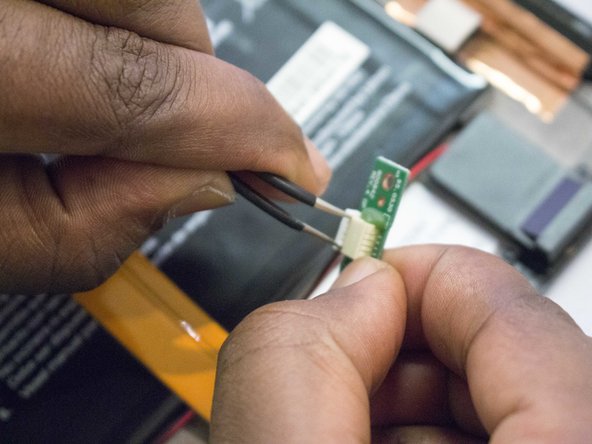
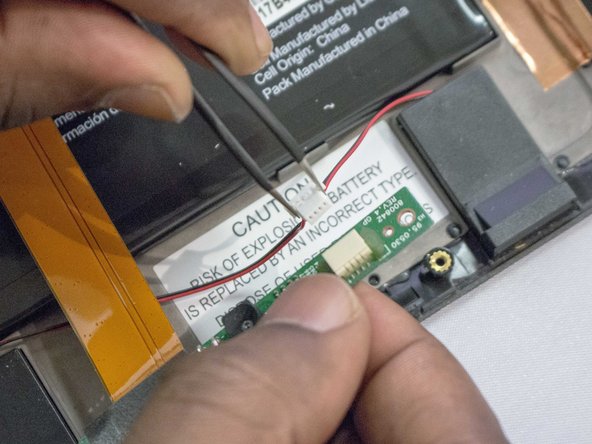
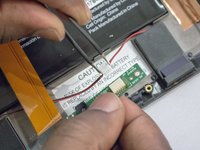
      • Disconnect the black and red cable connector from the camera strap.

      • Using tweezers may help to grab the small connector flanges.

      Ask FixBot

      Add Comment

    4. Vizio VTAB1008 Front Facing Camera Replacement: step 6, image 1 of 3 Vizio VTAB1008 Front Facing Camera Replacement: step 6, image 2 of 3 Vizio VTAB1008 Front Facing Camera Replacement: step 6, image 3 of 3
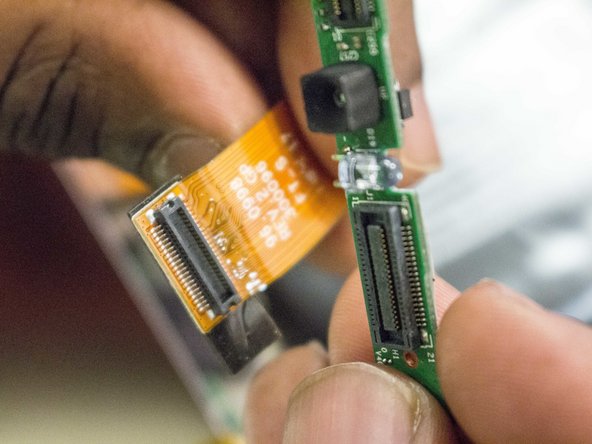
      • Disconnect the ribbon cable from the camera circuit board by lifting it away from the circuit board.

      • A spudger may help with leverage when removing the ribbon cable.

      Ask FixBot

      Add Comment

Conclusion

To reassemble your device, follow these instructions in reverse order.

Cancel: I did not complete this guide.

0 Guide Comments

Add Comment

View Statistics:

Past 24 Hours: 0

Past 7 Days: 3

Past 30 Days: 24

All Time: 497