Introduction
If you have trouble powering on or keeping a charge with your SmartCast Crave 360 (model SP50-DP), use this guide to replace its battery. The battery will hold a certain amount of charge in order to turn the speaker on. If your speaker is not fully charged, refer to the troubleshooting page as the battery may still be working. If the battery is completely dead and will not charge, this guide will show you how to replace it so you can continue using your speaker.
What you need
-
-
-
Orient the speaker so that the bottom faces up.
-
Peel the rubber ring off of the bottom using the spudger.
 Ask FixBot
-
-
-
Remove the eight 5 mm screws connecting the bottom panel to the gray power port using a Phillips #000 screwdriver.
-
-
-
-
-
-
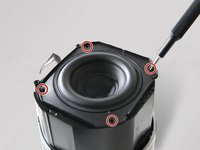
Remove the four 10 mm screws with that connect the bass to the rest of the speaker using a Phillips #000 screwdriver.
-
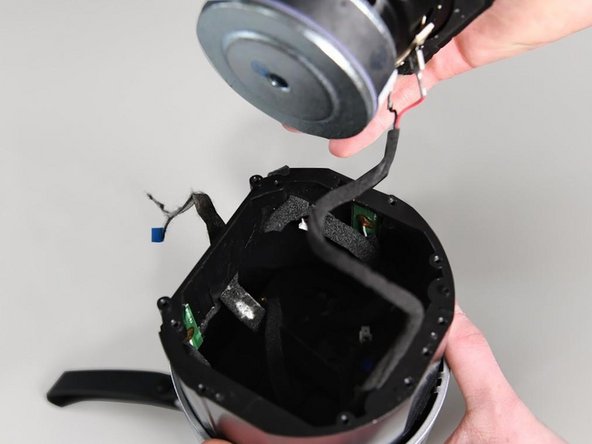
Take the bass component out of the speaker.
-
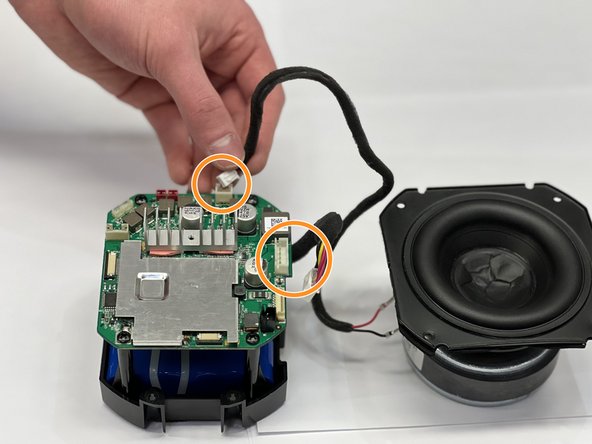
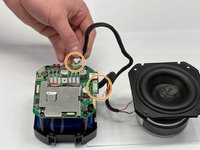
Disconnect the wiring that runs into the bass component.
-
The bass is now removed.
-
-
-
-
Flip the speaker to access the top.
-
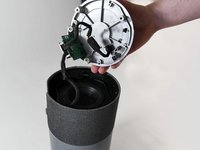
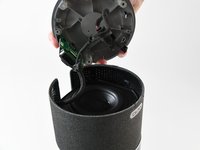
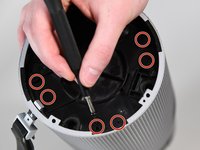
Remove the eight 10 mm screws from the plastic disc inside the grey speaker cage using a Phillips #000 screwdriver.
-
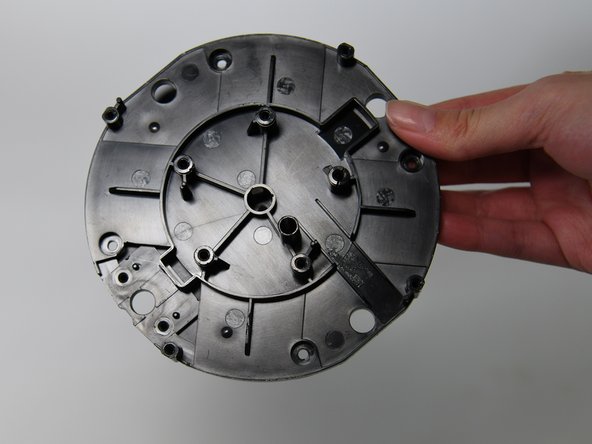
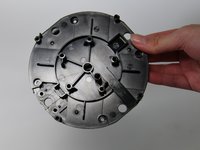
Remove the plastic disc from the speaker cage.
-
-
-
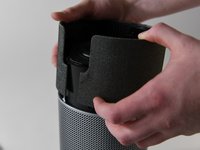
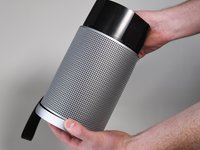
Lift the grey speaker cage to reveal a black plastic cylinder that contains the battery.
-
-
-
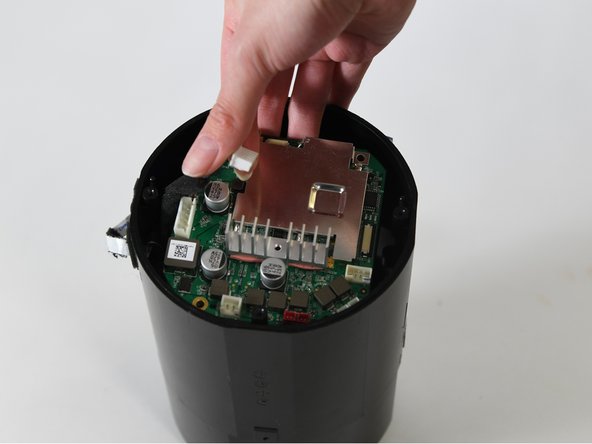
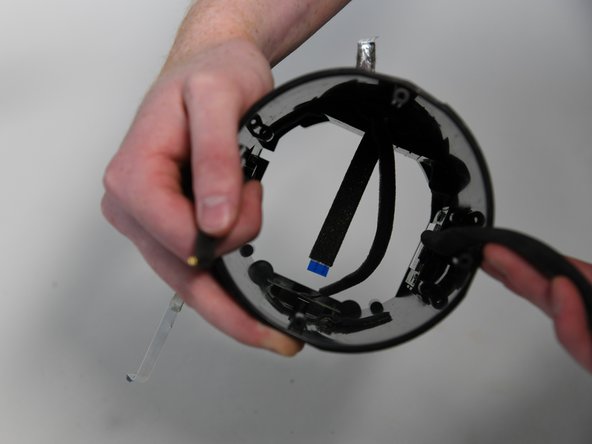
Remove the four 5 mm screws from the motherboard using a Phillips #000 screwdriver.
-
-









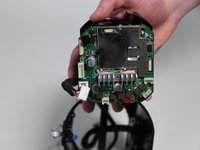
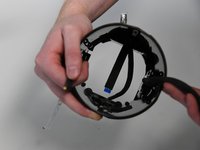


To reassemble your device, follow these instructions in reverse order.
Cancel: I did not complete this guide.
3 other people completed this guide.

Team

University of Colorado Denver, Team 1-4, Campeau Fall 2022 Member of University of Colorado Denver, Team 1-4, Campeau Fall 2022
UCDENVER-CAMPEAU-F22S1G4
4 Members
36 Guides authored
1 Guide Comment
Any other way to charge the battery without the charging station or is there a compatible charging station?
