Free Shipping on Domestic Orders $75+

Vizio CT15 Speaker Replacement

What you need

    1. Vizio CT15 Speaker Replacement, Vizio CT15 Back Panel Removal: step 1, image 1 of 2 Vizio CT15 Speaker Replacement, Vizio CT15 Back Panel Removal: step 1, image 2 of 2
      • Turn the laptop off and remove all power cables.

      • Remove the six Phillips #0 screws.

      • Pull the back cover off.

      Ask FixBot

      Add Comment

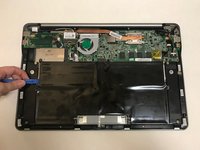
    1. Vizio CT15 Speaker Replacement, Battery: step 2, image 1 of 1
      • Remove the six Phillips #0 screws.

      Ask FixBot

      Add Comment

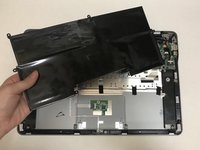
    2. Vizio CT15 Speaker Replacement: step 3, image 1 of 2 Vizio CT15 Speaker Replacement: step 3, image 2 of 2
      • Use the plastic opening tool or your fingers to pry the battery up and pull it from the laptop.

      Ask FixBot

      Add Comment

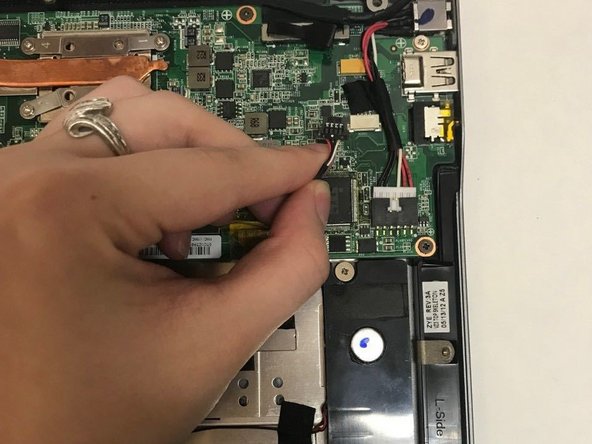
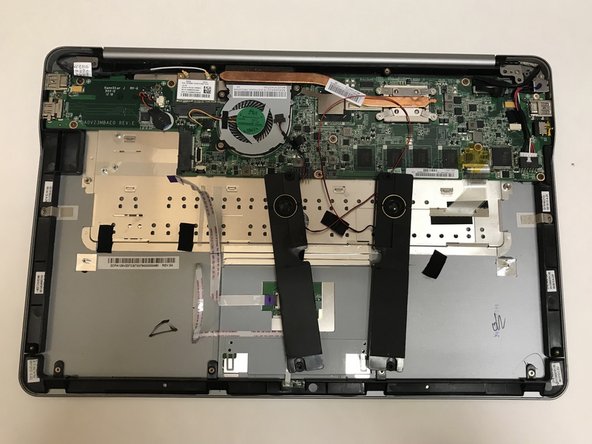
    1. Vizio CT15 Speaker Replacement, Speakers: step 4, image 1 of 2 Vizio CT15 Speaker Replacement, Speakers: step 4, image 2 of 2
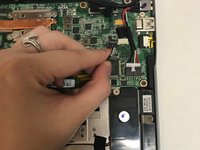
      • Unplug the wire connecting the speakers to the motherboard.

      Ask FixBot

      Add Comment

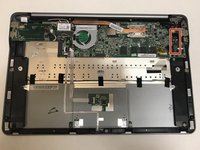
    2. Vizio CT15 Speaker Replacement: step 5, image 1 of 2 Vizio CT15 Speaker Replacement: step 5, image 2 of 2
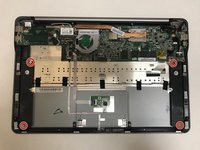
      • Remove the four Phillips #0 screws.

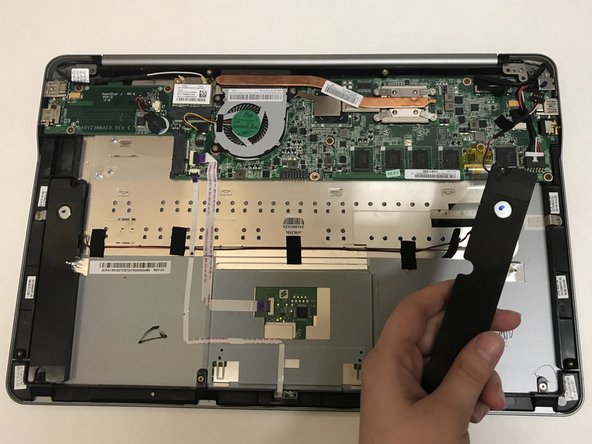
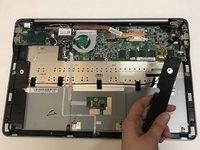
      • Pull the speakers out to remove.

      Ask FixBot

      Add Comment

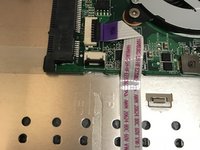
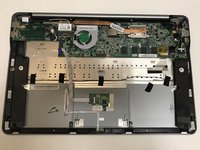
    3. Vizio CT15 Speaker Replacement: step 6, image 1 of 3 Vizio CT15 Speaker Replacement: step 6, image 2 of 3 Vizio CT15 Speaker Replacement: step 6, image 3 of 3
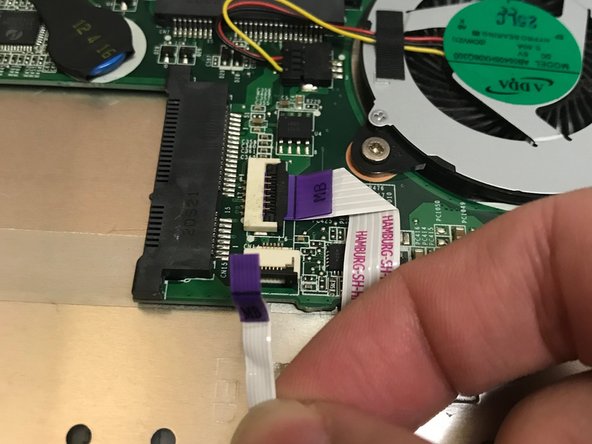
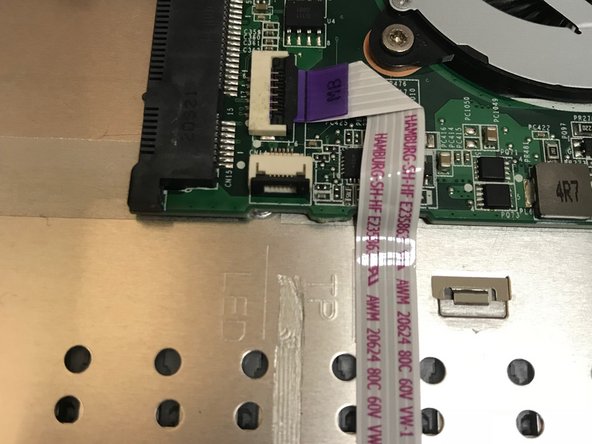
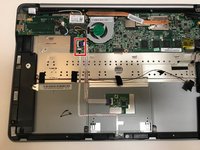
      • Use the flat end of a spudger to lift up the black tab on the ZIF connector.

      • Pull the ribbon cables out of the ZIF connector.

      • These wires are not connected to the speakers. We are only unplugging them to remove the wire underneath.

      Ask FixBot

      Add Comment

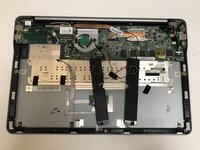
    4. Vizio CT15 Speaker Replacement: step 7, image 1 of 2 Vizio CT15 Speaker Replacement: step 7, image 2 of 2
      • Pull off the black strips of tape from the speaker wires and remove the speakers from the laptop.

      Ask FixBot

      Add Comment

Conclusion

To reassemble your device, follow these instructions in reverse order.

Cancel: I did not complete this guide.

0 Guide Comments

Add Comment

View Statistics:

Past 24 Hours: 0

Past 7 Days: 6

Past 30 Days: 22

All Time: 710