Introduction
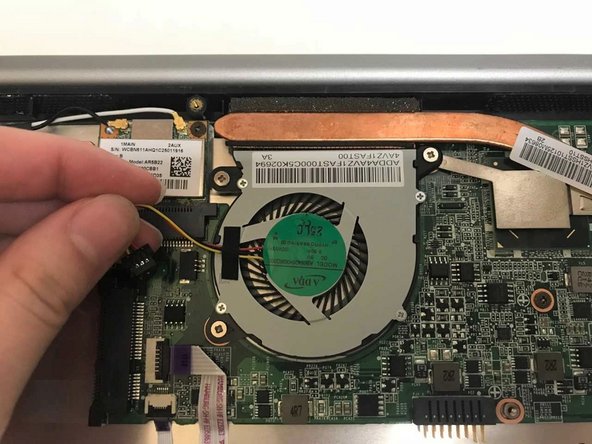
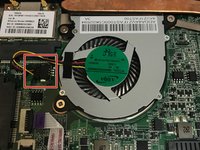
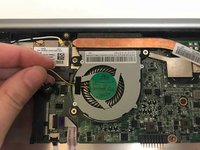
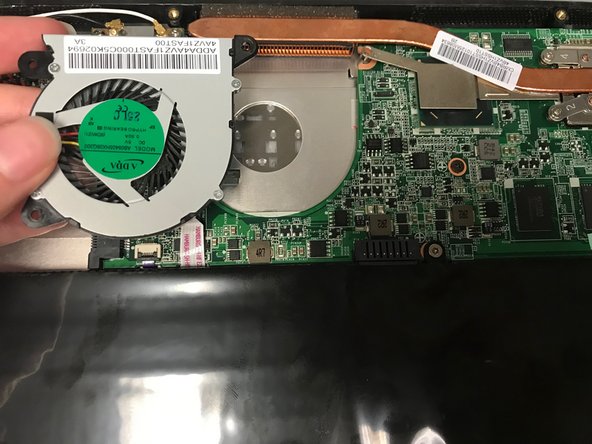
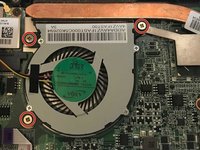
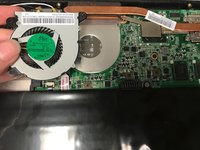
This guide will help users with a broken or overheating fan. It will walk the user through the steps to remove the CPU fan of a Vizio CT15.
What you need
-
-
-
Turn the laptop off and remove all power cables.
-
Remove the six Phillips #0 screws.
-
Pull the back cover off.
 Ask FixBot
-
-
-
-
-
-
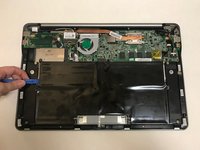
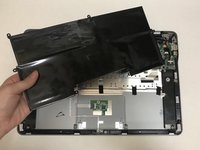
Use the plastic opening tool or your fingers to pry the battery up and pull it from the laptop.
-
-




To reassemble your device, follow these instructions in reverse order.
Cancel: I did not complete this guide.
2 other people completed this guide.

Team

University of North Texas, Team S1-G2, Thompson Spring 2018 Member of University of North Texas, Team S1-G2, Thompson Spring 2018
UNT-THOMPSON-S18S1G2
4 Members
72 Guides authored
