Introduction
This guide provides the instructions needed to remove the motherboard from the 781HD DVR camcorder.
What you need
-
-
-
Begin with the camcorder lens up on a clear working surface.
-
Remove the two 4mm Phillips #1 screws holding the switch plate in place. Rotate the device 180 degrees and repeat for the screws on the opposite side.
 Ask FixBot
-
-
-
Slide the plastic opening tool into the seam between the front and back sections of the case and apply a small amount of force to pop the case open.
-
-
-
-
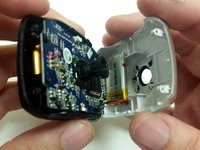
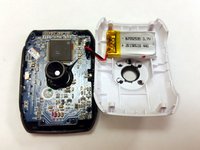
Move the plastic opening tool around the seam and apply force at each step to separate the front plate from the back plate and motherboard.
-
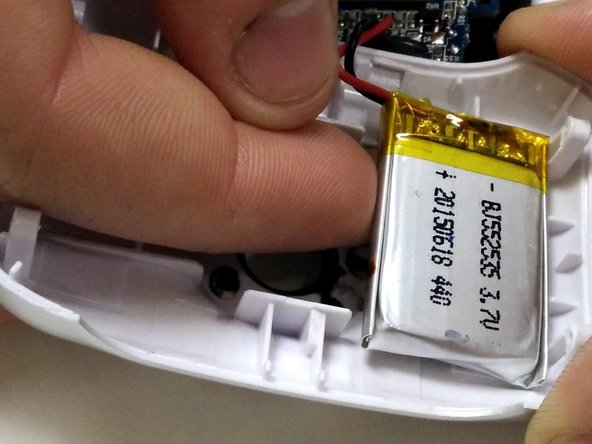
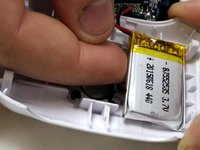
The battery is held to the front half of the case with double-sided tape. Peel it up with a finger, being careful not to damage the battery.
-
-
-
-
-
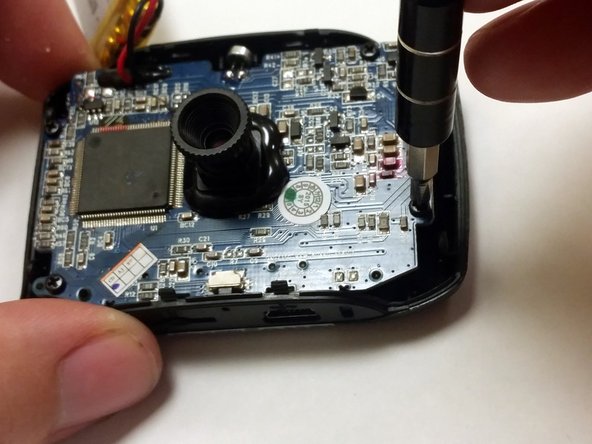
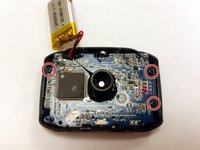
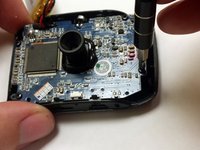
Using a P1 screwdriver, remove the 4mm screws holding the motherboard into the case.
-
-




To reassemble your device, follow these instructions in reverse order.
Cancel: I did not complete this guide.
2 other people completed this guide.

Team

IUPUI, Team 54-6, Wilson Spring 2016 Member of IUPUI, Team 54-6, Wilson Spring 2016
IUPUI-WILSON-S16S54G6
3 Members
26 Guides authored
3 Guide Comments
It says no parts required, but it is instructions to replace the motherboard.
There is nothing about getting another motherboard, and how much.
How do you get a motherboard?
Where do we get one?
