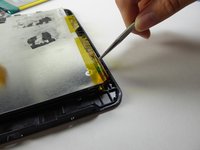
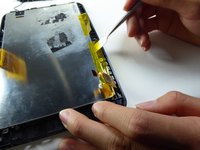
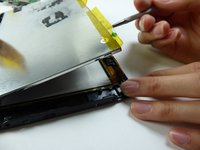
Free Shipping on Domestic Orders $75+

Visual Land Prestige Elite 7Q LCD Screen Replacement

What you need

    1. Visual Land Prestige Elite 7Q LCD Screen Replacement, LCD Screen: step 1, image 1 of 2 Visual Land Prestige Elite 7Q LCD Screen Replacement, LCD Screen: step 1, image 2 of 2
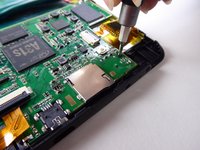
      • At the bottom of the tablet, remove the two 3.6mm screws with a Phillips #000 screwdriver.

      Ask FixBot

      Add Comment

    2. Visual Land Prestige Elite 7Q LCD Screen Replacement: step 2, image 1 of 2 Visual Land Prestige Elite 7Q LCD Screen Replacement: step 2, image 2 of 2
      • Wedge a plastic opening tool into the edges of the tablet to pry it open.

      Ask FixBot

      Add Comment

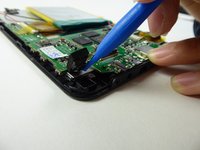
    3. Visual Land Prestige Elite 7Q LCD Screen Replacement: step 3, image 1 of 3 Visual Land Prestige Elite 7Q LCD Screen Replacement: step 3, image 2 of 3 Visual Land Prestige Elite 7Q LCD Screen Replacement: step 3, image 3 of 3
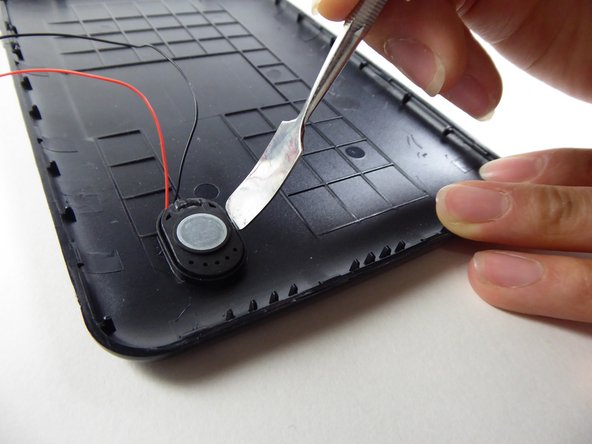
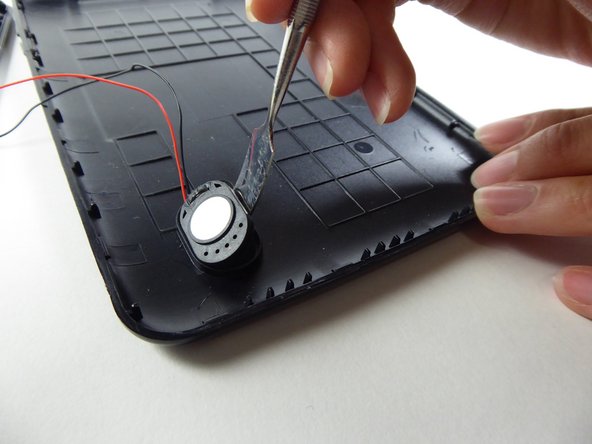
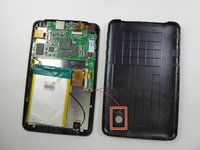
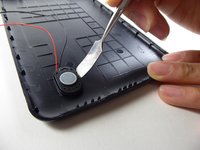
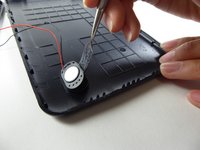
      • Wedge a curved metal spudger to remove the speaker.

      Ask FixBot

      Add Comment

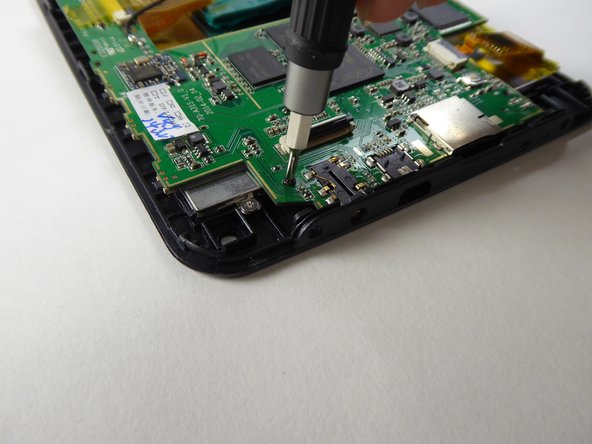
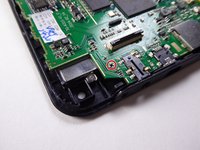
    4. Visual Land Prestige Elite 7Q LCD Screen Replacement: step 4, image 1 of 3 Visual Land Prestige Elite 7Q LCD Screen Replacement: step 4, image 2 of 3 Visual Land Prestige Elite 7Q LCD Screen Replacement: step 4, image 3 of 3
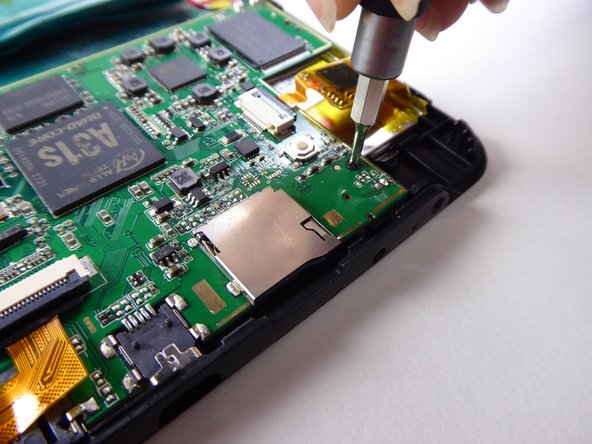
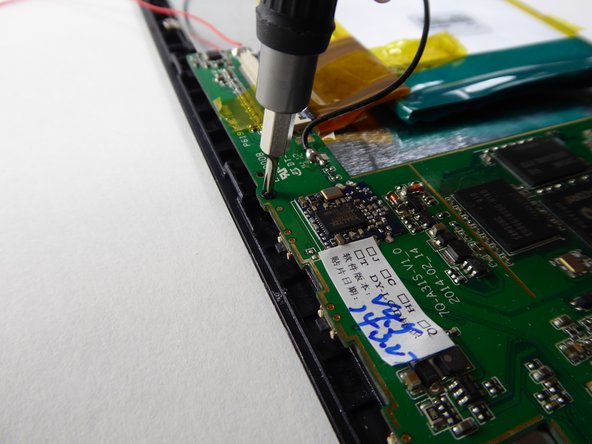
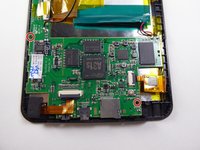
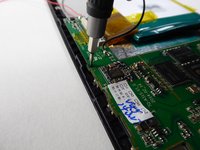
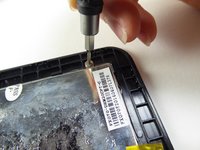
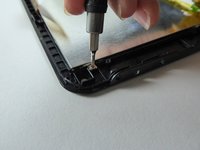
      • Use a Phillips #000 screwdriver to remove the two 3.6mm screws.

      Ask FixBot

      Add Comment

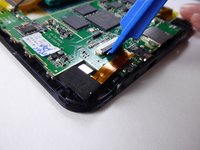
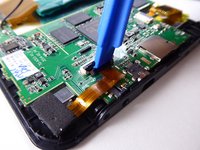
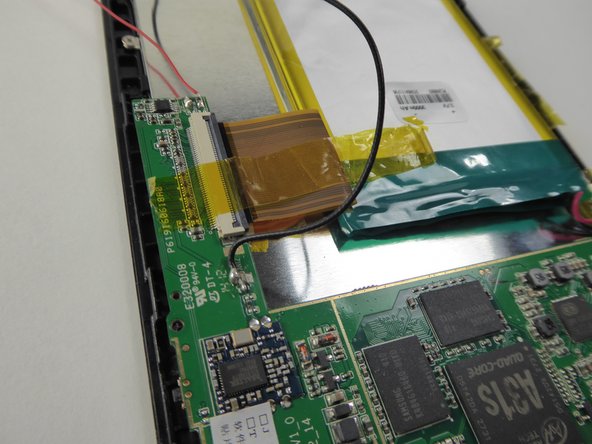
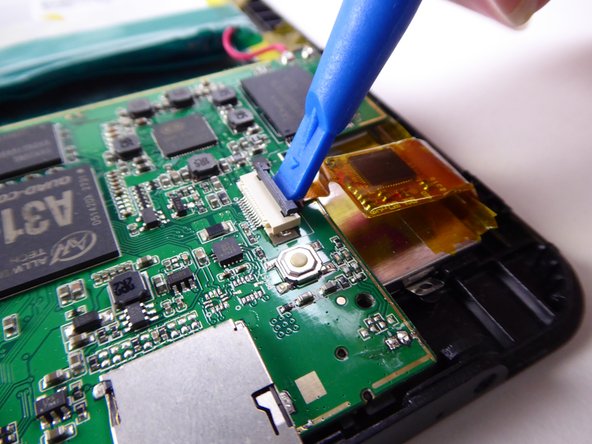
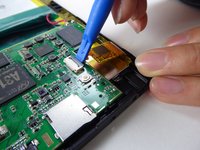
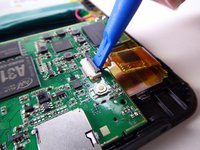
    5. Visual Land Prestige Elite 7Q LCD Screen Replacement: step 5, image 1 of 3 Visual Land Prestige Elite 7Q LCD Screen Replacement: step 5, image 2 of 3 Visual Land Prestige Elite 7Q LCD Screen Replacement: step 5, image 3 of 3
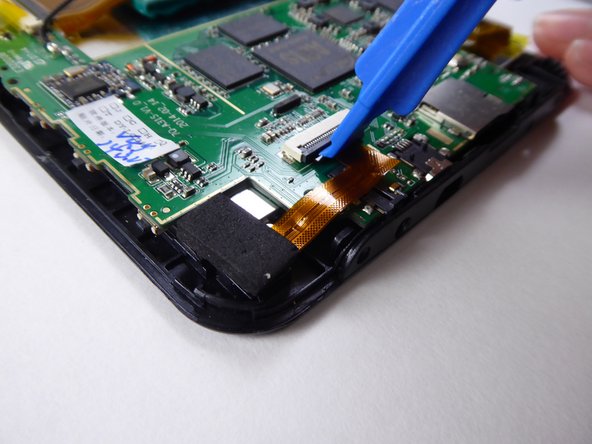
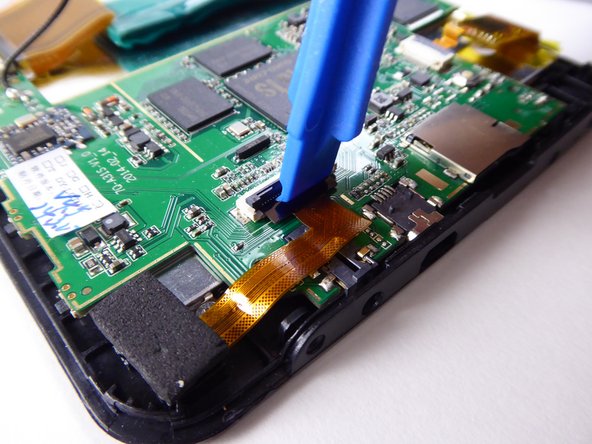
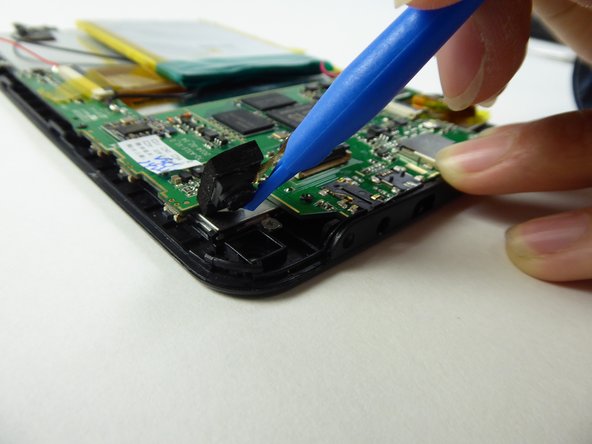
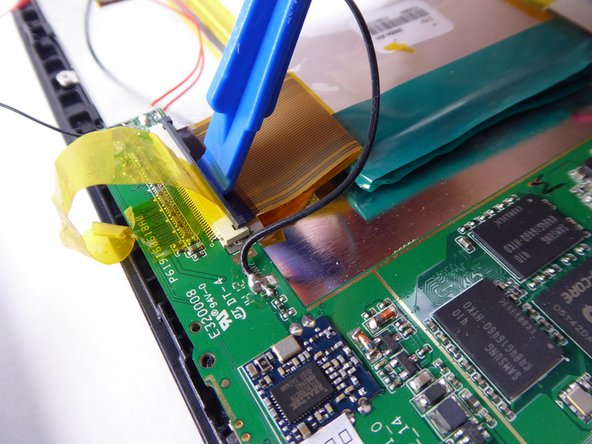
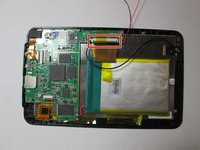
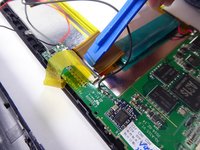
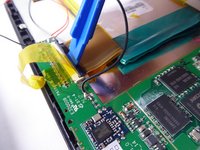
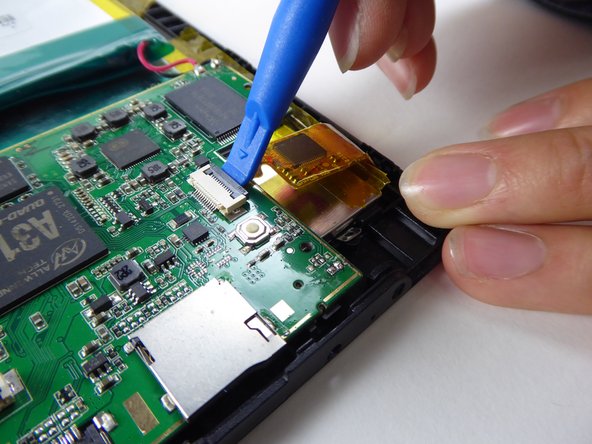
      • Use a plastic opening tool to lift the black tab.

      Ask FixBot

      Add Comment

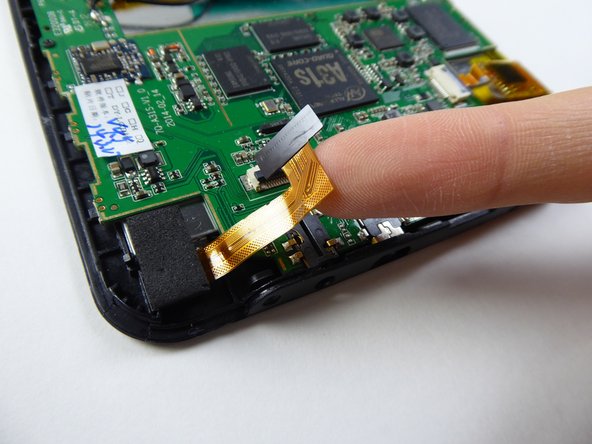
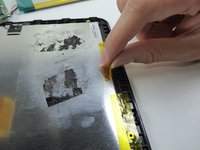
    6. Visual Land Prestige Elite 7Q LCD Screen Replacement: step 6, image 1 of 2 Visual Land Prestige Elite 7Q LCD Screen Replacement: step 6, image 2 of 2
      • Carefully remove the ribbon cable from the black tab.

      Ask FixBot

      Add Comment

    7. Visual Land Prestige Elite 7Q LCD Screen Replacement: step 7, image 1 of 2 Visual Land Prestige Elite 7Q LCD Screen Replacement: step 7, image 2 of 2
      • Use a plastic opening tool to remove the camera.

      Ask FixBot

      Add Comment

    8. Visual Land Prestige Elite 7Q LCD Screen Replacement: step 8, image 1 of 2 Visual Land Prestige Elite 7Q LCD Screen Replacement: step 8, image 2 of 2
      • Use a Phillips #000 screwdriver to remove the 3.6mm screw.

      Ask FixBot

      Add Comment

    9. Visual Land Prestige Elite 7Q LCD Screen Replacement: step 9, image 1 of 3 Visual Land Prestige Elite 7Q LCD Screen Replacement: step 9, image 2 of 3 Visual Land Prestige Elite 7Q LCD Screen Replacement: step 9, image 3 of 3
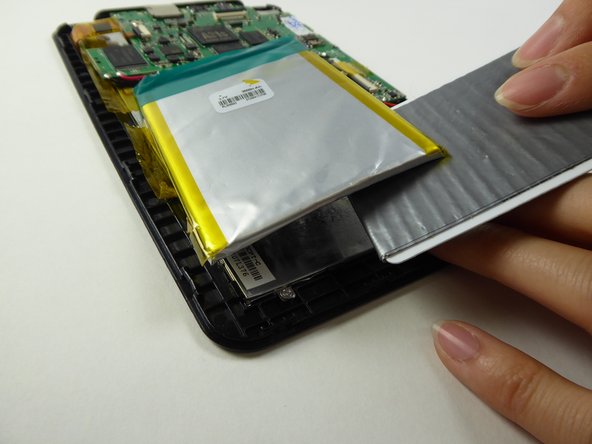
      • Lift the tape holding down the battery.

      Ask FixBot

      Add Comment

    10. Visual Land Prestige Elite 7Q LCD Screen Replacement: step 10, image 1 of 2 Visual Land Prestige Elite 7Q LCD Screen Replacement: step 10, image 2 of 2
      Tool used on this step:
      Plastic Cards
      $2.99
      Buy
      Ask FixBot

      Add Comment

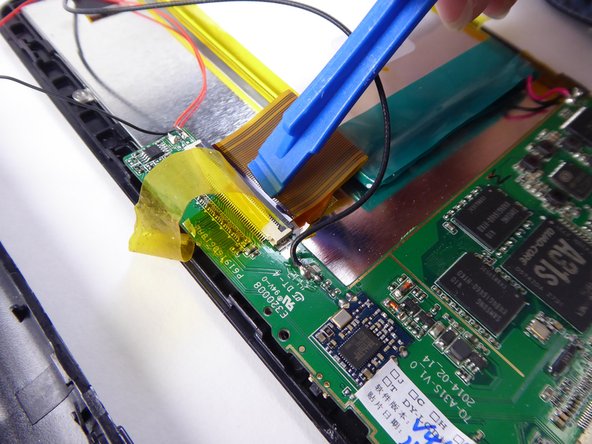
    11. Visual Land Prestige Elite 7Q LCD Screen Replacement: step 11, image 1 of 3 Visual Land Prestige Elite 7Q LCD Screen Replacement: step 11, image 2 of 3 Visual Land Prestige Elite 7Q LCD Screen Replacement: step 11, image 3 of 3
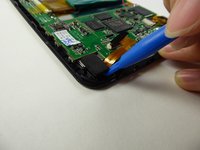
      • Use a plastic opening tool to lift the black tab.

      Ask FixBot

      Add Comment

    12. Visual Land Prestige Elite 7Q LCD Screen Replacement: step 12, image 1 of 2 Visual Land Prestige Elite 7Q LCD Screen Replacement: step 12, image 2 of 2
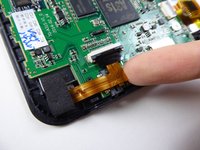
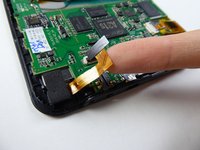
      • Carefully remove the ribbon cable from the black tab.

      Ask FixBot

      Add Comment

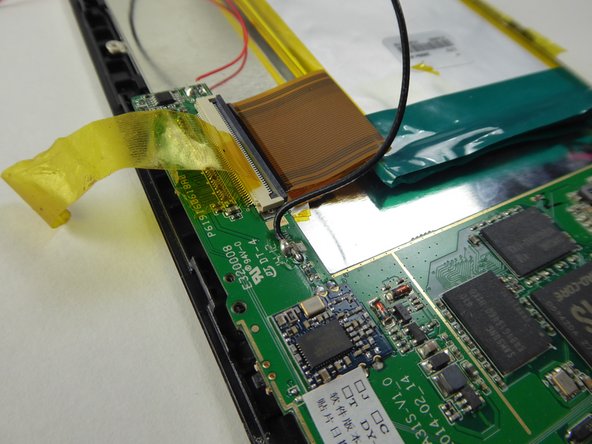
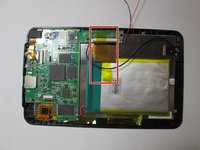
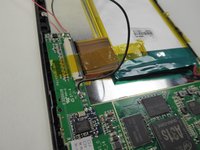
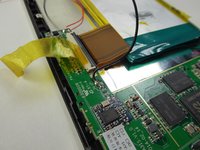
    13. Visual Land Prestige Elite 7Q LCD Screen Replacement: step 13, image 1 of 3 Visual Land Prestige Elite 7Q LCD Screen Replacement: step 13, image 2 of 3 Visual Land Prestige Elite 7Q LCD Screen Replacement: step 13, image 3 of 3
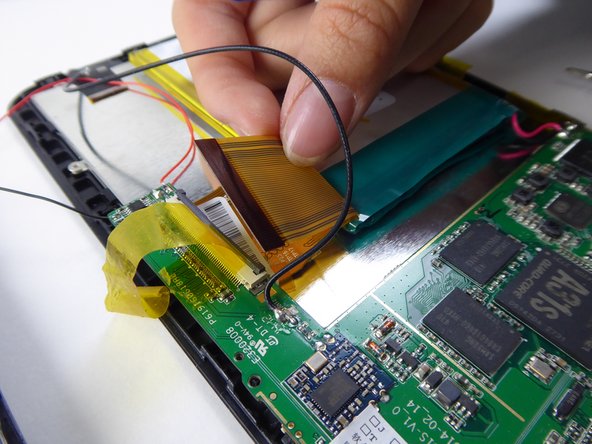
      • Use a plastic opening tool to lift the black tab.

      Ask FixBot

      Add Comment

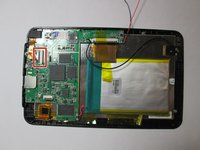
    14. Visual Land Prestige Elite 7Q LCD Screen Replacement: step 14, image 1 of 1
      • Lift to remove the battery and motherboard from the tablet.

      Ask FixBot

      Add Comment

    15. Visual Land Prestige Elite 7Q LCD Screen Replacement: step 15, image 1 of 3 Visual Land Prestige Elite 7Q LCD Screen Replacement: step 15, image 2 of 3 Visual Land Prestige Elite 7Q LCD Screen Replacement: step 15, image 3 of 3
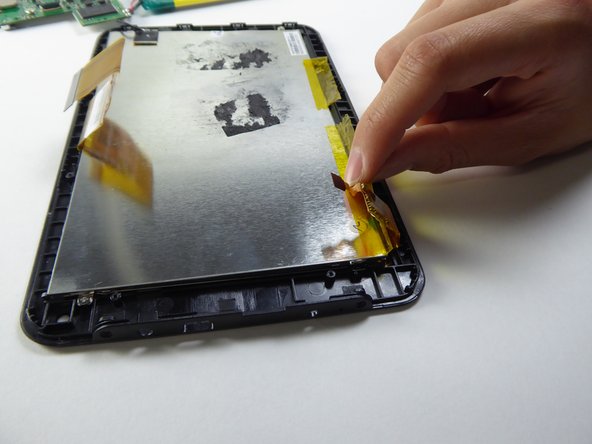
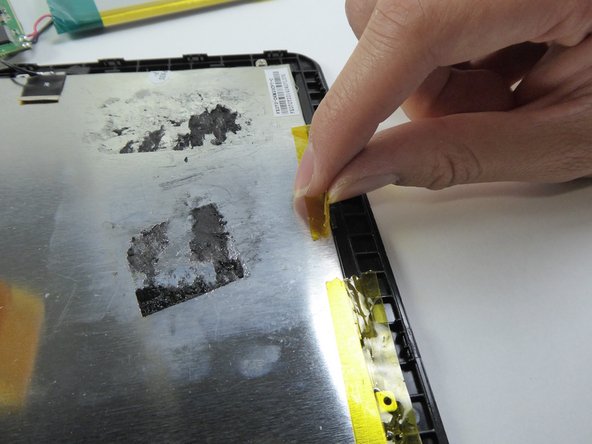
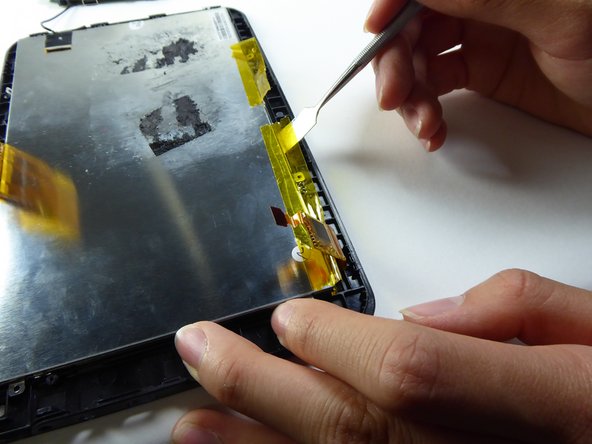
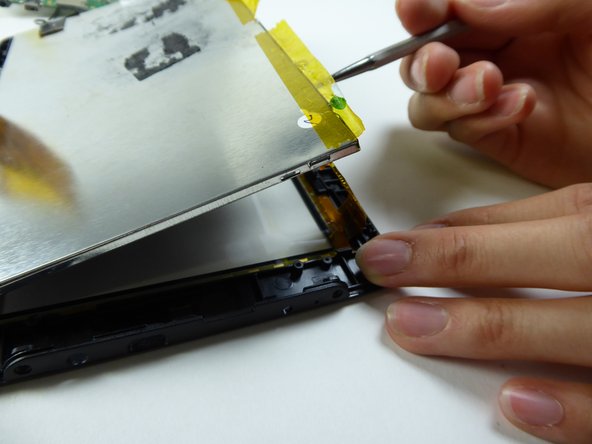
      • Lift the tape on the sides.

      Ask FixBot

      Add Comment

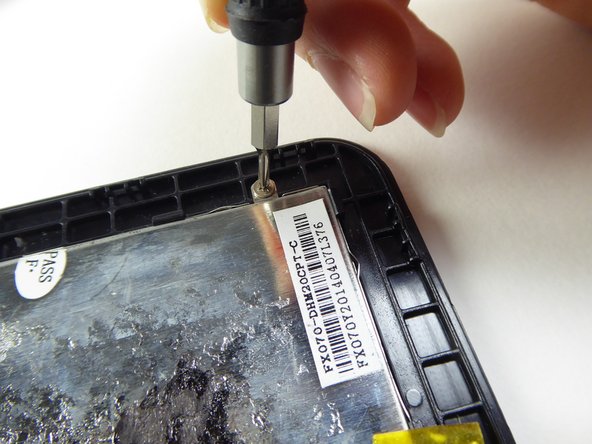
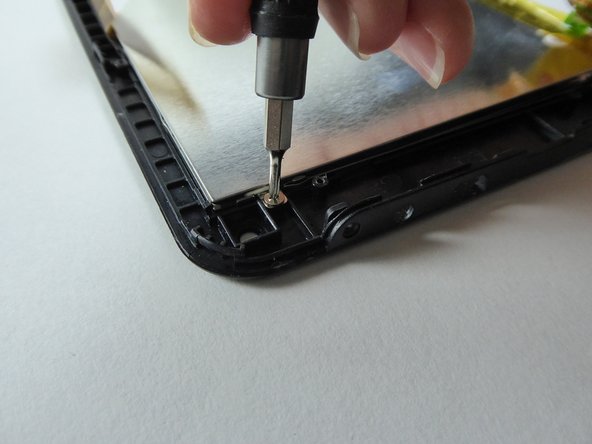
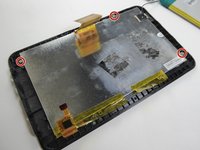
    16. Visual Land Prestige Elite 7Q LCD Screen Replacement: step 16, image 1 of 3 Visual Land Prestige Elite 7Q LCD Screen Replacement: step 16, image 2 of 3 Visual Land Prestige Elite 7Q LCD Screen Replacement: step 16, image 3 of 3
      • Use a Phillips #000 screwdriver to remove the three 2.5mm screws.

      Ask FixBot

      Add Comment

    17. Visual Land Prestige Elite 7Q LCD Screen Replacement: step 17, image 1 of 3 Visual Land Prestige Elite 7Q LCD Screen Replacement: step 17, image 2 of 3 Visual Land Prestige Elite 7Q LCD Screen Replacement: step 17, image 3 of 3
      • Be careful on this step - the screen is fragile and can break easily.
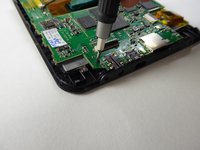
      • Wedge a metal spudger underneath the LCD to remove it.

      • Replace the LCD.

      Ask FixBot

      Add Comment

Conclusion

To reassemble your device, follow these instructions in reverse order.

Cancel: I did not complete this guide.

2 other people completed this guide.

Sabrina Scholten

Member since: 09/22/16

621 Reputation

6 Guides authored

Team

UC Davis, Team 2-1, Oliver Fall 2016 Member of UC Davis, Team 2-1, Oliver Fall 2016

UCD-OLIVER-F16S2G1

5 Members

72 Guides authored

0 Guide Comments

Add Comment

View Statistics:

Past 24 Hours: 5

Past 7 Days: 15

Past 30 Days: 29

All Time: 654