Free Shipping on Domestic Orders $75+

Visual Land Prestige 10 Front Facing Camera Replacement

What you need

  1. Visual Land Prestige 10 Front Facing Camera Replacement, Back Case: step 1, image 1 of 3 Visual Land Prestige 10 Front Facing Camera Replacement, Back Case: step 1, image 2 of 3 Visual Land Prestige 10 Front Facing Camera Replacement, Back Case: step 1, image 3 of 3
    Tool used on this step:
    Magnetic Project Mat
    $19.95
    Buy
    • Remove the 3mm screws from bottom of tablet with the precision screwdriver and place on magnetic mat. label where they came from.

    • All screws throughout this guide are the same 3mm size.

    Ask FixBot

    Add Comment

  2. Visual Land Prestige 10 Front Facing Camera Replacement: step 2, image 1 of 3 Visual Land Prestige 10 Front Facing Camera Replacement: step 2, image 2 of 3 Visual Land Prestige 10 Front Facing Camera Replacement: step 2, image 3 of 3
    • Using the spudger, create a small opening to be used to open the back case.

    • While holding the case open, insert the plastic opening tool to get a larger opening.

    • Once you have a slight opening, insert the spudger and work around the edges, separating the back plate from the front.

    Ask FixBot

    Add Comment

  3. Visual Land Prestige 10 Front Facing Camera Replacement: step 3, image 1 of 3 Visual Land Prestige 10 Front Facing Camera Replacement: step 3, image 2 of 3 Visual Land Prestige 10 Front Facing Camera Replacement: step 3, image 3 of 3
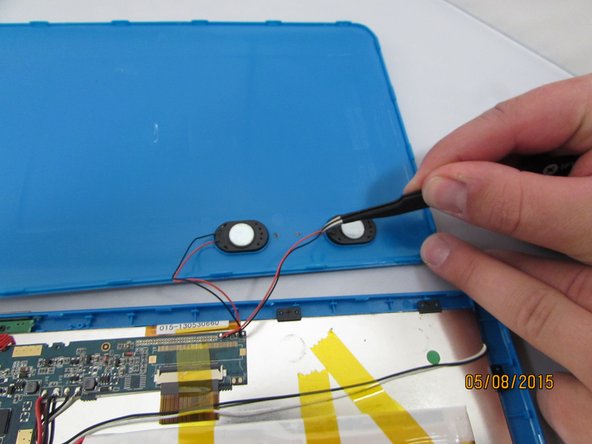
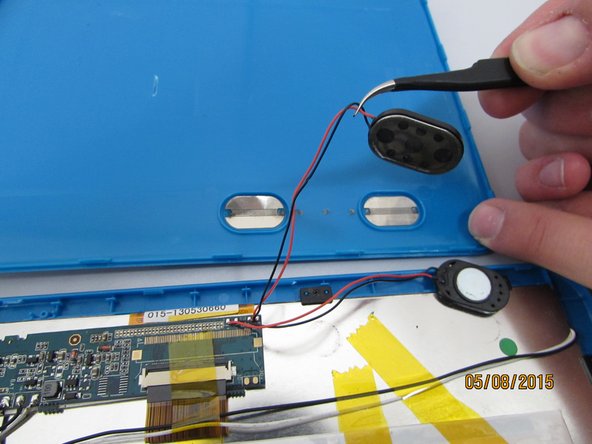
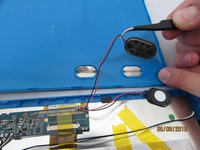
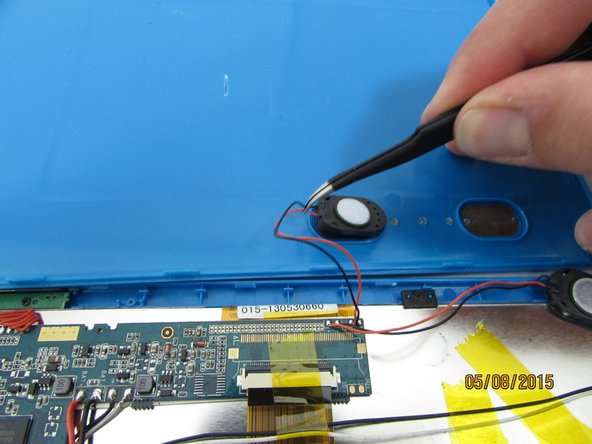
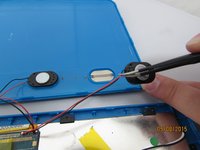
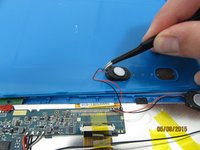
    • now that the case is open, carefully remove the speakers and set aside.

    Ask FixBot

    Add Comment

  4. Visual Land Prestige 10 Front Facing Camera Replacement: step 4, image 1 of 2 Visual Land Prestige 10 Front Facing Camera Replacement: step 4, image 2 of 2
    Tool used on this step:
    Tweezers
    $4.99
    Buy
    • Gently remove the speakers from the back case with tweezers and set the case aside.

    Ask FixBot

    Add Comment

  5. Visual Land Prestige 10 Front Facing Camera Replacement, Front Facing Camera: step 5, image 1 of 3 Visual Land Prestige 10 Front Facing Camera Replacement, Front Facing Camera: step 5, image 2 of 3 Visual Land Prestige 10 Front Facing Camera Replacement, Front Facing Camera: step 5, image 3 of 3
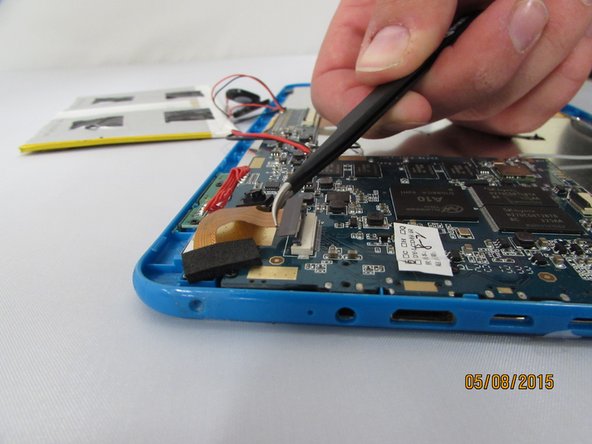
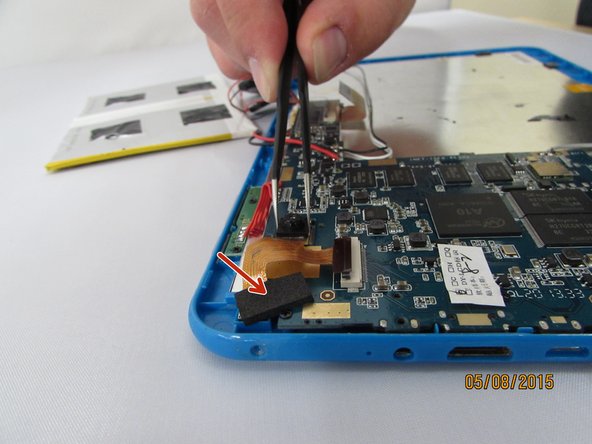
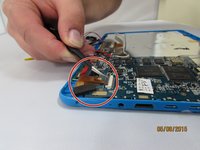
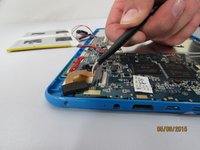
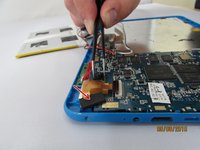
    • Locate the Camera Housing. Gently grip and lift the small black tab until you feel an audible click.

    • Gently remove the connector by pulling straight out, gripping the black connector head or as close as possible.

    • Gently grip and pull up the front camera, covered by protective adhesive foam.

    • Set aside the Camera housing.

    Ask FixBot

    Add Comment

Conclusion

To reassemble your device, follow these instructions in reverse order.

Cancel: I did not complete this guide.

0 Guide Comments

Add Comment

View Statistics:

Past 24 Hours: 2

Past 7 Days: 8

Past 30 Days: 22

All Time: 482