Introduction
This guide will show you how to replace the front facing speakers on the Verizon Ellipsis 7. This is important to continue to use the Verizon Ellipsis 7 without using headphones. One of the hazards of this process is the potential to break or lose components of your device if not done properly.
What you need
-
-
-
Hold down the power button until the screen goes black to turn off the device.
-
Remove the SIM card from the device to prevent damage.
-
To remove the SIM card, open the SIM card cover on the side of the device.
-
Push SIM card in and pull it out after hearing a click.
 Ask FixBot
-
-
-
Take off the back panel.
-
Pry open the back cover carefully with a plastic opening tool.
-
Use the opening tool to disconnect the cover completely. Do not attempt to pry the back cover off with your hands.
-
-
-
Tool used on this step:Tweezers$4.99
-
Remove the charging (micro-USB) port.
-
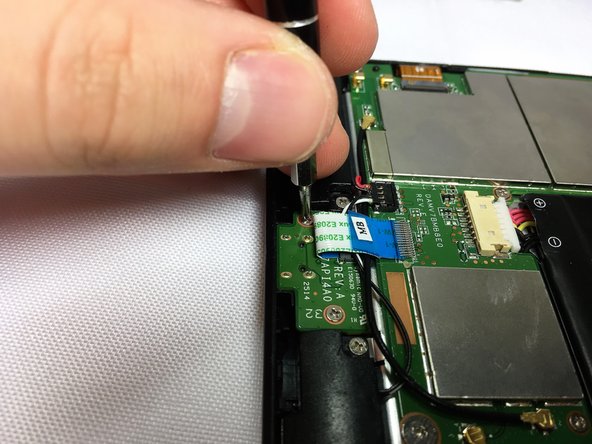
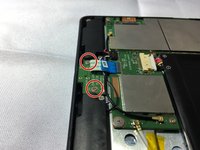
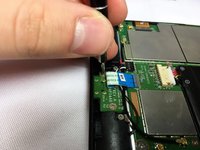
Unscrew the indicated screws using the Phillips #00 screwdriver.
-
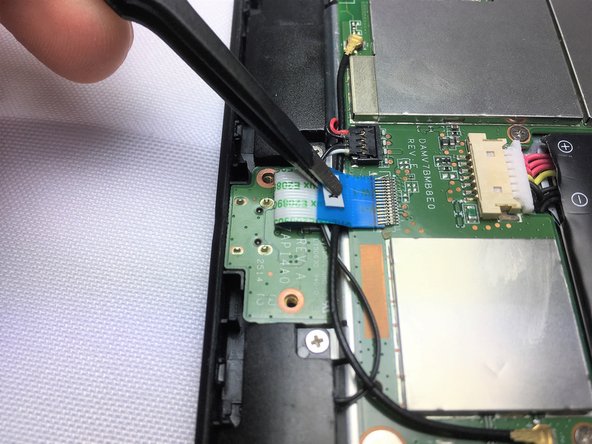
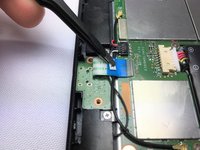
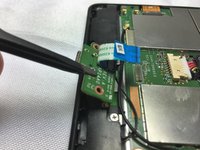
Disconnect the ribbon cable connecting the charging port board to the motherboard using tweezers.
-
Use the tweezers to grab the sides of black, plastic connector. Do not grab from the wires or try to wedge it out from the bottom.
-
-
-
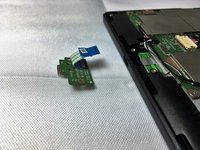
Remove the charging port board from the phone using tweezers.
-
Place the replacement charging port into the phone.
-
-
-
-
-
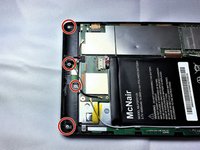
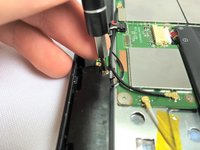
Remove 2 screws from each speaker, 4 screws in total, using a Phillips #00 screwdriver.
-
-
Tool used on this step:Tweezers$4.99
-
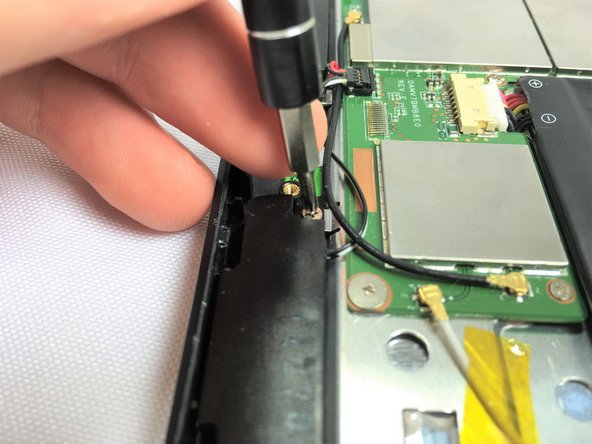
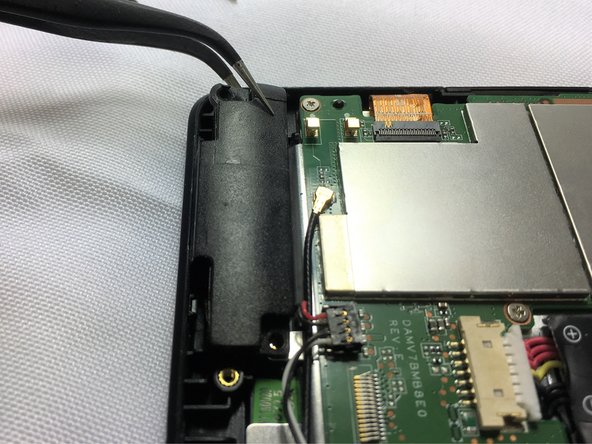
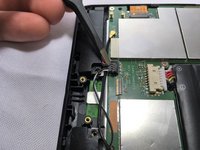
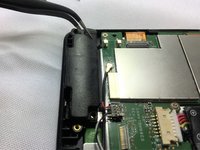
Using tweezers carefully lift the connector up to disconnect it from the motherboard.
-
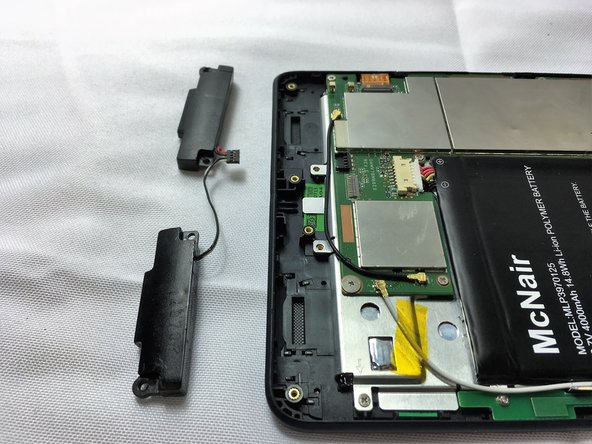
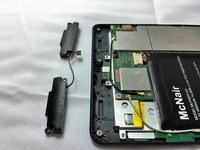
Using tweezers carefully pull the speakers up and out of device.
-
-







To reassemble your device, follow these instructions in reverse order.
Cancel: I did not complete this guide.
2 other people completed this guide.

Team

Sam Houston State, Team 12-7, Blackburne Fall 2016 Member of Sam Houston State, Team 12-7, Blackburne Fall 2016
SHSU-BLACKBURNE-F16S12G7
3 Members
60 Guides authored
