Introduction
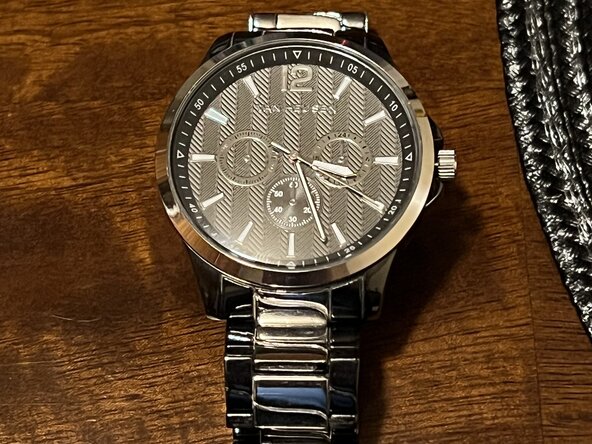
If the battery in your Van Heusen PC21J watch has stopped working, follow this guide to replace it.
What you need
-
-
-
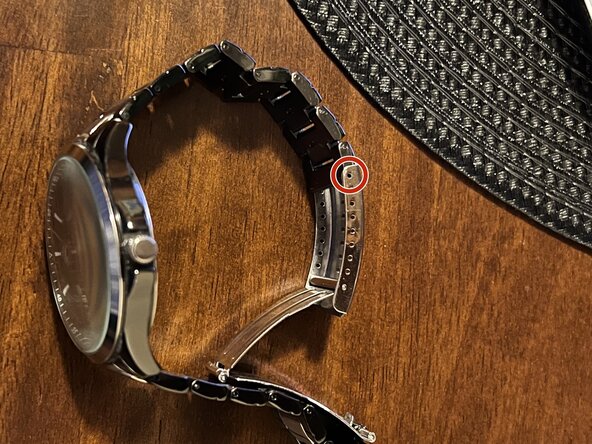
Lay the watch on its side just like this.
-
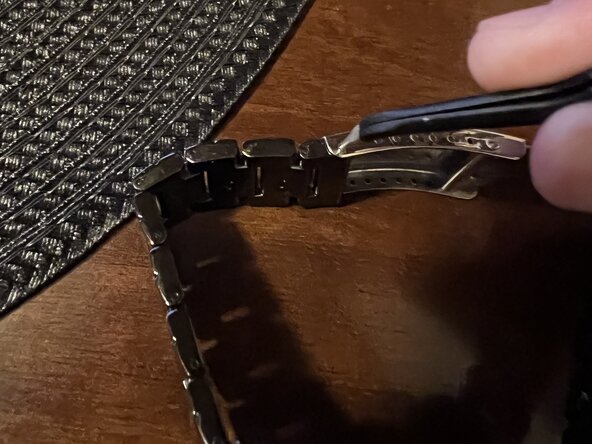
Grab tweezers and poke the hole where the stainless steel meets the band to disconnect the steel holding them together.
-
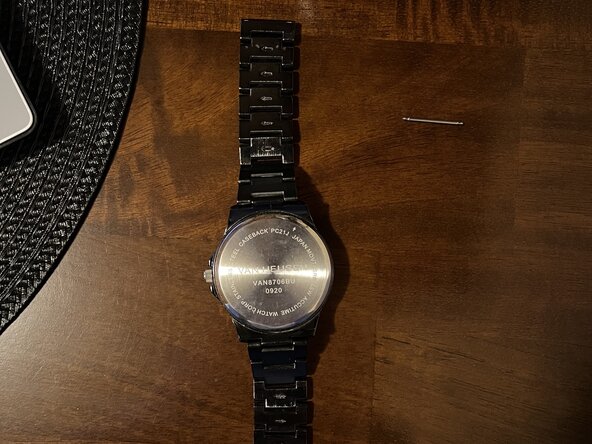
The pin should come out. This pin is important, so place it somewhere to the side for now. After that, your watch should look like this when laid out flat, allowing you more room to work with to replace your battery.
 Ask FixBot
-
-
-
Use a Jimmy or watch back removal tool to pry open the stainless-steel case (sometimes there is an arrow that shows you where to pop up for easier access).
-
-
-
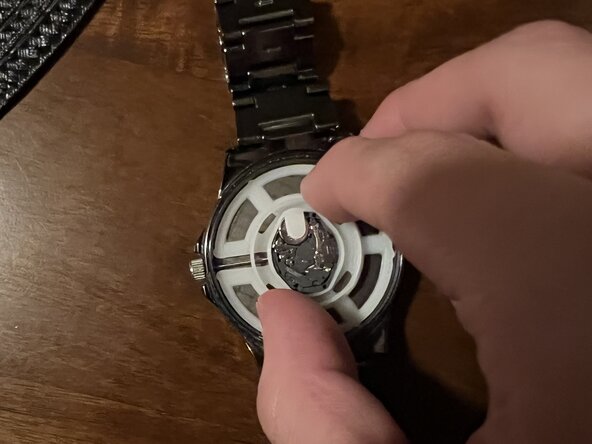
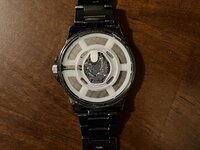
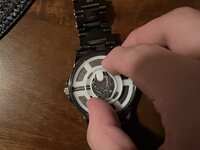
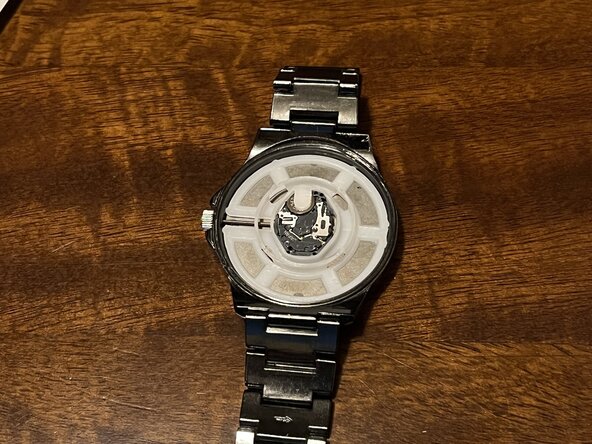
Once you pop that case off, it should have this plastic thing that holds the battery in place and everything.
-
Remove that plastic piece.
-
Put it aside along with the pin.
-
Grab the new battery to replace the old one.
-
-
-
-
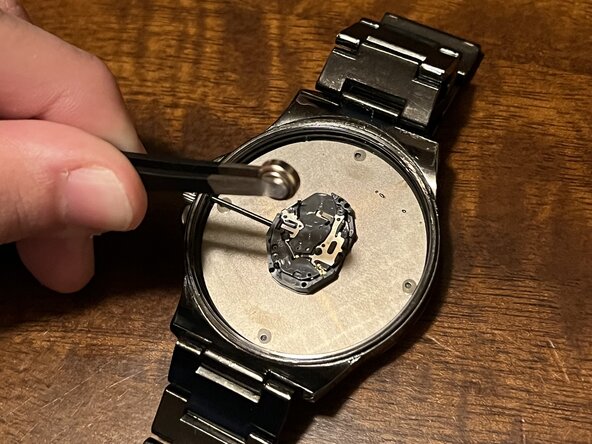
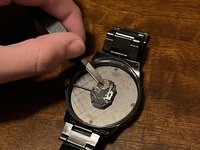
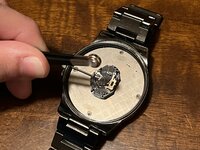
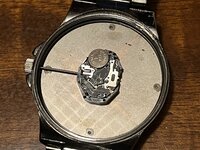
Locate the battery. As you can see, I’m pointing to it with my tweezers here.
-
Remove the battery. You can either do this by hand or with the tweezers, whatever you feel most comfortable with.
-
-
-
Put it back in the same spot where you took out the old battery.
-
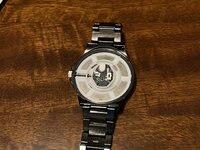
Place the plastic back to hold everything down.
-
-
-
Now, do everything you did backwards, place the case back on. Press firmly with both your thumbs till you hear or feel it pop back in. Also, put the pin back in the same way you took it out.
-
-
-
After locking the steel with the band again, locate the crown, which is the thing on the side that allows you to move the time around to whatever time zone you may be in.
-
Make sure it is working, and you’ll be good to go!
-
-






To reassemble your device, follow these instructions in reverse order.

Team

CSU Los Angeles, Team 1-2, Ribeiro Spring 2025 Member of CSU Los Angeles, Team 1-2, Ribeiro Spring 2025
CSULA-RIBEIRO-S25S1G2
3 Members
12 Guides authored
