Free Shipping on Domestic Orders $75+

VW Key Fob 2007 Passat Replace Battery Replacement

What you need

  1. VW Key Fob 2007 Passat Replace Battery Replacement, Replace Battery: step 1, image 1 of 1
    • What you will need.

    • Key Fob from a 2007 erra VW

    • 2032 coin cell Battery

    • Small flat head screwdriver

    Ask FixBot
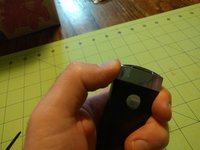
  2. VW Key Fob 2007 Passat Replace Battery Replacement, Remove Emergency Key: step 2, image 1 of 2 VW Key Fob 2007 Passat Replace Battery Replacement, Remove Emergency Key: step 2, image 2 of 2
    • Press button to remove plastic emergency key.

    Ask FixBot
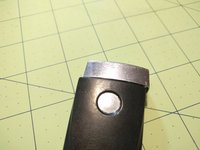
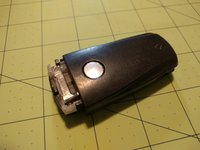
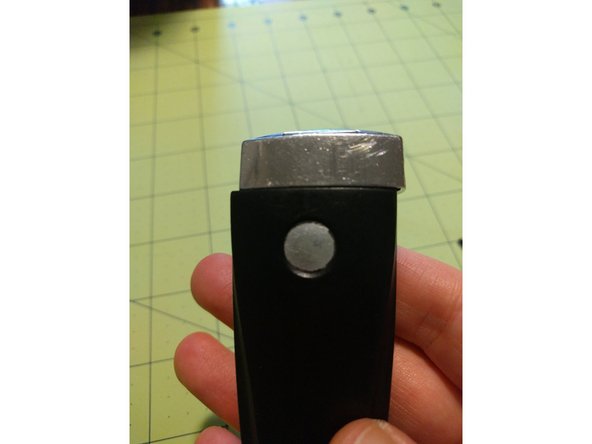
  3. VW Key Fob 2007 Passat Replace Battery Replacement, Remove chrome top section.: step 3, image 1 of 3 VW Key Fob 2007 Passat Replace Battery Replacement, Remove chrome top section.: step 3, image 2 of 3 VW Key Fob 2007 Passat Replace Battery Replacement, Remove chrome top section.: step 3, image 3 of 3
    • Push it sideways from the opposite side from the button.

    Ask FixBot
  4. VW Key Fob 2007 Passat Replace Battery Replacement, Pry case open.: step 4, image 1 of 1
    • With chrome end cap off this should be pretty easy.

    Ask FixBot
  5. VW Key Fob 2007 Passat Replace Battery Replacement, Remove old battery: step 5, image 1 of 1
    • Use small screwdriver to lift out the old battery.

    Ask FixBot
  6. VW Key Fob 2007 Passat Replace Battery Replacement, Pop in New Battery: step 6, image 1 of 1
    • Battery should slide in easily.

    Ask FixBot
  7. VW Key Fob 2007 Passat Replace Battery Replacement, Test Fob: step 7, image 1 of 1
    • Paying the unlock button should flash an LED

    Ask FixBot
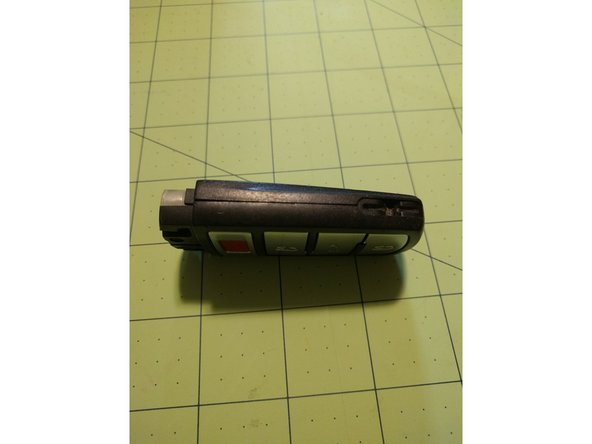
  8. VW Key Fob 2007 Passat Replace Battery Replacement, Reassemble The Fob: step 8, image 1 of 3 VW Key Fob 2007 Passat Replace Battery Replacement, Reassemble The Fob: step 8, image 2 of 3 VW Key Fob 2007 Passat Replace Battery Replacement, Reassemble The Fob: step 8, image 3 of 3
    • Put everything back together in the reverse order of taking it apart.

    Ask FixBot
Conclusion

To reassemble your device, follow these instructions in reverse order.

8 other people completed this guide.

Daniel Green

Member since: 02/08/15

1,161 Reputation

6 Guides authored

4 Guide Comments

Very nice job. Made it very easy to follow and complete task at hand. Thank you.

Tamara Jones - Reply Share

Glad I could help.

Daniel Green - Reply Share

Thanks for the assist my man!

Mark Buj - Reply Share

Great instructions! Thank you!

cindy page - Reply Share

Add Comment

View Statistics:

Past 24 Hours: 2

Past 7 Days: 17

Past 30 Days: 81

All Time: 14,237